연결된 앱에서 촬영
대화에서 제품을 고르고, 게스텔로 찍어요
ChatGPT나 Claude에 게스텔 계정을 연결해 제품 사진과 영상을 만들 수 있어요. 촬영을 제출하기 전에 필요한 크레딧을 확인하고, 완성된 결과는 게스텔에서도 찾을 수 있어요.
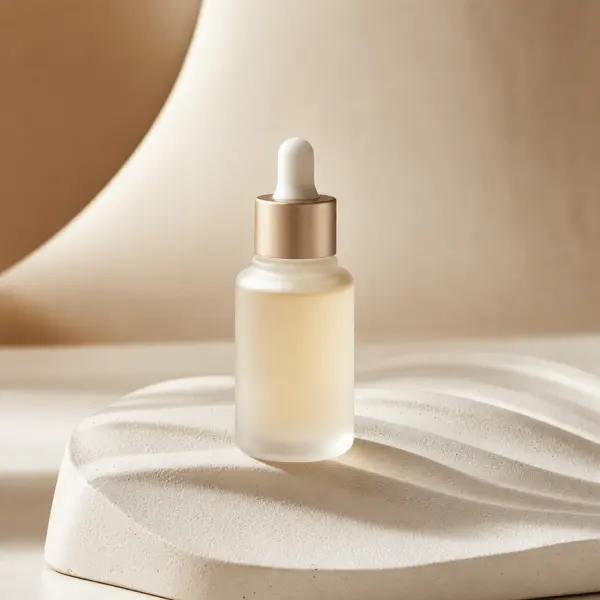
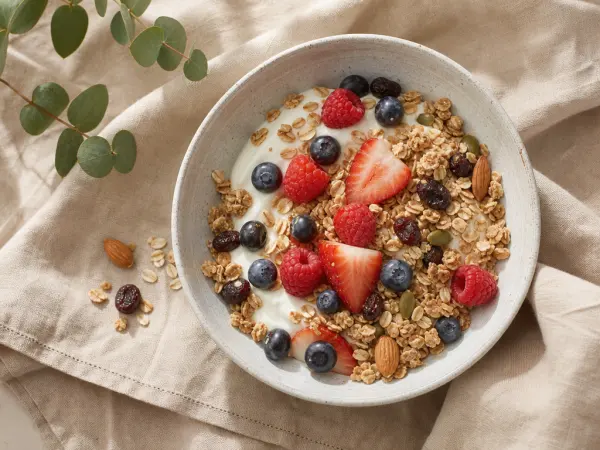
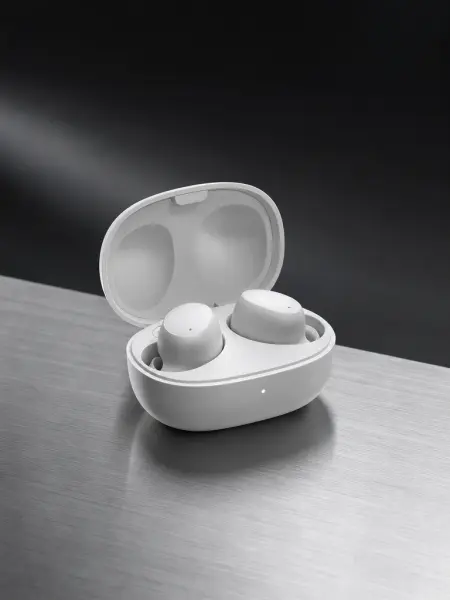
ChatGPT 공개 목록 등록을 준비하고 있어요. 지금은 계정에서 사용할 수 있는 직접 연결 방식으로 이용해 주세요. Claude에서는 사용자 지정 커넥터로 연결할 수 있어요. 연결 방식은 사용하는 앱과 워크스페이스 설정에 따라 달라질 수 있어요.
연결부터 결과 확인까지
- 01
계정을 연결해요
게스텔의 Starter 이상 이용 권한이 있는 계정으로 로그인하고, 연결할 앱을 확인해 주세요.
- 02
제품을 골라요
제품 라이브러리를 둘러보거나 지원하는 사진을 등록해 주세요. ChatGPT의 제품 선택 카드에서 고른 뒤에는 제품 이름을 넣어 채팅에서 미리보기를 직접 요청해 주세요.
- 03
비용을 확인하고 찍어요
촬영 미리보기에서 결과 종류와 크레딧을 확인해 주세요. ChatGPT의 찍기 버튼을 누르면 유료 촬영 요청이 제출돼요. 완료된 결과는 카드와 게스텔의 에셋에서 확인할 수 있어요.
이용 권한과 크레딧
게스텔 Starter 이상 이용 권한이 필요해요. ChatGPT나 Claude의 구독은 게스텔 이용 권한과 별개예요. 연결과 제품 보기, 등록, 미리보기에는 크레딧을 쓰지 않아요. 촬영과 편집을 제출하면 공통 크레딧 잔액에서 차감돼요.
이용 전에 알아둘 점
한 번의 일반 사진 촬영 요청은 최대 네 장이에요. 다섯 장이 필요하면 각각 가격을 확인한 두 요청으로 나눠 주세요. 영상과 레시피는 지원되는 입력과 모델에 따라 사용할 수 있어요. 카드는 연결된 앱마다 다르게 보일 수 있어요.
직접 연결용 MCP 서버 주소
https://www.gestel.studio/api/mcp연결 계정, 크레딧, 오래된 카드나 결과 확인에 문제가 있나요? 연결 안내에서 해결 방법을 확인하거나 문의해 주세요. 연결 방법 보기