Shoot from a connected app
Choose a product in chat. Shoot it with GESTEL.
Connect your GESTEL account to ChatGPT or Claude to make product photos and clips. Review the credit cost before submitting a shoot, then find finished results in GESTEL as well.
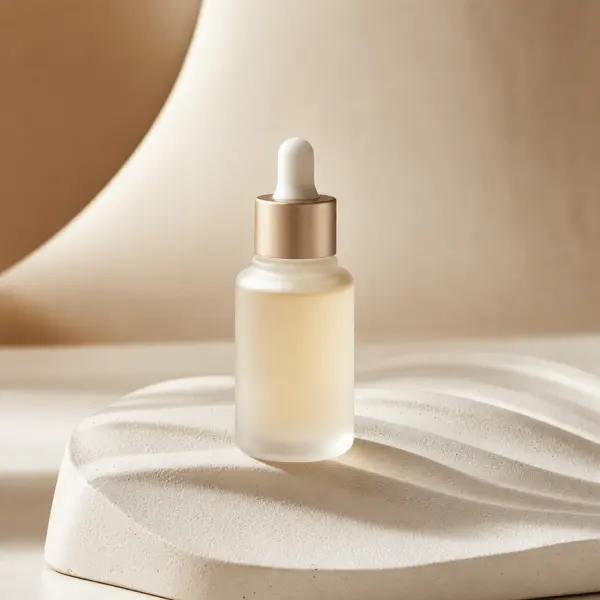
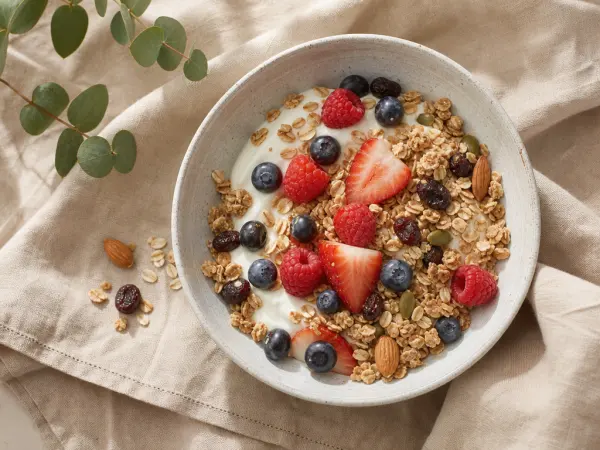
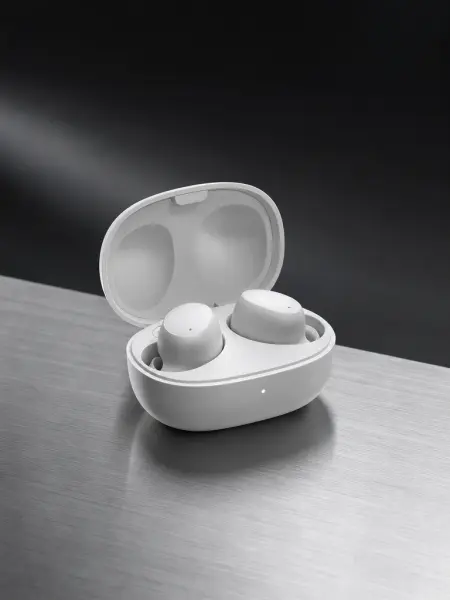
We are preparing the public ChatGPT listing. For now, use a direct connection where your account and workspace allow it. In Claude, connect through a custom connector. Availability depends on the host and workspace settings.
From connection to finished result
- 01
Connect your account
Sign in with a GESTEL account that has Starter access or higher, and review which app you are connecting.
- 02
Choose a product
Browse your product library or register a supported photo. After choosing a tile in ChatGPT, name that product in your own chat message to request a priced preview.
- 03
Review the cost and shoot
Check the output and credits on the preview. In ChatGPT, Shoot submits the paid request. Find completed results in the card and your GESTEL assets.
Access and credits
Your GESTEL account needs Starter access or higher. A ChatGPT or Claude subscription does not grant GESTEL access. Connecting, browsing, registering and previewing do not use credits. Submitted shoots and edits use the same GESTEL credit balance as the website.
What to expect
A standard still request makes up to four images. For five, review and confirm the prices of two separate requests. Clips and recipes depend on supported inputs and models. Cards may look different across connected apps.
MCP server URL for direct connection
https://www.gestel.studio/api/mcpTrouble with the connected account, credits, an old card or a result? Follow the connection guide or contact support. See connection steps