Create Ad Creative Variants From One Product Photo
·6 min read
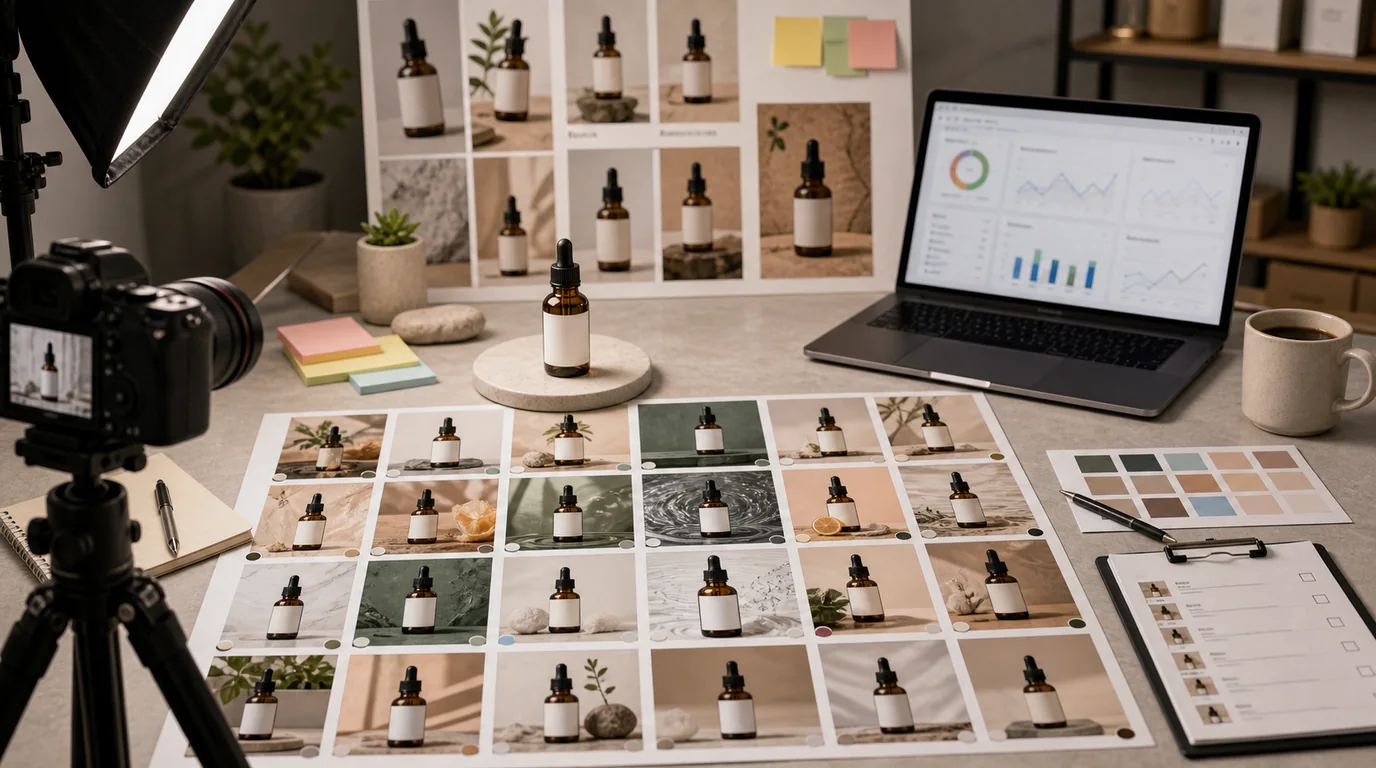
One good product photo can produce many ad creatives, but only if you protect the product and vary the message deliberately. Randomly generating ten pretty scenes gives you ten assets that are hard to compare. Controlled variants give you learning.
Start with an approved anchor
Use a product image that has already passed shape, color, logo, and label review. If needed, clean it with /edit/remove-bg or improve it with /edit/upscale before making ads.
Do not start from an unapproved AI image. Every downstream variant will inherit its mistakes.
Decide the test variable
Create variants around one decision:
- Background: studio, home, outdoor, seasonal.
- Use case: travel, desk, routine, gifting.
- Offer framing: bundle, refill, limited drop, starter kit.
- Audience: first-time buyer, repeat buyer, gift buyer.
- Format: square feed, vertical story, marketplace banner.
Changing all of these at once makes results impossible to interpret.
Build the variant set
A practical first set from one product photo:
- Clean product-on-color version for broad use.
- Context version showing the main use case.
- Scale version with hand or surface reference.
- Bundle version if the offer includes multiple items.
- Copy-space version for paid social or display.
Use /create to place the same product into each context while preserving product shape, label, and color. Keep the product large enough that the ad still sells the item, not just a mood.
Channel-specific checks
Each channel has different constraints:
- Feed ads need immediate product recognition.
- Story ads need safe space for UI overlays.
- Search or shopping placements need clean product identity.
- Retargeting can use more specific use cases.
- Email banners need readable composition at narrow width.
Export separately for each placement instead of stretching one image everywhere.
Keep the product layer stable
When making variants from one photo, protect the product cutout as the constant. Change the surrounding scene, crop ratio, or copy space, but keep the approved product layer visually consistent.
Before exporting, compare the variants as a set:
- Same product color across all ads.
- Same label version.
- No variant makes the product look like a different size.
- No channel crop removes the main selling feature.
- Copy space does not push the product into a corner.
This makes performance data easier to read because the test is about the creative decision, not accidental product changes.
What not to generate
Reject ad variants that:
- Add unapproved claims or badges.
- Show a bundle that is not the actual offer.
- Change the product size or material.
- Hide the product behind lifestyle props.
- Make a sample look like a full-size item.
- Use a background that implies a different audience or price tier than intended.
An ad can be more expressive than a product page image, but it still has to represent the product honestly.
Review and learn
Name files by hypothesis:
- sku123-ad-bg-blue-clean-v01
- sku123-ad-usecase-travel-v01
- sku123-ad-offer-bundle-v01
- sku123-ad-copyspace-vertical-v01
After running ads, do not only save the winner. Save the reason you think it won and what stayed constant. This turns creative production into a repeatable system.
For testing structure, use /blog/ab-testing-product-photos-ai. For producing the source product image before ad variants, start with /blog/ai-image-workflow-ecommerce or go directly to /create.