
The Complete Guide to AI Product Photography
Every GESTEL guide in one place — organized by product category, sales channel, production workflow, and buyer trust. Your index to studio-grade product photos from a single phone photo.
Practical guides for AI product photography and image editing.
Every GESTEL guide in one place — organized by product category, sales channel, production workflow, and buyer trust. Your index to studio-grade product photos from a single phone photo.
Build SmartStore image sets that read clearly in Naver search, category pages, and mobile detail views without looking mass-produced.
Plan Coupang product images that make options, quantity, scale, and delivery expectations obvious in a compressed mobile shopping flow.
Use AI to improve Amazon product images while protecting accuracy, main-image compliance, and buyer trust.
Create TikTok Shop image sets that connect short-form attention with a trustworthy product detail page.

A practical Shopify image checklist for product pages, collection grids, variants, mobile performance, and AI-assisted production.
Automate Cafe24 detail page images while keeping product-specific proof, pacing, and Korean mobile readability.
Improve Google Shopping feed images with accurate product visuals, safer AI cleanup, and channel-ready crops.
Use AI to generate Meta ad image variations while keeping product accuracy, catalog consistency, and creative testing discipline.
Create Instagram Shop images that feel native to the feed while still making the product, option, and checkout path clear.

Design Pinterest shopping images that support search intent, saves, product feeds, and AI-assisted visual consistency.
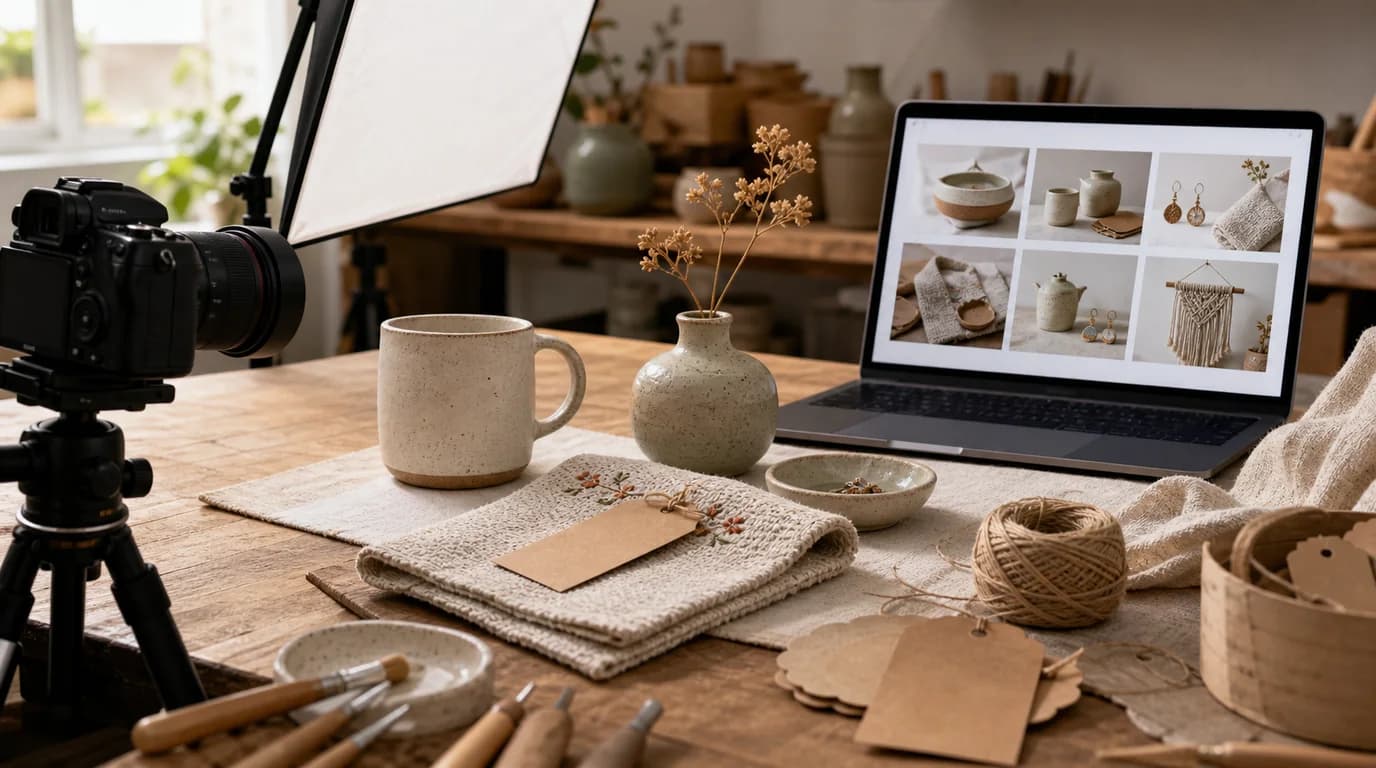
Use AI to improve Etsy listing photos while preserving handmade texture, scale, variation, and buyer confidence.
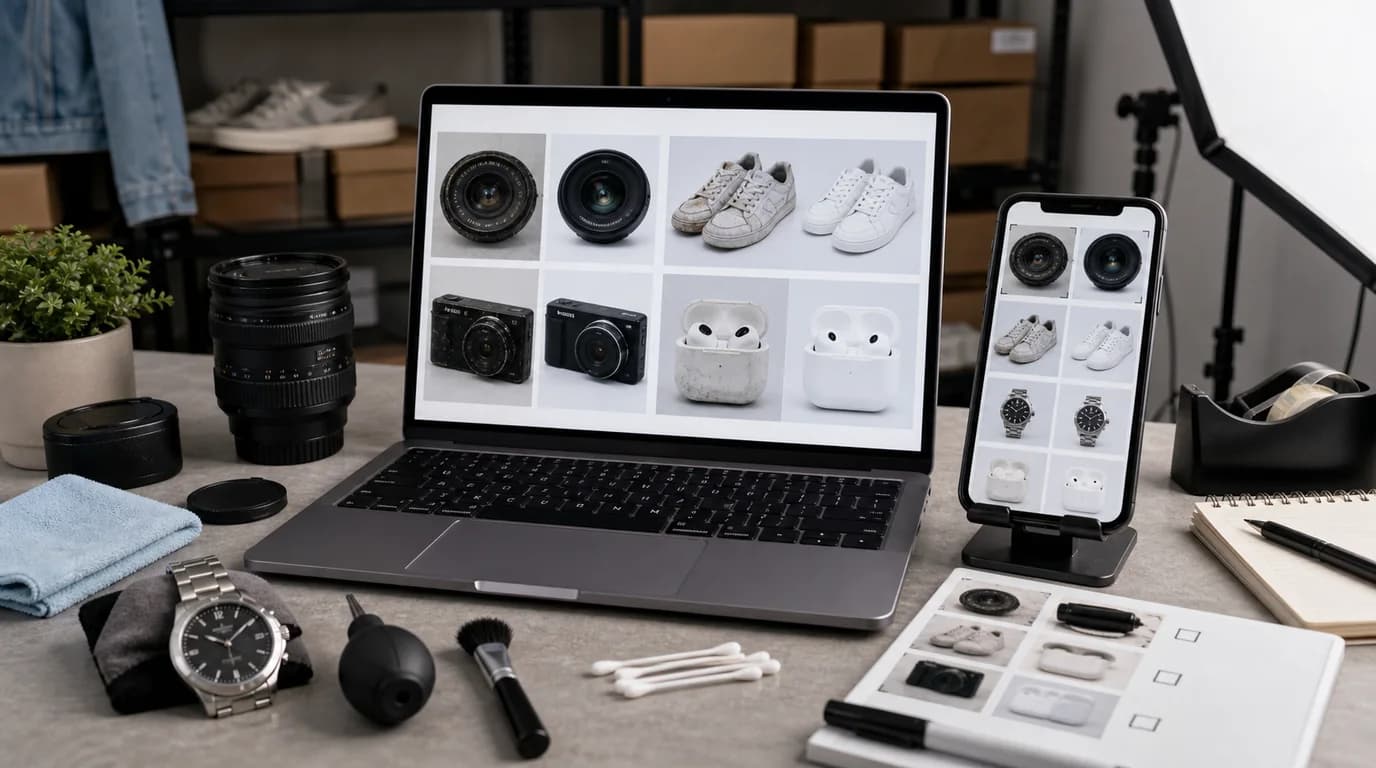
Clean up used-product photos for eBay while preserving defects, serial details, accessories, and buyer trust.

A practical guide to creating beauty product images with AI while preserving labels, textures, shades, and the small trust signals shoppers check before buying.

How to create fragrance product images that communicate mood, bottle design, liquid color, reeds, caps, and gifting context without overpromising the scent.
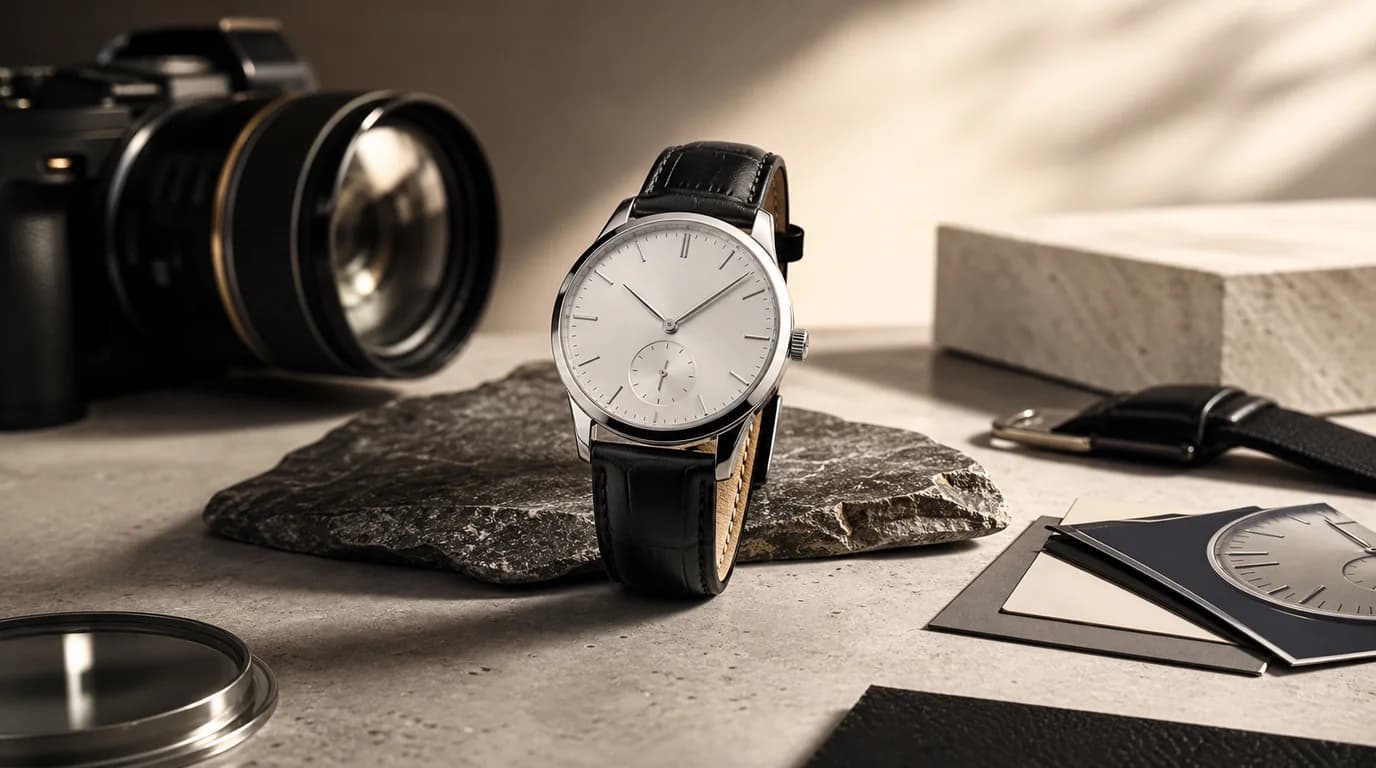
A focused guide to AI watch images that handle polished metal, glass glare, strap texture, dial legibility, and size cues for ecommerce.
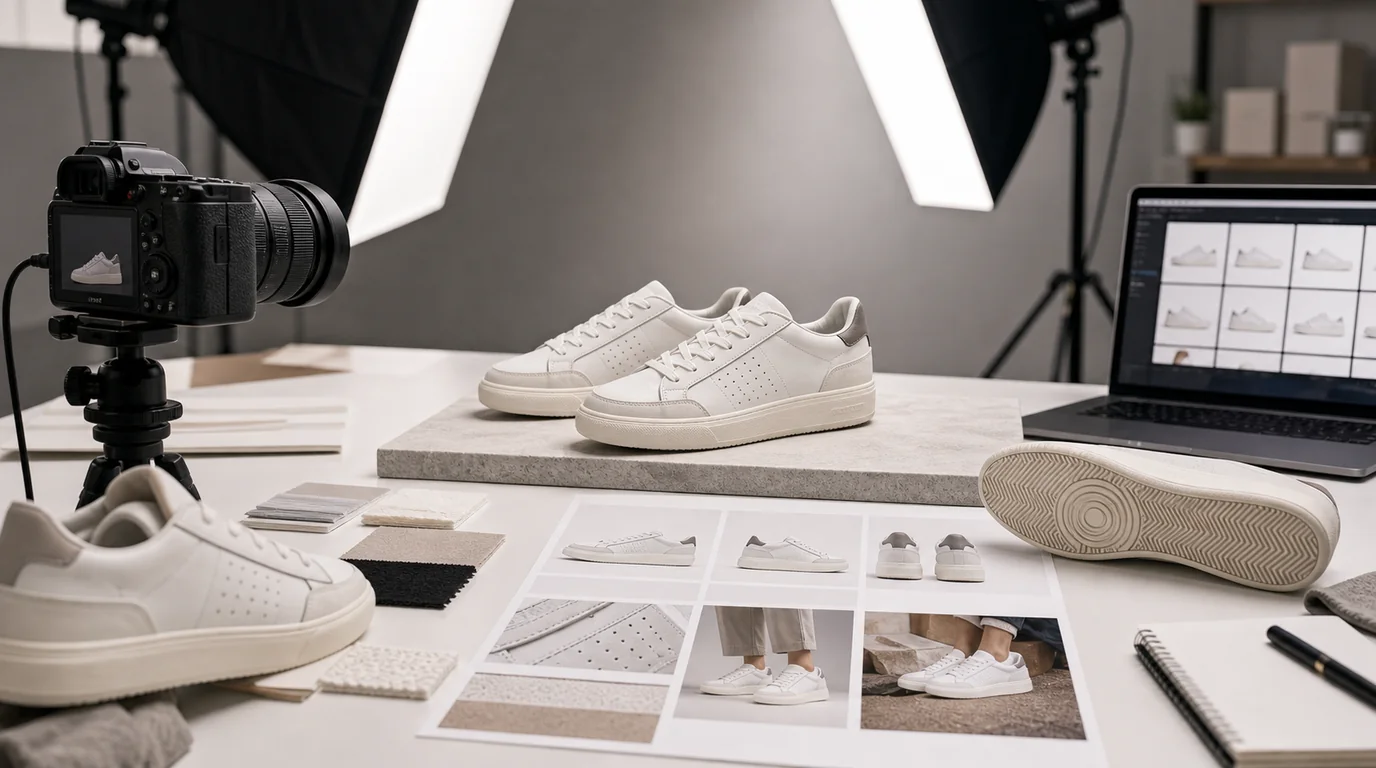
Create AI shoe images that show silhouette, outsole, toe shape, material texture, color accuracy, and wearing context without distorting the product.
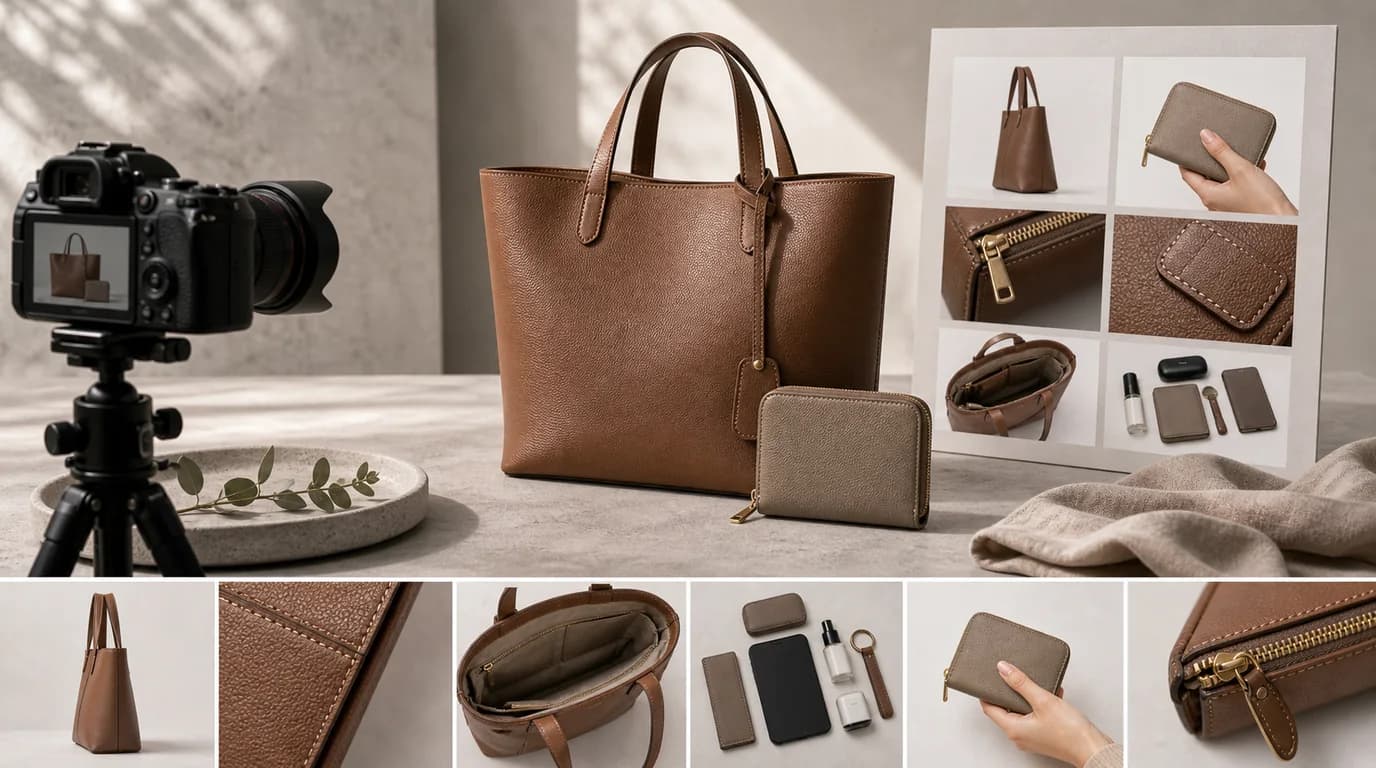
A guide to AI product photos for bags and wallets that show size, compartments, leather or fabric texture, closures, straps, and daily carry context.
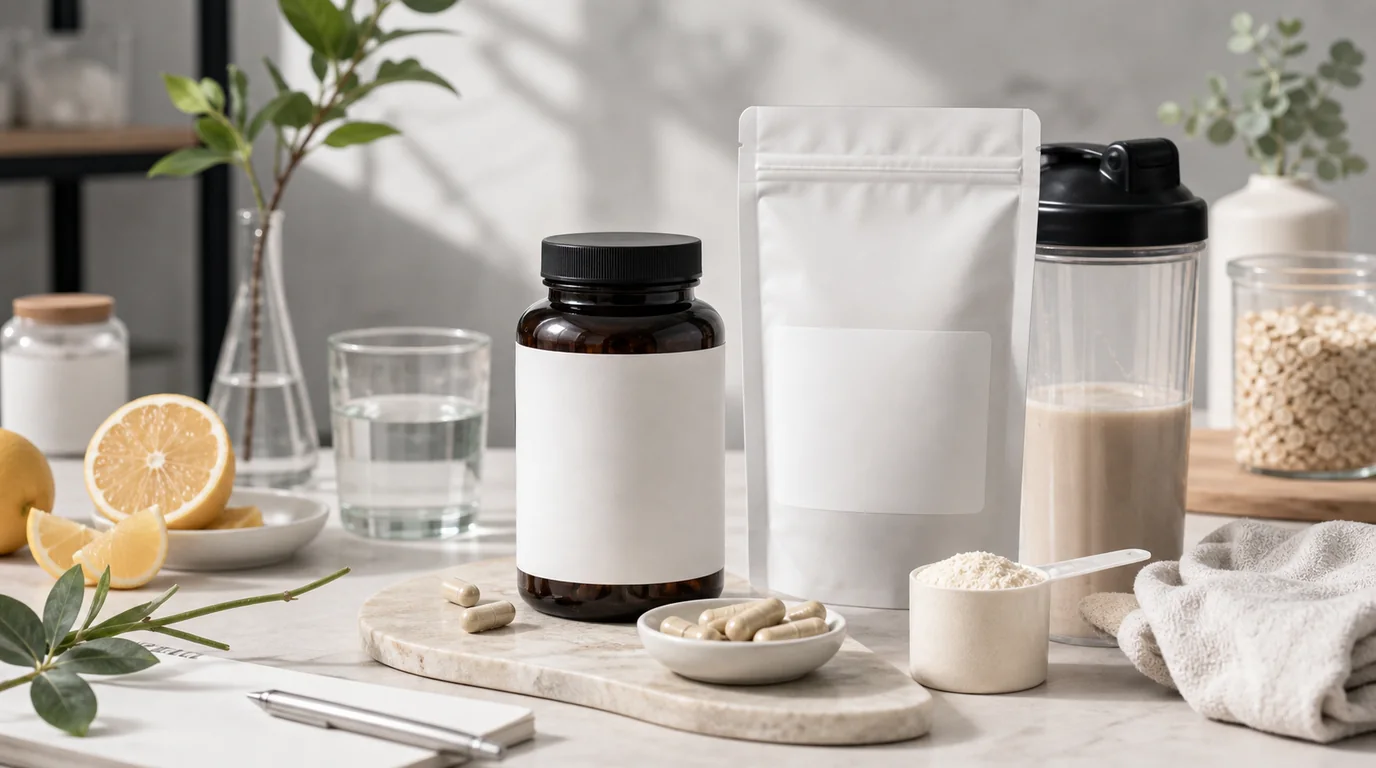
Create supplement images that keep labels readable, dosage cues accurate, packaging clean, and wellness styling responsible.
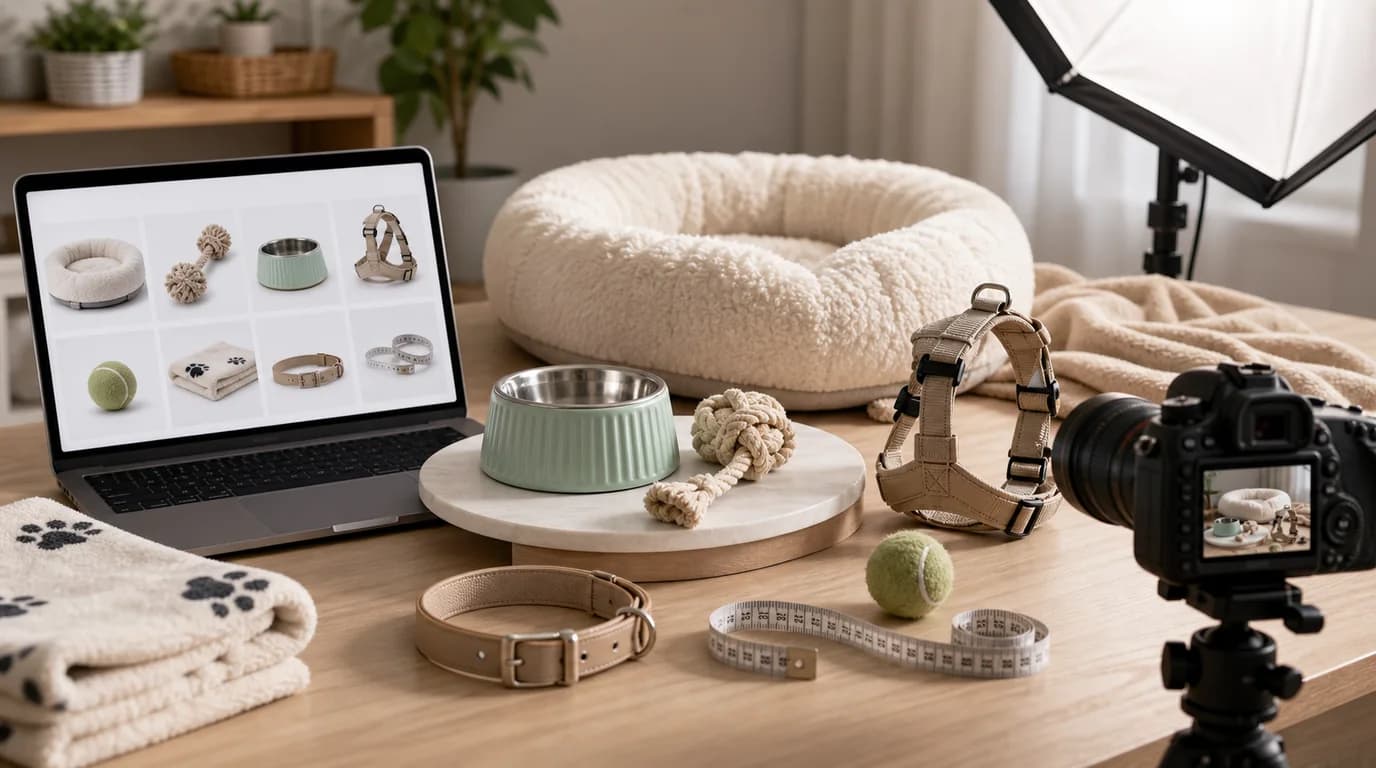
How to create AI pet product images for toys, bowls, collars, beds, treats, and grooming items with clear scale and safety cues.
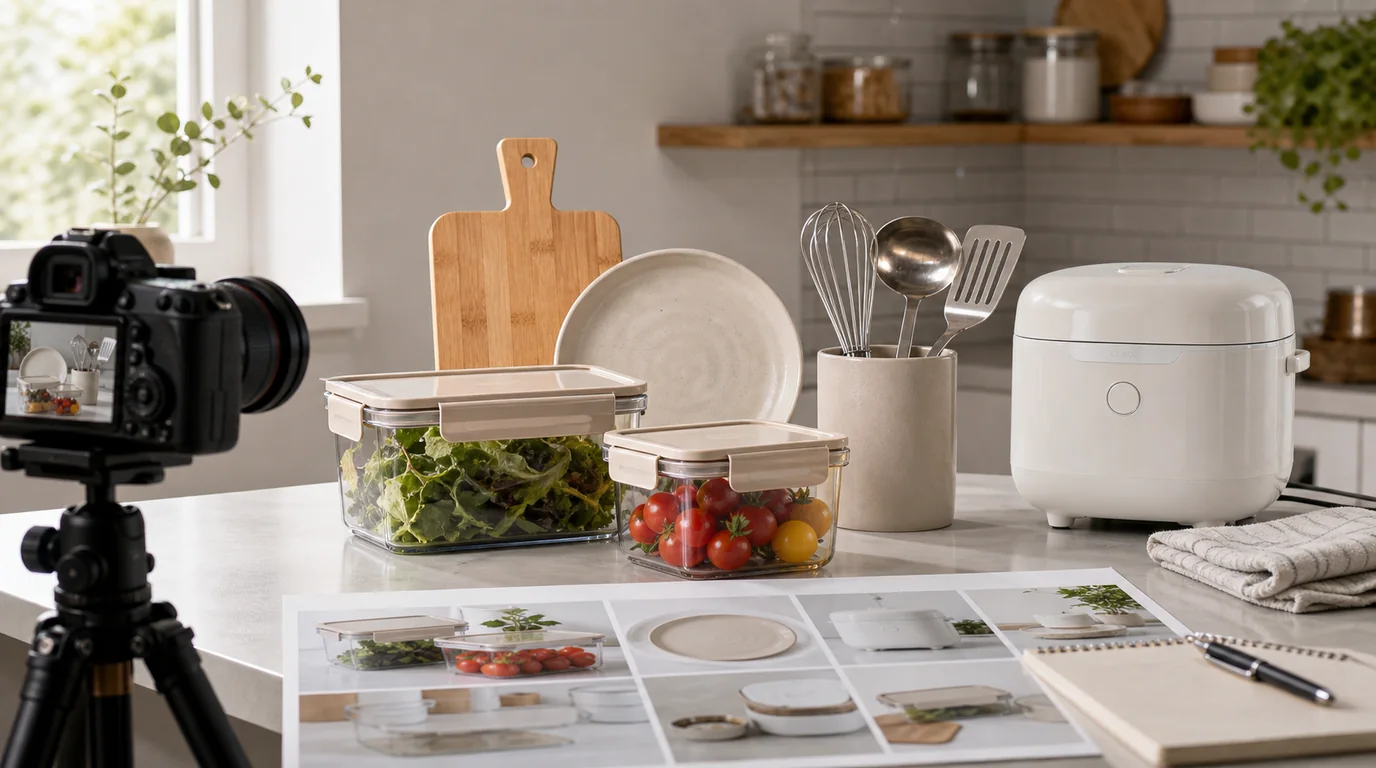
A practical guide to AI images for cookware, organizers, appliances, linens, and decor with clear scale, materials, and use context.
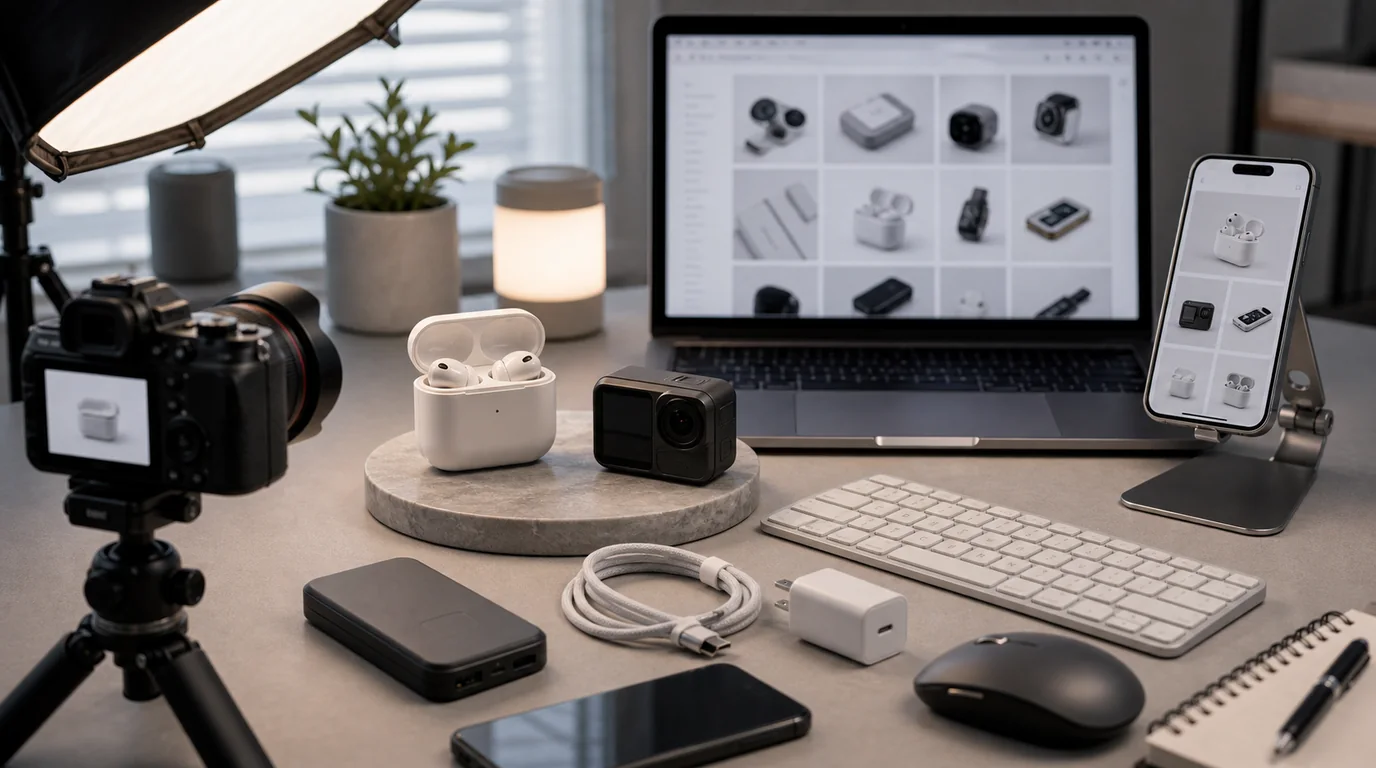
Use AI to create electronics and gadget images while preserving buttons, ports, bezels, vents, connectors, screen states, and accessory details.
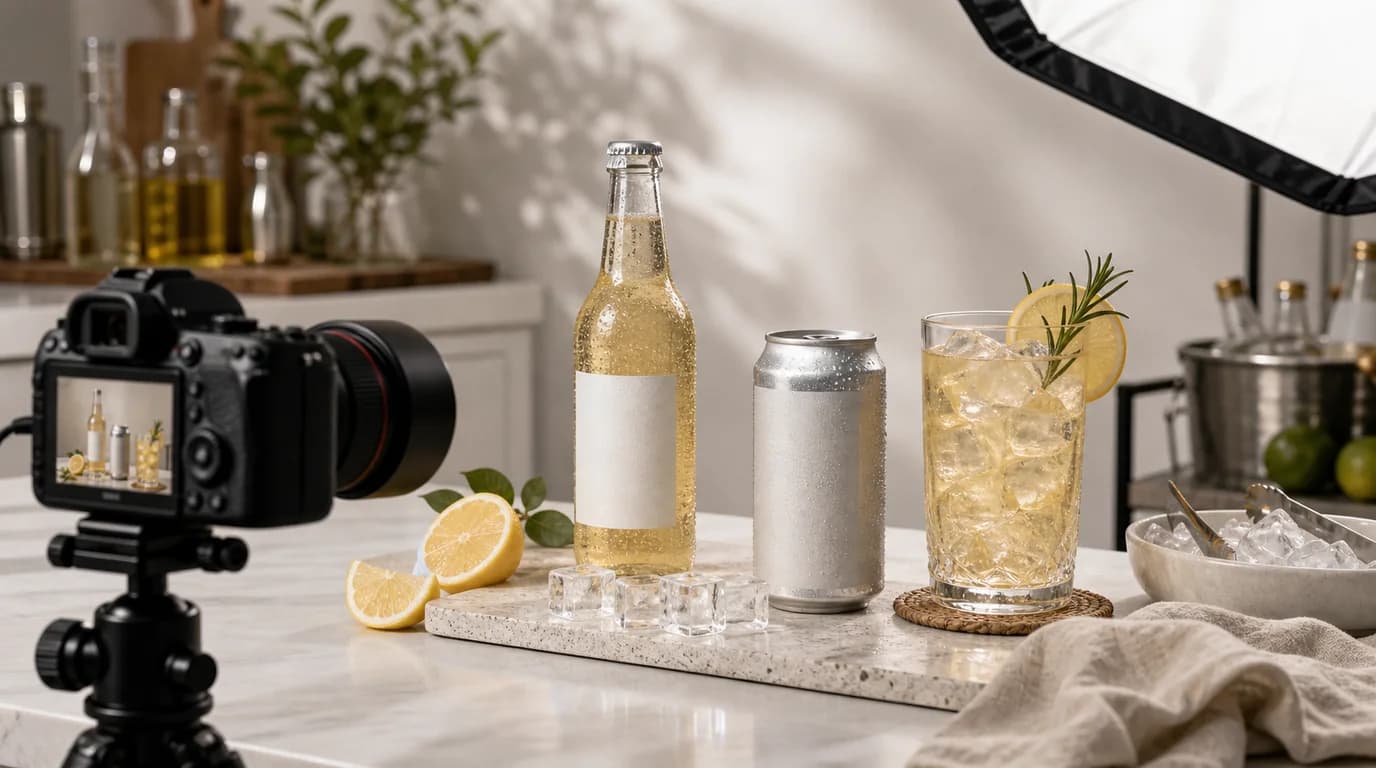
Create beverage images that show packaging, flavor, chill, pour, serving size, and drinking occasion without obscuring label details.
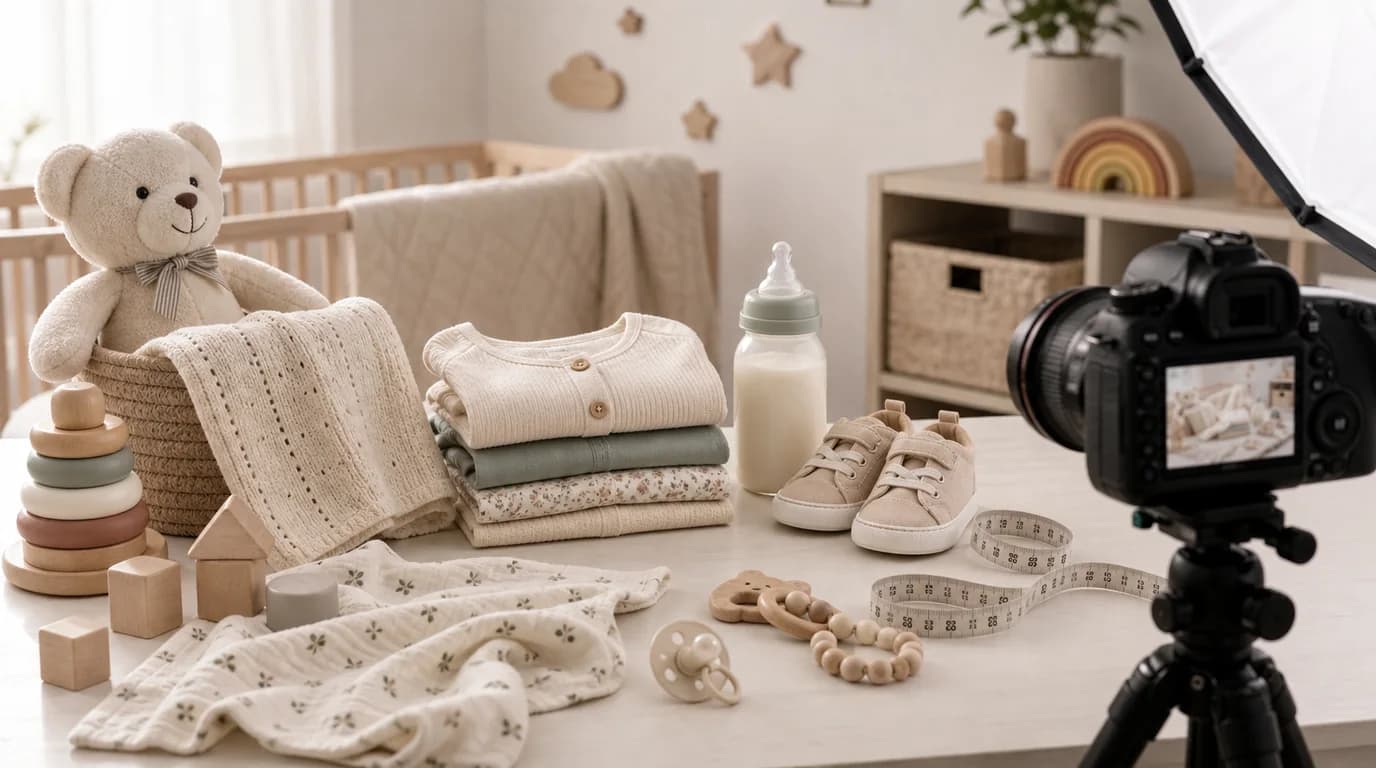
How to create AI images for baby and kids products that show age fit, material, condition, size, packaging, and safe usage context.
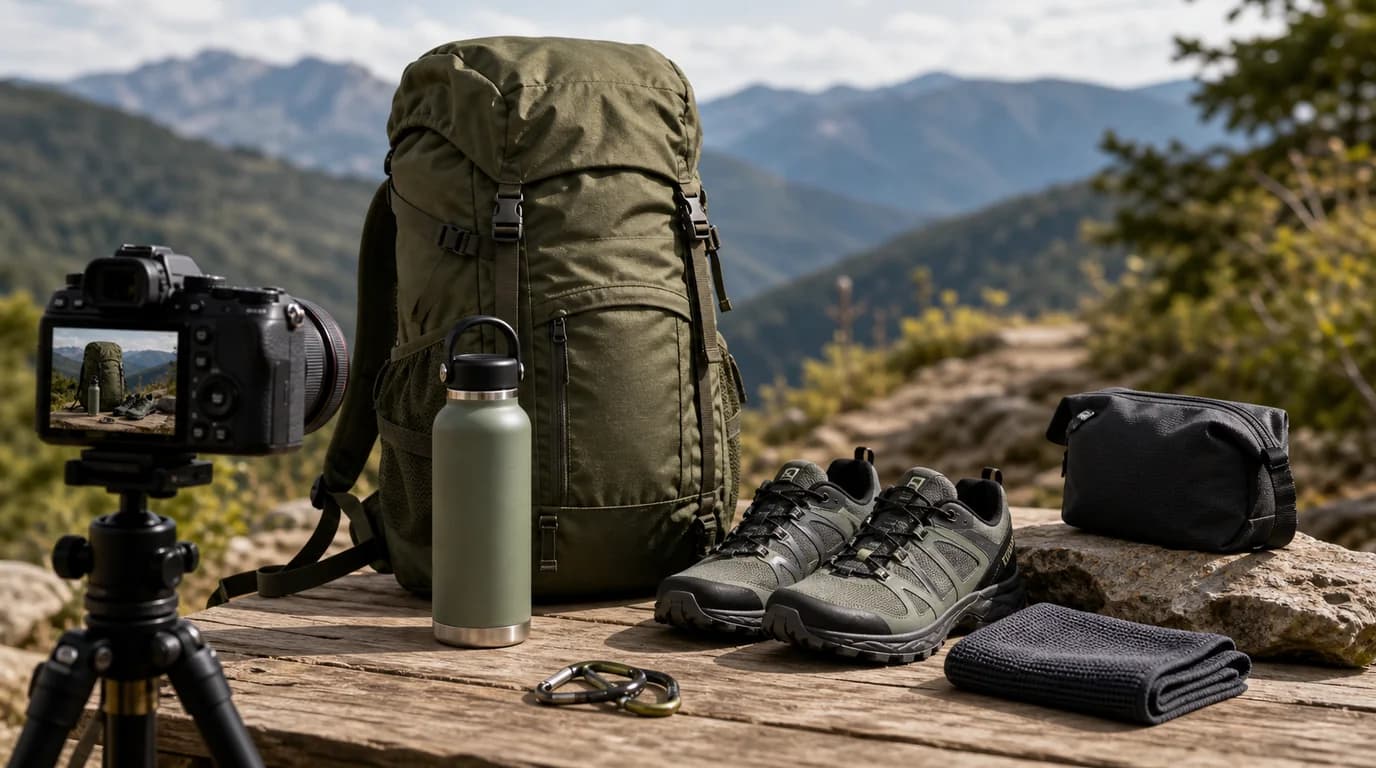
Create AI images for sports and outdoor gear that show durability, scale, attachment points, terrain context, and realistic use.
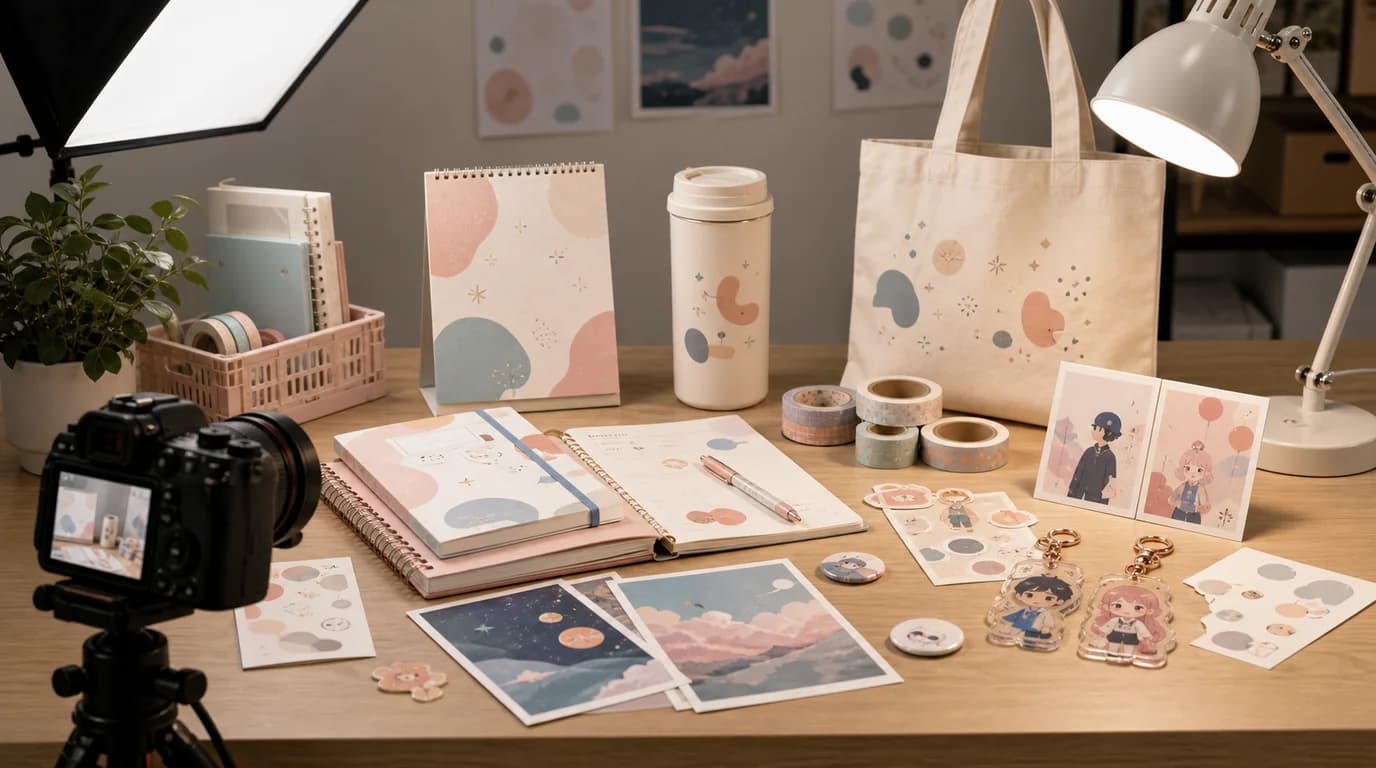
A guide to AI images for notebooks, pens, planners, stickers, desk tools, and gift stationery with clear texture and usable detail.
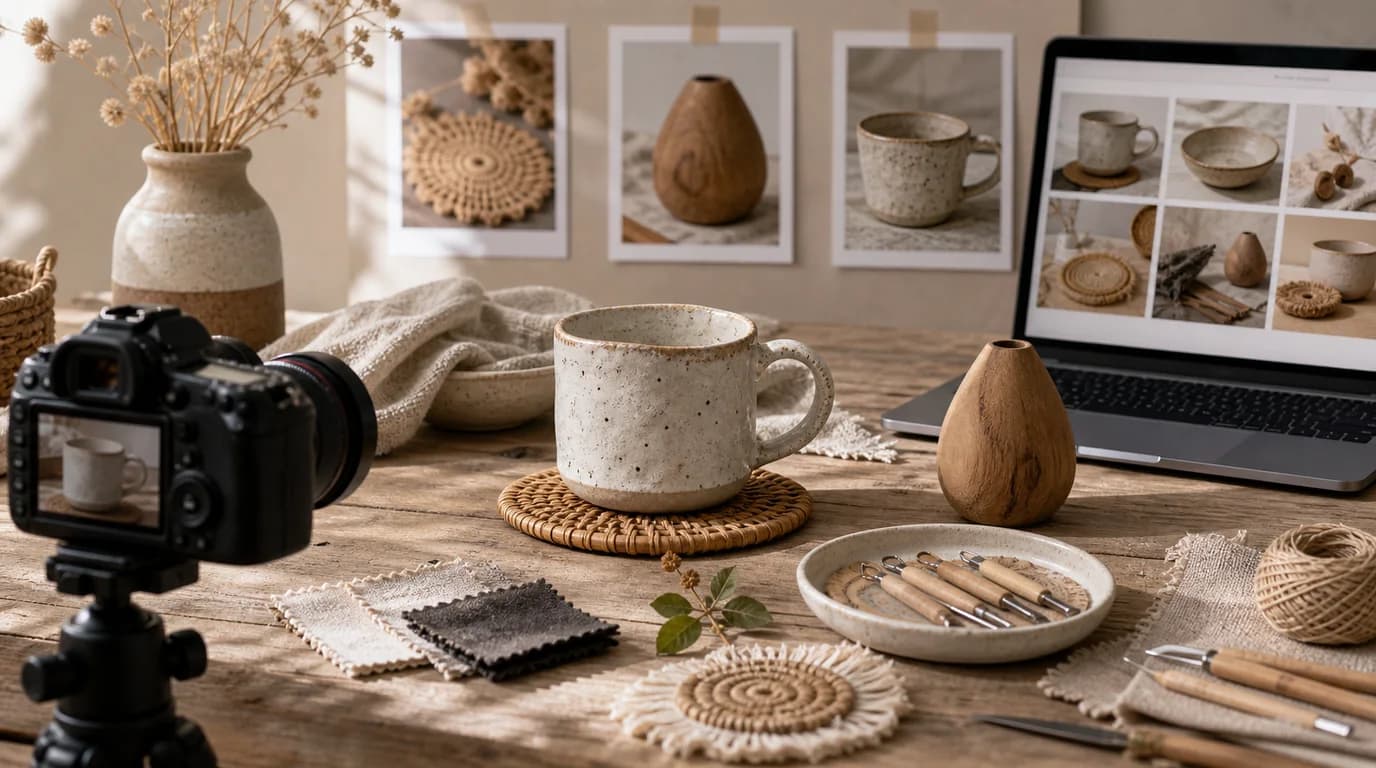
Use AI for handmade product images while preserving texture, irregularity, scale, materials, packaging, and the evidence of real craft.

Create AI try-on images for jewelry, sunglasses, hair accessories, scarves, and small fashion items with realistic placement and material detail.
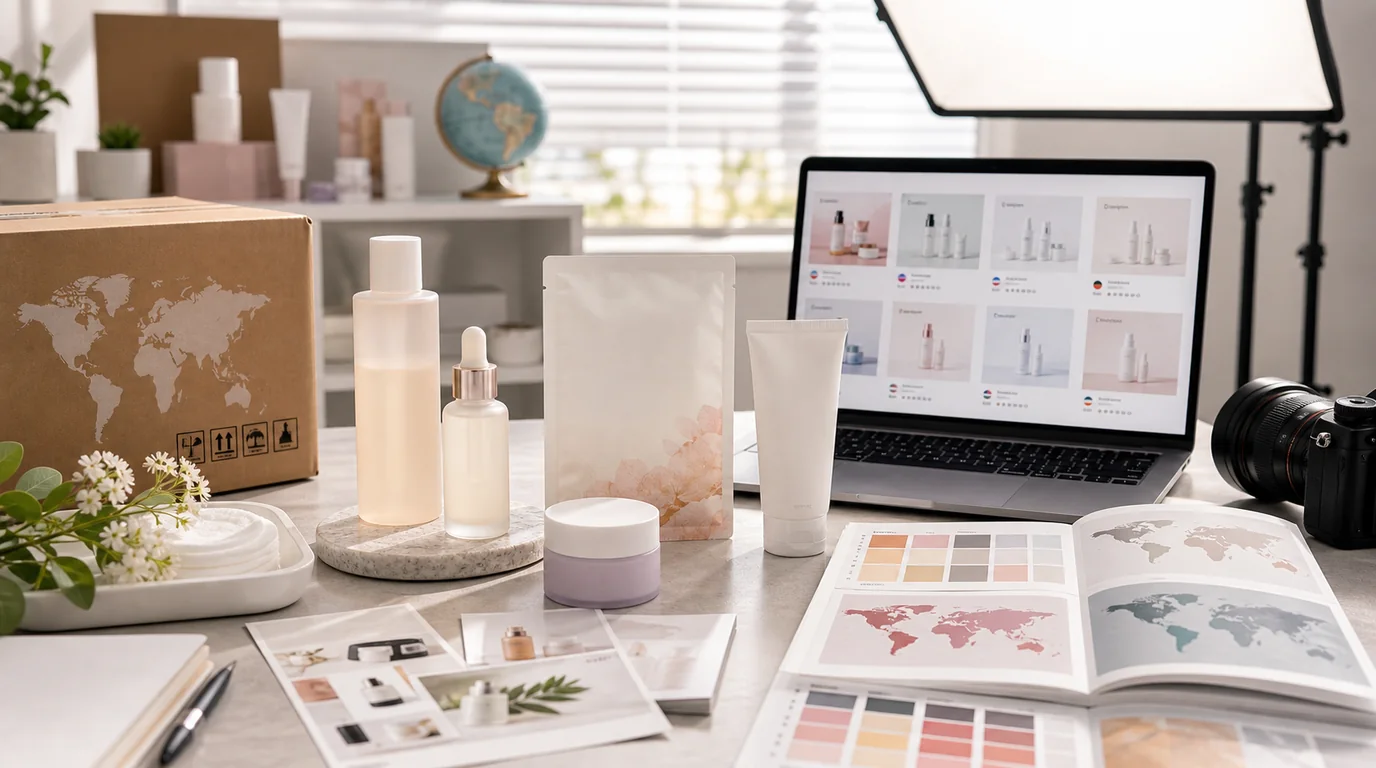
How K-beauty brands can adapt product images for different markets while preserving Korean brand cues, labels, texture, and ecommerce trust.
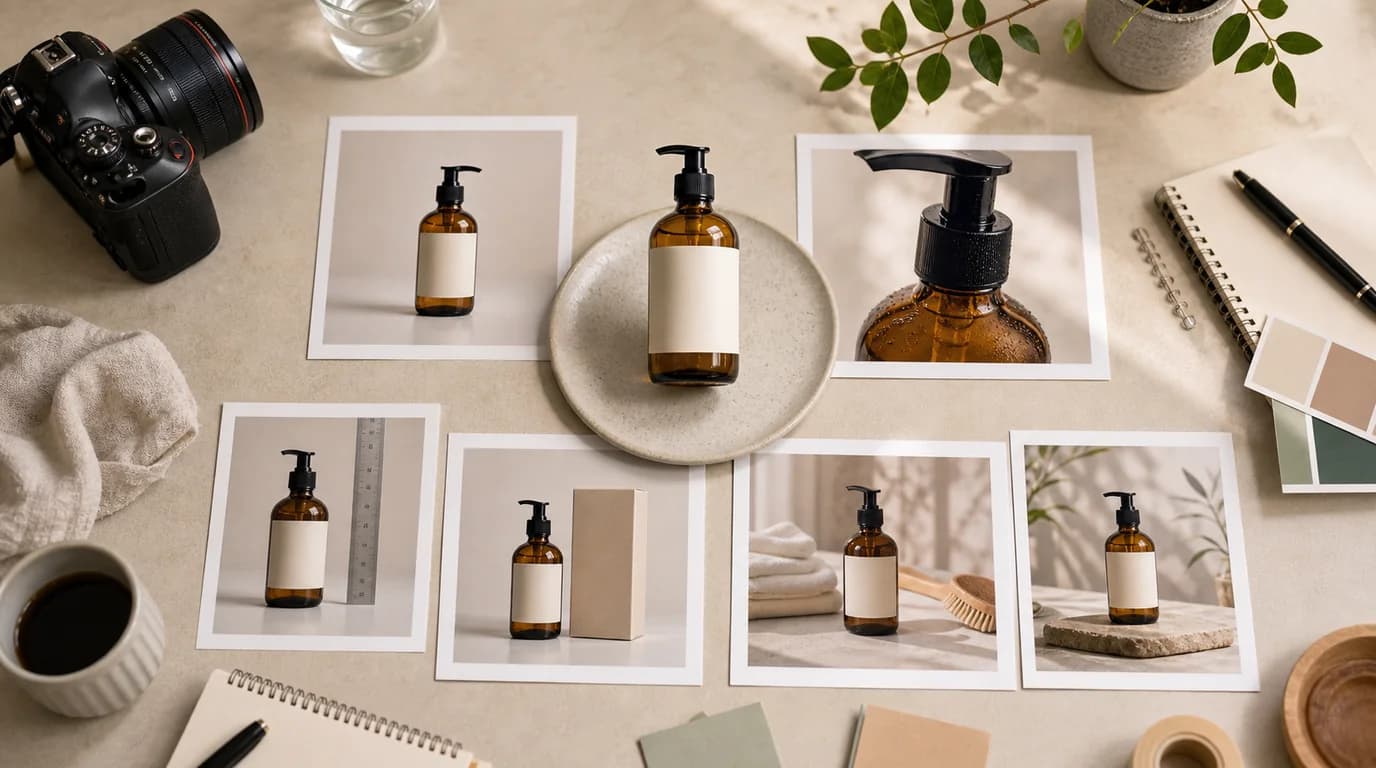
Build a practical product photo shot list that covers buyer questions, page flow, review checkpoints, and AI generation tasks.

A workflow for separating thumbnail and hero image jobs, generating variants, and reviewing product clarity across listing and product pages.
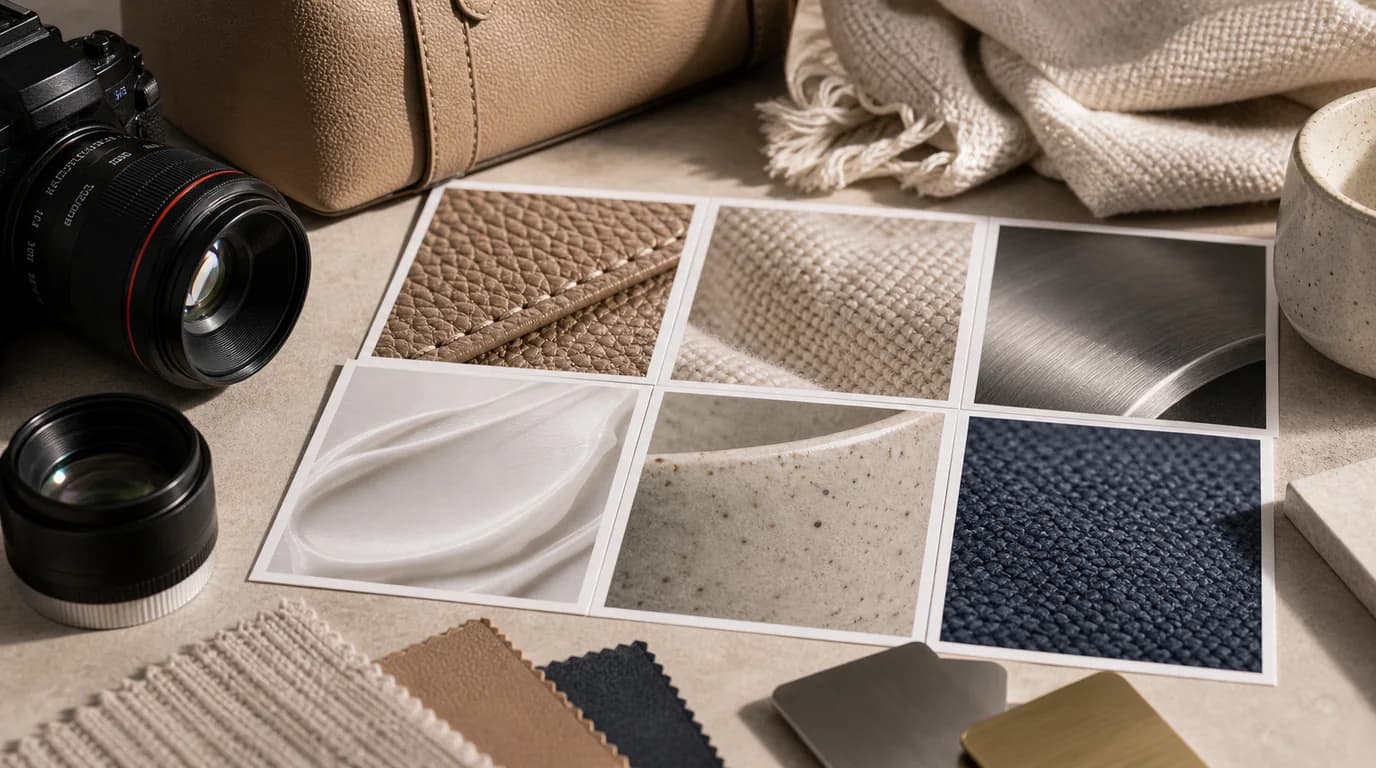
Plan and review AI texture close-ups for fabric, leather, metal, ceramic, food, cosmetics, and other material-sensitive products.
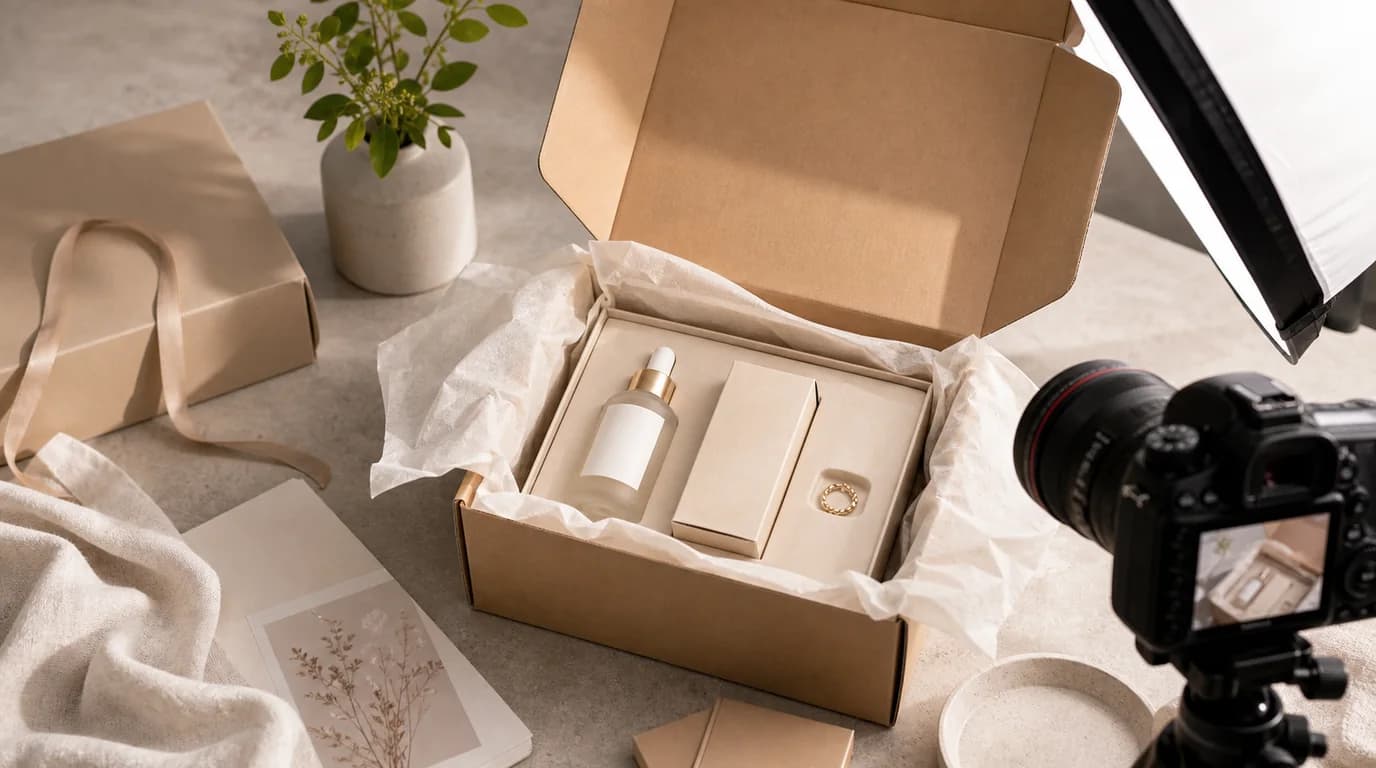
Use AI product imagery to show packaging, inserts, bundles, and unboxing moments without inventing items or misleading buyers.
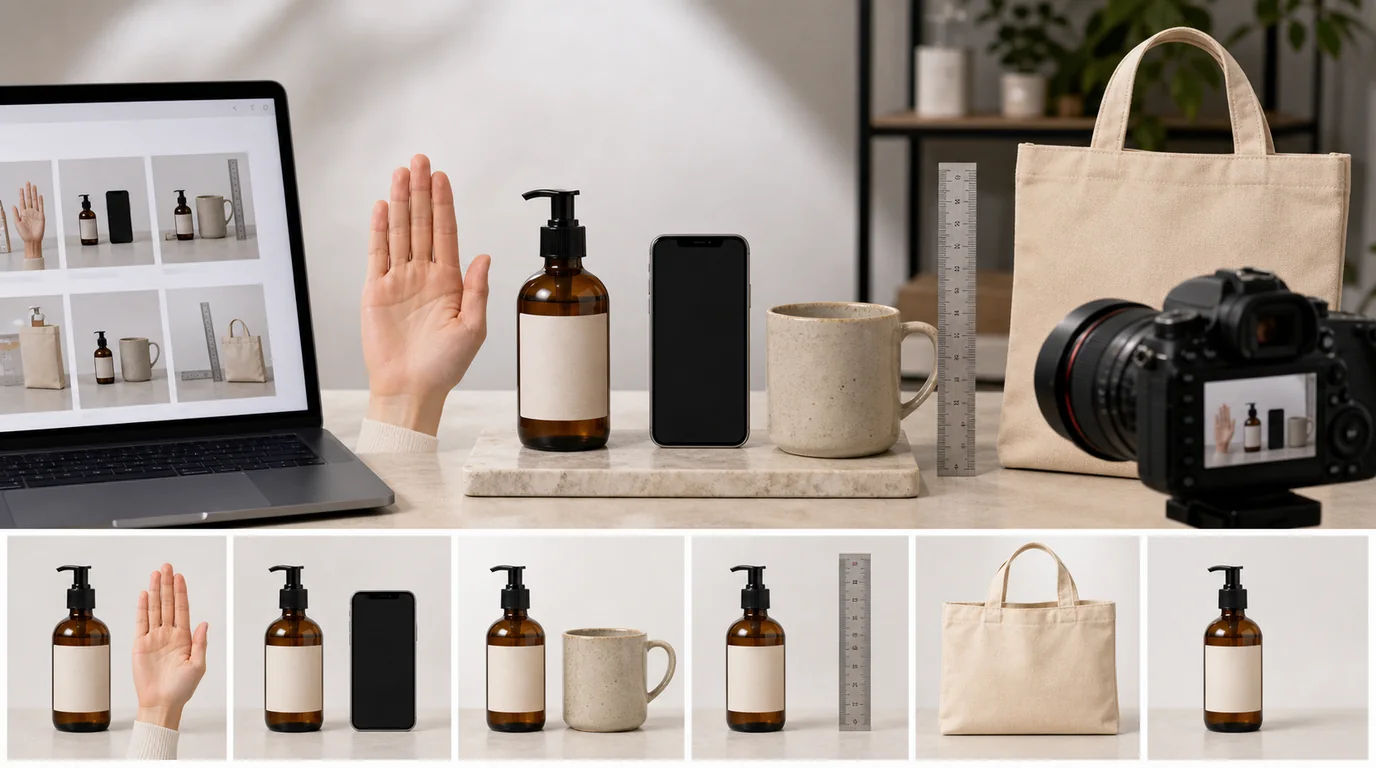
Create product scale images that use believable references, avoid misleading proportions, and fit naturally into product detail pages.
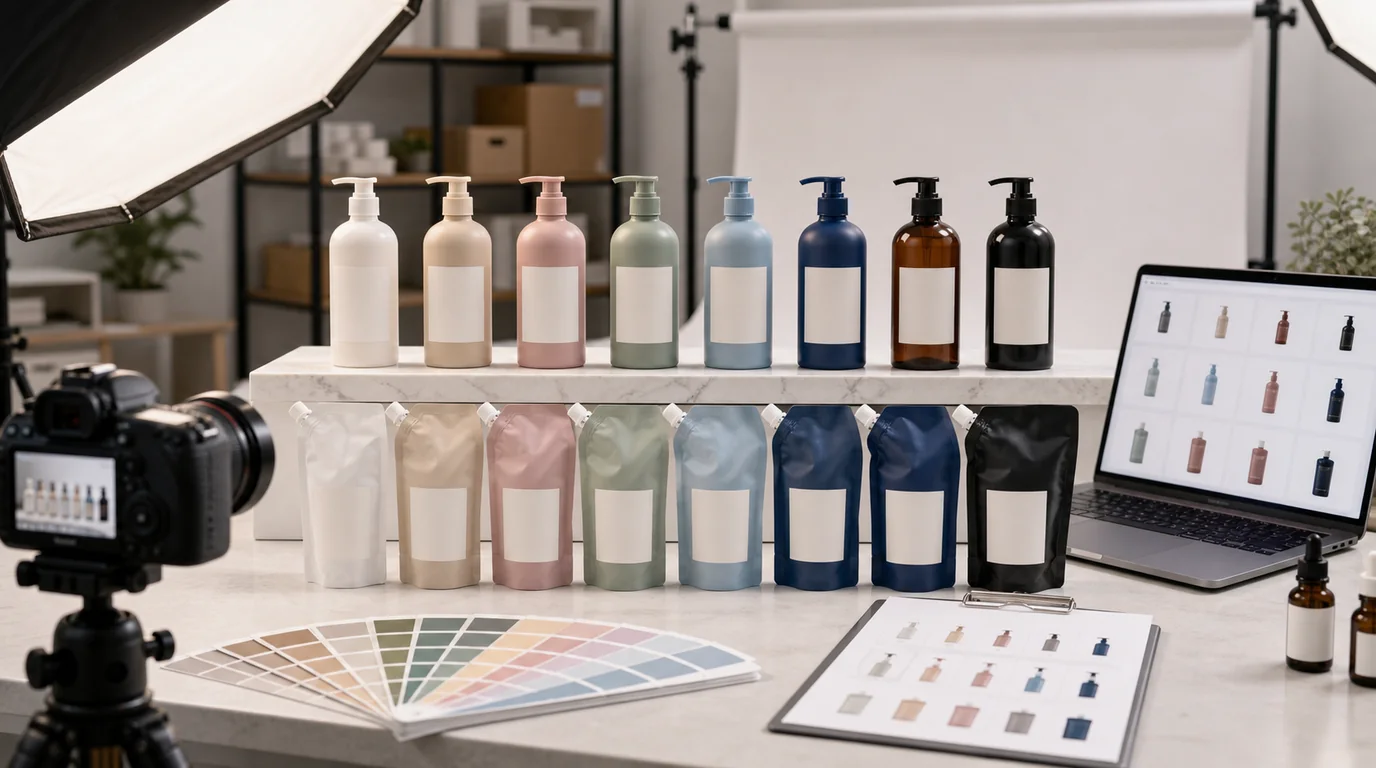
Create consistent AI-assisted product images for color variants, SKU families, and option selectors while preserving product identity.
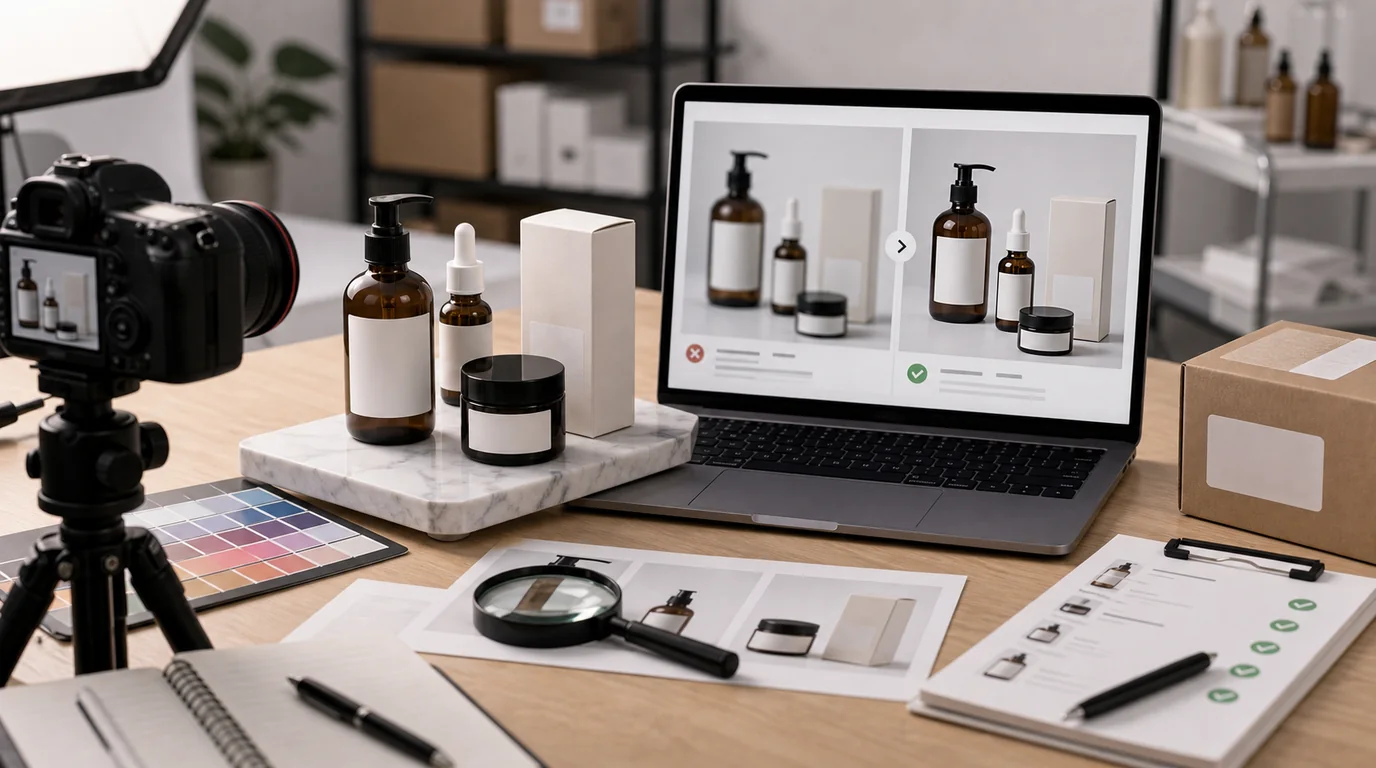
A practical review workflow for keeping brand marks, labels, claims, ingredients, and package text accurate in AI-assisted product images.
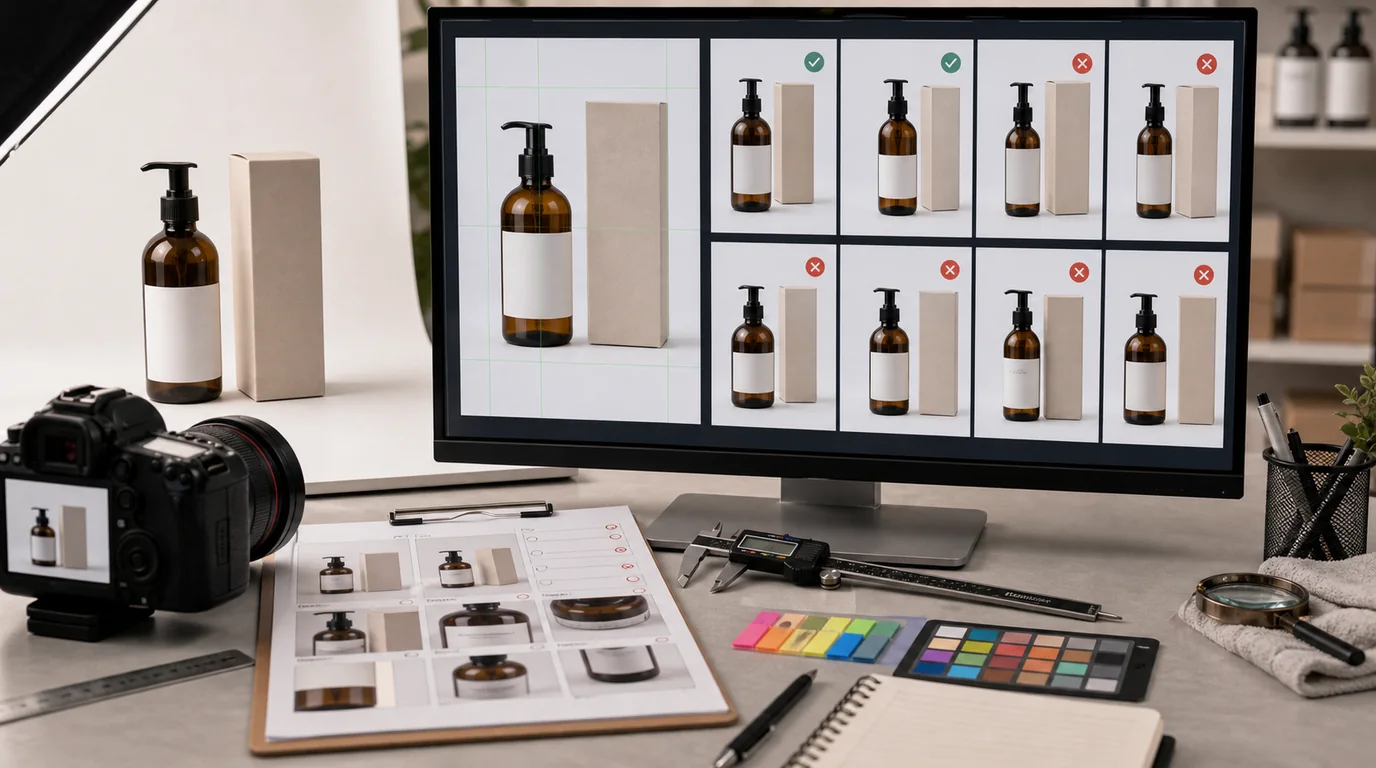
A practical distortion review workflow for preserving shape, proportions, edges, symmetry, and functional parts in AI-generated product photos.
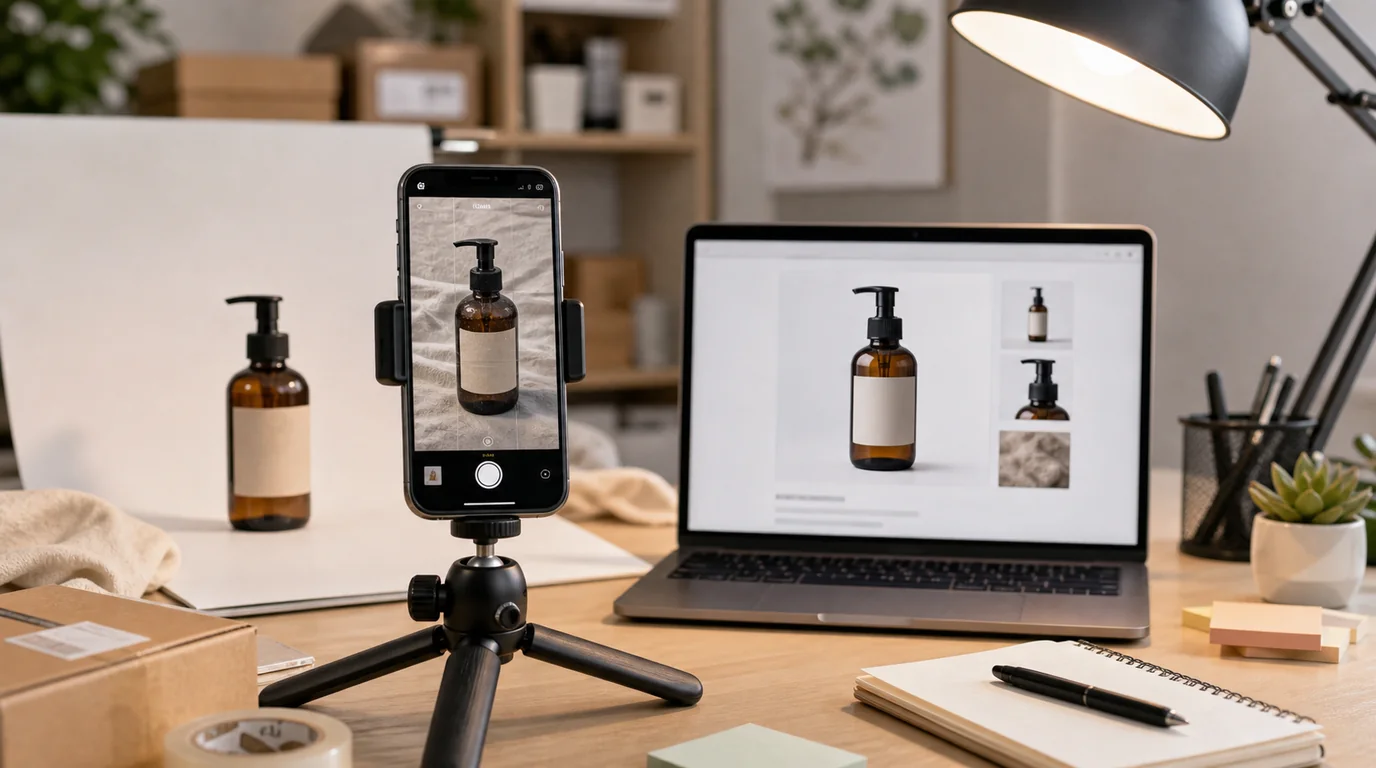
A field workflow for solo sellers and small teams converting phone photos into clean ecommerce assets with AI editing.
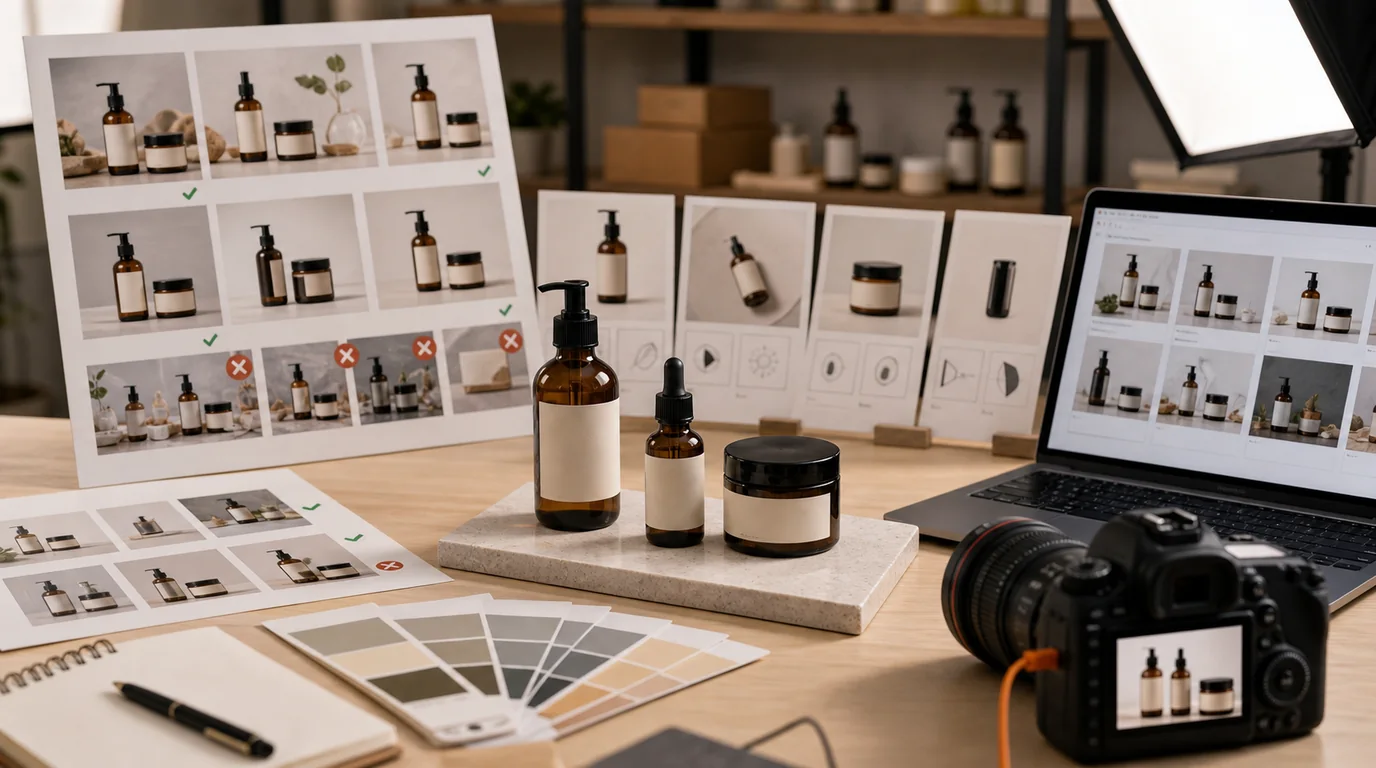
Build a practical style guide for product images covering backgrounds, lighting, crops, props, file naming, and approval rules.

Design live commerce product thumbnails for small screens, fast scanning, offer clarity, and consistent product trust.
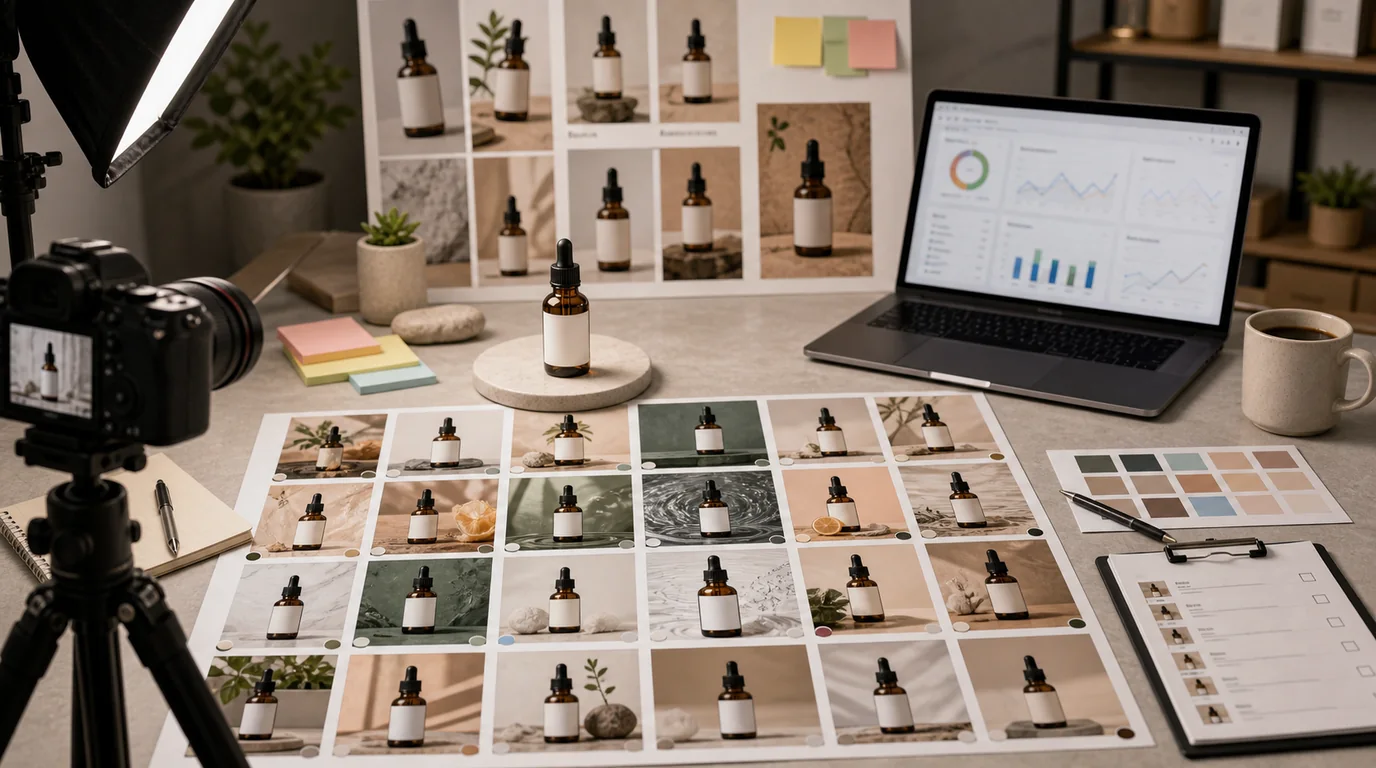
Turn a single approved product image into controlled ad variants for angles, backgrounds, offers, channels, and testing.
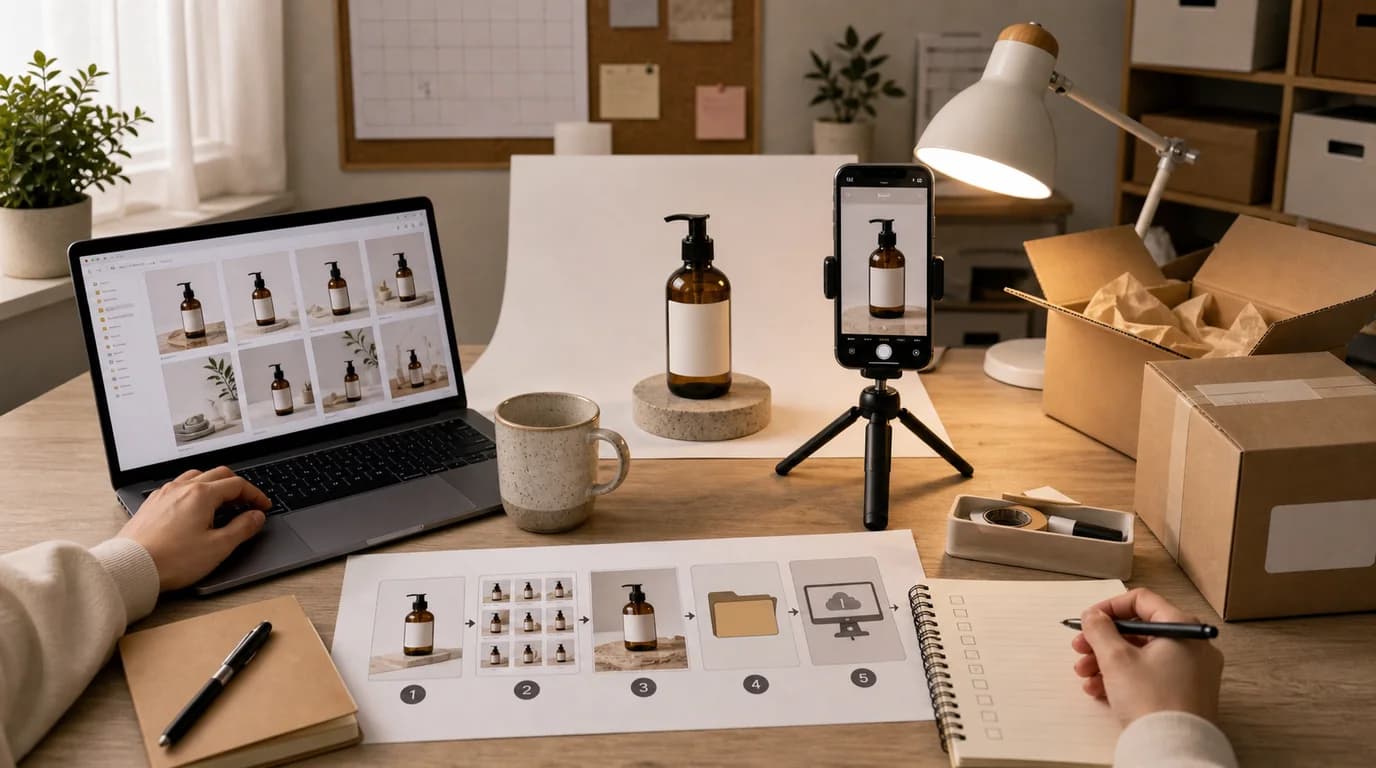
A lean product image workflow for solo sellers who need reliable ecommerce photos without building a full production team.
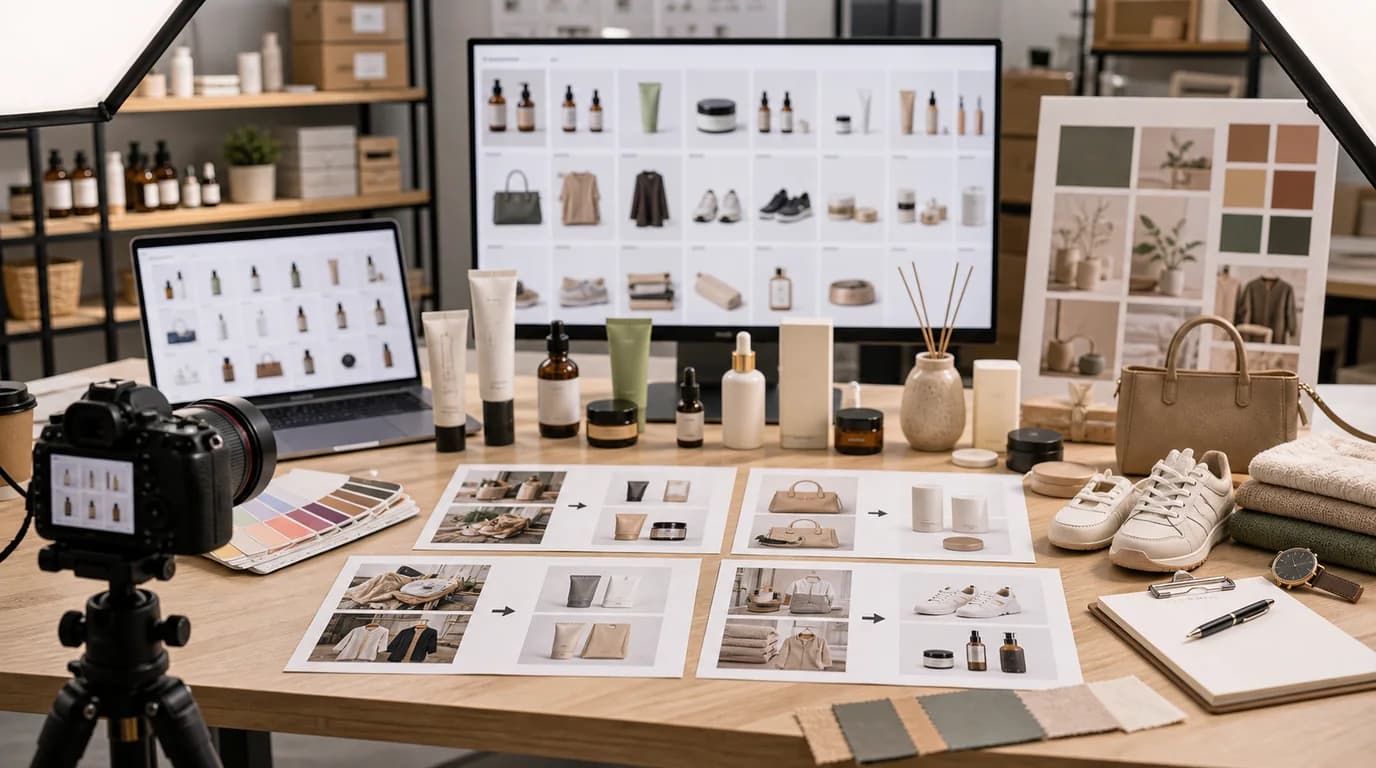
Plan a visual rebrand across many SKUs with controlled templates, review batches, exception handling, and rollout rules.
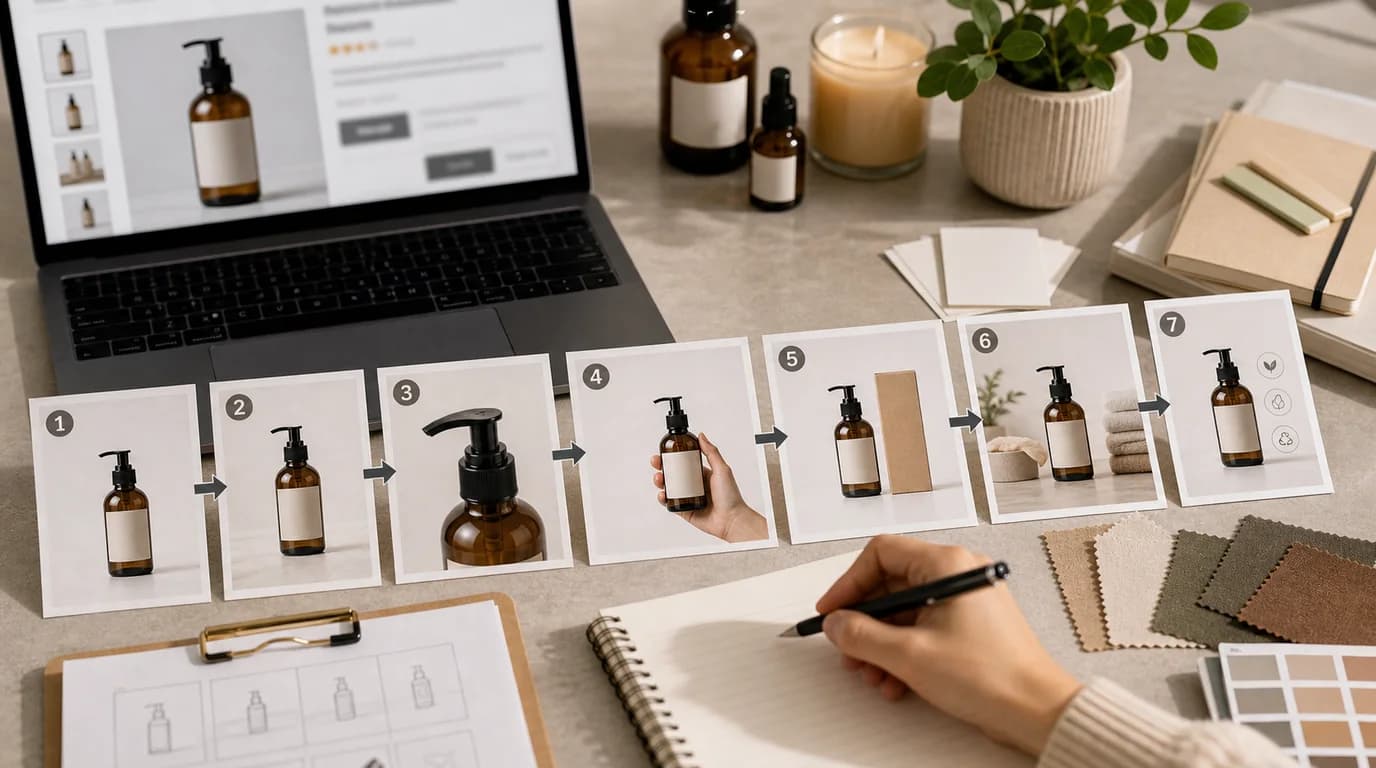
Arrange product detail images by buyer questions, page context, mobile behavior, and testing discipline instead of using a generic template.
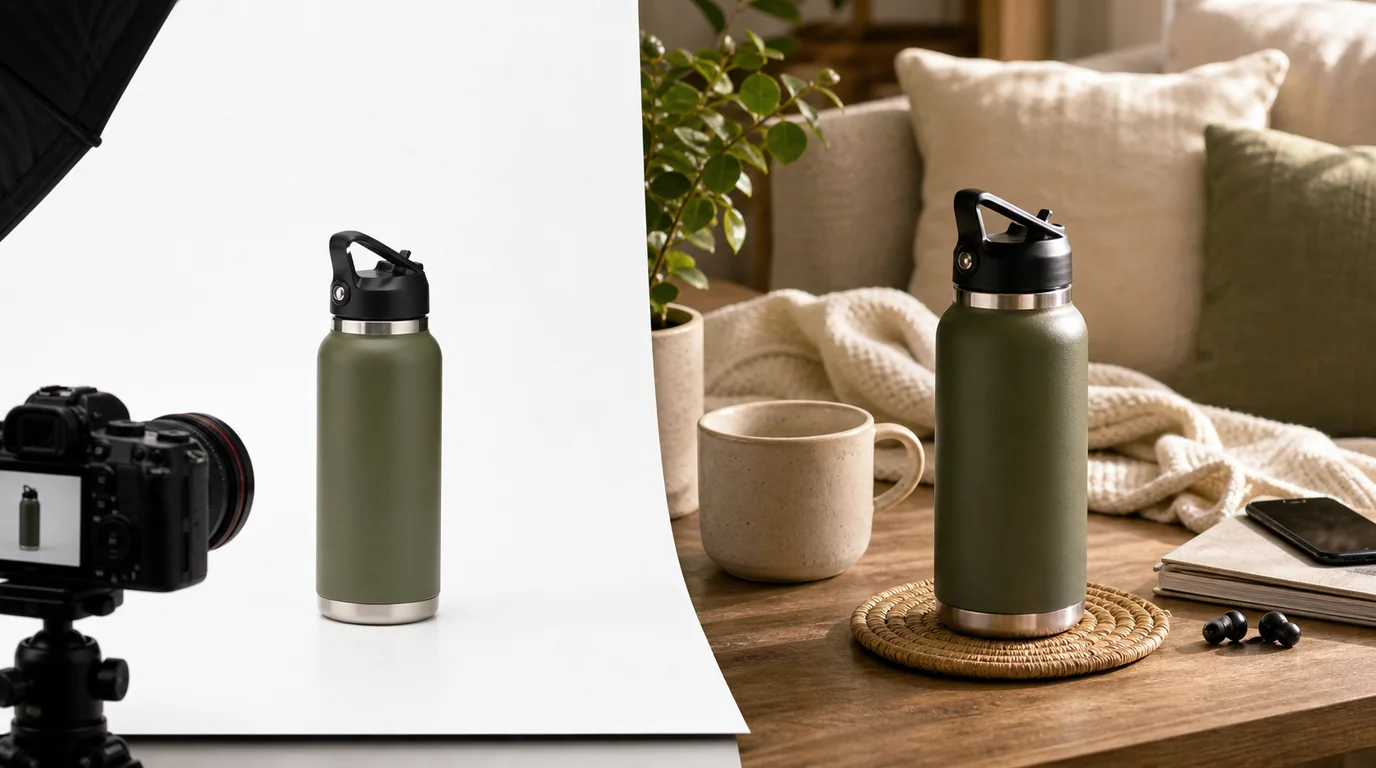
Choose white background or lifestyle product photos based on search intent, buyer confidence, and page role instead of following a one-size-fits-all rule.
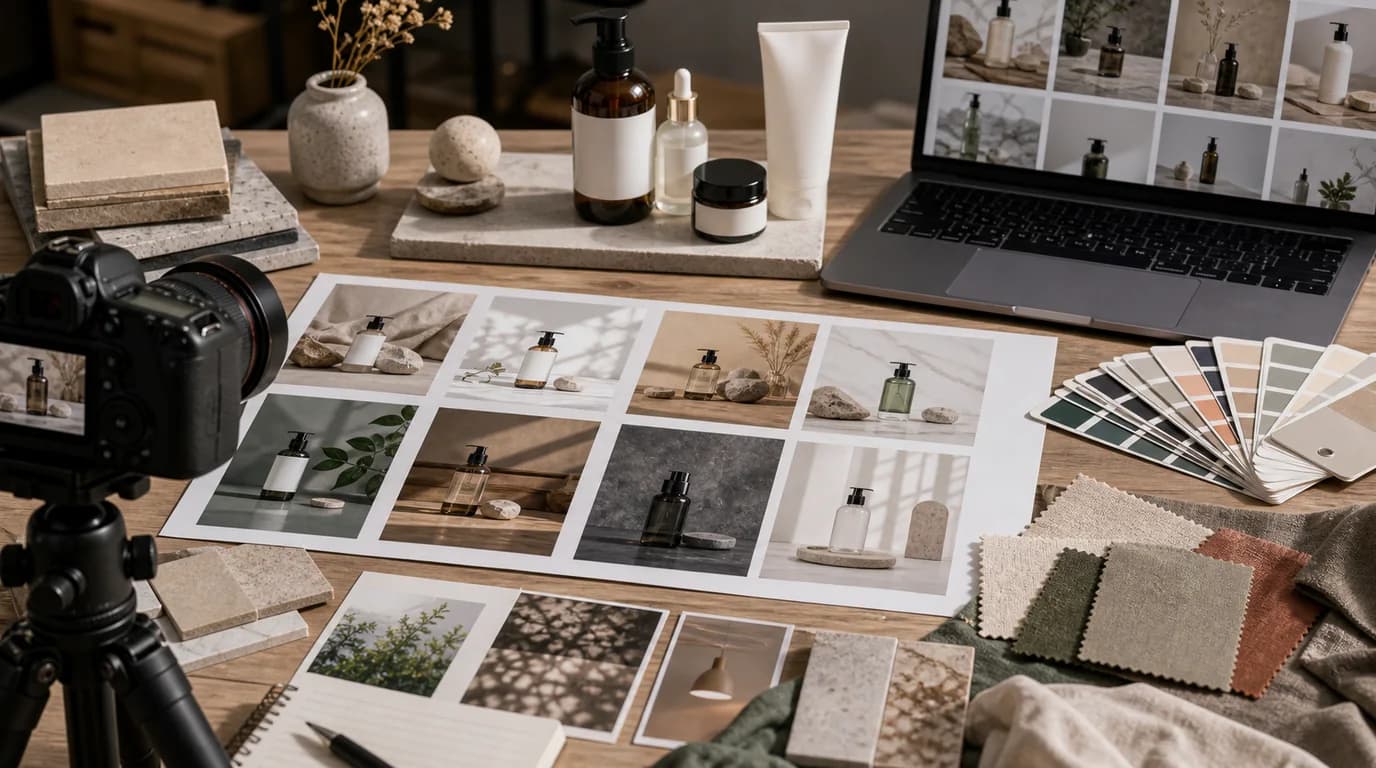
Build reusable product photo background templates that support brand recognition, buyer confidence, and scalable SEO content.
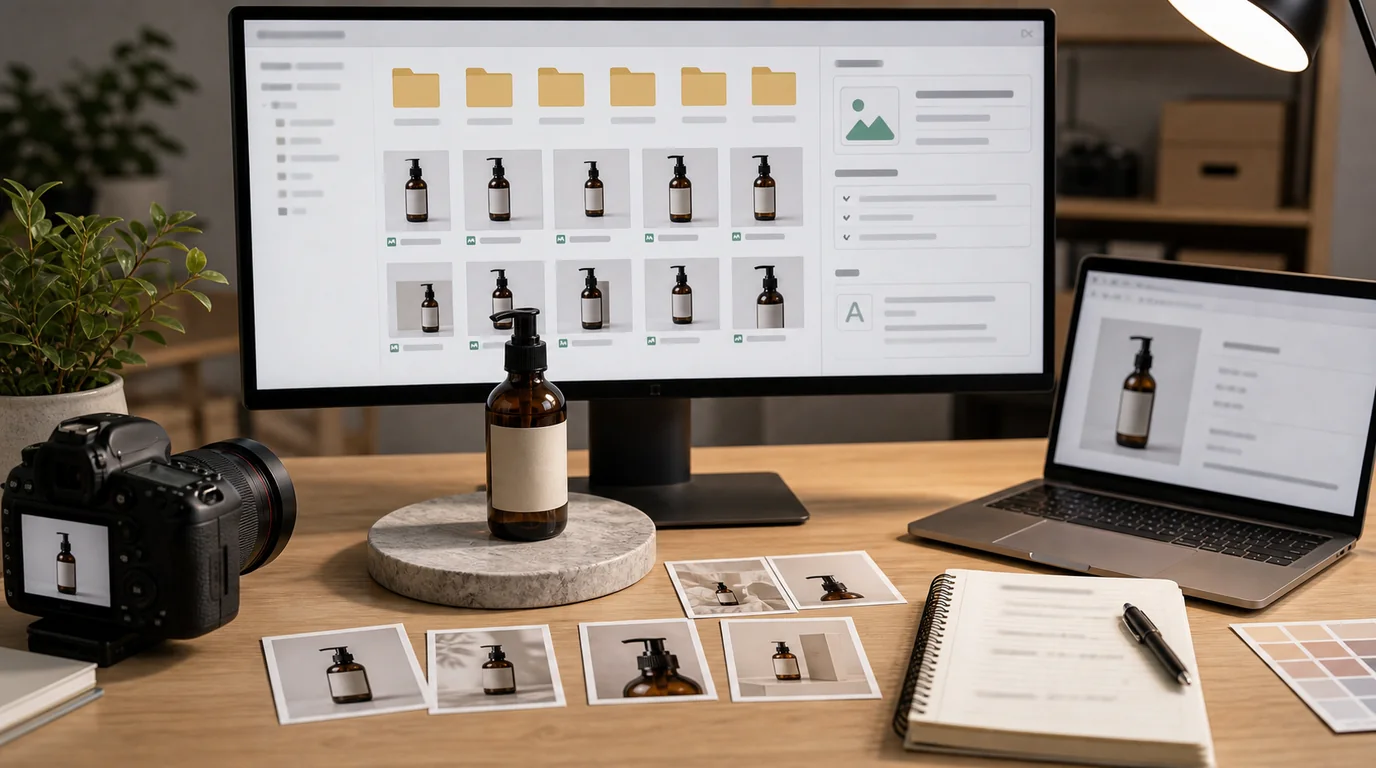
Use product image file names and alt text to improve clarity, accessibility, and maintenance without treating metadata as a ranking shortcut.
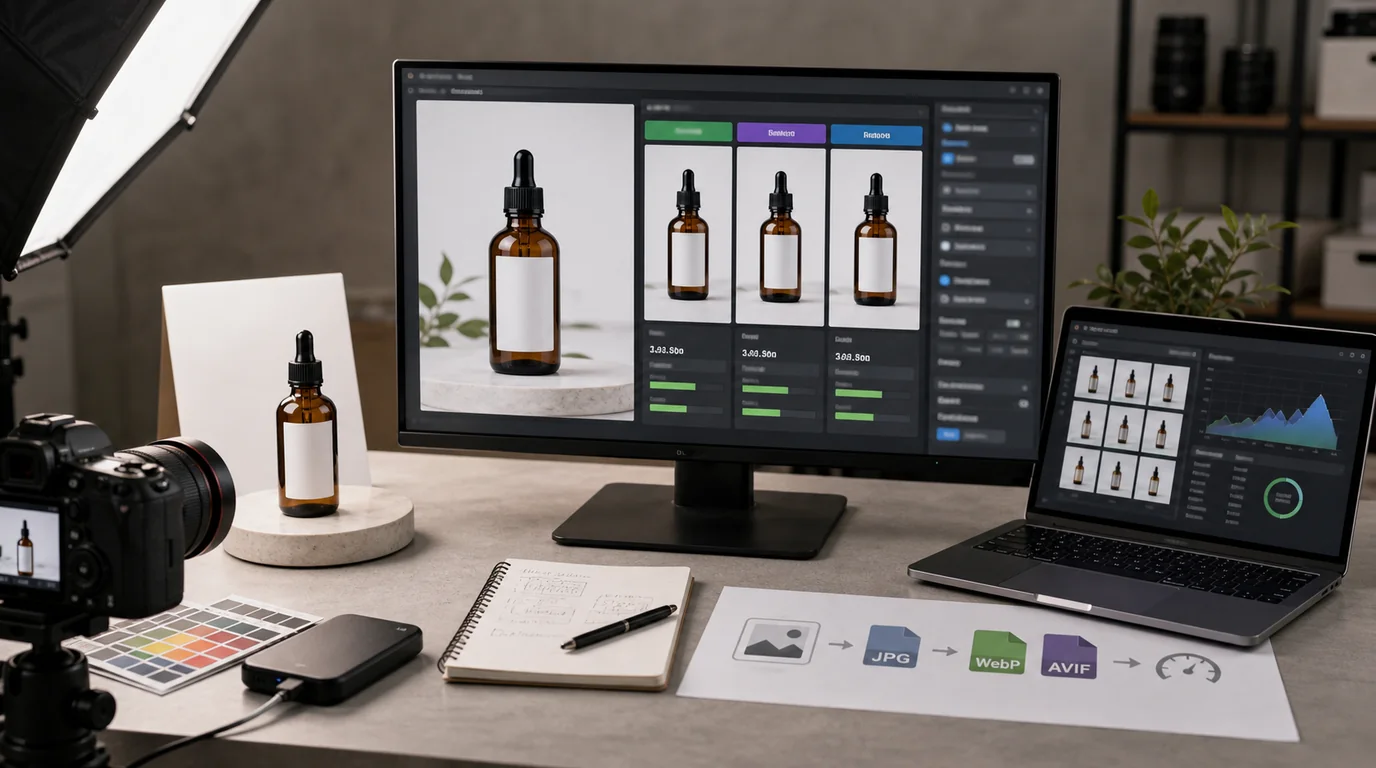
Plan a product image format pipeline that balances quality, speed, compatibility, and trust across WebP, AVIF, and source assets.
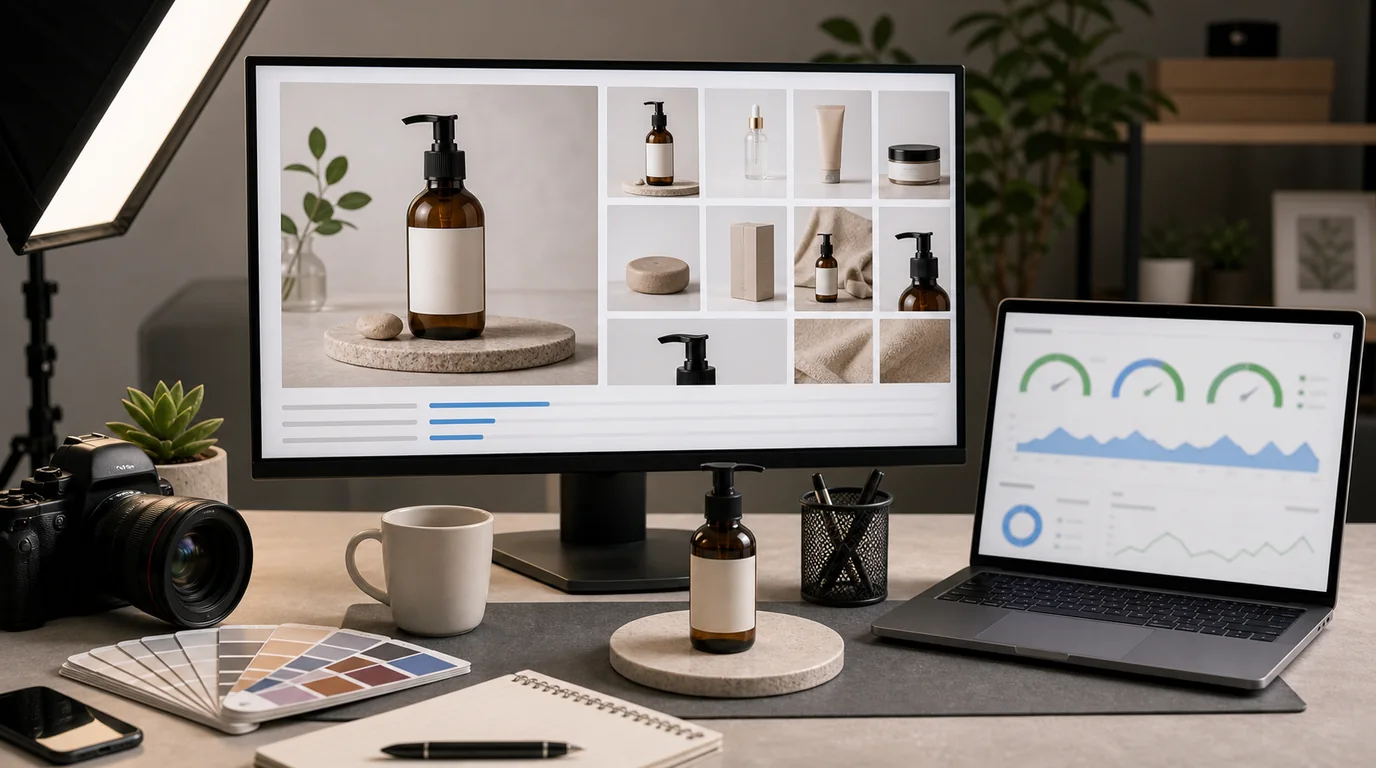
Audit product images for Core Web Vitals by focusing on LCP, CLS, perceived speed, and the buyer's need to inspect the product.
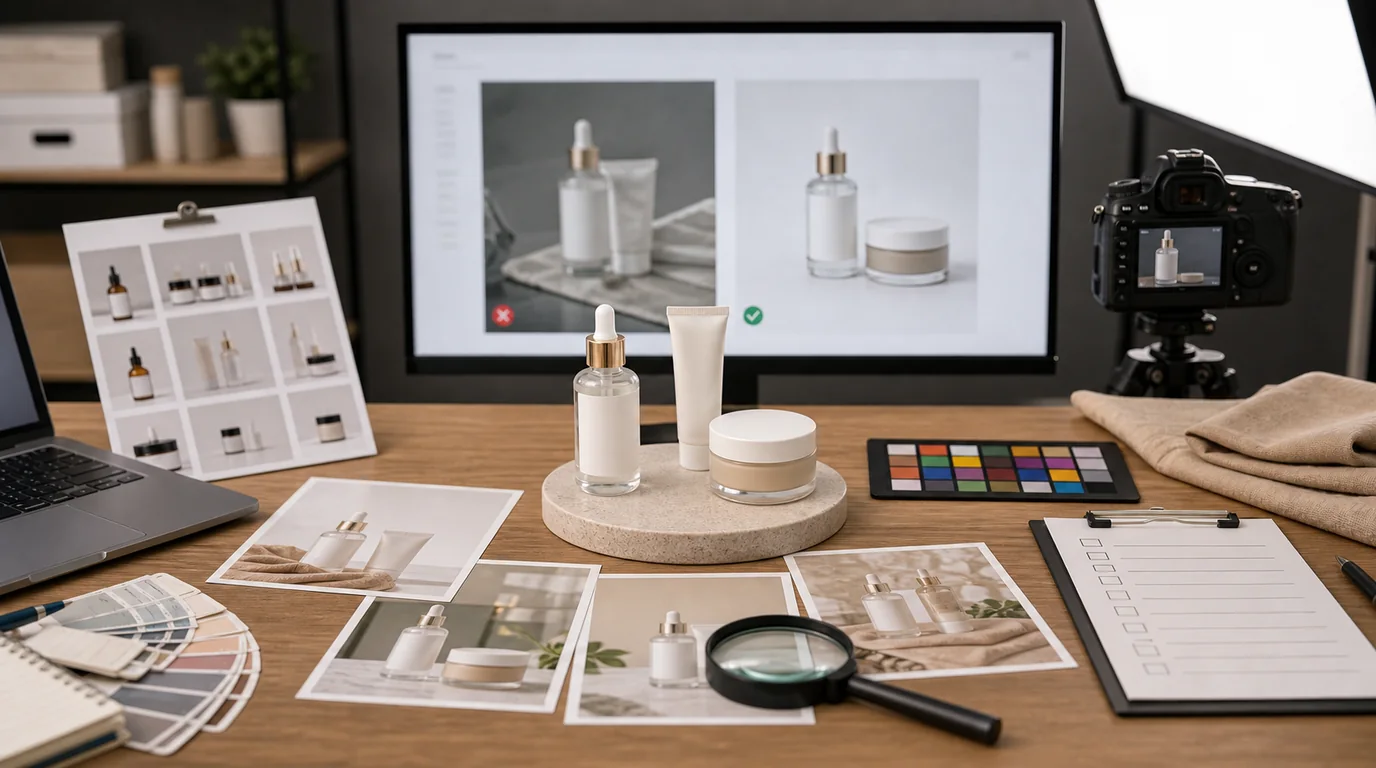
Use this checklist to approve AI product photos based on product truth, brand fit, page usefulness, and customer trust.
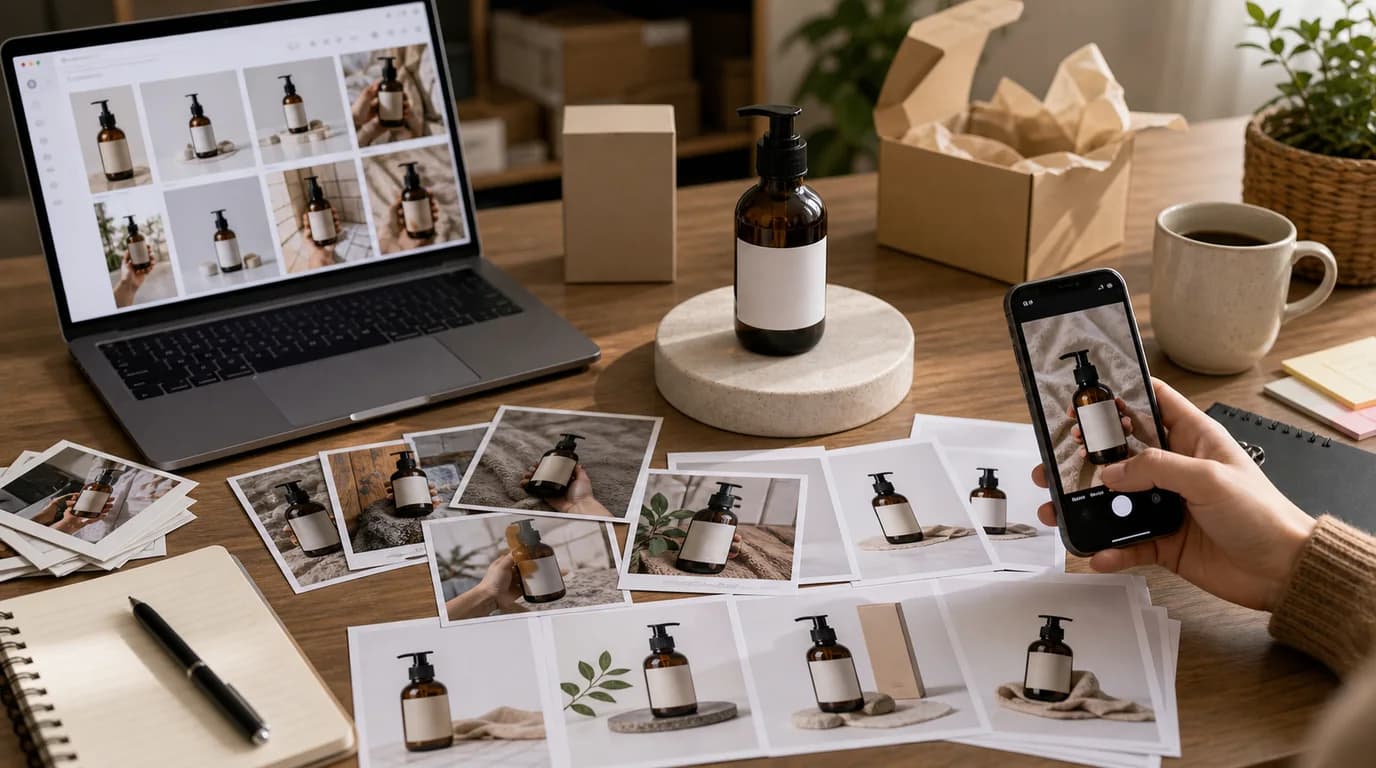
Use UGC and AI product photos together without confusing shoppers, weakening trust, or making product pages feel artificial.

Design AI image disclosure as a trust experience by matching the label to customer risk, product category, and page context.
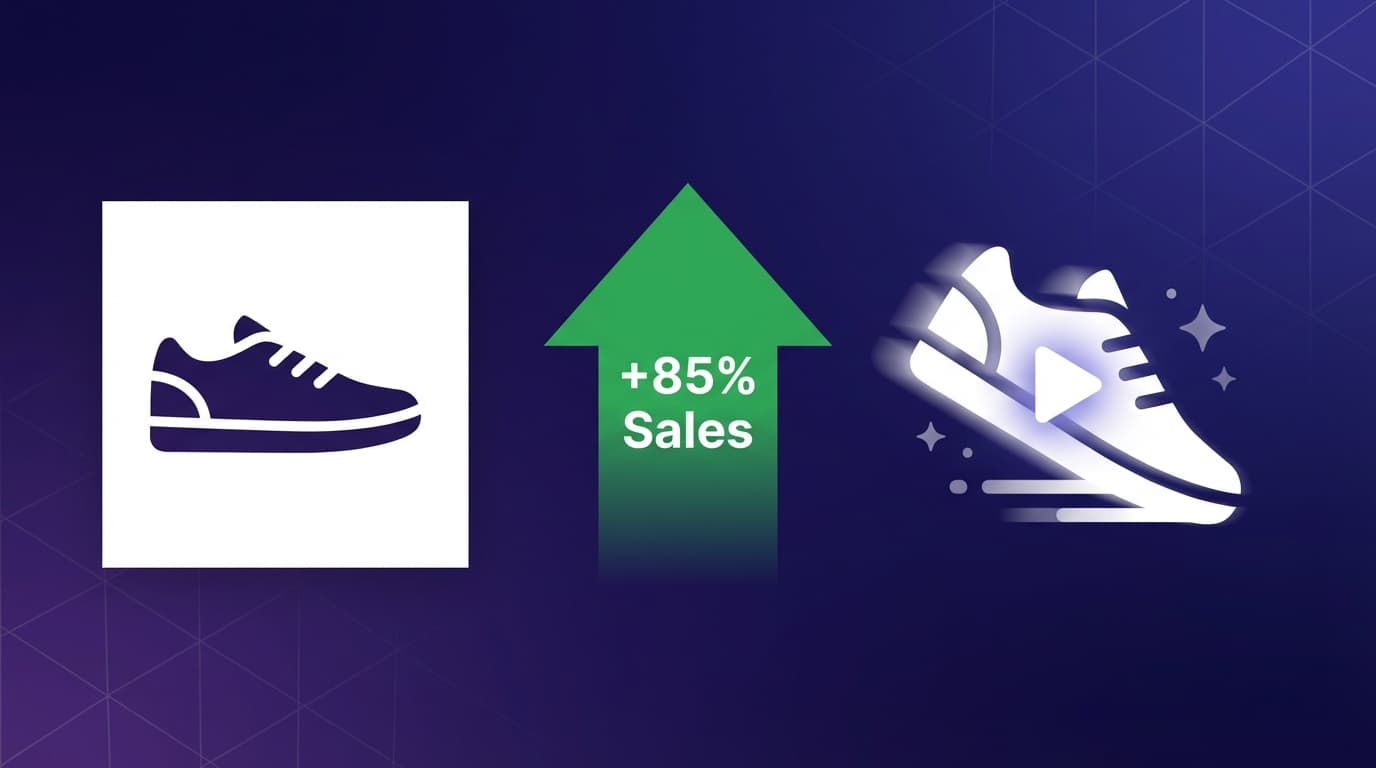
Research shows product videos increase purchase rates by 85% and add-to-cart by 37%. Learn how AI animation makes video affordable for every seller.
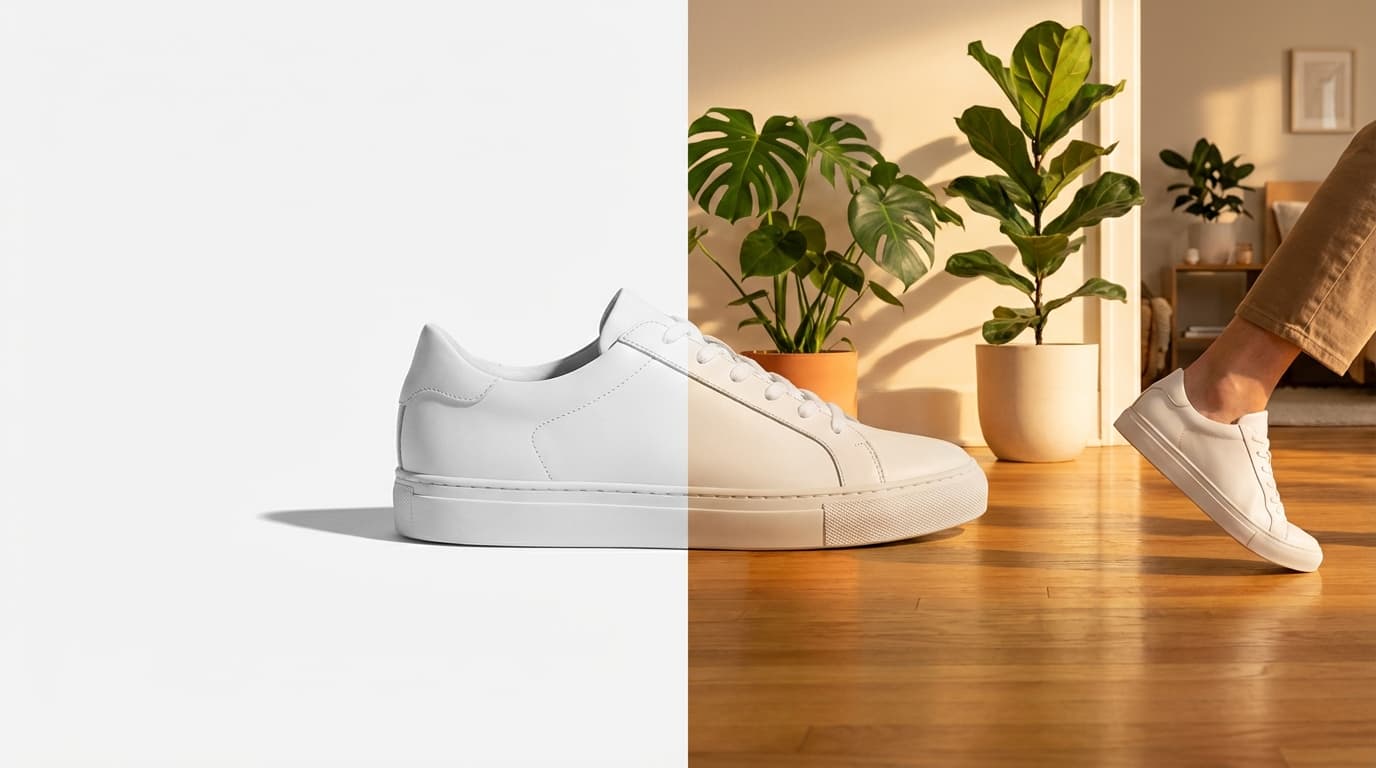
Take a plain product-on-white image and turn it into scroll-stopping lifestyle photography using GESTEL's AI tools — no photoshoot required.
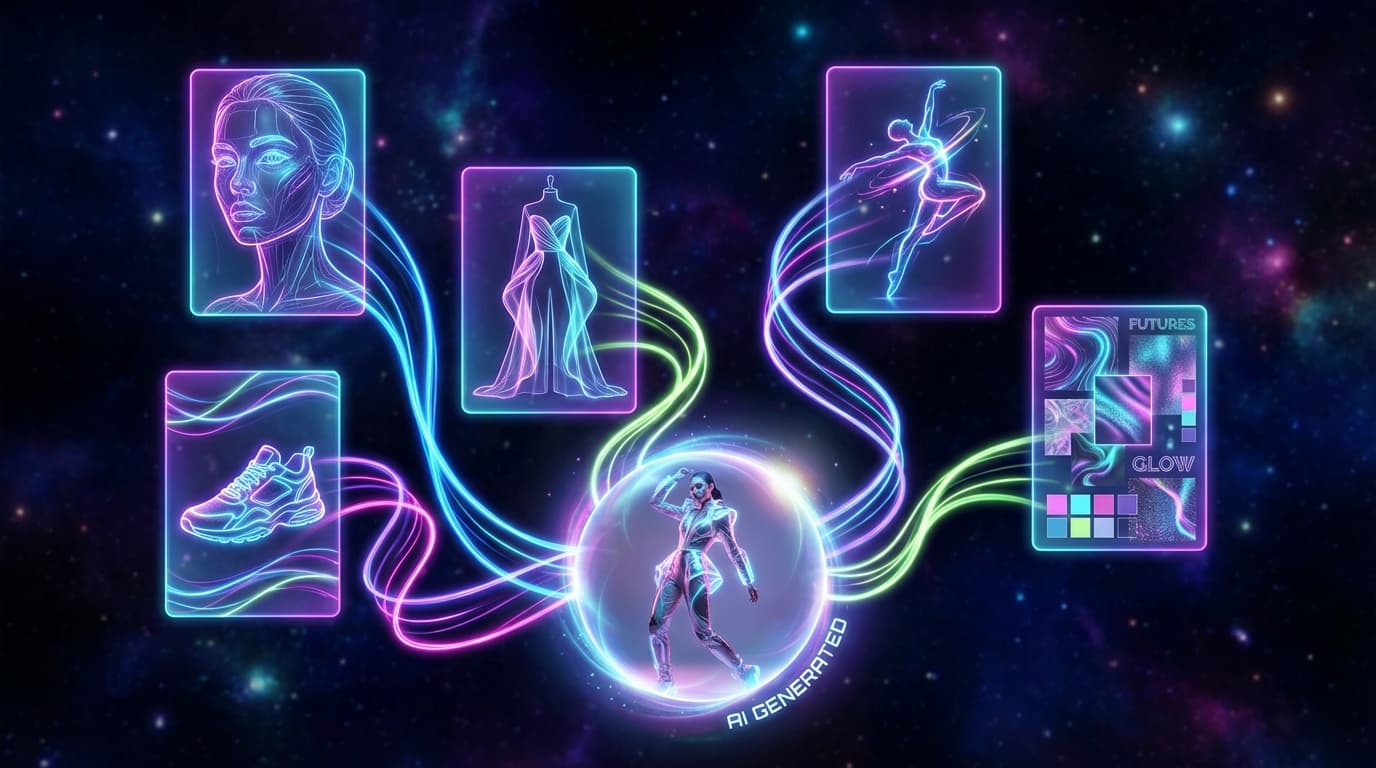
GESTEL's Create tool uses categorized reference images to guide AI generation. Here's how each category works and how to combine them for precise results.
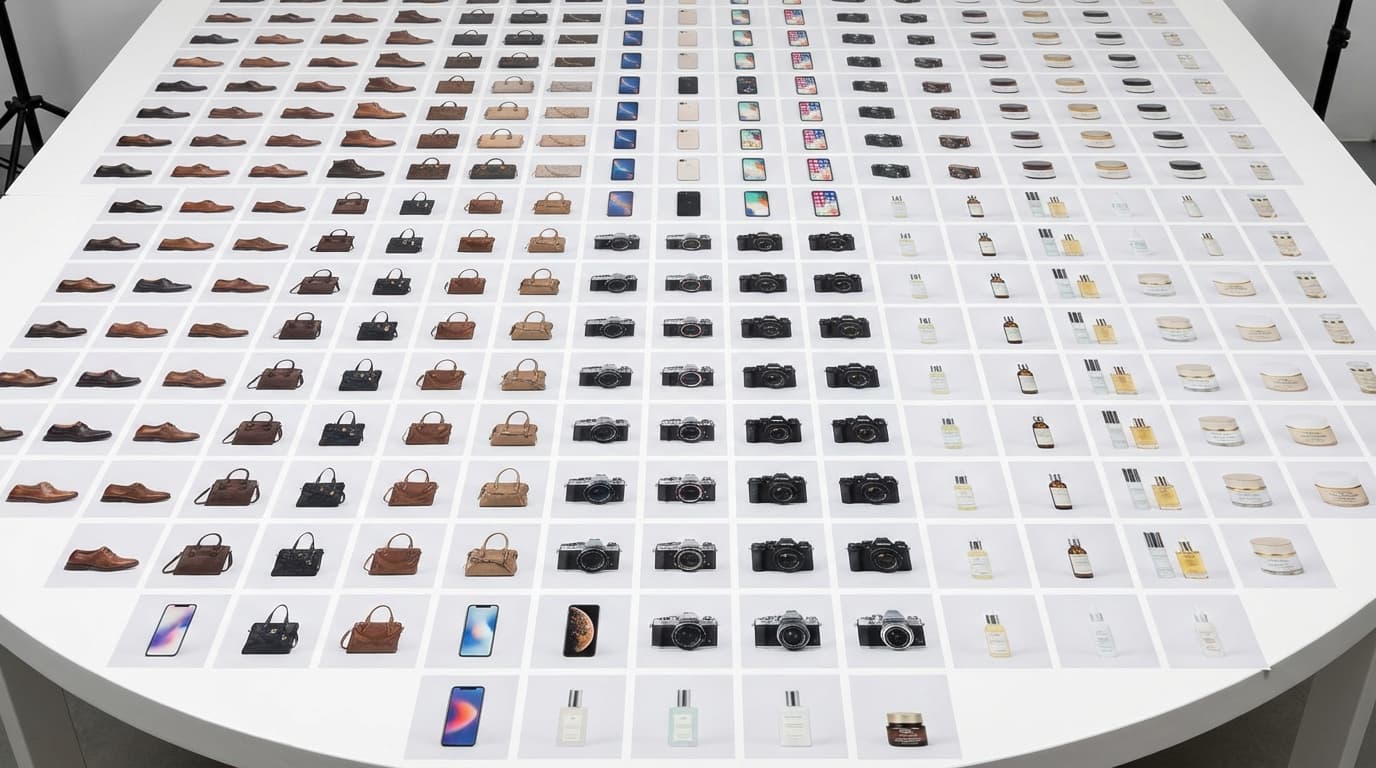
How to scale AI product photography from one-off images to full catalog production. Workflows, prompts, and strategies for processing hundreds of products efficiently.
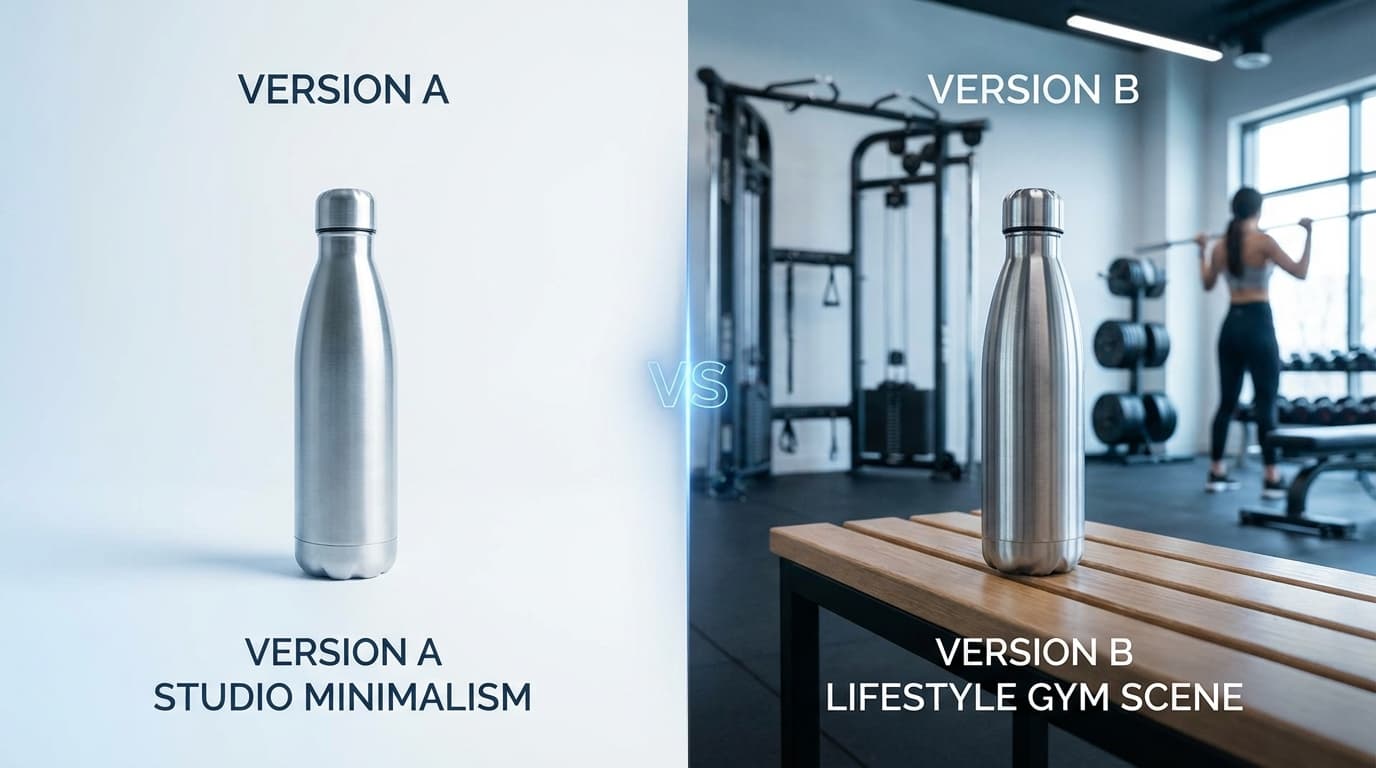
AI image generation makes it cheap and fast to produce product photo variants for A/B testing. Here's how to test systematically and interpret the results.
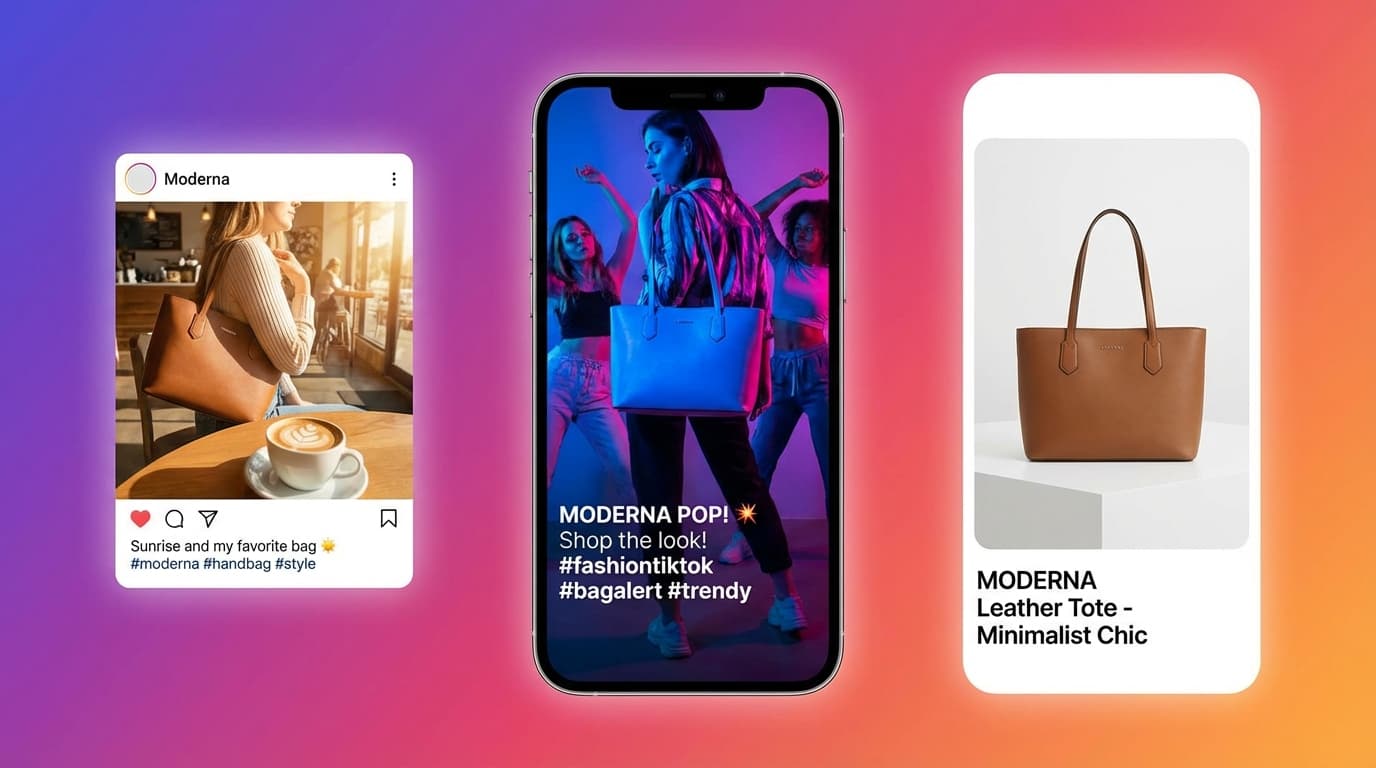
Each social platform has different image requirements and aesthetics. Here's how to use AI to create platform-optimized product photos that actually perform.
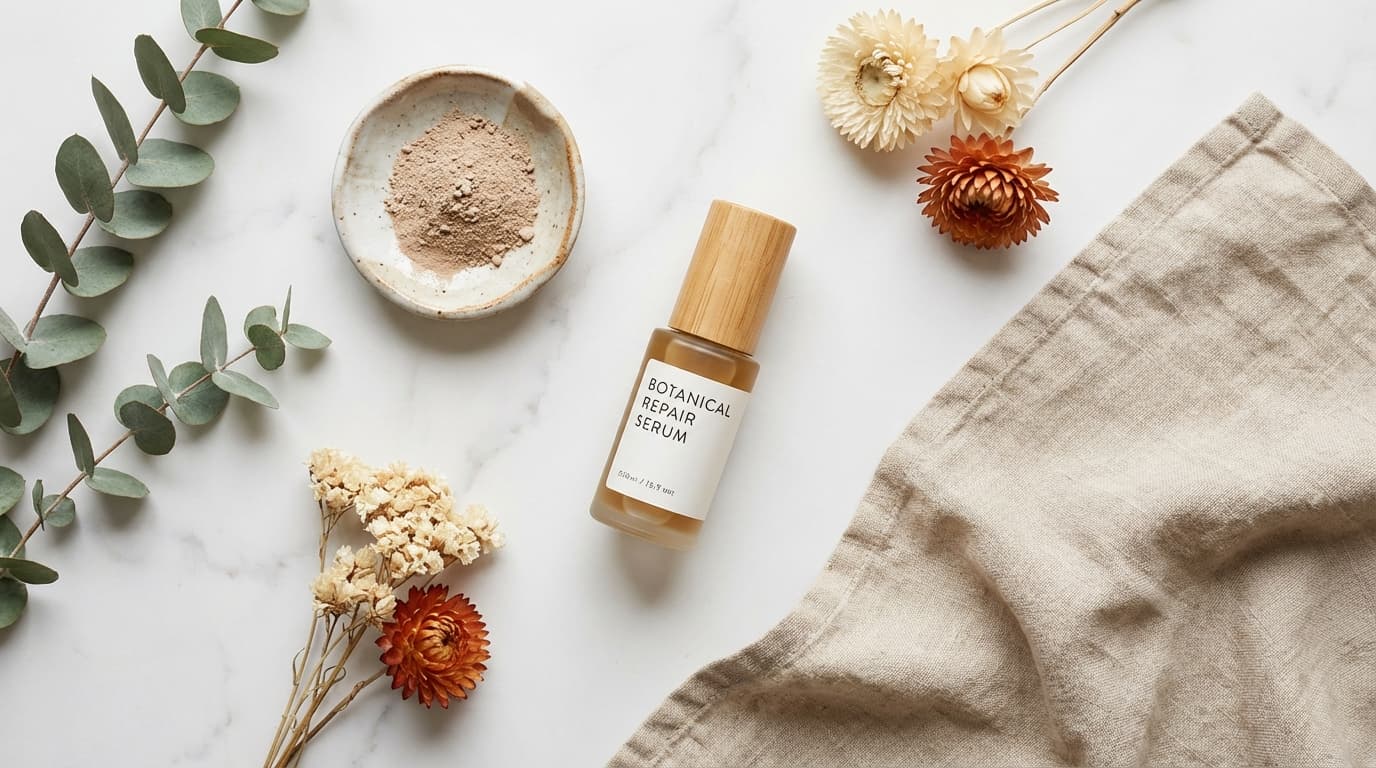
Flat lay photography is one of the most popular product image styles on social media and e-commerce. Learn how to create stunning flat lays with AI tools.
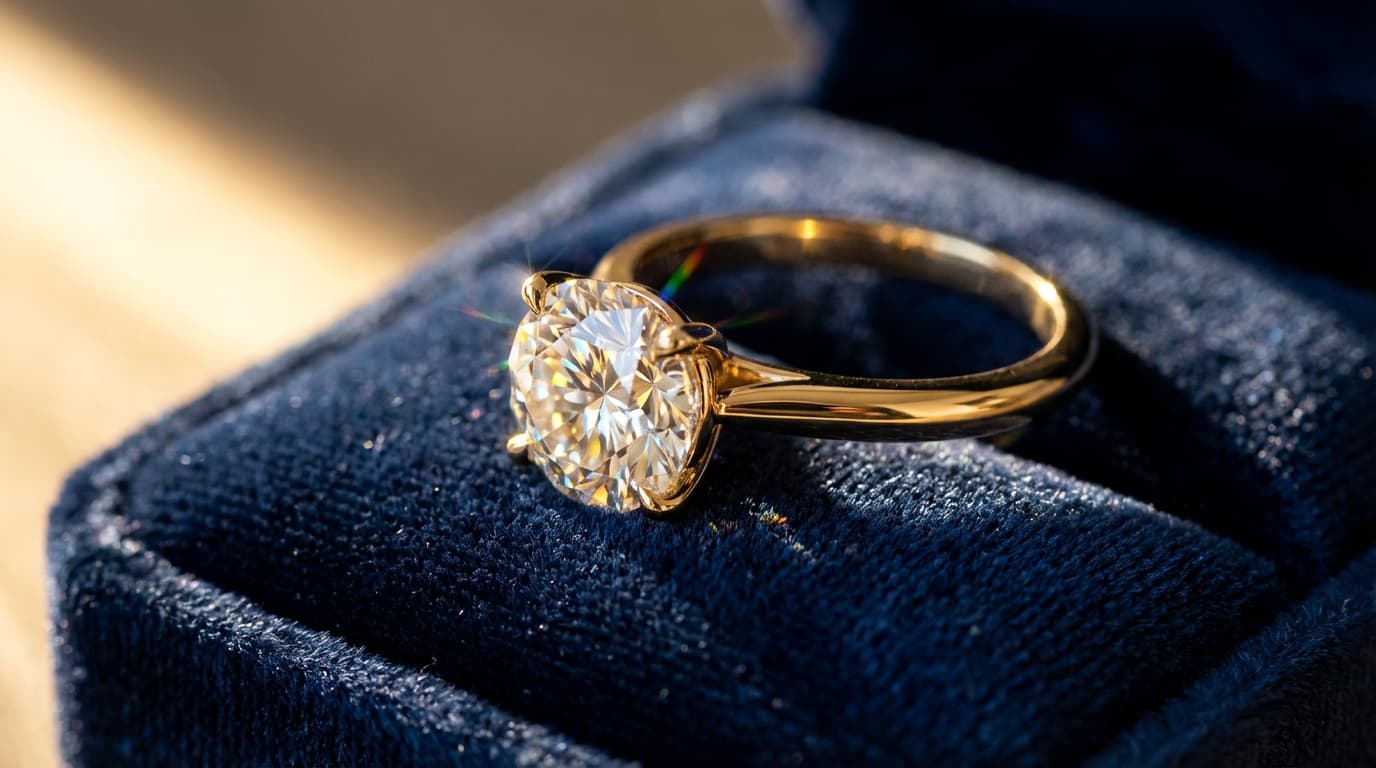
Jewelry is one of the hardest product categories to photograph. Here's how AI tools handle the unique challenges of shooting rings, necklaces, watches, and gemstones.
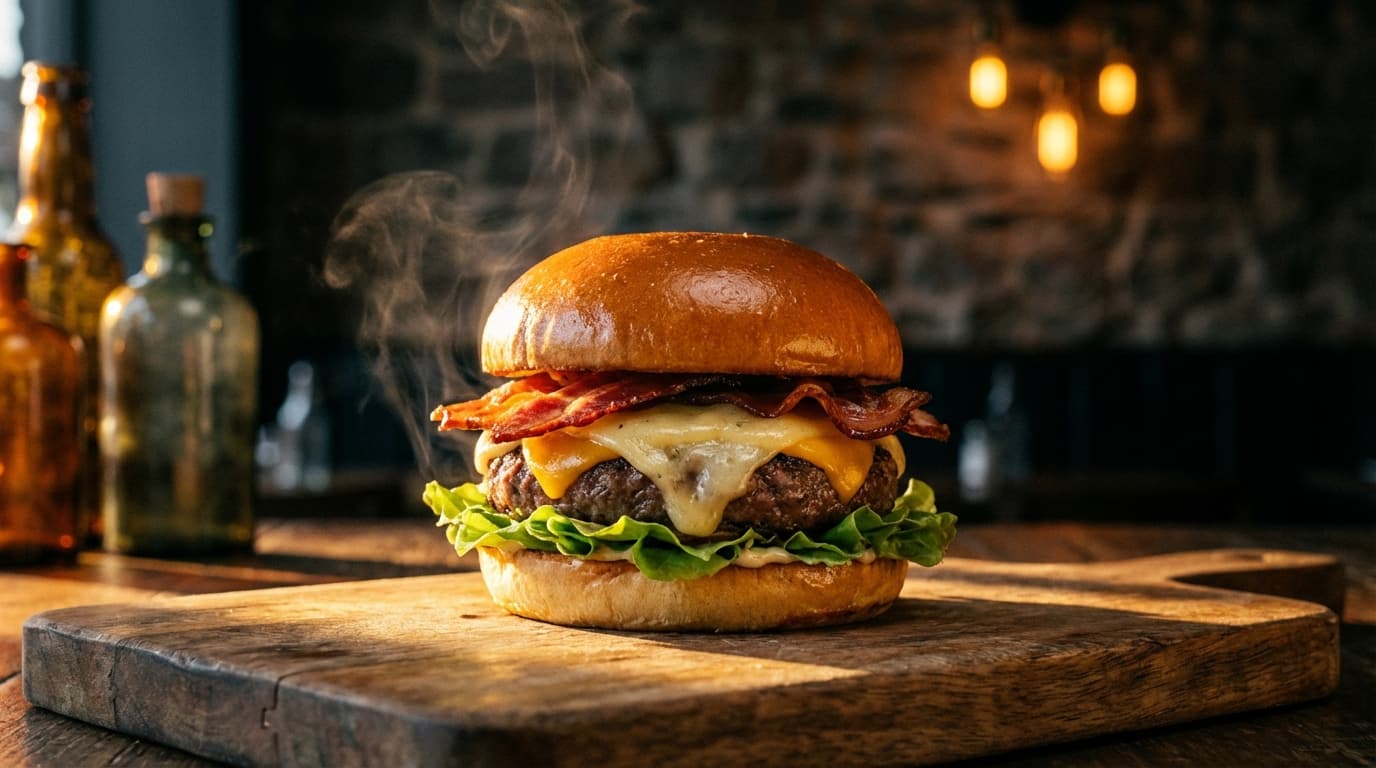
Professional food photography is expensive and perishable. AI tools let restaurants and food brands generate appetizing menu images at a fraction of the cost.
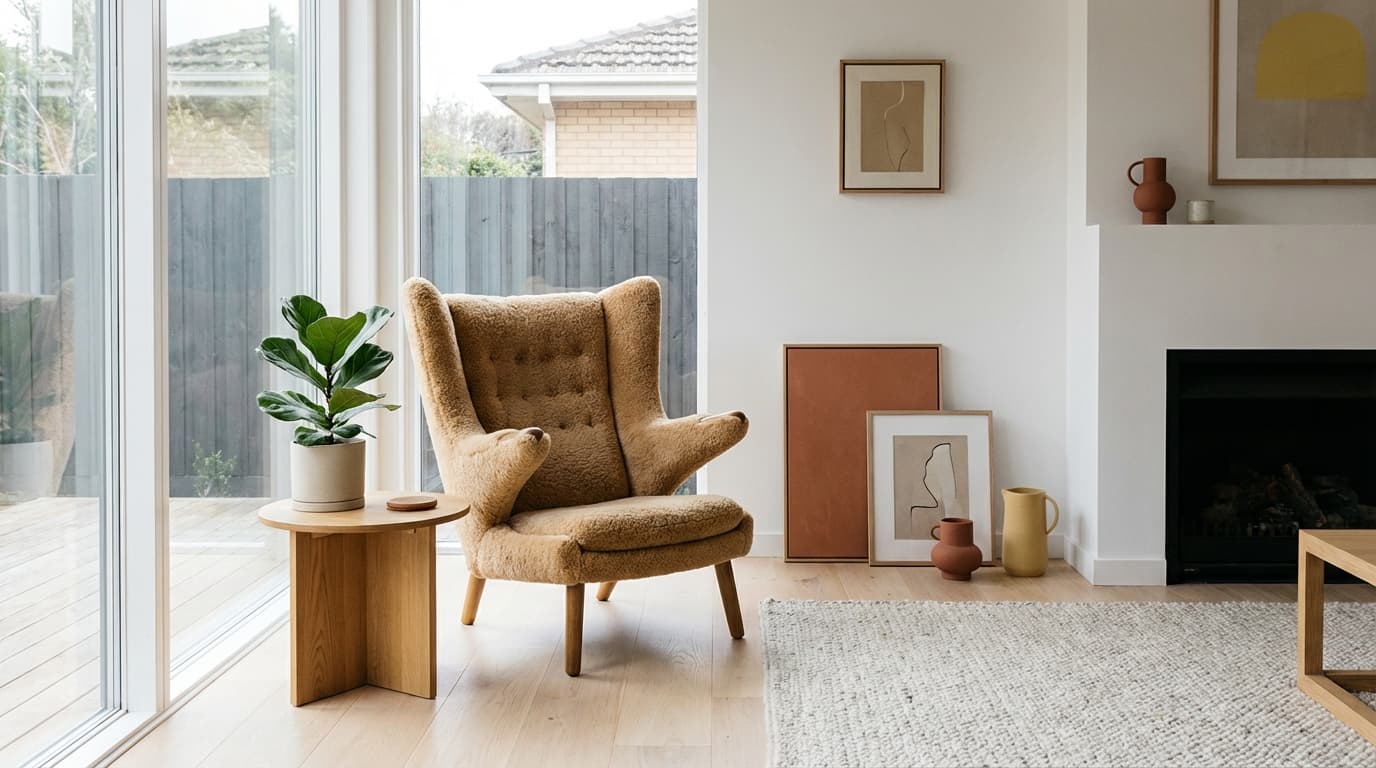
Furniture photography requires room-scale context that's expensive to produce traditionally. AI scene placement and generation make it practical for every product.
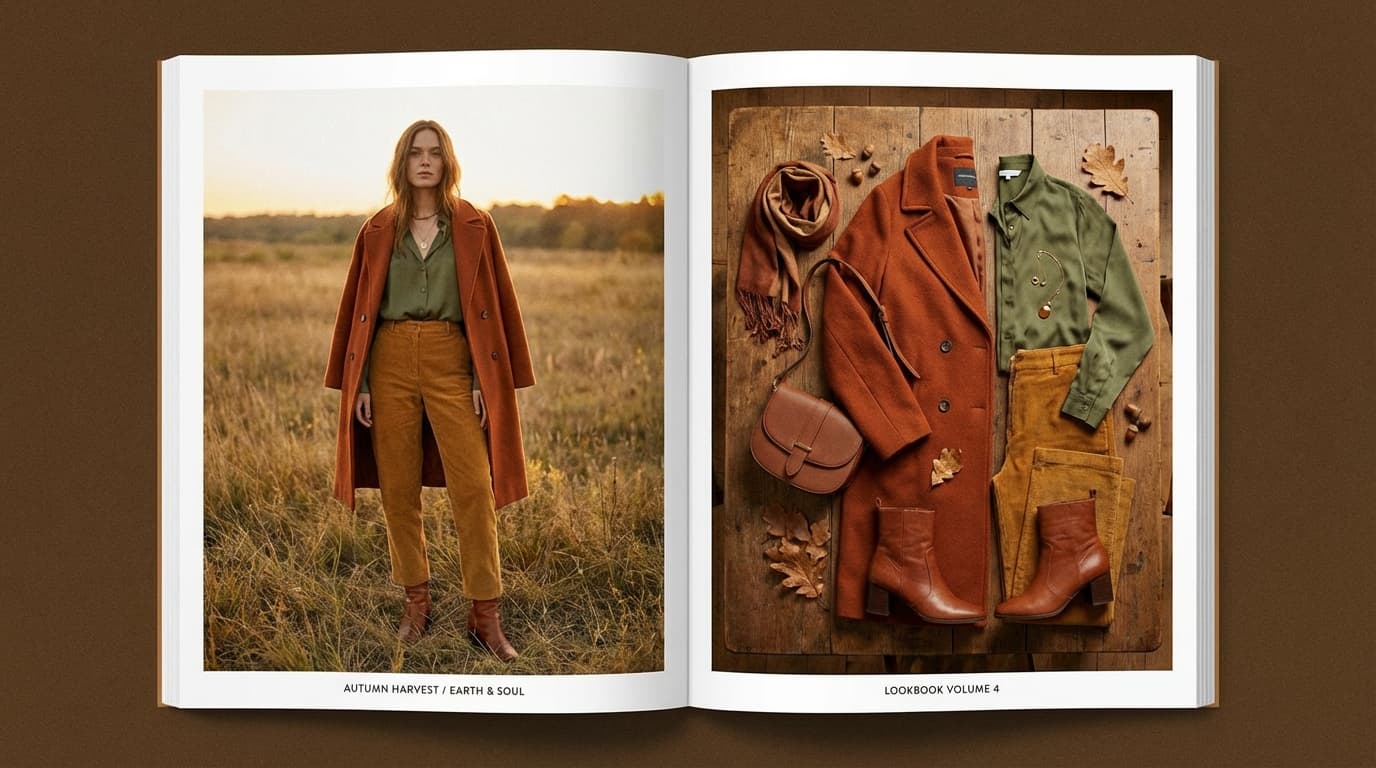
AI tools can generate cohesive fashion lookbooks with consistent models, styling, and brand aesthetic — at a fraction of the cost of a traditional editorial shoot.
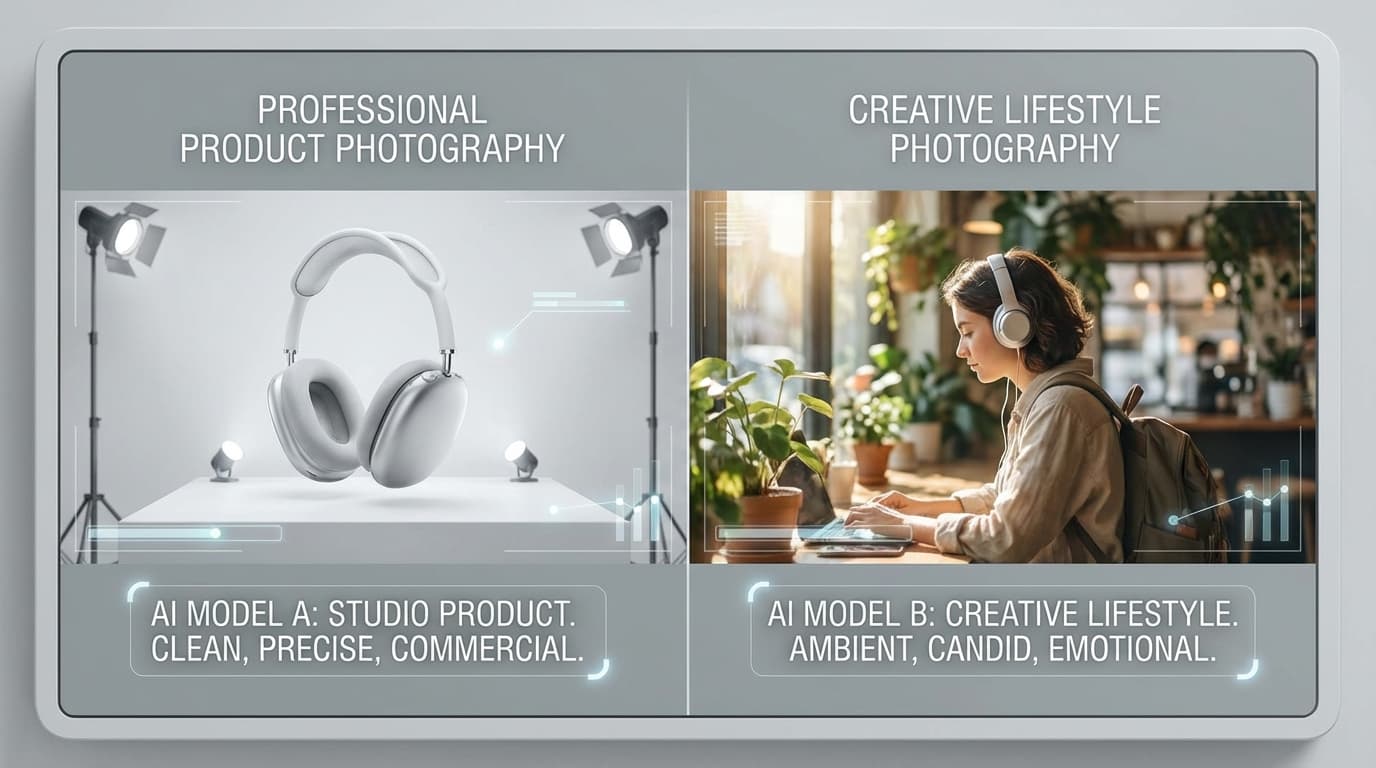
GESTEL offers two image generation engines — Pro and Klein. Here's when to use each, how their prompting styles differ, and how to get the best results from both.
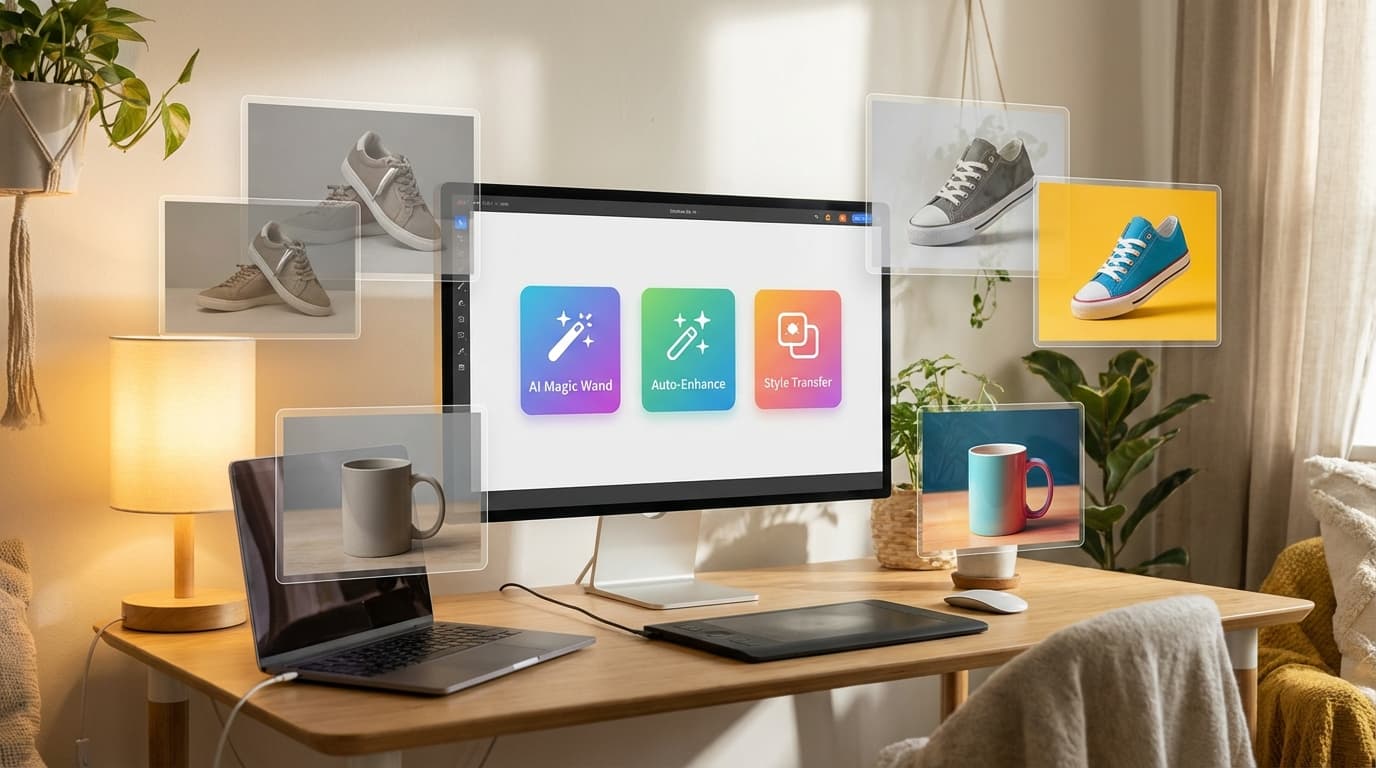
New to AI image editing? Here's a practical walkthrough of every tool available — background removal, upscaling, relighting, multi-angle generation, and vectorization — with tips on when to use each.
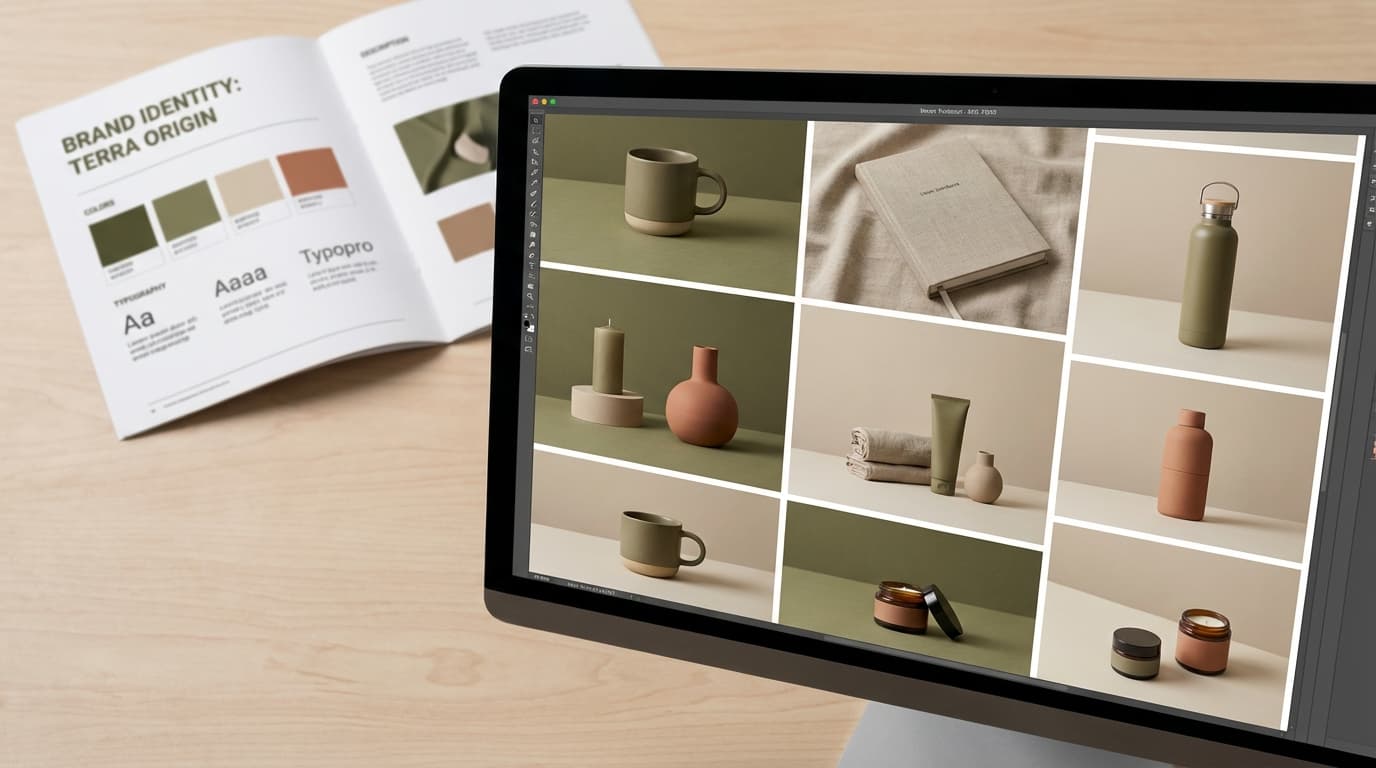
AI image generation makes it easy to produce product photos at scale — but consistency across your catalog requires a deliberate approach. Here's how to keep your brand look unified.
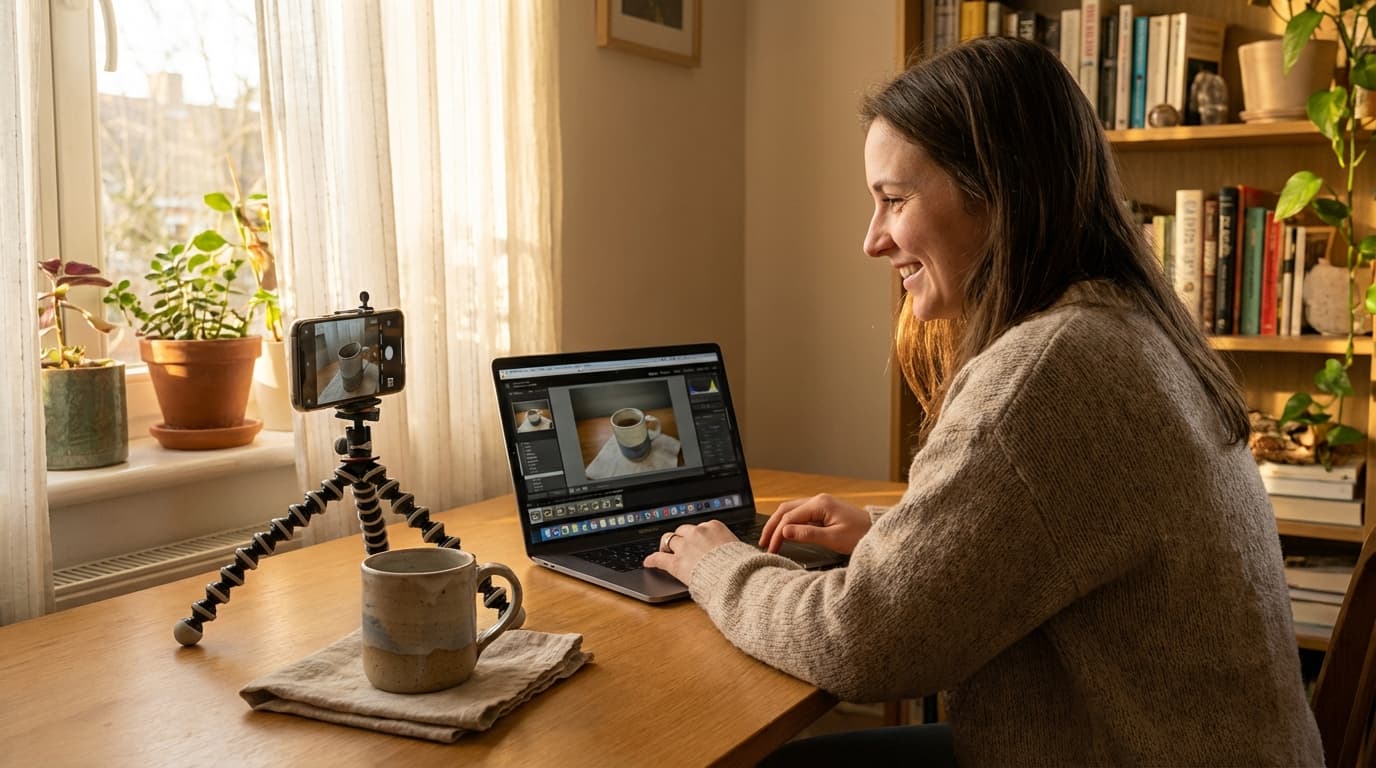
You don't need a studio or a big budget to create professional product images. Here's how small sellers can use AI tools to produce marketplace-ready photos from smartphone captures.
AI-generated product images raise questions about disclosure, intellectual property, and consumer trust. Here's what e-commerce teams need to know to use AI imagery responsibly.

Learn how AI scene placement lets you drop products into lifestyle contexts — kitchens, offices, outdoors — without a physical photoshoot.
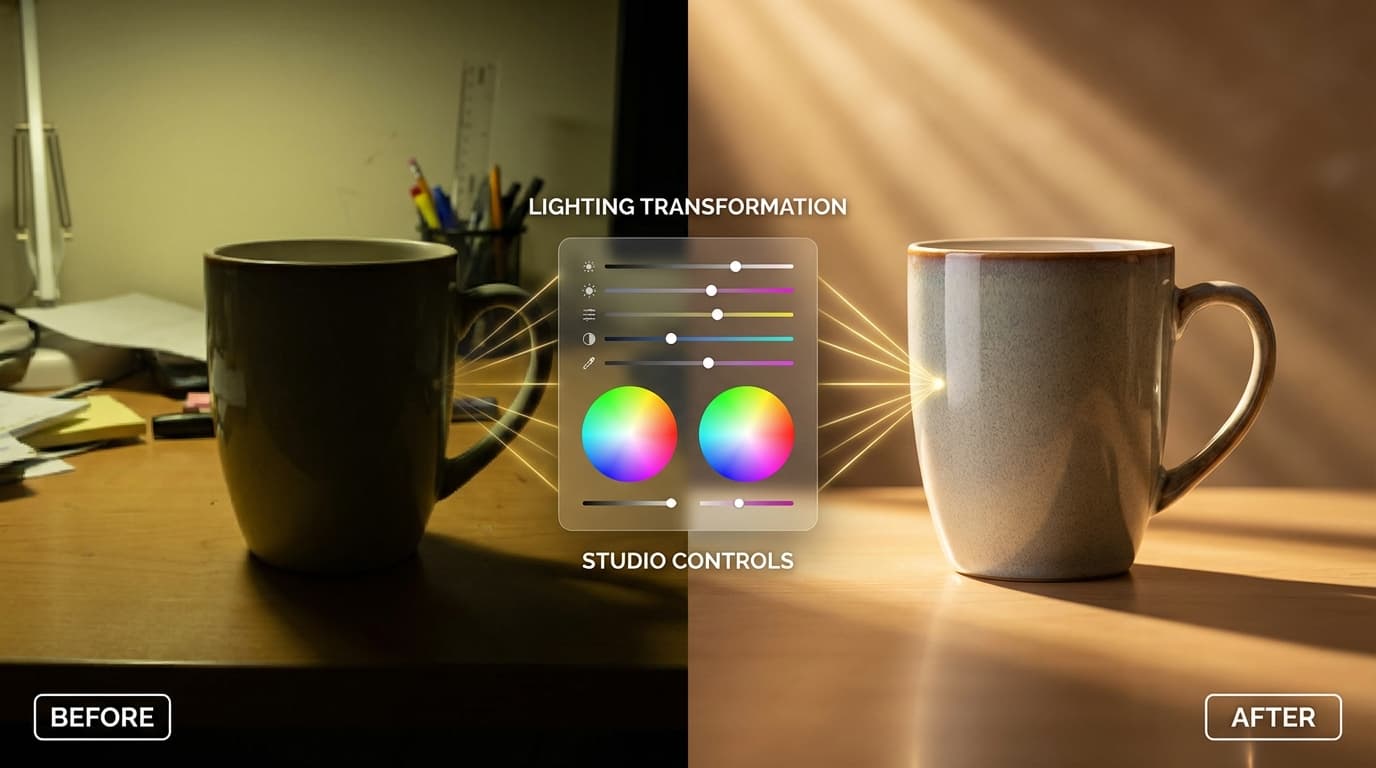
Bad lighting ruins product photos. AI relighting lets you change light direction, intensity, and quality after the shot — no reshoot needed.
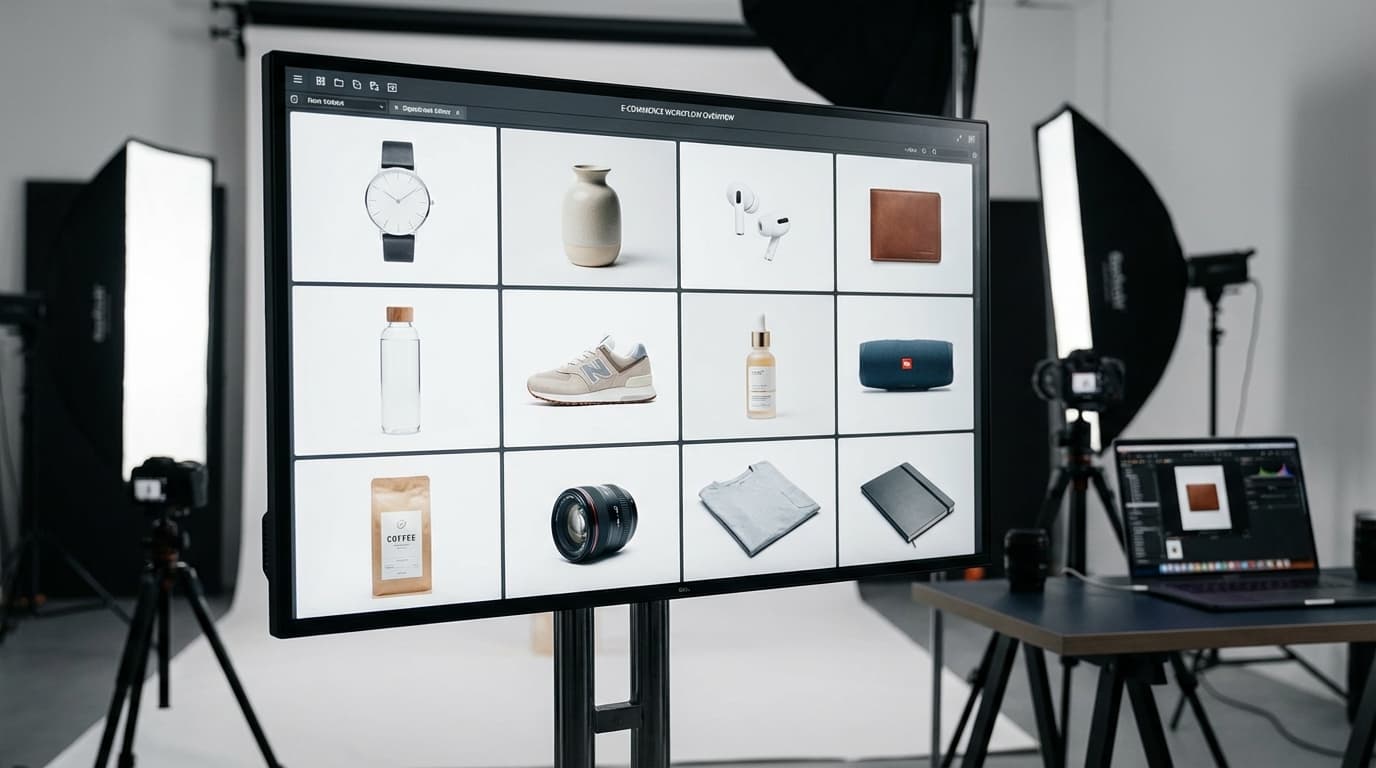
How to use AI image generation to create consistent, high-quality product photos at scale without a physical studio.
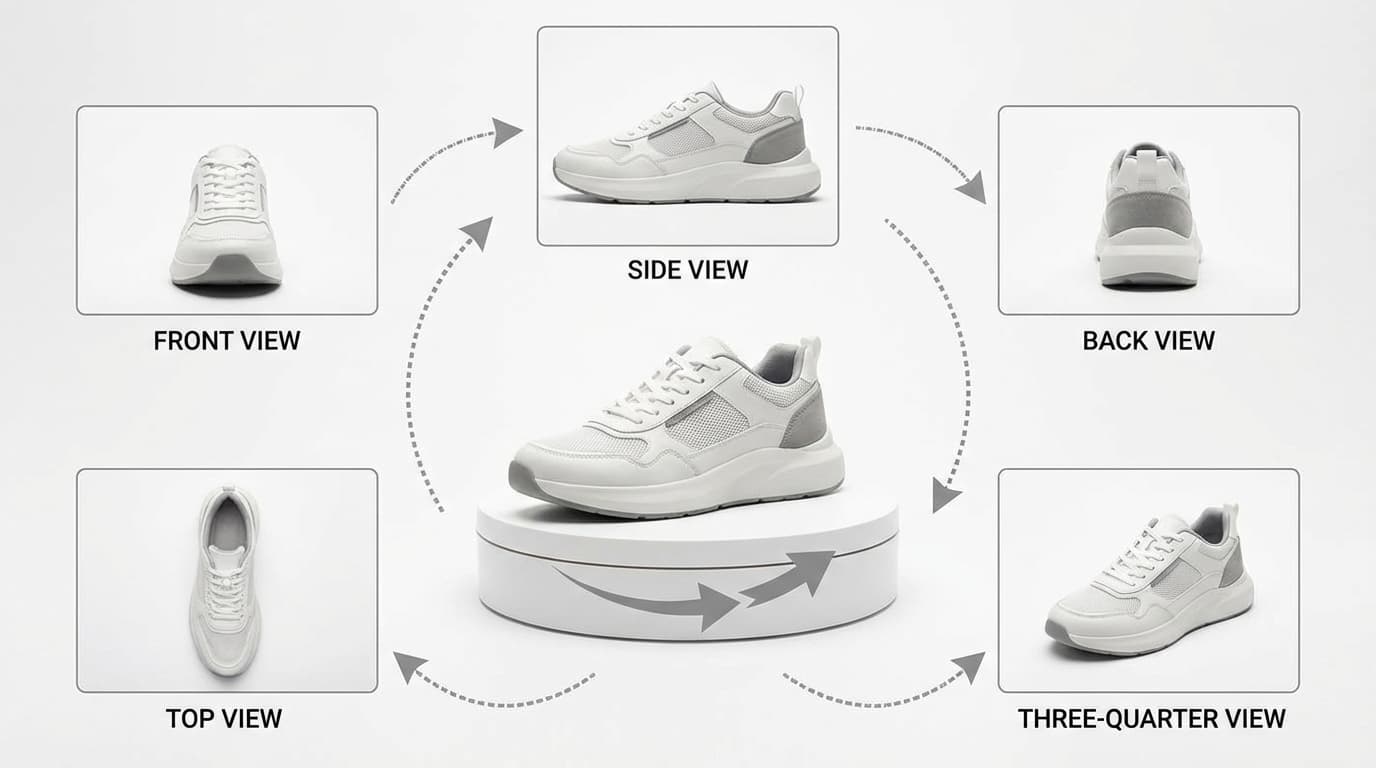
AI can generate front, side, back, and detail views of your product from a single reference photo — reducing the need for multi-angle photoshoots.
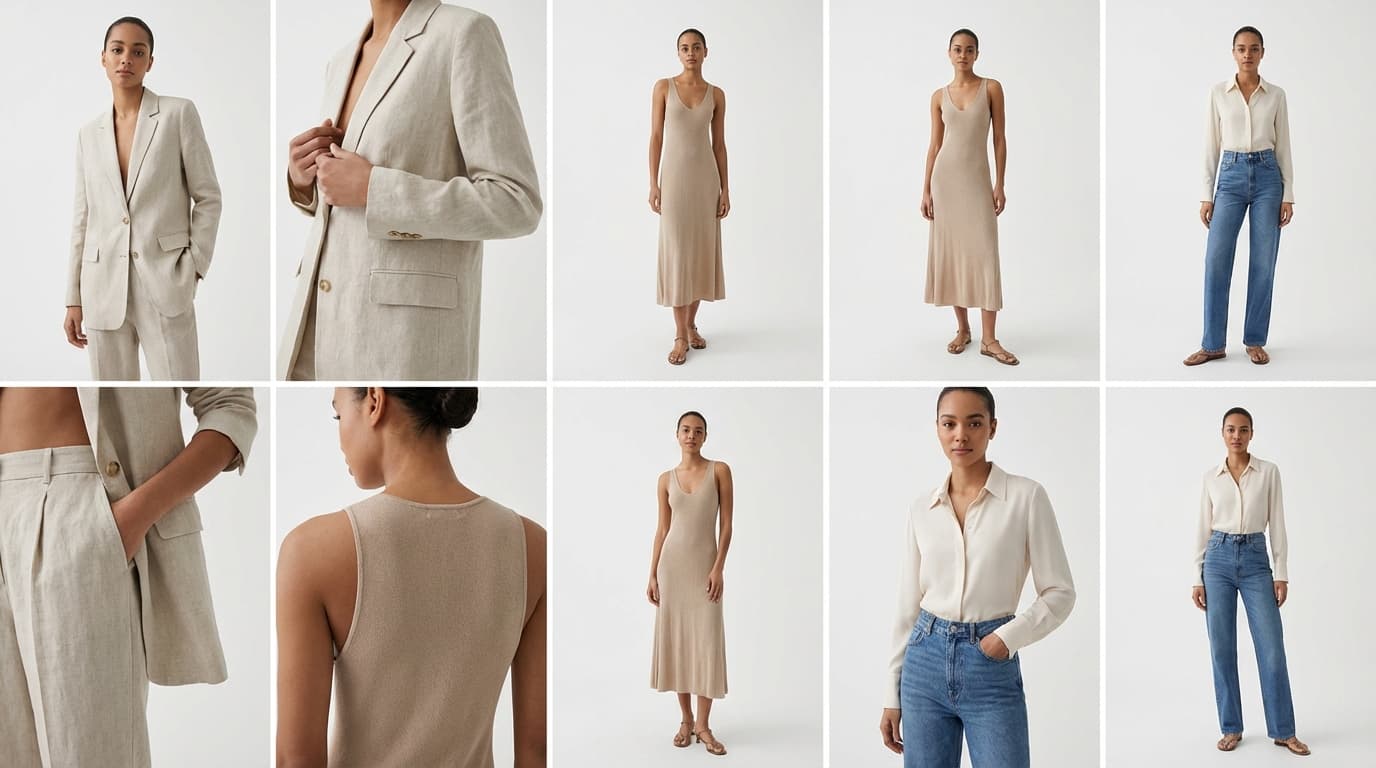
Generate realistic on-model product imagery using AI — no casting, studio, or photoshoot required.
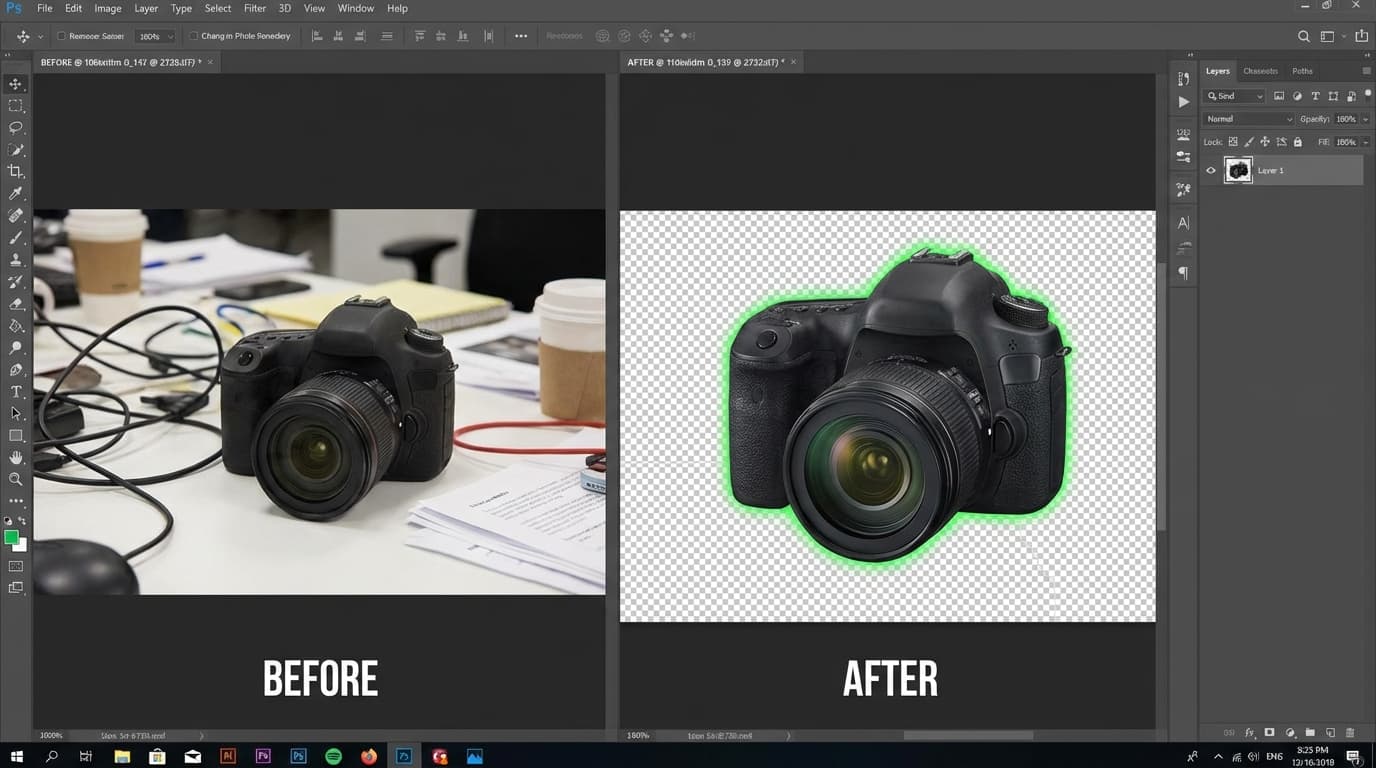
Get cleaner cutouts and transparent backgrounds from AI background removal with these practical tips.
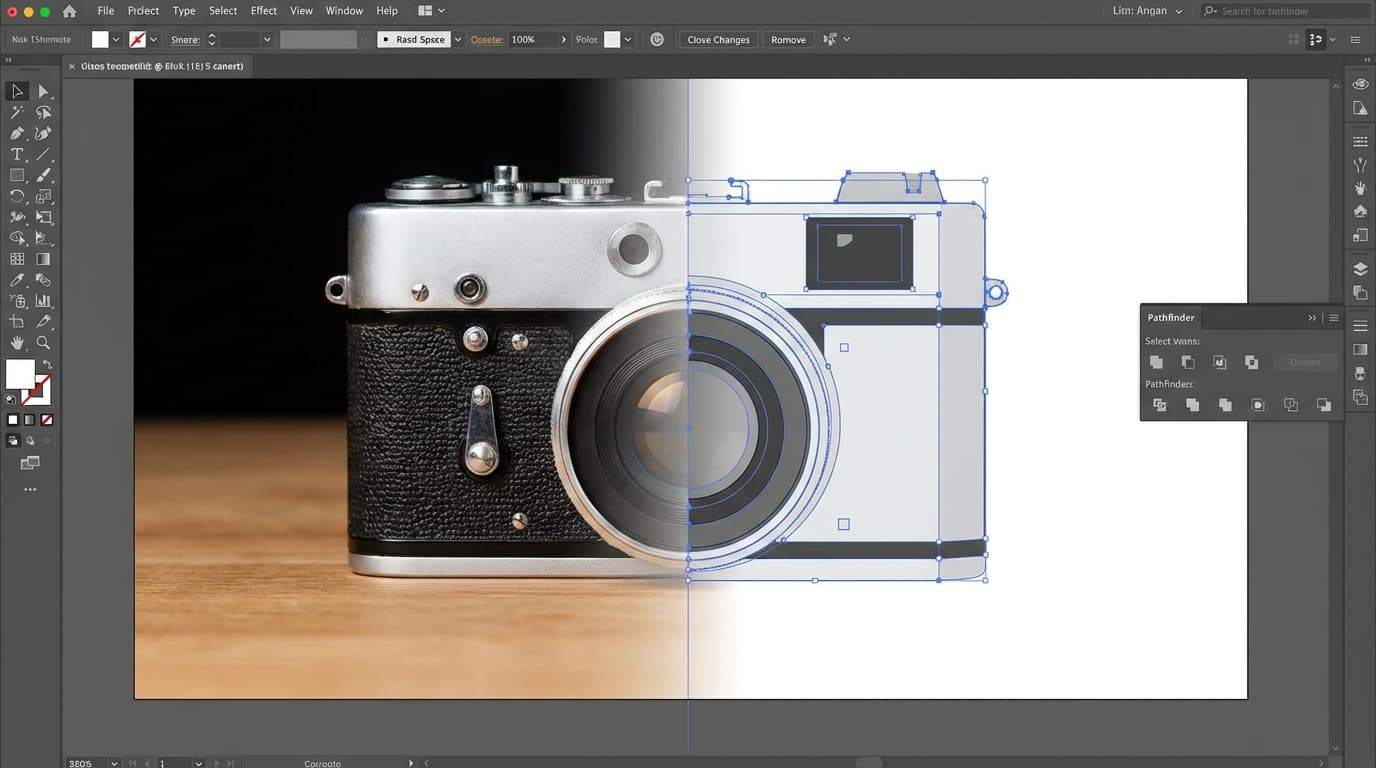
AI vectorization converts raster product images into scalable SVG files — perfect for logos, packaging, and responsive web assets.
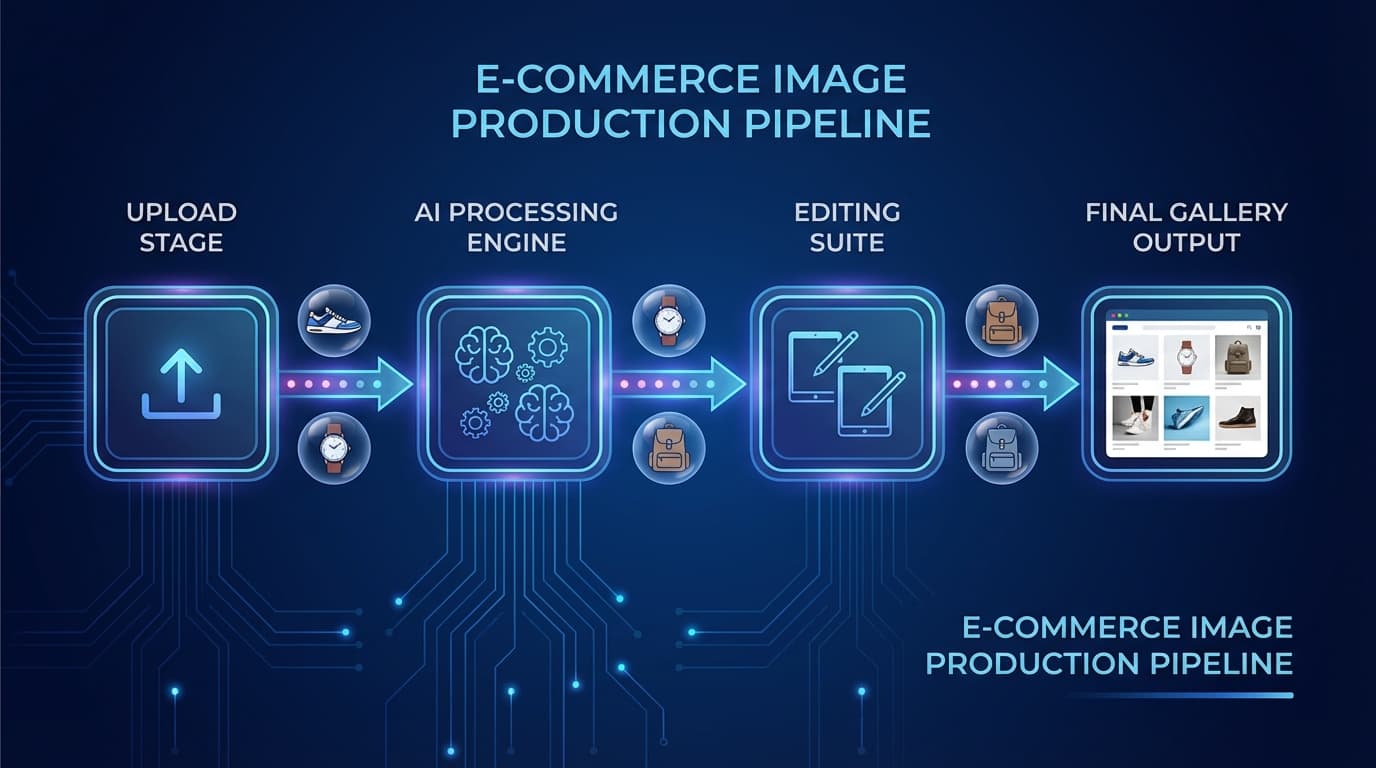
A step-by-step workflow for using AI tools to create, edit, and optimize product images — from raw photos to marketplace-ready assets.
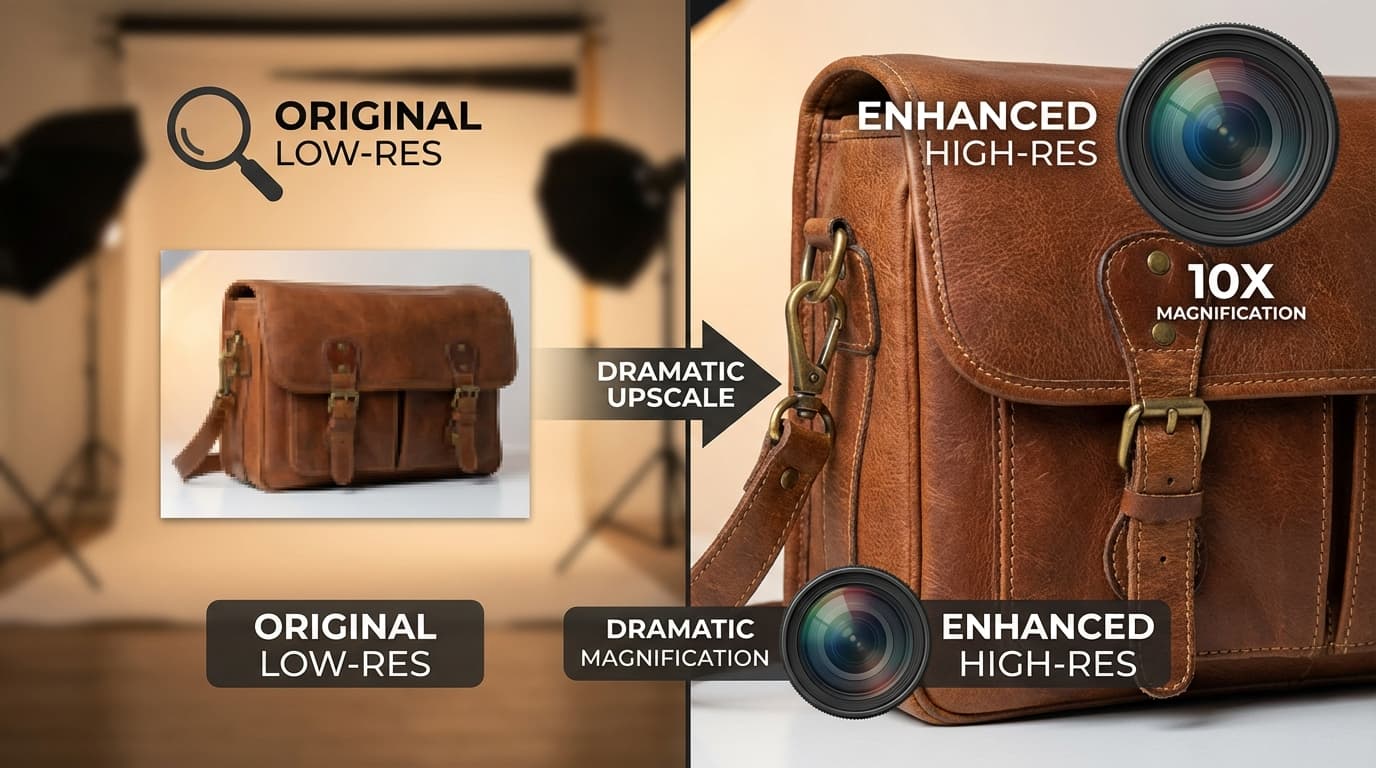
AI upscaling can rescue low-resolution images, but it's not always the right tool. Here's when it helps and when it doesn't.
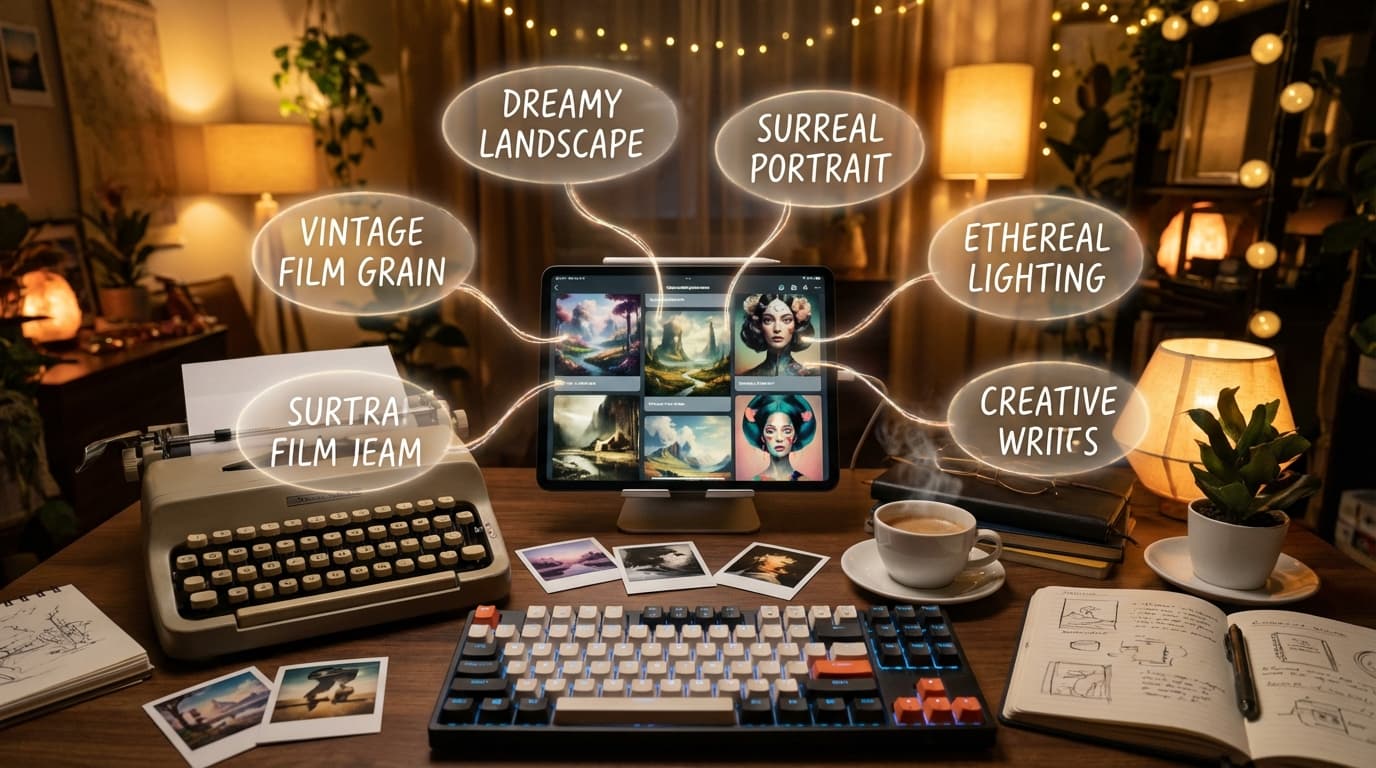
The right prompt turns a generic AI image into a studio-quality product shot. Learn the keywords and structures that make the biggest difference.
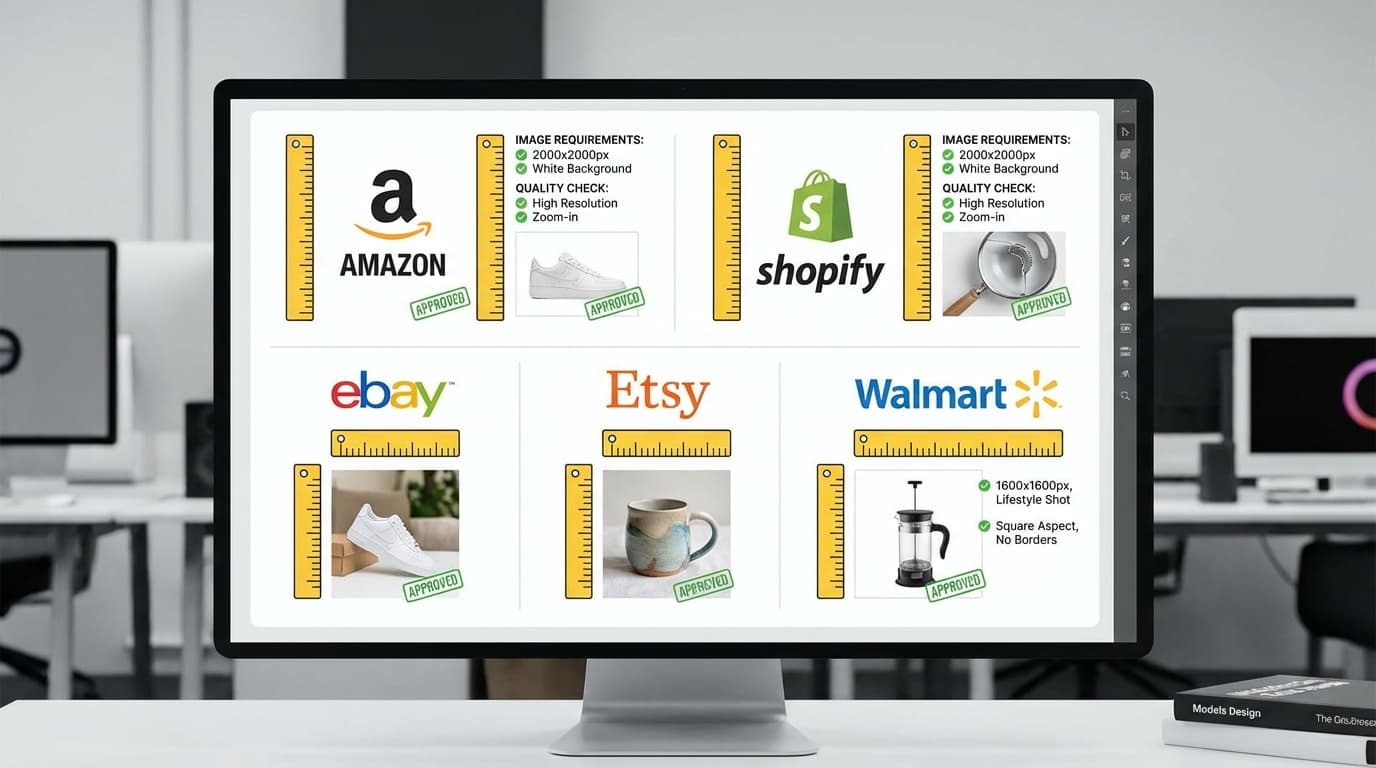
Every marketplace has different image rules. Here's a platform-by-platform breakdown and how AI tools help you meet every requirement efficiently.

AI scene swapping and style variations make it easy to create seasonal product imagery — spring, summer, fall, holiday — without reshooting.
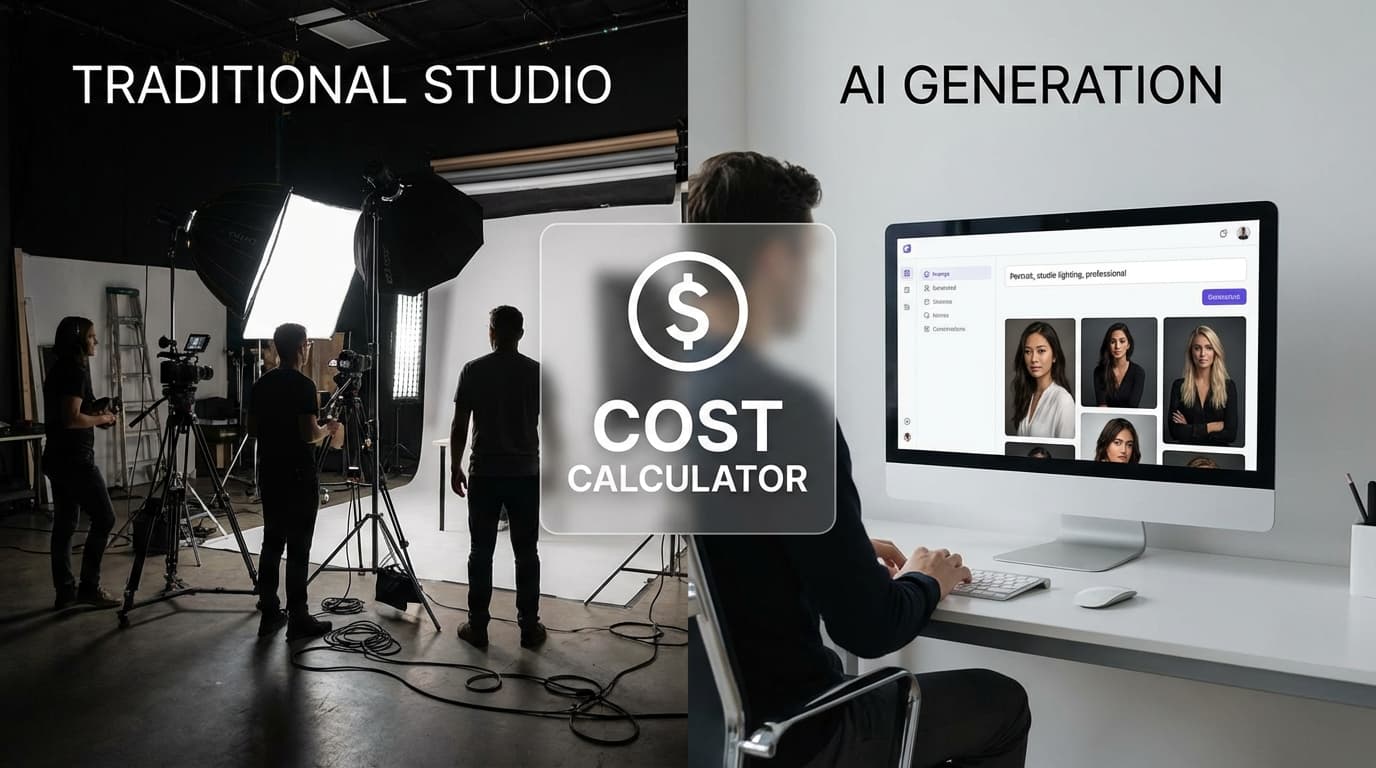
A side-by-side look at the costs, timelines, quality, and trade-offs of AI-generated vs. traditionally photographed product images.