
TikTok Shop Product Photo Guide for Discovery Commerce
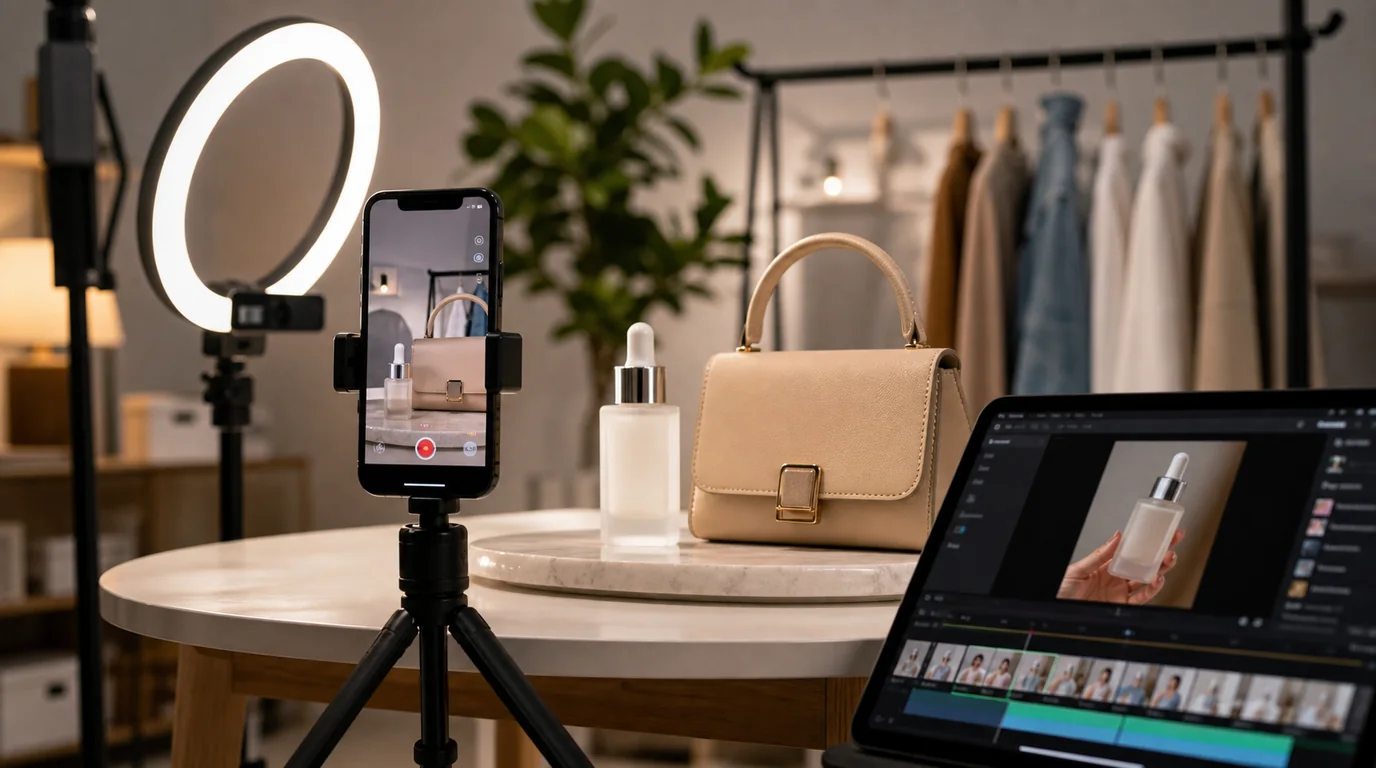
TikTok Shop images live after the hook
TikTok Shop product photos have one main job: confirm that the item from the video is real, understandable, and worth buying now. The first spark usually happens earlier — in a creator video, live stream, or short clip — so the photos close the gap between that hook and checkout rather than trying to create desire from scratch.
This makes TikTok Shop images different from classic marketplace photography. They should feel native to the product story without becoming screenshots from a video.
Image set recommendation
- Main image: clear product hero that matches the video offer.
- In-hand or in-use image: proves scale quickly.
- Before-and-after or setup image: only when truthful and category-appropriate.
- Bundle image: shows exactly what the shopper receives.
- Texture or detail image: useful for beauty, fashion, accessories, and food.
- Social proof support image: awards, press, or creator quotes only when you have rights and evidence.
The key is continuity. If the video shows a pink bottle and the listing opens with a white studio rendering, the customer pauses.
GESTEL workflow
Use a still from your highest-performing video as creative direction, not as the final product image. In GESTEL, recreate the lighting mood with a cleaner product source photo. This gives you a polished commerce asset while preserving the TikTok-native feeling.
For fast-moving catalogs, create three background families: creator desk, bathroom or vanity, and package-on-color. Rotate them based on category instead of generating a new visual language for every SKU.
From video hook to product page
Map the image set to the moment that created demand. If the creator hook is a texture reveal, the listing needs a macro texture image and a clean package image. If the hook is a quick setup, include the parts laid out and the final installed state. If the hook is a transformation, show the starting condition only when truthful, supported, and allowed for the category.
Do not let the product page feel like a different campaign. Use similar lighting warmth, surface type, and product angle, but replace shaky video framing with stable commerce images.
What to avoid
Do not over-smooth products until they look like plastic renders. TikTok buyers are sensitive to authenticity gaps because they often came from a real-person video. Keep texture, fingerprints on reflective surfaces when appropriate, and realistic shadows.
Avoid making performance claims in the image unless the claim is approved and supported. Platform enforcement and category policies can change, especially for beauty, supplements, electronics, and health-adjacent products.
TikTok Shop QA
Compare the image set with the live video, creator brief, and actual SKU. The color, size, and bundle must line up across all three. Then review the first image with the product title hidden; a buyer should still understand what is being purchased after arriving from a video.
Link the image set to the funnel
For products that also run paid social, connect this workflow with Meta ads product photos with AI. TikTok Shop images need checkout clarity; ad images need scroll-stopping variation. They can share source assets, but they should not be identical.