
AI Perfume and Diffuser Photography for Scent You Cannot Show Directly
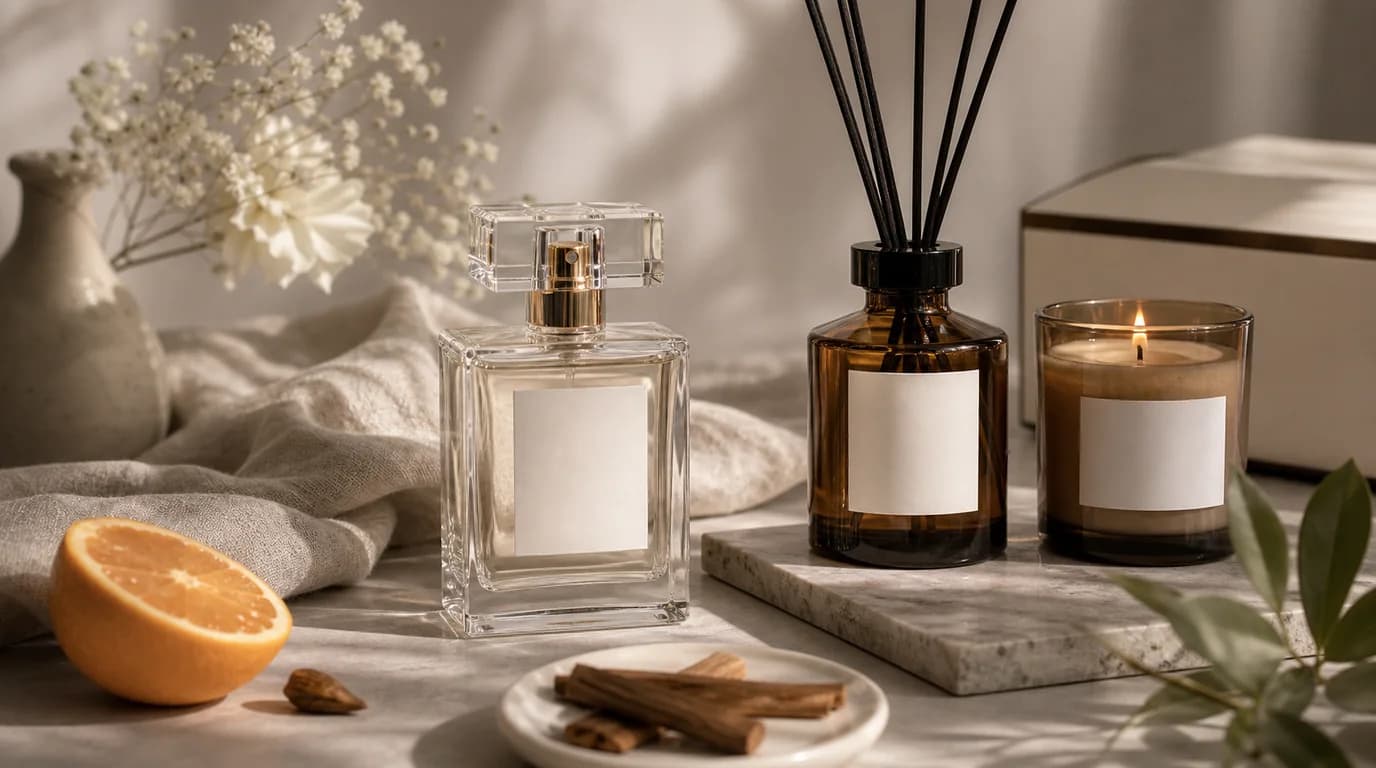
You cannot show a scent, so let the image sell everything around it: bottle silhouette, glass thickness, cap finish, liquid color, reed length, and the room or gifting setting — all while the label stays sharp. Fragrance photography has to move something invisible. It cannot prove how a perfume opens on skin or how a diffuser fills a room, but it can communicate concentration, materials, gifting value, and the personality of the scent.
With AI, the risk is overacting. Smoke, flowers, crystals, silk, and dramatic light can quickly make every fragrance look the same. Better perfume and diffuser images are specific: the glass thickness, cap finish, liquid color, label position, reed length, and room context all do real work.
Start with the container
For perfume, shoppers inspect the bottle as an object. They want to see the silhouette, atomizer, cap fit, label alignment, and liquid level. For diffusers, they check the vessel, reed count, oil color, opening, and whether the product will match their home.
AI backgrounds should frame those details, not bury them.
Shot ideas that carry scent cues
- Clean front image with controlled glass reflections
- Three-quarter bottle angle to show depth and cap shape
- Spray or mist-adjacent campaign image without covering the label
- Diffuser in a real room context, such as entry table, bathroom shelf, or bedside
- Gift set image with box, ribbon, card, or seasonal wrapping
- Ingredient mood scene using only notes the product actually claims
- Scale image beside a hand, tray, book, or small vase
Using GESTEL without losing the bottle
Upload a product image where the glass edge is visible and the label is sharp. In GESTEL, ask for a specific surface and lighting style: polished stone, warm wood, mirrored acrylic, hotel bathroom counter, or minimal gift table. For transparent bottles, keep the background simple enough that the liquid color remains readable.
Diffusers need special attention to vertical lines. Reeds should look straight, inserted into the vessel, and consistent in length. If the generated room adds extra sticks or bends them unnaturally, regenerate or simplify the scene.
Create one image for the object and one image for the atmosphere. The object image should prove cap fit, label alignment, liquid level, and reed count. The atmosphere image can show a bedside, entry table, or gift setup, but it should not be the only product proof on the page.
Visual language by scent family
Fresh scents can use daylight, linen, citrus peel, or clean tile. Woody scents often work with stone, dark wood, paper, or leather-like textures. Floral scents do not need a pile of flowers; one restrained botanical detail can be enough. Gourmand scents should avoid looking edible unless the brand intentionally uses that language.
What not to imply
Do not show a diffuser filling a huge room unless your page explains coverage clearly. Do not add flame near alcohol-based perfume unless it is purely decorative and safely separated. Do not use flowers, fruit, or spices that are absent from the scent notes.
The best AI fragrance image gives the buyer a world to imagine, while keeping the physical product believable enough to trust.