
AI Shoe Product Photography for Shape, Material, and Fit Confidence
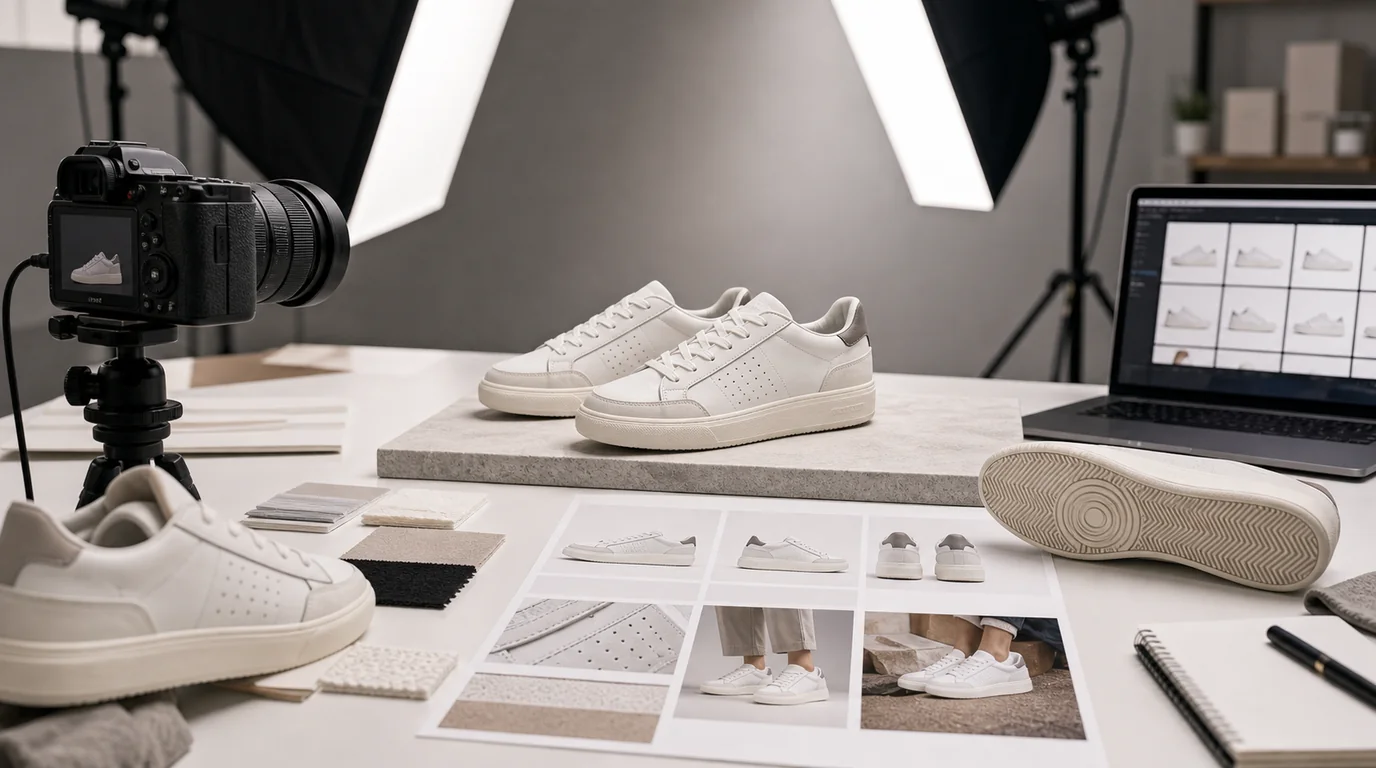
To create AI shoe images that convert, build the set from the angles that actually decide a purchase: side profile for silhouette, toe view for shape, outsole for grip and use, and a material close-up for context. Shoes are judged from many angles, and each one answers a different question about whether the shoe belongs in the office, gym, street, trail, or wedding.
AI can expand a shoe shoot quickly, but it must not stretch the last, invent stitching, or change the sole. A shoe image that looks stylish but changes the product shape is a liability.
Build the image set around decisions
Customers want to know three things: Will it match my outfit? Will it suit the activity? Does the material look worth the price? Your image set should answer those questions before adding campaign mood.
Category-specific angles
- Sneakers: side profile, outsole, heel tab, lace detail, on-foot street context
- Dress shoes: toe shape, leather grain, sole edge, stitching, trouser hem context
- Running shoes: tread, midsole height, breathable upper, heel counter, motion-adjacent image
- Sandals: strap layout, buckle, footbed, side height, top-down fit view
- Boots: shaft height, outsole depth, zipper or lace structure, leather or textile texture
Using GESTEL for shoe images
Start with a clean side image and a separate top or outsole reference if available. In GESTEL, generate studio surfaces that support the shoe type: concrete for streetwear, wood for dress shoes, track texture for running, stone or trail ground for outdoor footwear. Keep the shoe itself as the fixed subject.
For paired shoes, watch symmetry. AI may alter lace count, eyelets, stitching, or logo placement between left and right shoes. For on-foot scenes, inspect ankle scale and sole contact with the ground.
Treat outsole and upper as separate promises. The outsole image should make grip, tread depth, and use case clear. The upper image should make breathability, padding, seams, and flex zones clear. If GESTEL creates a beautiful side profile but the tread pattern no longer matches the real product, keep it for a campaign draft, not for a product page.
Color and material accuracy
White sneakers should not turn cream unless the product is cream. Suede should not become smooth leather. Mesh should keep visible weave. Patent leather needs sharper highlights than matte leather. If the material changes, the image may attract the wrong buyer.
A practical ecommerce sequence
- Main side profile on a neutral background
- 45-degree hero image with natural shadow
- Top view to show toe box and lacing
- Sole view for tread and wear purpose
- Material close-up
- On-foot or outfit context
- Packaging or pair lineup if relevant
Final check
Compare the generated shoe to the original product from heel to toe. Count eyelets, check sole shape, verify logo placement, and make sure the pair has the same color and proportions. Good AI shoe photography should make the product easier to understand, not more fashionable than it really is.