
AI Watch Product Photography: Reflections, Dial Detail, and Wrist Context
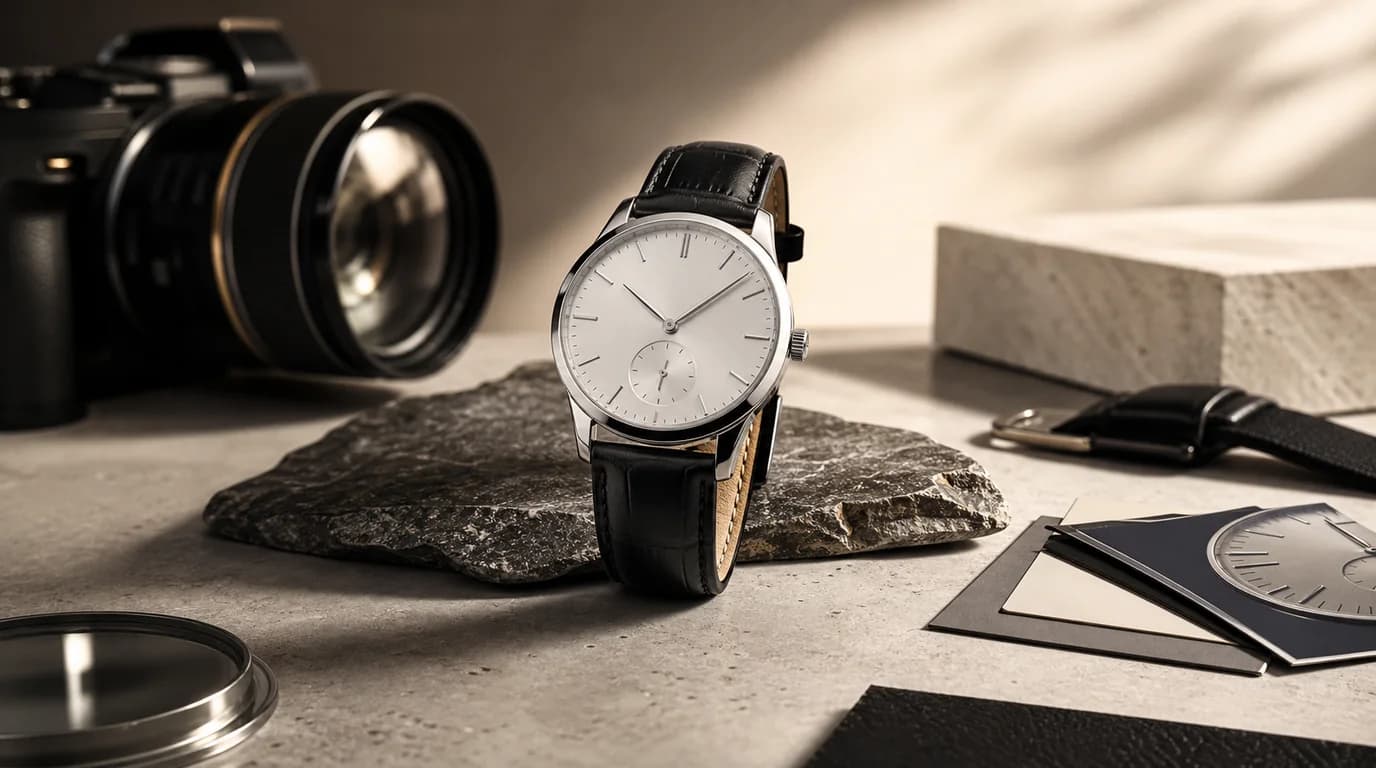
For AI watch photography, control reflections so the dial stays readable, keep the case shape and crown position exact, and match the real strap material before worrying about mood — that is what keeps a premium watch believable. Watches are small products with unforgiving surfaces. A minor reflection can hide the dial, a slightly warped case can make a premium watch look fake, and a strap texture that looks rubbery when it should be leather can change the perceived price.
AI watch photography works best when it treats the watch as a precision object first and a fashion object second.
The buyer checks the details
Before a shopper imagines the watch on their wrist, they inspect the dial. They look at indices, hands, subdials, date windows, crown position, bezel markings, lug shape, clasp, strap stitching, and case thickness. Smartwatches add another layer: screen state, sensor layout, side buttons, charging contact, and band connector.
Reflection control is the main job
Metal and crystal need believable highlights. Too much reflection hides the face. Too little reflection makes polished steel look like plastic. AI scenes should use broad, soft light sources and clean dark or light shapes reflected in the case. Avoid busy room reflections unless the watch is intentionally styled as a lifestyle image.
Useful watch shot list
- Straight-on dial image for legibility
- Three-quarter case image to show thickness and crown
- Side profile for case height and lugs
- Strap or bracelet detail image
- Clasp or buckle close-up
- Wrist shot for scale
- Box and accessory image for gifting or resale confidence
GESTEL workflow
Use the sharpest original with the dial visible. In GESTEL, preserve the watch face and ask for a controlled studio setup: softbox reflections, matte charcoal surface, brushed steel background, warm wood desk, or clean travel tray. For wrist images, provide a reference where the watch angle already makes sense; AI should improve the scene, not invent the fit from nothing.
If the dial contains text, numerals, or brand marks, inspect the output at high zoom. Regenerate if hands merge with indices, subdials drift, or the crown appears on the wrong side for the product.
For a stronger listing, split the watch story into proof layers: dial legibility, case thickness, strap material, clasp mechanism, and wrist scale. Do not rely on one dramatic wrist shot. A buyer choosing between 36mm, 40mm, and 44mm cases needs a size cue more than another shadow.
Marketplace versus campaign images
Marketplace images should be calm and factual. Campaign images can use stronger mood: evening suit cuff, outdoor trail, studio shadow, watch roll, or travel case. Keep at least one image brutally clear. Watches sell on romance, but returns happen when size and finish are misunderstood.
Final review
Check that the dial is readable, the case shape is not warped, the strap material matches the real product, and the watch does not appear larger or smaller than it is. For watches, trust is built in millimeters.