
Mastering Reference Images: How Characters, Outfits, Poses, and Styles Shape AI Results
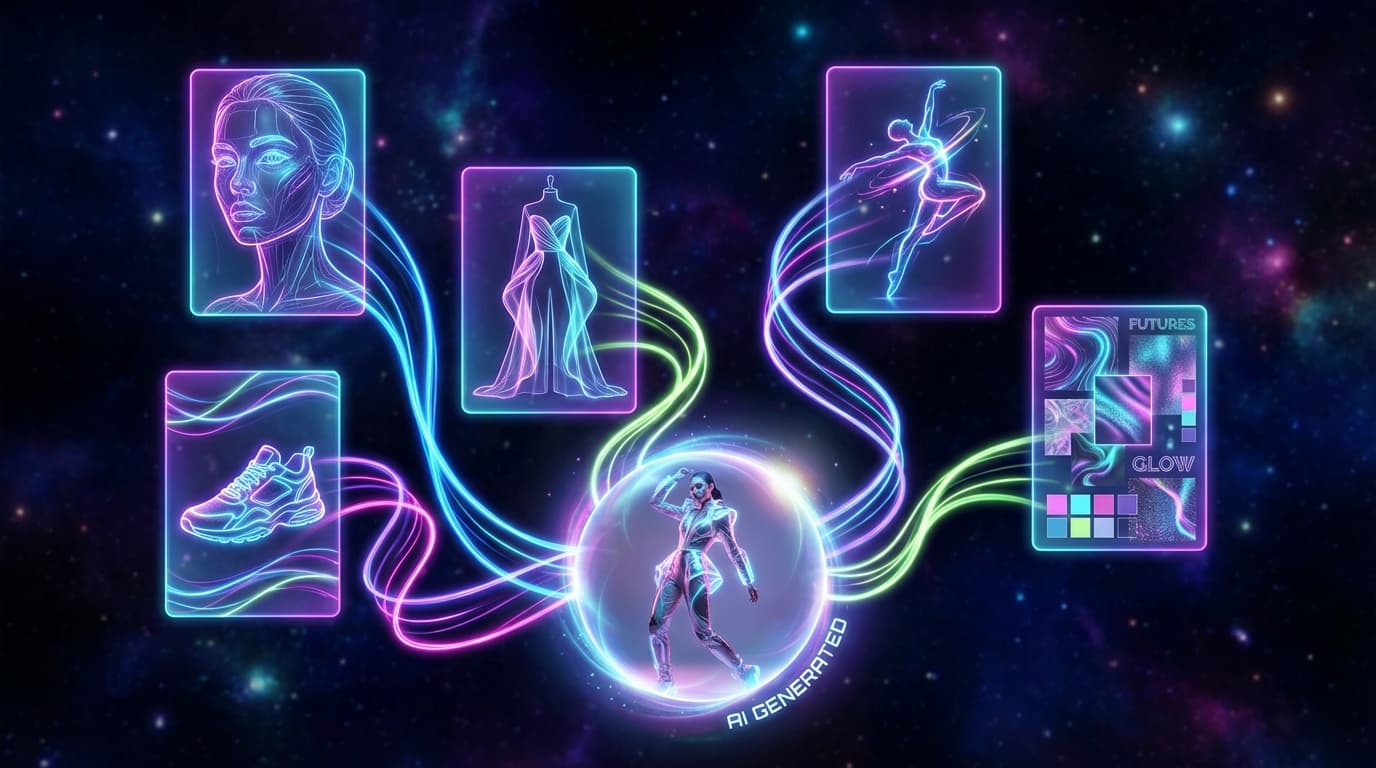
In GESTEL's Create tool, each reference category shapes a different part of the result: a character reference sets the person's face and proportions, product references (up to two) lock the items you're showcasing, outfit references dictate the clothing, pose references guide body position and camera angle, and style references set the lighting mood and overall aesthetic. Rather than take a text prompt and guess, the AI uses each tagged image differently — which is the difference between getting close and getting exactly what you want.
The Five Reference Categories
Character (Model)
Character references define the person in the image. Upload a photo of a model, and the AI preserves their facial features, body proportions, and overall appearance in the generated output.
When to use it:
- You want a consistent model across multiple product shots
- You're building a lookbook with the same person wearing different items
- You need to match an existing brand campaign's model
Tips:
- Use a clear, well-lit face photo — front-facing works best
- The AI generates a tagged reference like `@model` in the prompt, anchoring the person's appearance
- Consistency improves with higher-quality reference photos
Product
Product references are the items you're showcasing. You can upload up to two product images, and they're tagged as `@product1` and `@product2` in the generated prompt.
When to use it:
- Always, when you want a specific product in the output
- Upload multiple products when shooting a bundle or product pairing
Tips:
- Clean product photos on transparent or white backgrounds produce the most accurate results
- Run your product through Remove Background first for the cleanest reference
- If color accuracy matters, ensure your product photo has accurate white balance
Outfit
Outfit references tell the AI what clothing the model should wear. You can upload up to two outfit images, tagged as `@outfit1` and `@outfit2`.
When to use it:
- Fashion and apparel photography where the clothing is the product
- Styling a model in a specific look alongside a non-clothing product
- Creating seasonal or themed outfits
Tips:
- Flat lay outfit photos work well — the AI reads the garment details clearly
- If the outfit IS the product, upload it in both the product and outfit slots for maximum fidelity
- Simpler outfits translate better than complex layered looks
Pose
Pose references guide the model's body position and camera angle. Unlike other categories, pose images don't get an `@` tag — instead, the pose information is woven into the prompt as descriptive context.
When to use it:
- You need a specific stance or position (sitting, walking, hands on hips)
- Matching a competitor's or brand's established pose style
- Creating action or dynamic shots
Tips:
- The pose reference doesn't need to feature the same person or even the same clothing — just the body position matters
- Simple, clear poses work better than complex athletic positions
- Stock photos of poses work fine as references
Style
Style references set the overall visual aesthetic — lighting mood, color grading, composition style, and general vibe. Like pose, style information is woven into the prompt without an `@` tag.
When to use it:
- Matching a specific brand aesthetic or mood board
- Recreating a look from an editorial spread or ad campaign
- Ensuring visual consistency across a collection
Tips:
- Magazine covers, ad campaigns, or mood board images all work as style references
- The AI picks up on color palette, lighting direction, saturation, and composition
- Combine with a character reference to maintain model consistency while changing the visual style
Combining Categories for Best Results
The power of the reference system is combination. Here are effective combinations:
Product hero shot: - Product (required) + Style (for mood/lighting)
Model wearing product: - Character + Product + Outfit + Pose
Lifestyle product placement: - Product + Style (lifestyle reference image)
Fashion lookbook page: - Character + Outfit + Pose + Style
Multiple product showcase: - Product 1 + Product 2 + Style
Common Mistakes
- Too many competing references. Five detailed references can overwhelm the AI. Start with 2-3 and add more only if the result needs refinement.
- Low-quality references. Blurry, poorly lit, or heavily compressed reference images degrade output quality. Use the best source images you have.
- Mismatched pose and scene. A standing pose reference with a prompt requesting a seated scene creates conflict. Align your references with your intended output.
- Ignoring the prompt. Reference images guide the AI, but the text prompt still matters. Review and refine the auto-generated prompt before generating.
Pro vs. Klein Engine Behavior
The two engines handle references slightly differently:
- Pro uses structured JSON prompts, so each reference is mapped to a specific parameter. This gives you more deterministic control.
- Klein uses flowing prose prompts, weaving reference descriptions into natural language. This produces more creative, sometimes surprising interpretations.
For detail on choosing between engines, see our Pro vs. Klein guide.
Start with one or two reference categories and build up as you learn how each one influences the output. The system is designed to be additive — each reference adds a layer of control without replacing what the others contribute.