
FLUX.2 Pro vs. Klein: How to Choose the Right Engine for Your Product Photos
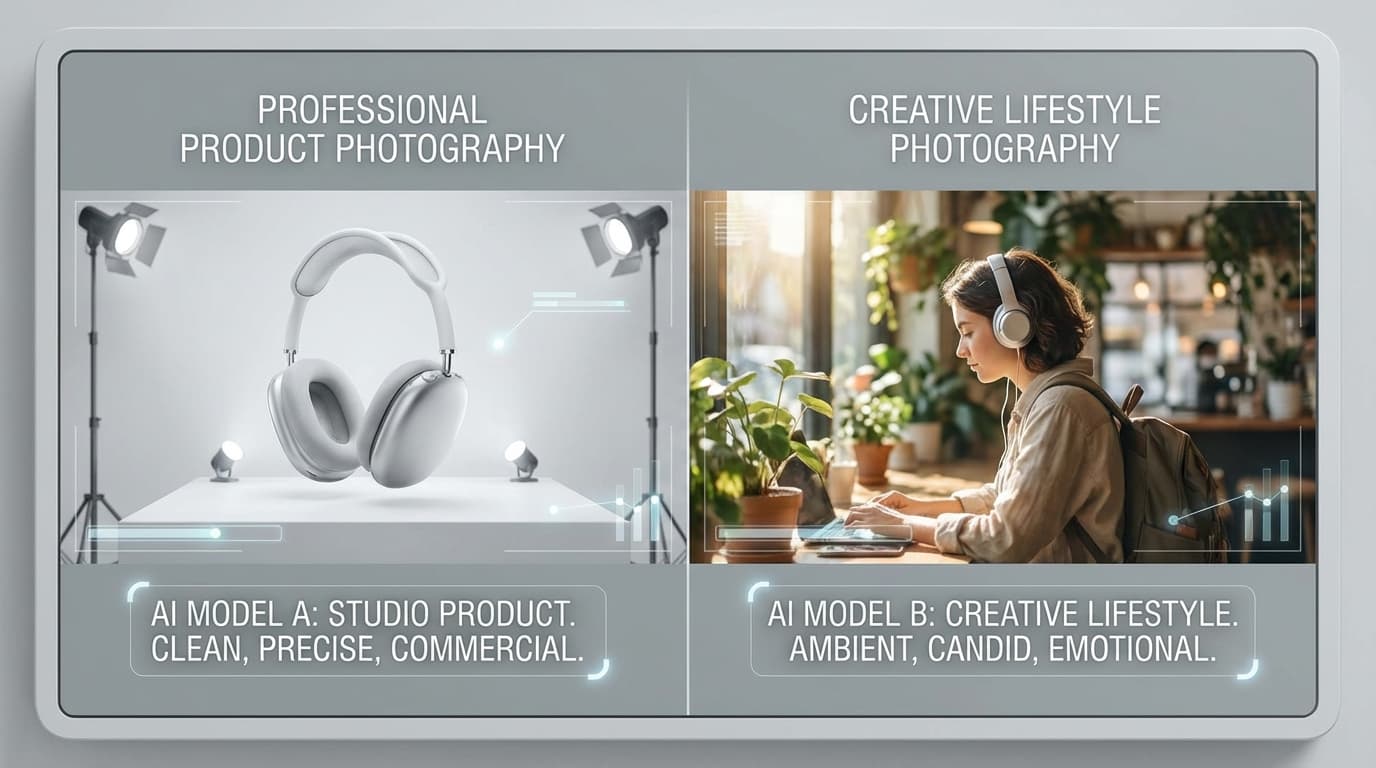
Choose Pro when you need precision — exact hex brand colors, multiple reference images combined, and consistent, production-ready output — and choose Klein when you need speed and exploration, since it generates up to four images per call from natural-language prompts. GESTEL's Create tool gives you both FLUX.2 engines; they share the same underlying model family but work differently, so this isn't a "Pro is better" situation. Each has a distinct sweet spot, and many users explore with Klein before refining in Pro.
FLUX.2 Pro: Precision and Control
Pro is your structured engine. It works with JSON-formatted prompts under the hood, which means every instruction you give is parsed as a specific parameter rather than interpreted from natural language.
What Pro Does Best
- Hex color support. You can specify exact brand colors — `#1A1A2E`, `#E94560` — and Pro will respect them in the output. This is critical for branded product photography where color accuracy isn't optional.
- Multi-reference editing. Pro accepts up to 8 reference images in a single generation. You can combine a product photo, a model reference, an outfit, a pose, and style references all at once. The engine keeps each element distinct.
- Asset library integration. When you're working with saved assets — your product catalog, approved model shots, brand style references — Pro is built to handle that structured input.
- Precise compositional control. Because prompts are structured rather than narrative, you get more predictable placement, lighting, and styling. Less interpretation, fewer surprises.
Pro generates 1 image per call. That's a tradeoff — you get precision at the cost of speed.
FLUX.2 Klein: Speed and Exploration
Klein takes a completely different approach. It works with flowing prose prompts — natural language descriptions that read more like a creative brief than a spec sheet.
What Klein Does Best
- Batch generation. Klein produces up to 4 images per call. When you need variations fast, this is your engine.
- Faster output. Individual generations complete quicker. Combined with batch capability, Klein can produce a dozen options in the time Pro generates three.
- Natural prompting. You describe what you want in plain language. "A model wearing a cream linen blazer, standing in a sunlit Mediterranean courtyard, warm afternoon light, editorial style." Klein interprets the mood and intent.
- Creative exploration. When you're still figuring out the direction — testing concepts, trying different scenes, exploring aesthetics — Klein's speed and batch output make it ideal for rapid iteration.
How Prompts Differ in Practice
The prompt format difference is the most important thing to understand.
Pro Prompt Style
Pro prompts are specific and structured. Each element gets tagged explicitly:
"Product: white leather sneaker (@product1). Model: female, mid-20s (@model). Setting: minimalist concrete studio. Lighting: soft diffused overhead, no harsh shadows. Background color: #F5F5F5. Camera: eye-level, 3/4 angle."
Every reference image maps to a tag — `@product1`, `@model`, `@outfit1` — and the engine knows exactly what role each image plays.
Klein Prompt Style
Klein prompts read like a creative director's brief:
"A young woman in a flowing sage-green midi dress walks through a sun-dappled botanical garden. The light is golden hour, warm and directional from the left. She's carrying a structured tan leather handbag. The mood is relaxed luxury — think weekend brunch at a countryside estate. Soft bokeh in the background, editorial fashion photography."
Same intent, different format. Klein interprets the narrative; Pro follows the spec.
Decision Matrix: When to Use Which
Use Pro when you need:
- Exact color matching for brand assets
- Multiple reference images combined precisely
- Consistent output across a product catalog
- Final production-ready shots
- Control over every compositional element
Use Klein when you need:
- Quick concept exploration
- Multiple variations to choose from
- Mood-driven or editorial-style images
- Fast turnaround for social media content
- A starting point before refining with Pro
A Practical Workflow
Here's how experienced GESTEL users combine both engines:
- Start with Klein. Upload your product shot, write a loose creative brief, and generate 4 images. See what directions emerge.
- Pick a direction. Find the composition, mood, or setting that works best from your Klein batch.
- Switch to Pro. Take that winning direction, add your exact brand colors, load your approved model reference, and generate the final polished version with full control.
- Post-process. Use Relight to fine-tune lighting, or Upscale if you need higher resolution for print.
This explore-then-refine pattern gets you creative range without sacrificing final quality.
Tips for Getting the Most from Each Engine
For Pro:
- Always tag your reference images correctly. A mislabeled outfit as a style reference will confuse the output.
- Be specific about lighting direction and camera angle. Pro rewards precision.
- Use hex codes from your actual brand guidelines, not approximations.
For Klein:
- Write prompts like you're describing a photograph you've already seen. Be vivid and specific about mood.
- Generate in batches and treat the output as a mood board, not final deliverables.
- Don't over-specify. Klein works best when you give it creative room.
Both engines are available in the Create tool. If you want to go deeper on prompt writing, check out our guide on AI prompting for product photography.