
SmartStore Product Image SEO Guide for Korean Search Shoppers
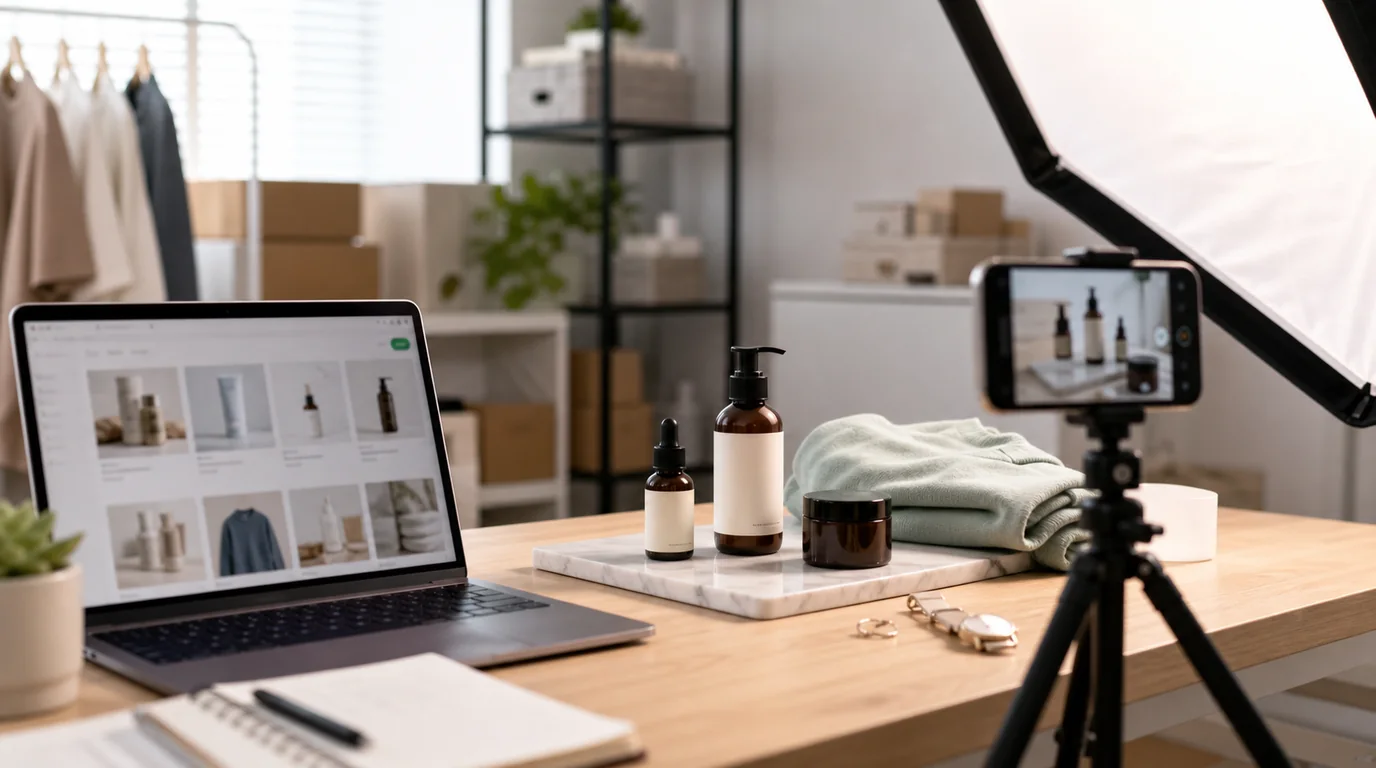
SmartStore images have to win twice
A high-ranking SmartStore image set has to work in two moments at once. First, it earns the click from Naver Shopping search results, where the customer compares price, delivery, reviews, and a tiny thumbnail. Second, it reduces doubt inside the product page, especially on mobile. Optimize for both moments, not just the prettiest photo, and the same set carries the shopper from search to checkout.
That means the best image set is not just a pretty studio shot. It is a search thumbnail, a proof sequence, and a buying guide in one package.
Recommended image set
- Main image: clean product-forward image with enough margin for cropping.
- Use-case image: product in the setting where a Korean buyer will actually use it.
- Scale image: hand, desk, model, room, or measurement reference.
- Detail image: texture, finish, ports, stitch, label, ingredients, or package.
- Choice image: color, size, set option, or bundle differences.
- Trust image: warranty, made-in, certification, or shipping note only when you can substantiate it.
Avoid making every image a poster. SmartStore shoppers already scan dense pages; if every frame contains heavy text, the product itself becomes harder to evaluate.
AI workflow for GESTEL users
Start with one honest source photo for each SKU option. In GESTEL, generate background variations for the main image, then create a second pass for lifestyle and scale images. Keep the product mask consistent across the set so colors, shape, and package proportions do not drift.
A useful workflow is:
- Clean the source image and remove distracting shadows.
- Generate a plain commerce background for the main thumbnail.
- Create one lifestyle scene that matches the buyer context.
- Produce one close-up crop from the original, not from an over-stylized generated version.
- Export square and vertical crops for SmartStore placements and ads.
For more detail-page planning, connect this with Cafe24 detail page image automation if the same catalog also powers your own mall.
SmartStore production workflow
Build the first three images as a fast Korean mobile buying path. The search thumbnail should make the SKU and quantity recognizable. The second image should confirm the option family: color, volume, set count, or model. The third image should answer the question that usually sends shoppers back to search, such as size, compatibility, ingredients, or package contents.
For apparel, lead with fit and fabric behavior. For home goods, show room scale and storage context. For food, show the package, serving size, and storage state. For electronics accessories, show connector shape and device context without implying unsupported compatibility.
SmartStore-specific pitfalls
Do not rely on text inside the thumbnail to carry the selling point. It may become unreadable in search, and rules around promotional text can vary by category and placement. Put the visual reason to click in the image itself: product quantity, visible material, practical scale, or a clean bundle layout.
Also watch color accuracy. Korean shoppers often compare the same product across multiple sellers. If AI makes beige look cream or black look charcoal, returns and reviews can erase the benefit of a higher click-through rate.
QA pass for Korean search shoppers
Check the main image beside competitor thumbnails, not in isolation. Confirm that the product does not disappear after square cropping, the option shown matches the title, and the first lifestyle image feels local enough for the category. If a generated apartment, kitchen, desk, or vanity scene looks globally generic, regenerate with a more specific buyer context rather than adding decorative copy.
Final check before upload
Open the image set on a phone at search-result size. If the product is identifiable, the option is obvious, and the first three images answer what it is, how big it is, and why this seller is trustworthy, the set is ready to test.