
Product Image File Names and Alt Text: Practical SEO Without Keyword Stuffing
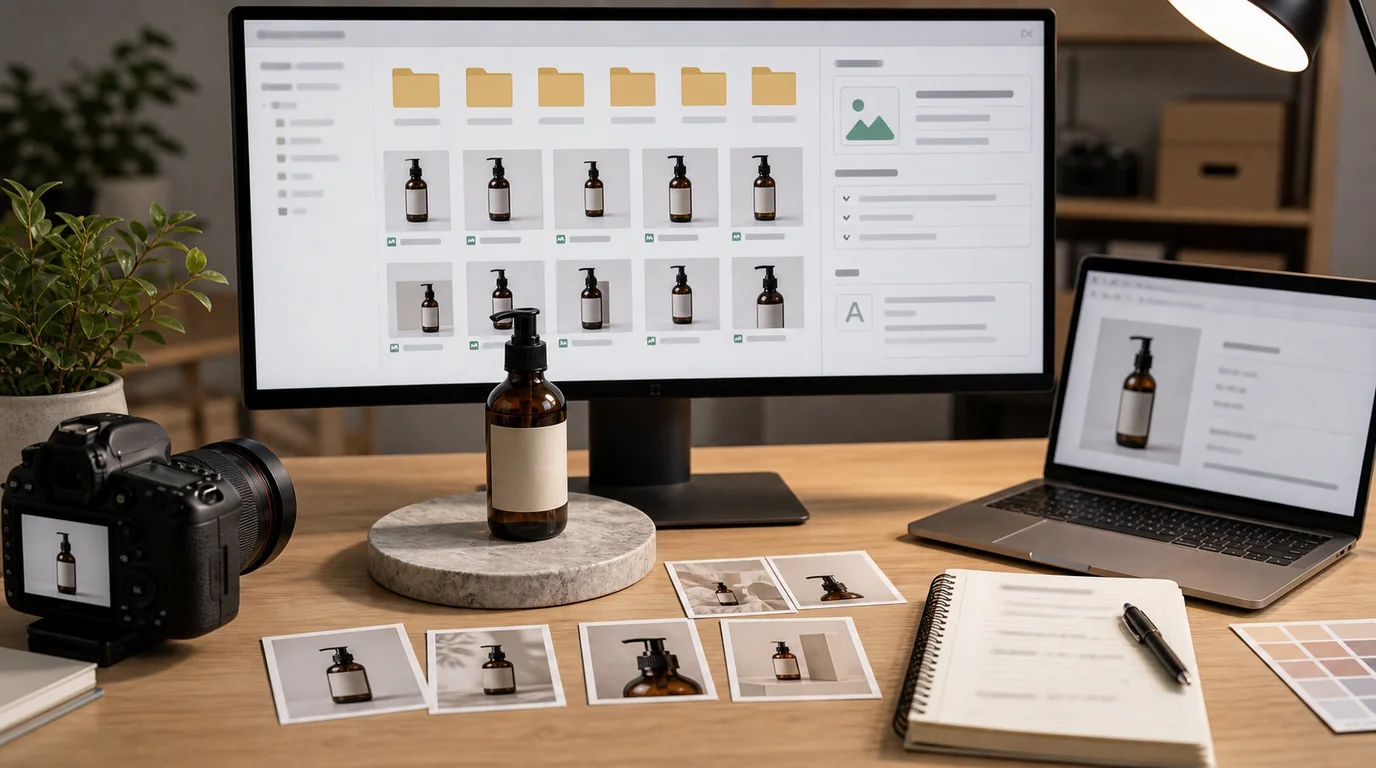
Write image file names for asset clarity and alt text for accessibility, describing what is actually visible instead of stuffing keywords for rankings. Metadata handled this way makes images easier to manage, understand, and trust; it is not a ranking shortcut. It is easy to overrate and easy to neglect: some teams stuff alt text with keywords and expect rankings to move, while others upload files named IMG_4821 and leave accessibility to chance.
The useful approach sits between those extremes: write file names and alt text that make images easier to manage, understand, and trust.
What file names are for
File names are mostly an operations and clarity tool. They help teams identify assets, reduce mistakes, and give search systems a small amount of context. They are not a magic SEO lever.
A good product image file name should be:
- Descriptive enough to identify the product.
- Stable enough to survive handoff between teams.
- Short enough to avoid messy URLs.
- Consistent across variants and image sets.
For example, a practical naming pattern could include brand, product, variant, and view:
- brand-card-holder-black-front
- brand-card-holder-black-detail-stitching
- brand-card-holder-brown-packaging
Do not repeat the same keyword five times. Do not include claims the image does not show. Do not rename images only to chase search traffic.
A filename rule that survives a real catalog
Use a short schema and enforce it before upload:
brand-product-variant-role-detail
The role should come from a controlled list:
- hero
- angle
- detail
- lifestyle
- scale
- packaging
- bundle
- ugc
- guide
Good examples:
- gestel-candle-amber-hero-front
- gestel-candle-amber-detail-wax-texture
- gestel-candle-amber-scale-bedside-table
- gestel-candle-amber-packaging-box
Poor examples:
- final-final-product-photo
- best-luxury-scented-candle-organic-natural-sale
- amber-candle-ai-version-7-upscaled
- IMG_4821
Keep source files and delivery files distinct. The editable source can carry internal production notes. The public delivery asset should stay clean, descriptive, and stable.
What alt text is for
Alt text primarily supports accessibility. It gives people using assistive technology a useful description of the image when the image matters to the page.
Good alt text describes the image in context. It does not need to describe every pixel. It should not become a hidden keyword paragraph.
For ecommerce, ask:
- Is the image functional for understanding or buying the product?
- Does it show a specific variant, size, color, texture, or included item?
- Is nearby text already saying the same thing?
- Would a shopper miss important information if the image did not load?
If the answer is yes, write concise alt text that captures the relevant information.
Examples by image type
Primary product image
Good: Black leather card holder with front pocket on a white background.
Weak: Best black leather card holder wallet minimalist slim luxury gift for men.
The first version describes what is visible. The second tries to rank and sounds untrustworthy.
Detail image
Good: Close-up of the card holder's stitched edge and pebbled leather texture.
Weak: Premium leather wallet detail image.
The useful detail is texture and stitching, not a generic adjective.
Lifestyle image
Good: Black card holder placed next to keys and a phone on a cafe table.
Weak: Minimal lifestyle accessories for modern people.
The image should explain the scene and scale, not invent a vague audience.
Decorative brand image
If an image is purely decorative and adds no product information, the alt text may be empty in implementation. That decision depends on how the component renders images. The content team should still label the asset internally so it can be managed.
Do not turn alt text into ad copy
Alt text is not the place for:
- Promotional claims.
- Repeated keywords.
- Long feature lists.
- Price language.
- Search queries pasted from a keyword tool.
If a claim matters, put it in visible copy where everyone can evaluate it. Hidden copy is a poor place to build trust.
Product variants need precision
Variant images are where metadata often breaks. If a page has black, brown, and navy versions, alt text should identify the visible variant when that matters.
Use:
- Navy linen cushion cover shown from the front.
- Brown leather strap with brass buckle detail.
- Set of three amber glass jars with cork lids.
Avoid:
- Product image.
- Best cushion cover.
- Lifestyle photo.
Specific does not mean stuffed. It means useful.
File naming workflow for teams
Create a naming pattern before images enter the CMS. This avoids renaming chaos later.
A simple workflow:
- Choose a lowercase hyphenated format.
- Include product name, variant, and image role.
- Keep campaign or seasonal labels separate when possible.
- Avoid internal SKU-only names for public image files unless the SKU is meaningful to users.
- Document the pattern where designers, marketers, and developers can find it.
For larger catalogs, metadata discipline matters because image sets are reused in feeds, collection pages, product pages, and blog posts.
Alt text workflow for content teams
Write alt text after deciding the page role of the image.
Use this process:
- Identify what the image contributes to the page.
- Describe only the visible and relevant information.
- Include variant details if they affect purchase confidence.
- Keep it concise.
- Remove marketing language that belongs in visible copy.
This is especially important for AI-assisted product images. If AI generated the background, alt text should still describe the user-relevant image, not the production method, unless disclosure is part of the page experience. For disclosure decisions, see AI image disclosure and trust UX.
When metadata helps SEO indirectly
Better image metadata can support SEO in practical ways:
- Editors can find and reuse the right assets.
- Product pages have clearer accessibility support.
- Image search systems receive more accurate context.
- Broken or mismatched variants are easier to catch.
- Content workflows become more consistent.
That is enough reason to do it well. It does not need to be exaggerated into a ranking trick.
A quick audit
Review ten important product pages and check:
- Are image file names human-readable?
- Do variant images identify the visible variant?
- Does alt text describe what matters in the image?
- Are promotional claims hidden in alt text?
- Are decorative images handled intentionally?
- Do blog and guide images use consistent asset names?
Fix the most visible pages first. The goal is not perfect metadata across thousands of assets overnight. The goal is a system that prevents future confusion.
The standard to aim for
Good product image metadata is boring in the best way. It is accurate, concise, maintainable, and respectful of accessibility.
Write file names for asset clarity. Write alt text for people who need the image described. Let the page earn SEO value through usefulness, speed, trust, and intent match.