
Instagram Shop Product Image Guide for Visual Brand Consistency
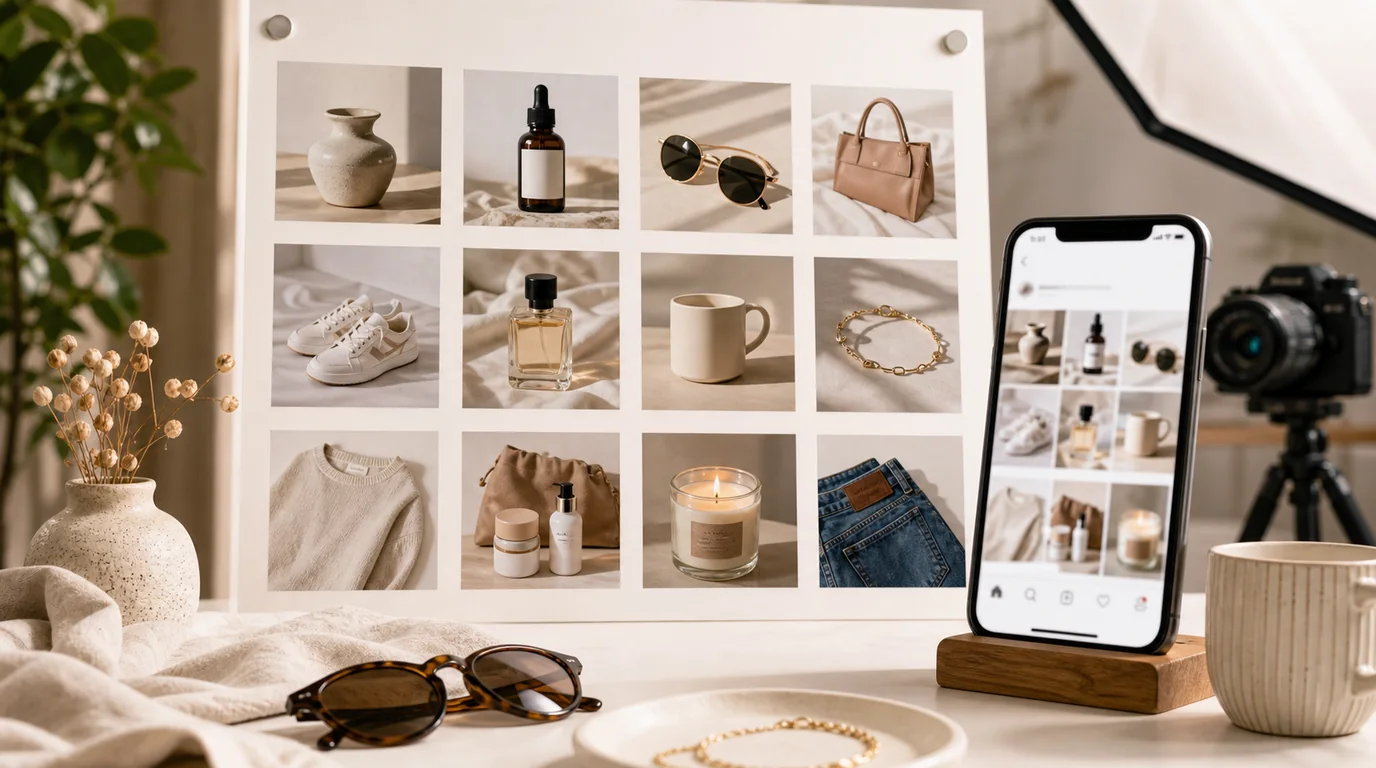
Instagram Shop sits between browsing and buying
Instagram Shop images work best in the middle ground: native enough to belong in the feed, but still clear enough to sell — the product, its option, and the checkout path all obvious. Go too editorial and shoppers may not understand the offer; go too marketplace-like and the image feels out of place in the feed.
The best approach is controlled naturalness: recognizable product, human context, and enough brand style to feel intentional.
Recommended set
- Feed-native hero: polished but not sterile.
- Product-only image: clear option confirmation.
- Lifestyle image: model, room, hand, vanity, desk, or outfit context.
- Detail image: texture, finish, stitching, ingredient, or scale.
- Collection image: multiple items styled together when cross-selling matters.
- Story crop: vertical version with breathing room for interface overlays.
GESTEL workflow
Create a brand scene library in GESTEL: three lighting styles, three surface types, and two human-context directions. This gives you enough variation without losing identity.
When generating, keep the product readable at small sizes. Instagram discovery often happens while users skim. A beautiful image where the product is hidden behind props may get likes but weak product clicks.
Shop and feed-grid workflow
Design the shop image and the organic grid image as related siblings. The shop image needs clearer product identity and option confirmation. The grid image can carry more mood, but it should still make the tagged product easy to find.
For fashion, prepare a full-look image, a product-only image, and a material detail. For beauty, show the package, texture, and routine context. For home goods, show the object in a styled room and then isolate the exact item so shoppers do not confuse props with products.
Pitfalls
Do not rely on text baked into the image for essential information. Instagram surfaces and crops can change, and text may be obscured by interface elements. Put essential details in the product data, caption, or landing page, and let the image communicate visually.
Also avoid making the shop image more premium than the delivered product. For fashion, beauty, accessories, and home goods, customers remember the exact mood they bought into.
Instagram QA
Preview the image in the grid, shop surface, product detail, and story crop if you use it. Check that interface elements do not cover the product, that tags point to the product people can actually see, and that generated human context does not imply a size, fit, skin result, or use case the product cannot support.
Connect to other channels
Instagram and Pinterest can share art direction, but Pinterest usually needs stronger search intent. If the same catalog is used there, adapt the set with Pinterest shopping image SEO rather than reposting the same square images everywhere.