
AI Supplement Product Photography Without Risky Health Claims
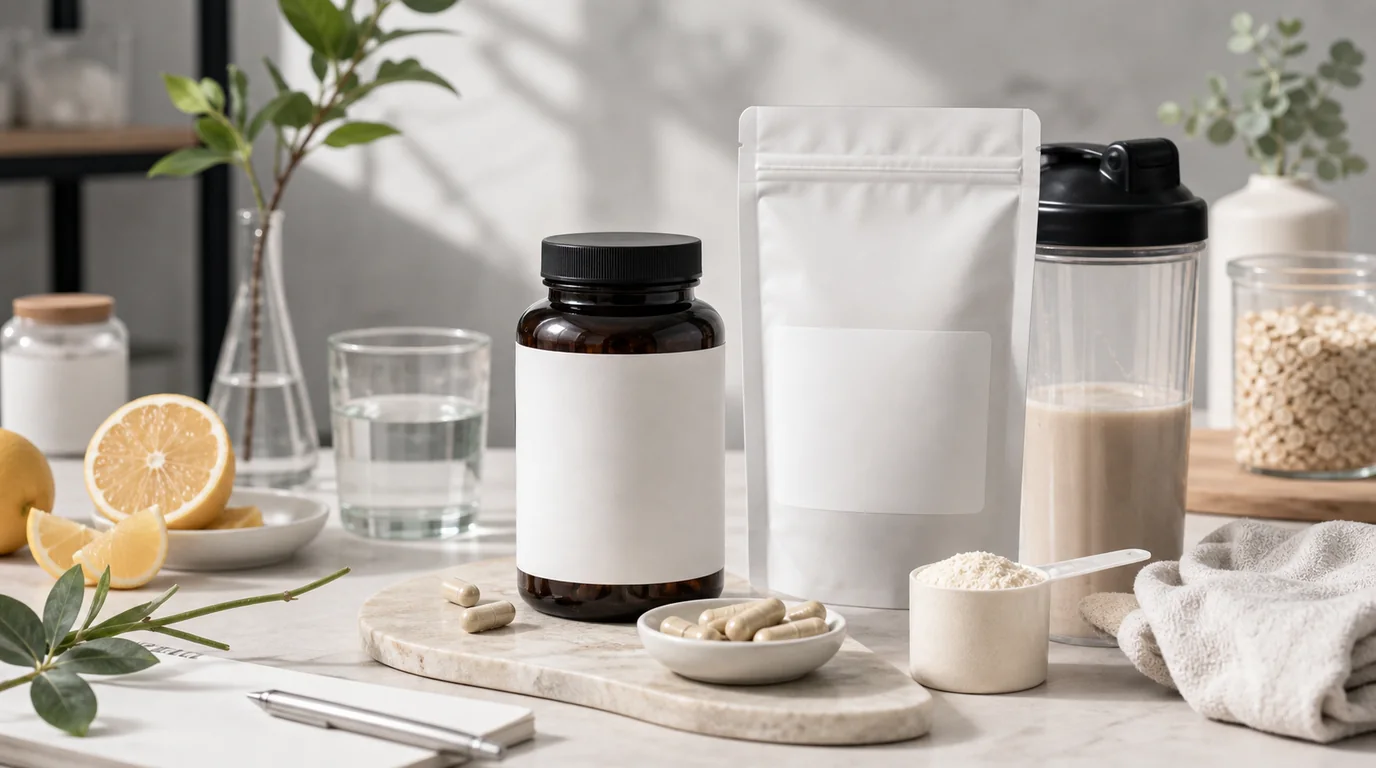
To photograph supplements without risky claims, keep the label fully readable, keep ingredient props modest and accurate, and never let the scene imply an effect the product page does not state. Supplement images have to do two jobs at once: look clean and avoid saying too much. A bottle surrounded by dramatic ingredients may feel persuasive, but it can imply claims the product page is not allowed or prepared to support.
AI can help create consistent wellness imagery for capsules, powders, gummies, sachets, and functional drinks. The key is to protect label accuracy and keep the scene responsible.
The trust signals
Buyers check the supplement name, serving size, capsule count, flavor, certification marks, warnings, seal, expiry cues, and package condition. They also look for form: capsule, tablet, powder scoop, gummy, stick pack, or liquid.
If the label is not readable, the image becomes decoration instead of product information.
Responsible shot list
- Straight front label image with no obstruction
- Cap or safety seal detail where relevant
- Product form image: capsule, tablet, gummy, powder scoop, or sachet
- Size comparison beside a hand, glass, shaker, or daily organizer
- Clean routine scene on a kitchen counter, desk, gym bag, or travel pouch
- Bundle lineup by flavor, goal, or daily schedule
- Packaging image showing box and bottle together
GESTEL guidance
Use a sharp label photo as the main input. In GESTEL, ask for clean daylight, kitchen counter, minimal wellness shelf, gym locker bench, or travel packing scene. Keep ingredient props modest and accurate. If the product is magnesium, do not surround it with oranges just because the color looks good. If it is a berry flavor, berries can be a flavor cue, not a medical proof.
For powders and gummies, preserve color and texture. A collagen powder should not look like flour if it has a specific granule texture. Gummies should not look like candy unless the brand intentionally uses that presentation and the product page is clear.
Build separate images for identity, routine, and form. Identity is the bottle or pouch with a readable label. Routine is the breakfast counter, gym bag, desk drawer, or travel kit. Form is the capsule, stick pack, scoop, gummy, or tablet at realistic size. Mixing all three into one busy image usually makes the label harder to trust.
Claims and compliance awareness
Images can imply claims without words. A sleep supplement on a bedside table is a normal usage cue. A person sleeping instantly after one capsule is a claim. A multivitamin beside breakfast is fine. A scene suggesting disease treatment is not.
Final review
Read the label in the generated image. Confirm dosage numbers, count, flavor, and icons were not changed. Remove props that imply ingredients or effects the product does not claim. Supplement photography should feel healthy, but it must stay factual.