
AI Product Photography: A Practical Guide for E-Commerce Teams
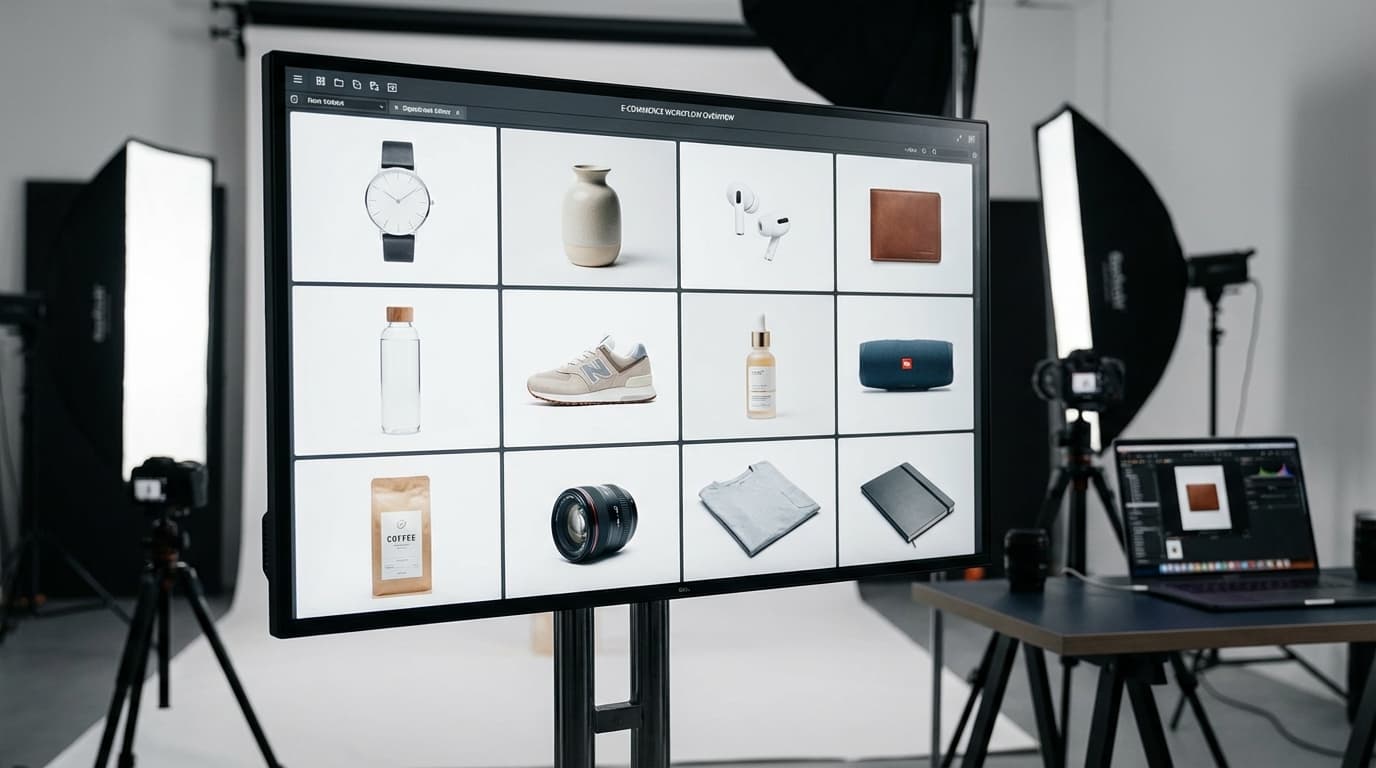
AI product photography lets e-commerce teams generate studio-quality product images from ordinary reference photos — no studio, photographer, or lighting rig required. You upload a product shot, choose a style, and generate multiple variations in seconds. It solves one of the biggest bottlenecks in e-commerce: traditional shoots require studios, photographers, lighting equipment, and hours of post-production, and AI image generation changes that equation entirely.
Key takeaways
- AI product photography generates studio-quality product images from ordinary reference photos — no studio, photographer, or lighting rig required.
- The core workflow is simple: upload reference images, select a style, generate multiple variations in seconds, then refine.
- It removes the cost, time, consistency, and iteration bottlenecks of traditional product shoots.
- Start with clear, well-lit reference photos and keep style settings consistent across a catalog for a cohesive look.
- Combine AI with background removal and relighting; traditional macro photography still wins for highly technical detail.
The Problem with Traditional Product Photography
Most e-commerce teams face the same challenges:
- Cost: A single product shoot can cost hundreds to thousands of dollars
- Time: From scheduling to final delivery, shoots take days or weeks
- Consistency: Maintaining a uniform look across hundreds of SKUs is difficult
- Iteration: Want a different background or angle? That means another shoot
How AI Product Photography Works
AI product photography uses image generation models to create studio-quality visuals from reference images. Here's the typical workflow:
- Upload reference images — Photos of your product from any angle, even smartphone shots
- Select your style — Choose the model, lighting, background, and camera settings
- Generate — AI creates multiple variations in seconds
- Refine — Adjust and regenerate until you get the perfect shot
The key advantage is speed and flexibility. You can generate dozens of variations in the time it takes to set up a single traditional shot.
Best Practices
Start with good reference images AI works best when it has clear, well-lit reference photos. You don't need professional equipment, but make sure the product is clearly visible and in focus.
Use consistent style settings When generating images for a product catalog, keep your style settings (lighting, camera, background) consistent across products for a cohesive look.
Combine AI with editing tools After generation, use tools like background removal and relighting to fine-tune your results. AI-generated images often benefit from a final pass of post-processing.
Know when traditional photography is still better AI excels at product-on-background shots and lifestyle scenes. For highly technical products where exact details matter (like watch mechanisms), traditional macro photography may still be the better choice.
Getting Started
The fastest way to try AI product photography is to upload a product image and experiment with different styles and settings. Start with a single product and compare the results against your existing photography before scaling up.