
AI vs. Traditional Product Photography: A Cost and Quality Comparison
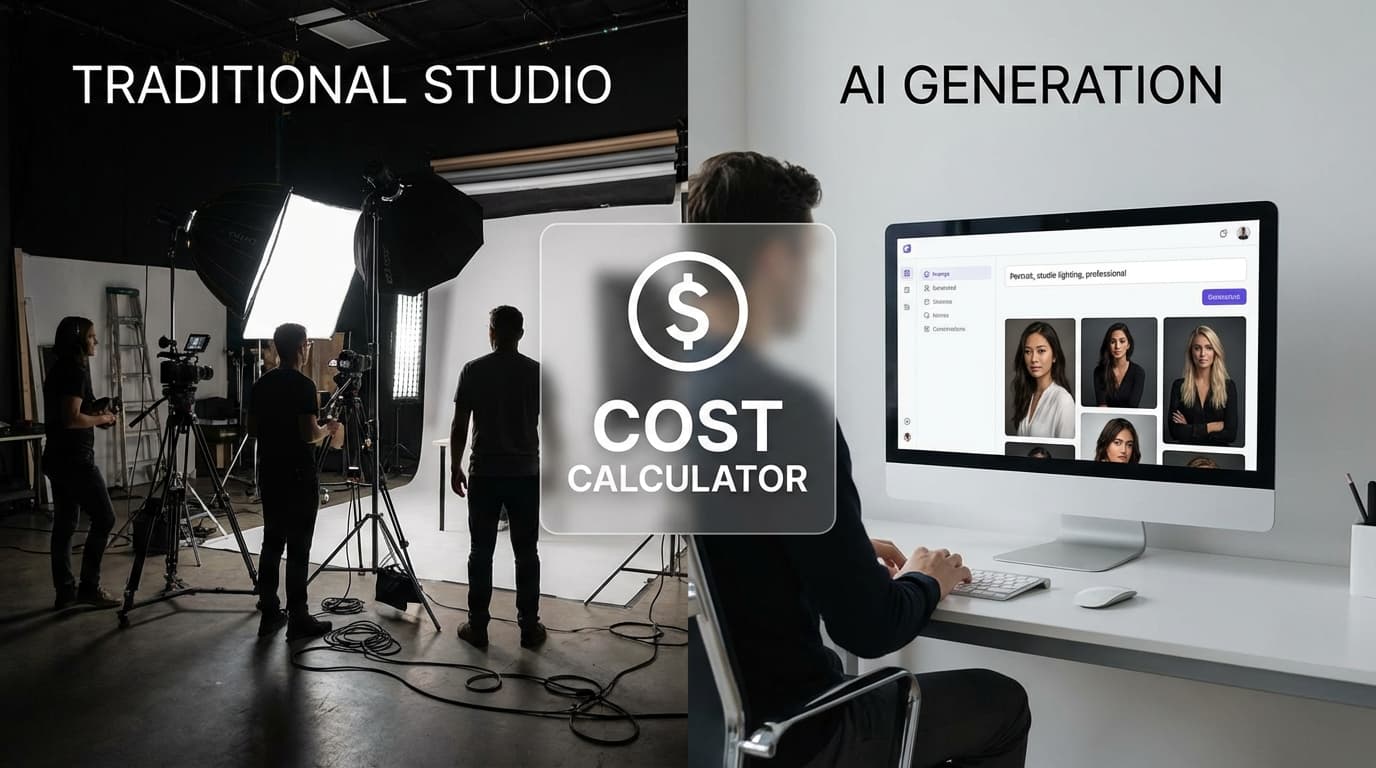
For a 500-SKU catalog, traditional product photography runs $30,000–$95,000+ a year, while AI generation costs roughly $900–$3,500 — and it compresses a 3–5 week production timeline into 3–5 days. Traditional shoots still win on fine material detail, complex reflections, and one-of-a-kind editorial imagery, so most e-commerce teams go hybrid, cutting photography costs 60–80% while keeping quality where it matters. Here's the honest, dimension-by-dimension comparison of AI-generated and traditionally photographed product imagery.
Key takeaways
- For a 500-SKU catalog, traditional product photography runs $30,000–$95,000+ a year versus roughly $900–$3,500 for AI generation.
- AI compresses a 3–5 week production timeline into 3–5 days — a 5–10x speed advantage.
- AI matches or exceeds traditional photography for product-on-background shots, lifestyle scenes, catalog consistency, and rapid iteration.
- Traditional photography still leads on fine material detail, complex reflections and transparency, and one-of-a-kind editorial imagery.
- Most teams go hybrid, cutting photography costs 60–80% while keeping quality where it matters.
Traditional Photography: Cost Breakdown
A typical product photography setup involves recurring costs:
Per-shoot costs (10-20 products): - Photographer: $500-$2,000 - Studio rental: $300-$1,500 - Props and styling: $100-$500 - Models (if applicable): $200-$2,000 per model - Post-production/retouching: $10-$50 per image
Annual costs for a 500-SKU catalog: - Initial photography: $15,000-$50,000+ - Seasonal updates (4x/year): $10,000-$30,000 - New product additions: $5,000-$15,000 - Total: $30,000-$95,000+/year
These numbers scale linearly. Double the catalog, roughly double the cost.
AI Generation: Cost Breakdown
AI product photography has a fundamentally different cost structure:
Per-product costs: - Reference photo capture: Free (smartphone) to $5-$10 (basic setup) - AI generation: $0.05-$0.50 per image (API costs) - Post-processing (remove bg, relight, upscale): $0.05-$0.30 per image - Human review and selection: 5-10 minutes per product
Annual costs for a 500-SKU catalog: - Initial generation: $500-$2,000 - Seasonal updates (4x/year): $200-$1,000 - New product additions: $200-$500 - Total: $900-$3,500/year
The cost scales sublinearly — once your workflow and prompts are established, each additional product costs marginally less.
Quality Comparison by Use Case
Quality isn't a single axis. AI excels in some areas and falls short in others:
Where AI matches or exceeds traditional photography - **Product-on-background shots** — Clean, consistent, and perfectly lit. AI handles these extremely well. - **Scene placement and lifestyle imagery** — [Recreate](/recreate) produces convincing lifestyle shots that would require location shoots traditionally. - **Consistency across a catalog** — AI can maintain identical lighting, angles, and styling across hundreds of products effortlessly. - **Rapid iteration** — Testing five backgrounds, three lighting setups, and two camera angles takes minutes, not days.
Where traditional photography still leads - **Fine material detail** — The exact weave of a fabric, the precise color of a gemstone, the texture of leather grain. For products where tactile detail sells, traditional macro photography captures nuances that AI generation may approximate. - **Complex reflections and transparency** — Glass, chrome, and transparent products with complex light interactions are challenging for AI. - **Unique artistic vision** — A photographer's creative eye for one-of-a-kind editorial imagery is hard to replicate with AI. For brand campaigns and hero imagery, human creativity still adds unique value.
Speed and Scalability
This is where AI's advantage is most dramatic:
Traditional photography timeline (100 products): - Scheduling and prep: 1-2 weeks - Shooting: 3-5 days - Post-production: 1-2 weeks - Total: 3-5 weeks
AI generation timeline (100 products): - Reference photo capture: 1-2 days - Generation and post-processing: 1-2 days - Review and selection: 1 day - Total: 3-5 days
For seasonal updates or new product launches where speed matters, AI offers a 5-10x time advantage.
The Hybrid Approach
Most e-commerce teams that adopt AI don't eliminate traditional photography — they restructure when and where they use each approach:
Use AI for: - **Catalog-scale product photography** — Standard product-on-white and lifestyle shots for every SKU ([Create](/create), [Recreate](/recreate)) - **Seasonal imagery rotation** — Swap scenes without reshooting ([Recreate](/recreate)) - **Additional angles** — Generate multi-view galleries from single photos ([Multiple Angles](/edit/multiple-angles)) - **Post-processing** — Background removal, relighting, and upscaling across the catalog ([Remove Background](/edit/remove-bg), [Relight](/edit/relight), [Upscale](/edit/upscale))
Keep traditional photography for: - **Hero products and campaign imagery** — Flagship products that warrant bespoke creative treatment - **Tactile and detail-critical products** — Jewelry, fine leather goods, artisanal products where material detail is a primary selling point - **Video content** — AI image generation doesn't replace product video (yet)
This hybrid model typically reduces photography costs by 60-80% while maintaining quality where it matters most.
Making the Transition
Start small and compare:
- Pick 10 products across different categories
- Generate AI images for each using the complete workflow
- A/B test AI images against existing traditional photos on your listings
- Measure click-through rate, conversion rate, and return rate
- Scale the AI workflow to categories where it performs equally or better
The data will tell you where AI fits in your specific catalog. For most e-commerce teams, that turns out to be the majority of their product imagery.