
Etsy Handmade Product Photos With AI Without Losing Craft Trust
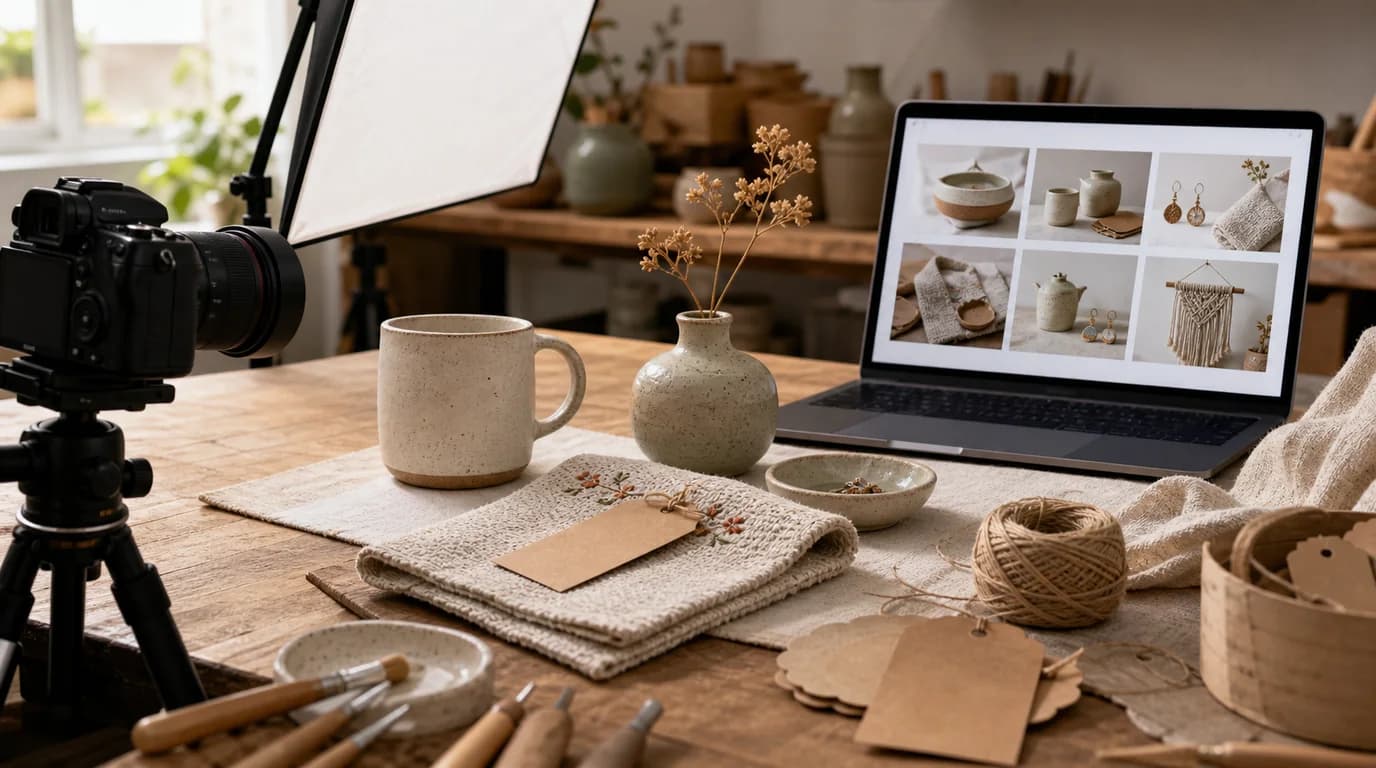
Etsy buyers look for evidence of the maker
On Etsy, use AI to polish handmade photos but stop short of erasing craft: shoppers want visible signs of material, process, scale, and individuality, so if AI removes every irregularity the product starts to look generic or factory-made. A little polish helps the listing; too much quietly removes the evidence that a person made it.
The job is to improve presentation without erasing craft.
Listing image set
- Main image: clear, warm product image that reads in search.
- Scale image: hand, body, wall, table, or object reference.
- Detail image: texture, stitching, brush marks, engraving, grain, or clasp.
- Variation image: colors, sizes, personalization, or made-to-order options.
- Process image: tool, workspace, packaging, or making detail when appropriate.
- Gift image: packaging and occasion context.
Etsy guidance can evolve, so check current listing-photo recommendations before upload. In practice, buyers still need the same thing: confidence that the handmade item will arrive as expected.
GESTEL workflow
Use GESTEL for background cleanup, lighting balance, and scene extension. Preserve the product surface. Do not smooth clay texture, fabric weave, wood grain, bead irregularity, or brush strokes unless they are actual photo defects.
For personalization, never generate names, dates, or engraving examples that cannot be produced. Use placeholders or real approved samples.
Handmade-specific workflow
Photograph the actual item or a representative made-to-order sample before using AI. In GESTEL, clean the background first, then create one context image that supports the use case: necklace on skin, print on a wall, mug in a hand, ceramic bowl on a table, knitted item folded and worn.
Keep one image intentionally evidential. It can show the back, underside, clasp, raw edge, inside lining, or packaging station. That image may be less glamorous, but it answers the buyer's quiet question: is this real and made carefully?
SEO and conversion
Etsy search depends on more than images, but the thumbnail affects whether shoppers choose your listing among similar handmade items. Make the first image specific: not just silver necklace, but the actual silhouette, length impression, and pendant character.
Use the later images to answer return-risk questions. How big is it? Is the color warm or cool? What does the back look like? How is it packaged?
Etsy QA
Compare generated images against the item a buyer will receive, including natural variation. If every bead, brush mark, knot, or wood grain becomes perfectly uniform, the listing starts to promise machine precision. Also check personalization examples, gift packaging, and props so nothing appears included unless it is part of the sale.
Cross-channel use
If you use Pinterest for discovery, create vertical inspirational images from the same source set with Pinterest shopping image SEO. Keep Etsy images more evidential and Pinterest images more idea-led.