
Meta Ads Product Photos With AI: Variation Without Losing the SKU
Meta ads need variation, but not confusion
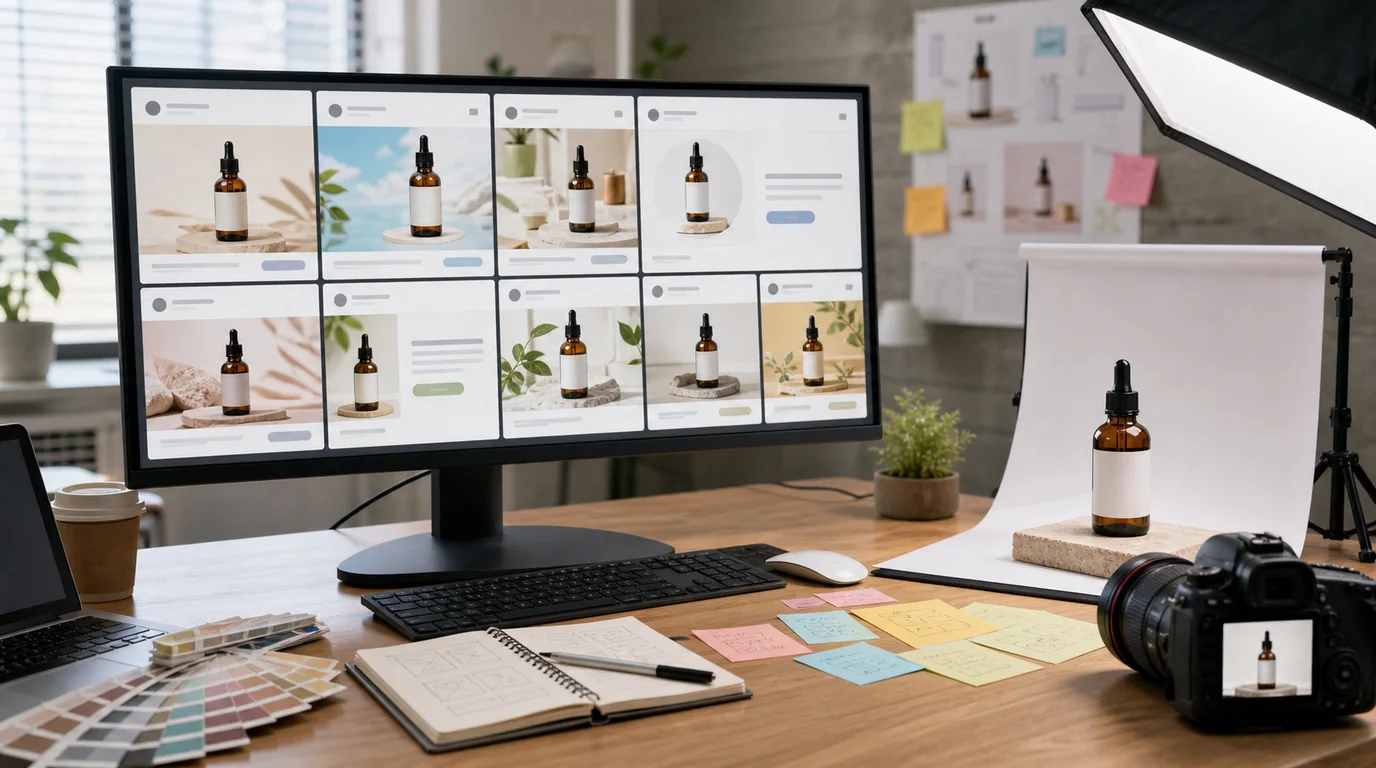
The key to AI-generated Meta ad photos is to vary the scene while keeping the product identical: good ad images explore the buying moment but preserve the product truth. Meta creative testing rewards variety — different hooks, scenes, crops, and product contexts — yet the real risk is letting AI make every variation look like a different SKU.
Think of AI as a scene and composition engine, not a product redesign tool.
Build creative families
Instead of generating random one-off images, create families:
- Problem scene: the situation before the product helps.
- Product hero: clean offer image for direct response.
- Lifestyle proof: product being used by the target buyer.
- Texture or detail: close visual evidence.
- Bundle or offer: what is included.
- Seasonal or audience context: gift, travel, office, home, routine.
Each family can support multiple crops for Feed, Stories, Reels placements, and catalog ads. Current Meta placement specs and ad policies can change, so confirm export requirements in Ads Manager before final delivery.
GESTEL workflow
Upload a verified product source image to GESTEL and generate backgrounds around the product rather than regenerating the product itself. Save prompts by audience: first-time buyer, gift buyer, practical comparison shopper, premium buyer.
Run a strict product lock pass after generation. Check logos, labels, shape, color, and included accessories. Then export placement crops from the approved master instead of approving each crop separately.
Creative matrix for sellers
Build a simple matrix before generating: buyer segment, buying reason, scene, product angle, and placement. A gift buyer may need packaging and occasion context. A comparison shopper may need scale and included parts. A returning customer may respond better to new use cases than another hero image.
GESTEL can generate many variations quickly, but the matrix keeps the variations meaningful. It also makes post-test learning cleaner because you know whether the test changed the hook, the scene, the crop, or the offer clarity.
Testing discipline
Do not test ten images that differ only by background color. Test different reasons to buy. One creative might focus on convenience, another on texture, another on giftability, another on size.
For catalog-heavy brands, connect the approved ad assets back to the product page. A scroll-stopping ad followed by a dull product page creates friction. Shopify users can pair this with Shopify product photo checklist.
QA before launch
Review every ad image beside the landing product image. The ad can be more energetic, but the SKU must feel like the same item. Check that AI has not added extra props that look included, changed a wearable fit, altered package count, or made a food or beauty texture look impossible to reproduce.
Where AI should stay quiet
Be careful with claims, body results, medical implications, finance, safety, and before-and-after imagery. If the ad concept needs legal review when written as copy, it also needs review when expressed visually.