
AI Handmade and Craft Product Photography Without Losing the Maker's Touch
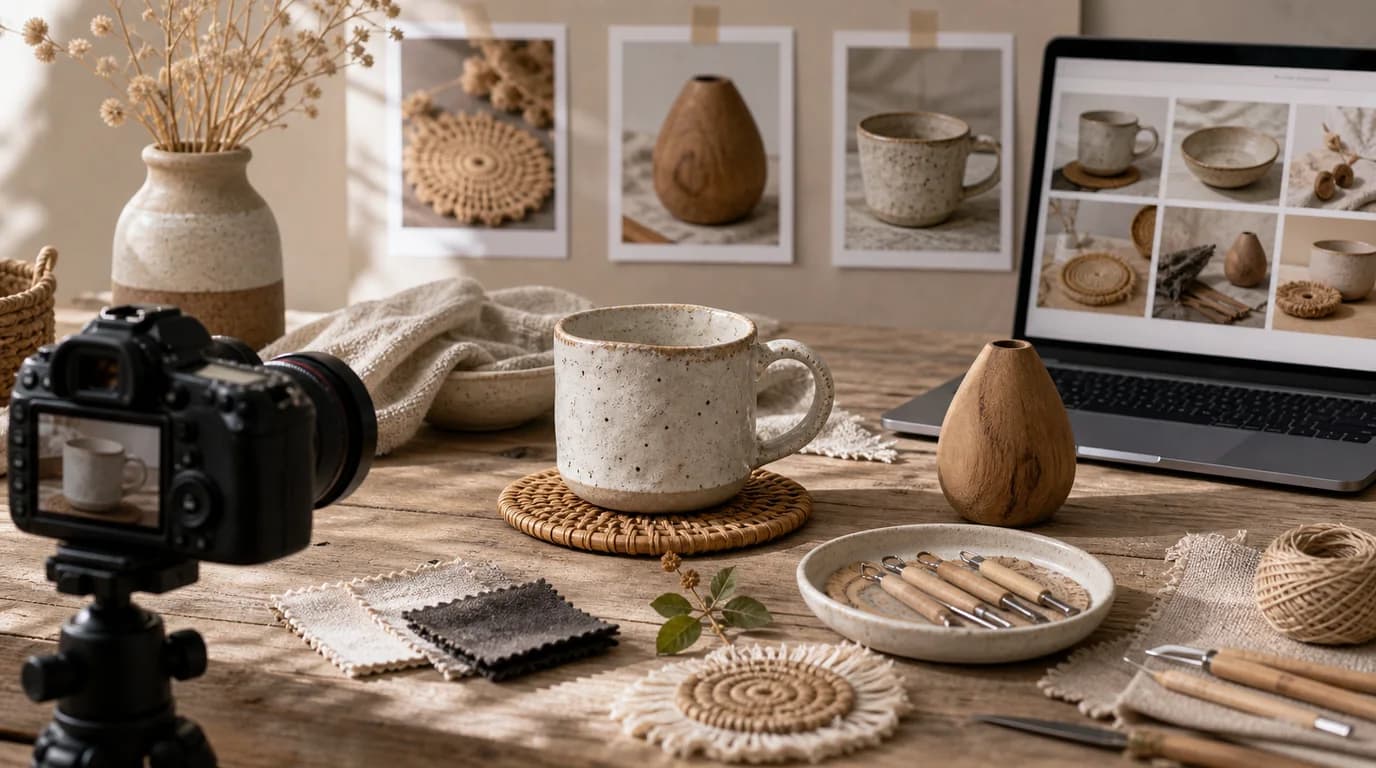
For handmade product images, preserve the irregularities that prove a person made the item — glaze variation, fiber texture, brush marks, hand-stitched edges — and let AI improve only the setting, never polish the craft into a factory finish. Handmade products sell because they are not perfectly anonymous, so that slight variation, carved line, or pressed flower is part of the value, not a flaw to clean up.
AI can help handmade sellers create better scenes, but it should not polish away the evidence that a person made the item.
What to preserve
Keep the natural irregularities that define the craft. Ceramics may have glaze variation. Candles may have wax texture. Jewelry may show hammer marks. Leather goods may show edge paint and stitching. Knit goods need fiber and loop detail. Prints need paper texture and accurate artwork.
Handmade shot list
- Clear front image with the full object visible
- Angle showing depth, edge, or underside
- Texture close-up of material and finish
- Scale image with hand, shelf, table, wall, or wearable context
- Process-adjacent image with tools or materials, only if authentic
- Packaging image with tag, wrap, care card, or gift box
- Variation image showing color, size, or pattern differences
GESTEL guidance
Start with the most honest product photo. In GESTEL, build scenes that suit the craft: potter's shelf, linen tabletop, market stall, studio bench, gallery wall, cozy reading corner, or gift wrapping desk. Ask for natural light and tactile surfaces. Avoid making the item perfectly symmetrical if the real product is intentionally handmade.
If the product includes artwork, embroidery, engraving, or text, protect it. AI may smooth stitches, rewrite letters, or replace illustrations with generic decoration.
Use process cues carefully. A half-finished clay piece, yarn skein, carving tool, pigment tray, or leather punch can make the image feel authentic only if it matches the real making process. Random tools make the craft look staged and can create wrong assumptions about material or technique.
Show variation responsibly
Handmade variation can be a selling point, but it must be framed clearly. If each item differs, show an example range or explain through images that color and pattern vary. Do not generate a flawless version that customers will never receive.
Final review
Compare texture, size, edge finish, and artwork to the real item. Does the AI image still feel handmade? Does it hide a detail customers need for care or display? The best handmade product image improves the setting while keeping the maker's evidence intact.