
Google Shopping Image Feed Optimization for Cleaner Product Matching
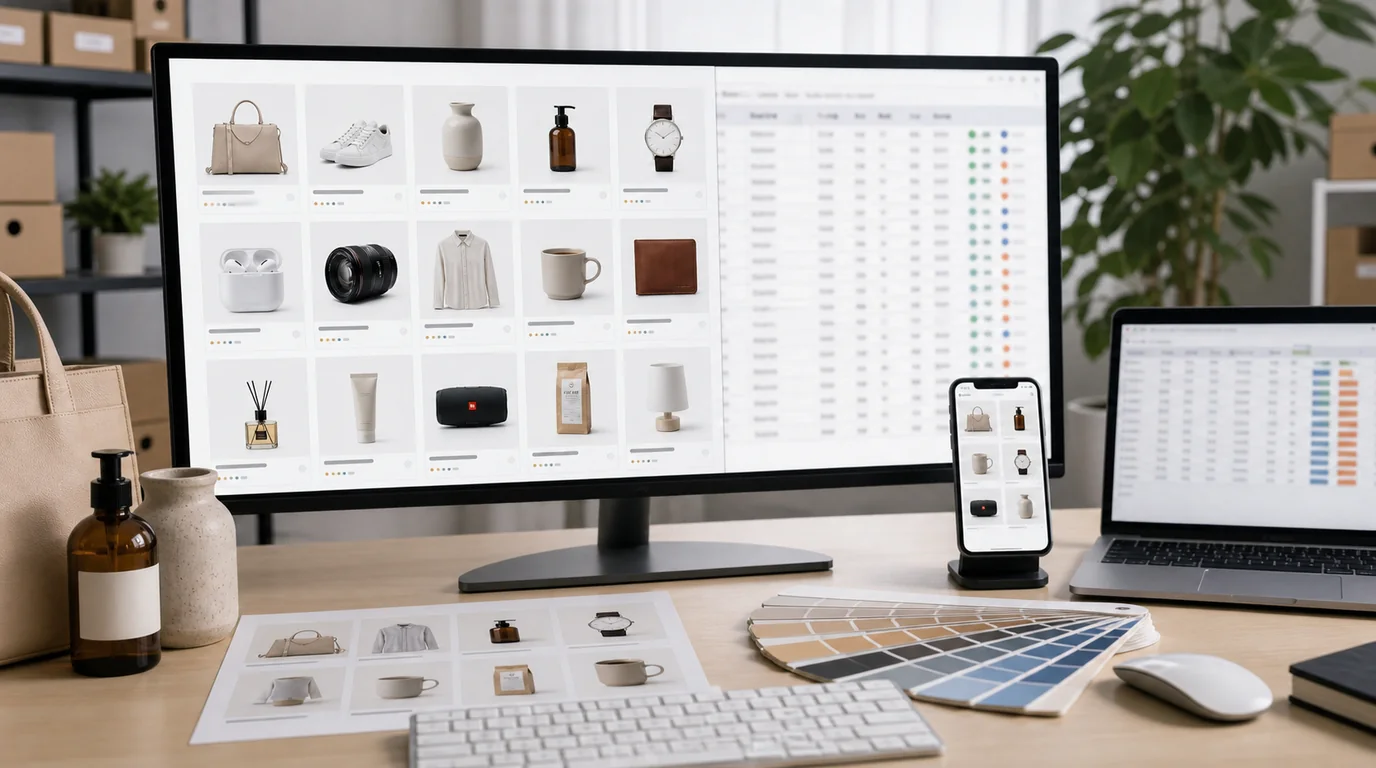
Feed images are data, not just design
Optimizing a Google Shopping feed image means one thing above all: the image must clearly represent the exact product being sold. In Shopping the image is part of the product feed that helps both systems and shoppers understand the offer. Check current Merchant Center guidance before upload, especially for category-specific restrictions, but this principle stays durable regardless of policy changes.
This is why feed image optimization is less about making the most dramatic picture and more about removing ambiguity.
Image set for feed-driven selling
- Primary feed image: clean product view that matches title, variant, and offer.
- Alternate image: product in use or on-model when appropriate.
- Detail image: material, pattern, texture, or important feature.
- Package image: useful when quantity, set, or refill status matters.
- Variant image: separate, accurate image for each color or style.
If your store uses Shopify, Cafe24, or a marketplace source, do not assume the same main image is best for Google Shopping. The feed image must work when separated from the rest of the page.
GESTEL workflow
Use GESTEL for cleanup, crop generation, and background consistency. Keep AI changes conservative for the primary feed image. Remove clutter, normalize lighting, and make the product easier to recognize. Save lifestyle generation for alternate images and landing-page content.
When creating variants, preserve real color references. A small AI shift can cause Google, the landing page, and the buyer to disagree about what is being sold.
Feed workflow
Create a feed review sheet with title, variant, primary image, alternate image, and landing page URL. Review one row at a time. The image should match the exact variant in the row, not the best-looking version of the product family.
For apparel, check color and on-model fit against the variant. For furniture, confirm the item is not too small inside a styled room. For multipacks and refills, show the packaging state that matches the offer. For custom or handmade goods, avoid using a generated example that cannot be ordered from the landing page.
Pitfalls
Avoid promotional text, badges, borders, or collage-like layouts unless current policy and placement clearly allow them. Feed images are often evaluated differently from social ads, and what works in Meta or Pinterest may be inappropriate for Shopping.
Also avoid using a generic lifestyle scene as the only image. A chair in a beautiful room may look premium, but if the chair itself is small in the frame, matching and comparison suffer.
Merchant review pass
After export, check images in the same order a feed system sees them: primary image first, then title, price, variant, and URL. If the image requires the landing page to explain what is being sold, it is too ambiguous for the feed. Keep a separate list of images that are better suited for ads or product pages so they do not creep back into the feed later.
Practical review process
Review feed images next to product titles. If the title says black ceramic 350ml mug, the image should not make the product look navy, metal, or oversized. This simple title-image review catches more issues than a purely visual critique.
For paid social variations, pair this with Meta ads product photos with AI instead of pushing ad-style images into the feed.