
AI Baby and Kids Product Photography With Safety and Condition in View
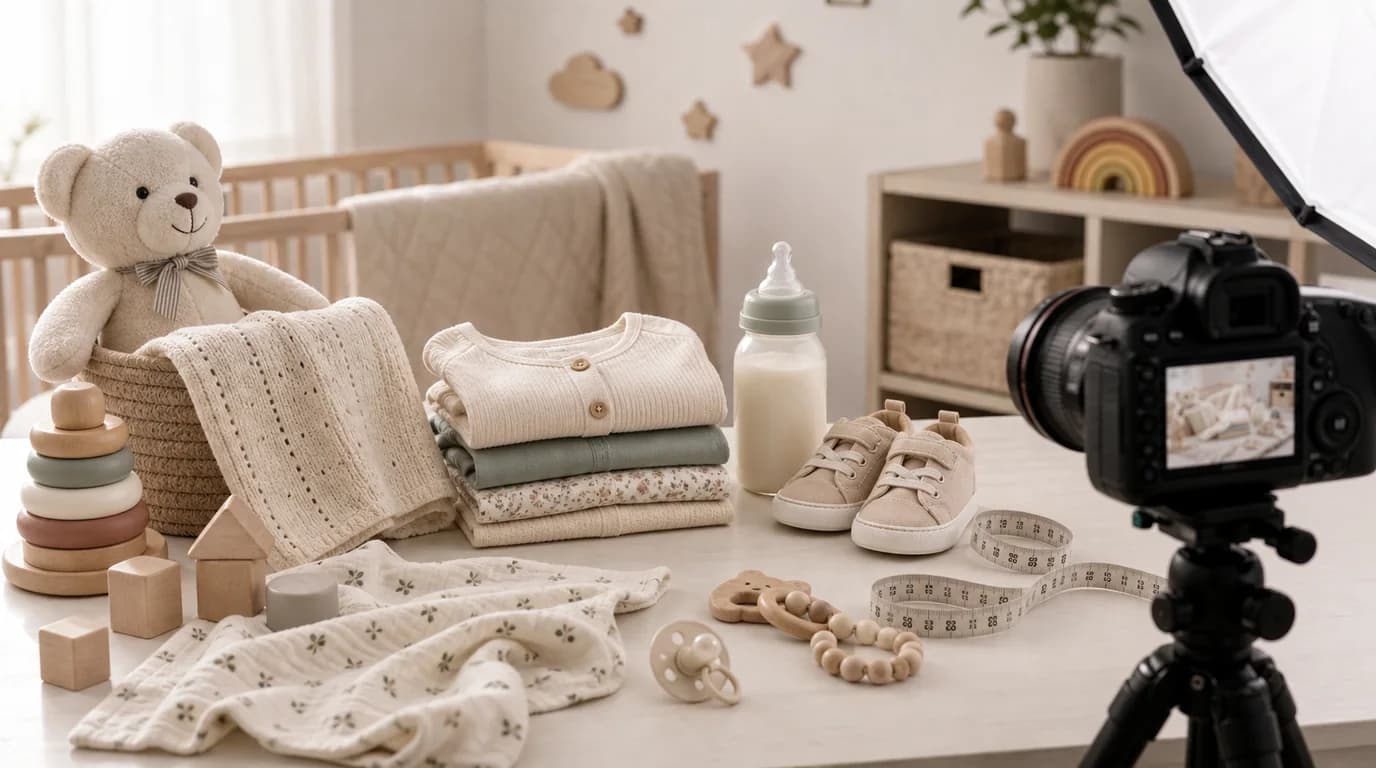
For baby and kids images, make age fit, material, and safe use unmistakable: show the product at true scale beside an age-appropriate reference, reveal closures, seams, and edges, and keep any child in a safe posture. These images carry a higher burden of clarity, because parents and caregivers look for age fit, softness, small parts, cleaning method, stability, and condition before they trust a scene.
AI can create gentle nursery and playroom scenes, but softness should not replace information.
What buyers need to see
For clothing, show fabric, seams, closures, stretch, and size. For toys, show small parts, edges, texture, and scale. For feeding products, show openings, lids, handles, cleaning access, and portion size. For nursery items, show stability, height, assembly points, and room placement.
Condition matters too. If the product is sold as new, packaging and surfaces should look clean. If it is resale or rental, images should be honest about wear.
Shot list for baby and kids products
- Main product image on a clean background
- Scale image with hand, crib, stroller, chair, or age-appropriate object
- Material close-up for cotton, silicone, wood, plastic, plush, or mesh
- Closure or safety detail such as snaps, buckles, seams, suction base, or rounded edge
- In-use scene with safe posture and supervision implied where appropriate
- Packaging or label image for size, age range, or care instructions
- Set image for bundles, outfits, feeding kits, or toy collections
GESTEL usage
Start with a sharp image that shows the full product. In GESTEL, use calm environments: nursery shelf, clean play mat, dining high chair tray, stroller basket, or kids room storage. Avoid clutter that hides parts. Keep children in natural, safe positions if they appear in the image.
For wearable products, AI should not change proportions to make the item fit. For toys, check that no extra detachable-looking pieces appear. For feeding products, keep lids, straws, handles, and openings physically plausible.
Age and size cues need to be explicit. A teether, toddler cup, preschool backpack, swaddle, crib sheet, and bath toy each need a different reference object. Use GESTEL to show the product beside the right environment, but keep any age range, care label, or warning label as a real detail shot rather than generated text.
Avoid unsafe storytelling
Do not show babies sleeping with products that are not intended for sleep. Do not show small items near an infant mouth unless the product is designed for that use. Do not show climbing, standing, or balancing scenes that make the product look unsafe.
Final review
Ask whether a caregiver can understand size, material, age fit, and safe use from the images. If the answer is unclear, add a factual detail shot. Baby and kids photography should feel warm, but the practical proof has to stay visible.