
AI Sports and Outdoor Product Photography for Gear Buyers
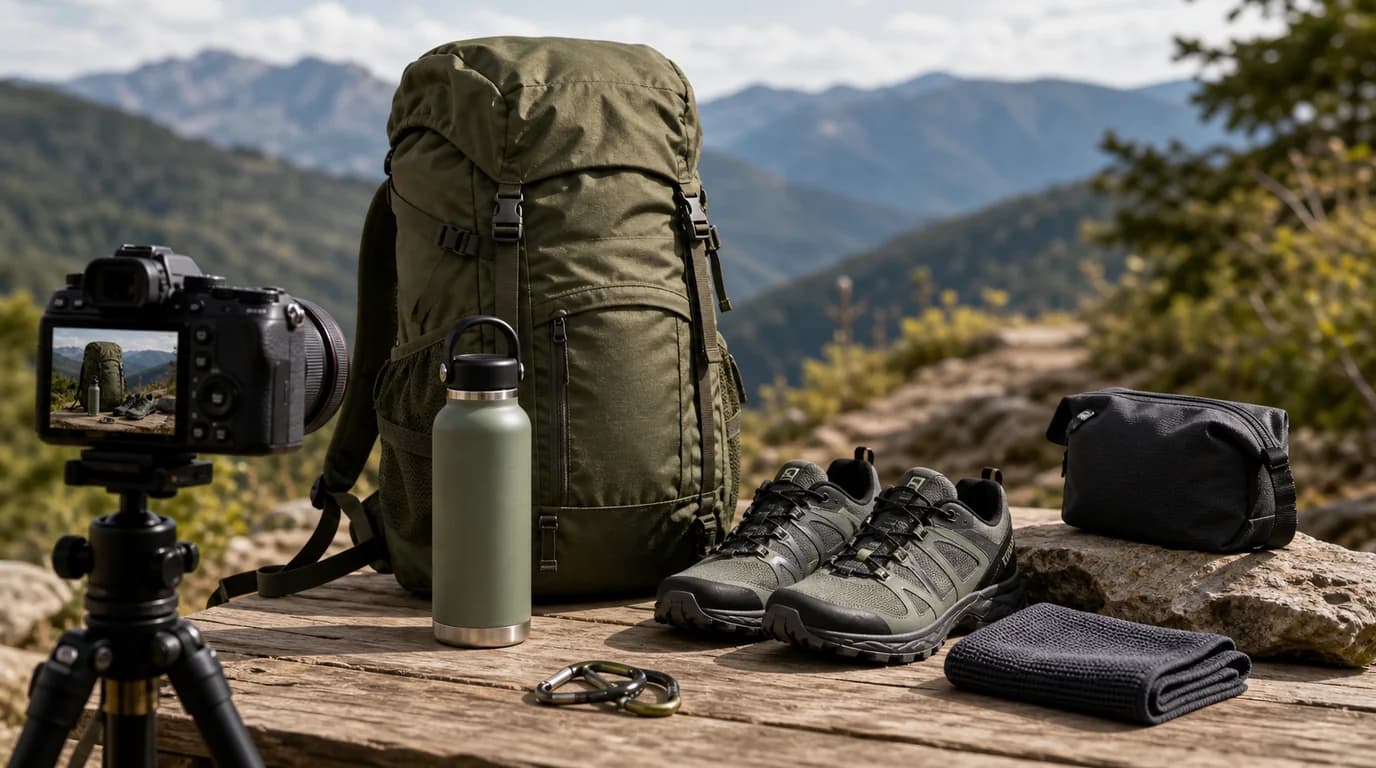
For sports and outdoor gear, match the product to its real terrain, keep attachment points, straps, and materials clearly visible, and use one active scene for energy while keeping separate factual shots for construction. Buyers read these images like equipment checks — they want to know whether the product fits the activity, handles stress, attaches correctly, packs easily, and survives the environment it is shown in.
AI can place gear on trails, courts, gyms, campsites, beaches, and snow scenes. The important question is whether the product still looks usable after the scene becomes dramatic.
Match the product to the terrain
A yoga mat, climbing chalk bag, running belt, trekking pole, pickleball paddle, cooler, and camping lantern should not share the same visual language. Each has different proof points: grip, thickness, weight, attachment, insulation, stability, brightness, or packability.
Shot list for sports and outdoor gear
- Clean studio hero image with the full outline visible
- Material close-up for mesh, rubber, nylon, foam, metal, grip tape, or waterproof coating
- Attachment detail: clips, straps, buckles, carabiner loops, mounts, or valves
- Scale image with hand, backpack, shoe, bike, mat, or campsite object
- In-use scene on the correct terrain or training surface
- Packed or folded view for travel and storage
- Weather or condition cue only when appropriate to the product
GESTEL guidance
Start with a product image that shows structure clearly. In GESTEL, specify the activity setting: trailhead gravel, indoor gym floor, tennis court, campsite table, beach sand, garage bike wall, or snowy car trunk. Keep the product grounded and sized correctly.
For wearable gear, inspect straps, closures, and body contact. For hard goods, check edges, handles, logos, and functional parts. For outdoor scenes, avoid making gear look waterproof, insulated, or impact-rated unless that is true.
Build one image for load or attachment. A running belt should show phone fit and bounce control cues. A cooler should show lid clearance and carry handles. A lantern should show hanging and tabletop use. A paddle should show grip shape and face texture. GESTEL should make those mechanics easier to see, not bury them under motion or scenery.
Realism beats spectacle
Mud, rain, dust, powder snow, and motion blur can add energy, but they can also hide the product. Use one active image for atmosphere and keep separate factual images for construction. Buyers need both.
Final check
Can the shopper see how the product attaches, folds, grips, opens, or carries? Does the environment match the actual use case? Are safety-critical parts visible? Outdoor AI photography should create context, not turn gear into an uncheckable prop.