
AI Beverage Product Photography for Labels, Liquid Cues, and Occasion
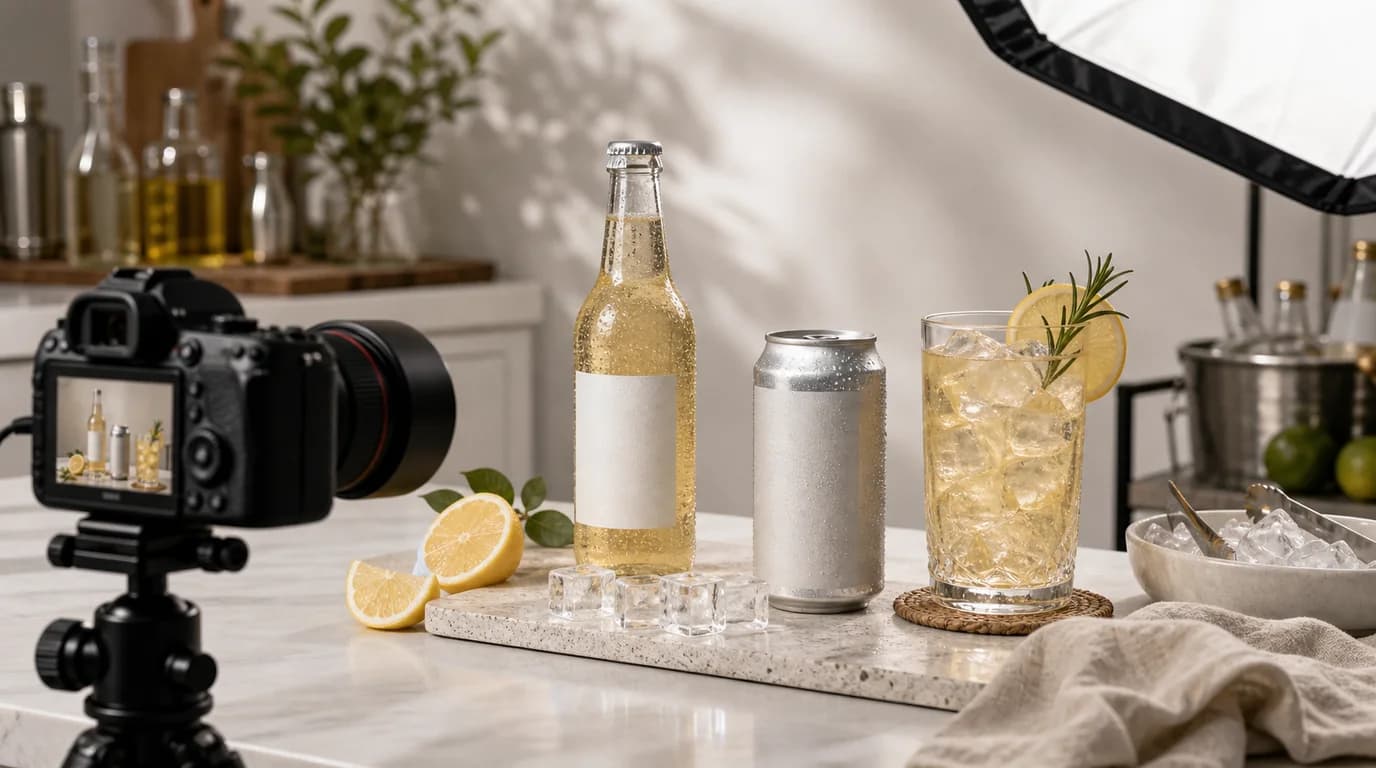
To make beverage images work, pick a specific drinking occasion, keep condensation realistic so it never hides text, preserve the true liquid color, and let the label carry the facts — flavor, volume, alcohol status, caffeine cues, and packaging format. Beverage photography sells refreshment, taste, and occasion, but those trust details still have to survive every stylized scene.
AI can create seasonal and lifestyle scenes quickly, especially for cans, bottles, cartons, sachets, and multipacks. The challenge is keeping the drink believable.
What the image needs to answer
Is it sparkling or still? Cold or shelf stable? Single serve or sharing size? Morning drink, workout drink, party drink, coffee break, kids lunch, or gift? The scene should help answer those questions without covering the label.
Beverage shot list
- Front label hero image with clear volume and flavor
- Chilled can or bottle image with controlled condensation
- Pour shot showing liquid color and texture
- Glass serving image with garnish only if accurate
- Multipack or case image for quantity
- Occasion scene: breakfast, picnic, bar cart, gym bag, desk, or fridge shelf
- Scale image beside a hand, glass, lunchbox, cooler, or cup holder
GESTEL guidance
Use a product photo where the label is flat and readable. In GESTEL, choose a specific occasion: bright kitchen morning, convenience store cooler, summer picnic table, dark bar counter, office desk coffee break, or post-workout bench. Keep condensation realistic. Too many water droplets can hide text and make shelf-stable products look refrigerated.
For transparent bottles and pour shots, preserve liquid color. Tea should not turn into soda. A clear beverage should not become milky. Foam, bubbles, ice, and garnish should match the product type.
Plan the set around shopping context. A DTC product page may need flavor comparison, subscription quantity, and fridge-door scale. A marketplace listing may need a cleaner front label and multipack count. A wholesale buyer may care about case format and shelf presence. GESTEL can produce each context from the same pack shot, but the label and unit count must stay fixed.
Avoid overclaiming through props
Functional beverages are especially sensitive. Do not add athletic performance scenes that imply results the page does not claim. Do not add fruit that is not a flavor. Do not make alcohol-free products look alcoholic or alcoholic products look like children's drinks.
Final check
Read the label, check flavor and volume, confirm packaging quantity, and make sure the serving scene matches the product. Good beverage AI photography should make the drink feel desirable while keeping the label in charge.