
AI Electronics Product Photography: Ports, Screens, and Real Hardware
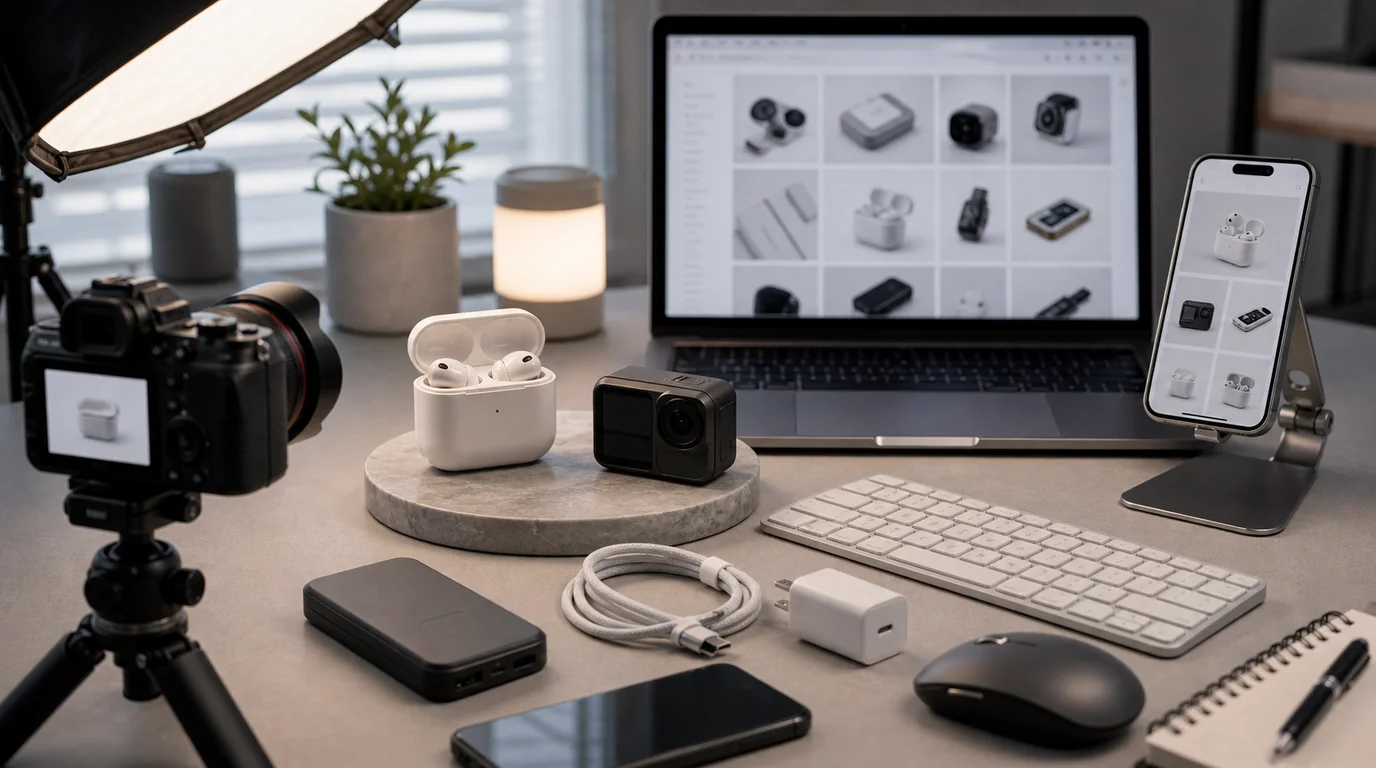
The rule for AI electronics images is simple: use AI to change the environment, never the hardware map. Keep every port, button, vent, hinge, and connector exactly as it is, and show only the accessories actually in the box. Electronics buyers zoom in, checking bezels, camera bumps, LEDs, charging contacts, and cable ends — and a beautiful AI scene is not enough if the USB-C port disappears.
For gadgets, accuracy is part of the product value. The image has to show what the device can connect to, how it is controlled, and how it sits in a real workspace or travel setup.
Details that must survive AI generation
Ports and connectors are the first risk. AI may add an extra port, remove one, or turn a precise connector into a generic slot. Buttons can migrate. Vents can become decoration. Screens can show impossible interfaces. Cables can plug into the wrong side.
Use AI to change the environment, not the hardware map.
Practical shot list
- Front hero image with screen or main surface visible
- Rear or side image showing every port
- Button, switch, hinge, vent, or sensor close-up
- Cable and accessory image with included items only
- Scale image beside a laptop, phone, hand, desk, or travel pouch
- In-use scene: desk setup, charging station, gaming shelf, camera bag, or commute kit
- Screen-on and screen-off versions if relevant
GESTEL workflow
Begin with a product photo where hardware edges are sharp. In GESTEL, specify the setting: matte desk, clean studio sweep, tech organizer pouch, nightstand charging scene, creator desk, or compact travel setup. Keep prompts focused on surface, light, and context.
For screens, decide whether the UI should be blank, generic, or supplied from a real screenshot. If the product interface matters, do not let AI invent it. Add screen content later through a controlled design workflow if needed.
Use accessory discipline. If the box includes one cable, one adapter, and a pouch, show exactly that. Do not let AI add premium stands, extra tips, branded chargers, or companion devices unless they are included or clearly contextual. Electronics returns often start with a buyer thinking something in the image came in the box.
Category cautions
Power banks need visible capacity label and ports. Earbuds need case shape, hinge, charging light, and bud orientation. Keyboards need layout accuracy. Cameras need lens mount, buttons, hot shoe, and screen hinge. Smart home devices need size and installation context. Adapters need connector gender and cable direction.
Final hardware check
Count ports. Check button placement. Confirm the cable fits the port shown. Make sure the screen does not imply features the product lacks. Electronics images can be stylish, but the hardware has to remain boringly correct.