
AI Home and Kitchen Product Photography That Shows Size and Function
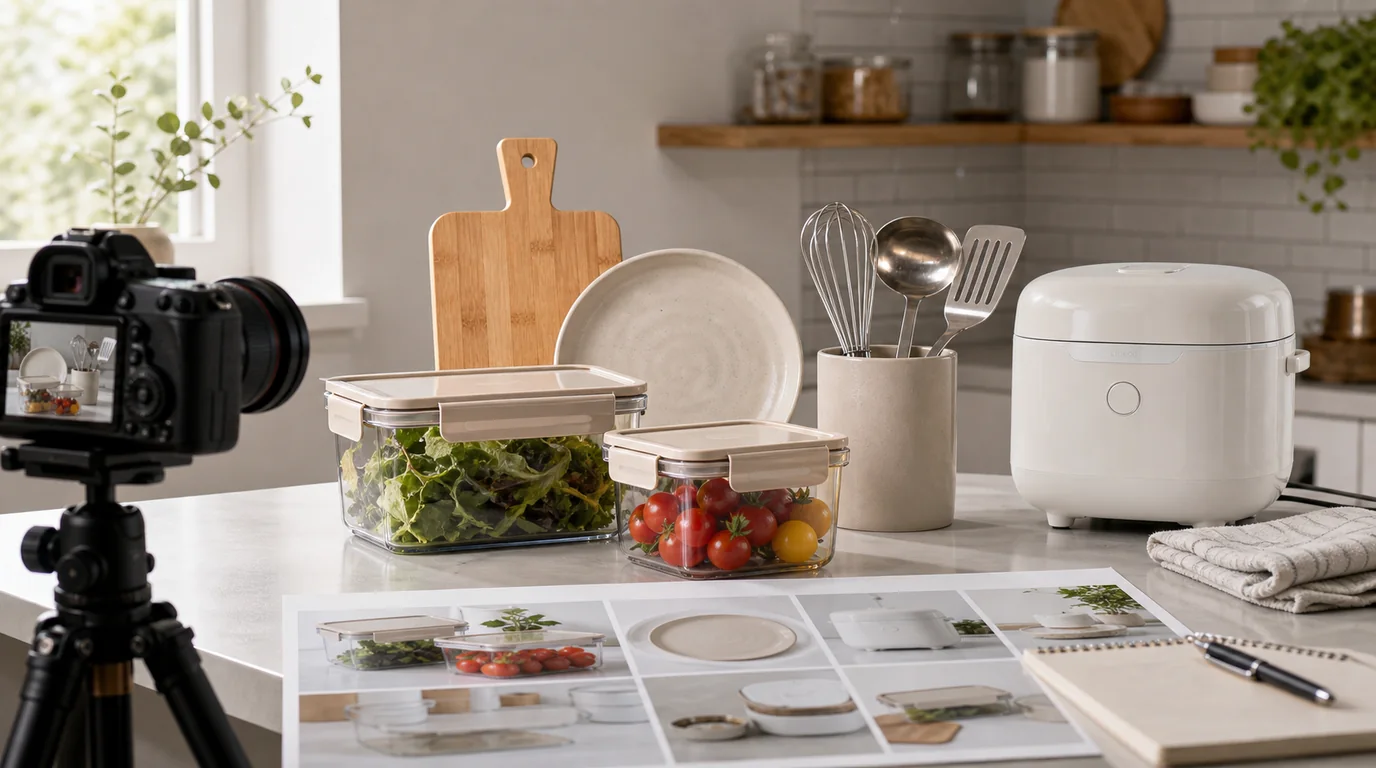
For home and kitchen images, answer size and function before atmosphere: place the item in a room with realistic proportions, add a clear scale cue, and show how it opens, stacks, pours, or attaches. These products live inside rooms with real constraints — a pan has to fit a stove, a storage bin has to fit a shelf, and a cutting board has to show thickness, grain, and usable surface.
AI product photography is useful because it can place one item into many home contexts. The danger is making the product look better by changing the practical details that matter.
Function before atmosphere
Before adding a beautiful kitchen, answer the buyer's functional questions. How big is it? What material is it? How does it open, stack, pour, fold, hang, or clean? Does it need an outlet, wall mount, lid, handle, filter, or accessory?
Shot list for home and kitchen
- Main product image on a neutral surface
- In-use scene at the correct counter, stove, sink, shelf, or table height
- Scale cue with hand, plate, cabinet, appliance, or common pantry item
- Material close-up for stainless steel, ceramic, glass, silicone, wood, cotton, or stone
- Interior or underside view when construction matters
- Before-and-after organization image for storage products
- Set or nesting image for containers, cookware, towels, or tools
GESTEL guidance
Use a product photo that shows the full shape. In GESTEL, choose rooms with realistic proportions: small apartment kitchen, bright pantry shelf, modern dining table, laundry cabinet, or bathroom vanity. Ask for natural shadows and grounded placement. Products that float, clip through counters, or sit at impossible angles reduce trust.
For transparent, reflective, or white products, keep the background contrast moderate. Glassware needs visible edges. White organizers need shadows. Stainless steel needs highlights that show the shape without turning into a mirror maze.
Make one image answer installation or fit. For shelves, organizers, racks, hooks, lamps, filters, and small appliances, shoppers need to know what space the product occupies and what it touches. GESTEL scenes should show wall clearance, cabinet depth, cord direction, lid swing, drawer pull-out, or stacking height when those details affect use.
Product-specific cautions
Cookware should show handle attachment and lid fit. Food storage should not imply leakproof performance unless the page states it. Small appliances need visible buttons, vents, cords, ports, or accessories. Decor should show size relative to furniture. Linens should show weave, drape, and thickness.
Final review
Imagine the customer placing the product in their own home. Can they understand whether it fits, how it works, and what it is made of? If the generated scene answers only style and not function, add one more factual image before publishing.