
AI Accessory Try-On Photos That Show Scale, Fit, and Finish
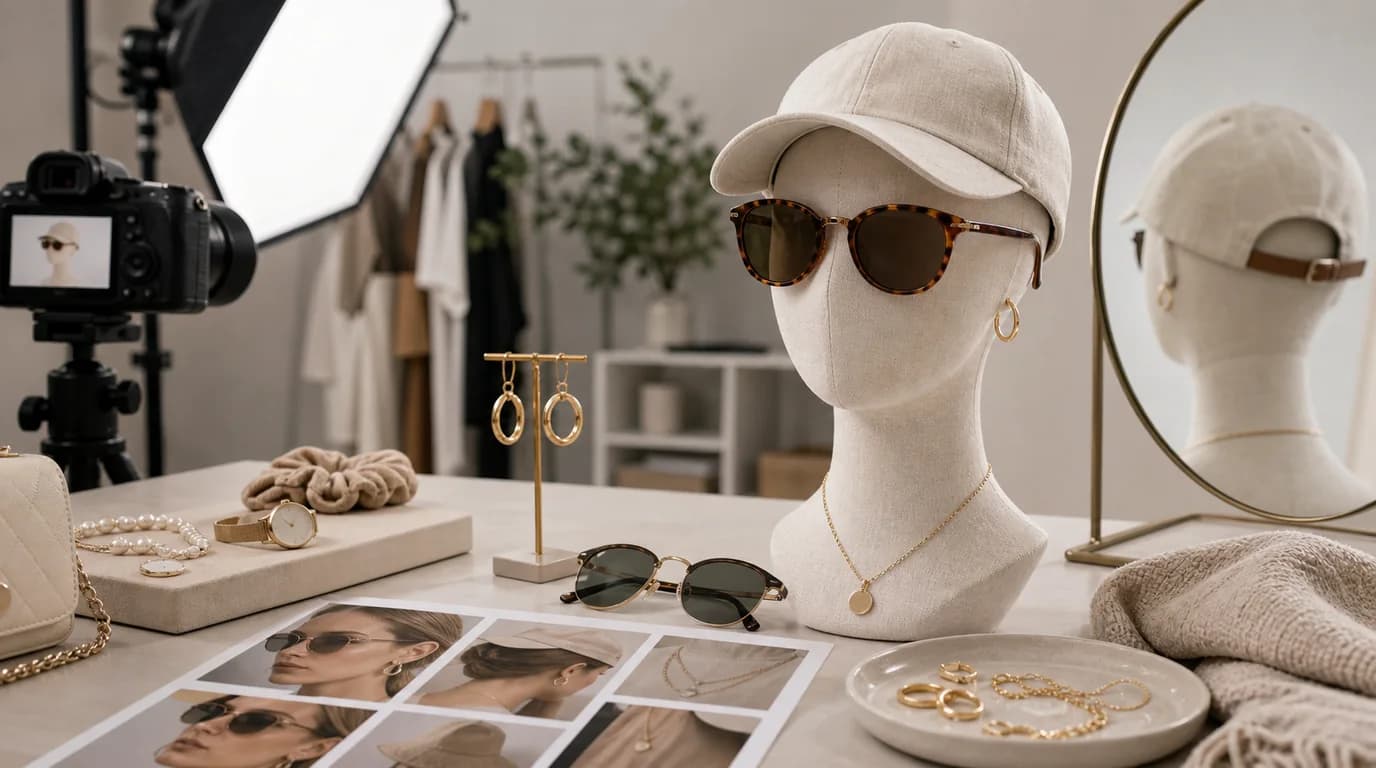
The point of an accessory try-on photo is to prove scale and placement, so show exactly where the piece lands on a real body, keep the product's dimensions identical across every model, and keep skin contact and shadows natural. Try-on answers a question flat lays cannot: how does it sit? Earrings change with face shape, sunglasses depend on bridge width and lens size, necklaces need chain length, hair clips need grip and proportion, and scarves need drape.
AI try-on can create more model variety and styling contexts, but placement has to be believable.
What try-on images must show
Scale is the main value. A tiny stud, bold hoop, delicate pendant, oversized sunglasses, silk scarf, and claw clip all need body context. The image should show where the accessory lands, how it hangs, and whether the finish catches light.
Accessory shot list
- Clean product-only image for shape and finish
- Try-on image from the most useful angle
- Close-up on fastening, clasp, hinge, nose pad, pin, or clip
- Side angle for earrings, sunglasses, and hair accessories
- Length reference for necklaces, chains, belts, and scarves
- Styling image with outfit context
- Packaging image for gifting
GESTEL workflow
Use a sharp product image and, when possible, a reference try-on angle. In GESTEL, ask for realistic placement: hoop earring hanging from the earlobe, pendant centered at collarbone, sunglasses resting on the nose bridge, claw clip holding hair at the back of the head. Keep skin contact and shadows natural.
For jewelry, inspect reflections and metal color. Gold should not drift into rose gold unless intended. Stones should not multiply. Chains should not melt into skin or clothing. For sunglasses, check lens symmetry and temple arms.
Build try-on sets around measurement. For earrings, show front and side drop. For necklaces, show where common chain lengths land. For sunglasses, include a straight-on face and a side angle for temple fit. For scarves and belts, show drape or buckle position. GESTEL can vary the model, but the product dimensions should not drift between images.
Model variety with care
AI can help show accessories on different skin tones, hairstyles, face shapes, and outfit styles. Keep the product identical across variations. If the accessory changes size from one model to another, customers will be confused.
Final review
Look at contact points: ear, neck, hair, nose, wrist, waist, or fabric. Does the product attach in a physically plausible way? Is the scale consistent with the product dimensions? Try-on photos should reduce uncertainty, not create a prettier but impossible fit.