
AI Stationery Product Photography for Paper, Scale, and Desk Use
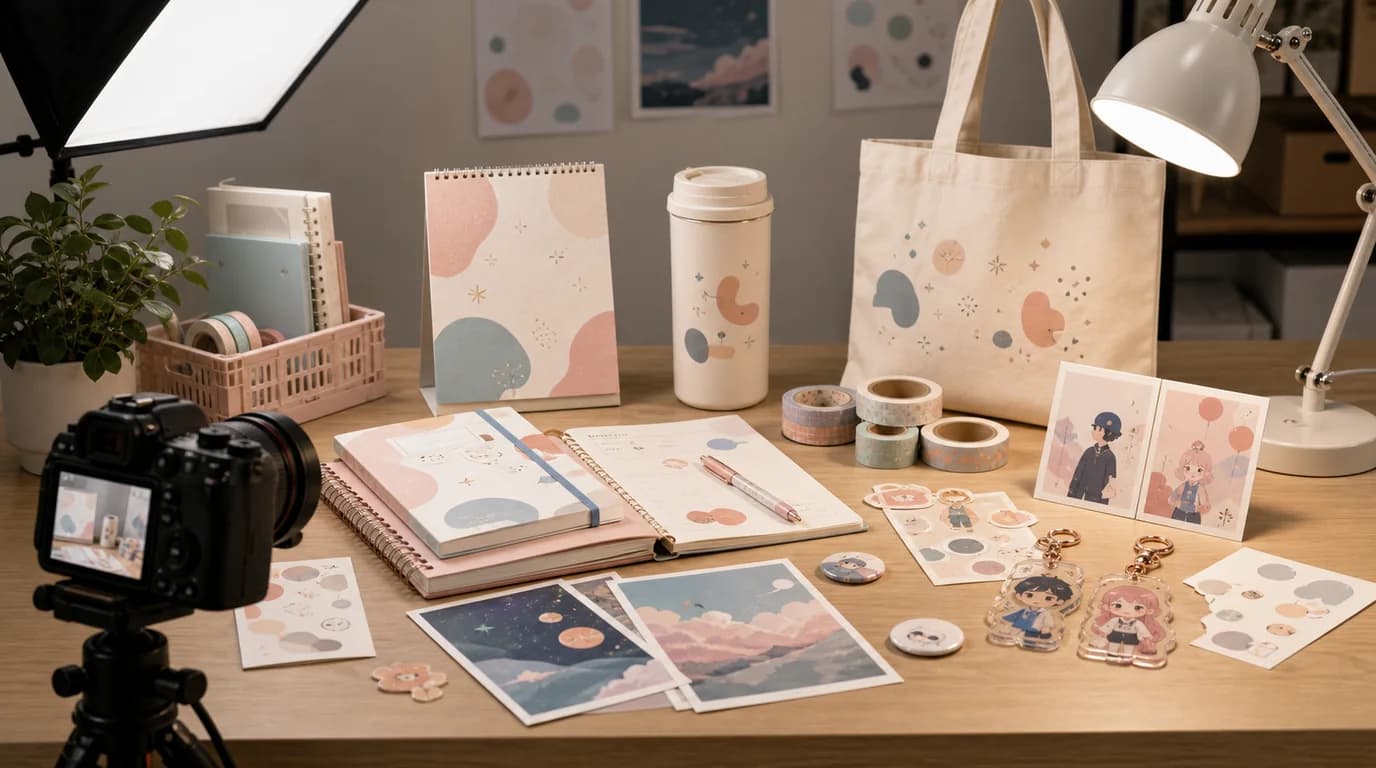
To sell stationery, protect the small details that make it usable: show paper texture and ruling, an open notebook or planner spread, the true pen tip and ink color, and a desk scale cue — then build the mood around them. Stationery looks simple until the buyer cares about the paper, and thickness, binding, sticker finish, clip strength, and magnet size all matter up close.
AI stationery photography should make the product feel desirable for work, school, journaling, gifting, or collecting while preserving the details that make it useful.
The small details are the product
For notebooks and planners, show cover texture, spine, binding, page layout, paper color, and thickness. For pens, show tip type, barrel finish, clip, grip, refill, and written line if possible. For stickers and goods, show finish: matte, glossy, holographic, transparent, removable, or textured.
Shot list for stationery and goods
- Main flat lay with full product outline
- Open notebook or planner spread
- Paper texture and ruling close-up
- Pen tip and writing sample
- Sticker sheet close-up with edge and finish visible
- Desk context with laptop, mug, calendar, or bag for scale
- Gift packaging image for sets, bundles, or limited editions
- Storage image for cases, pouches, trays, and organizers
GESTEL workflow
Use GESTEL to create different desk moods: minimal office, student desk, journaling corner, artist table, stationery shop shelf, or gift wrapping scene. Keep the product aligned and readable. Paper products look careless when AI bends edges or invents page layouts.
For printed stationery, do not let AI rewrite text, dates, grids, or illustrations. If the design matters, keep the original as the anchor and generate around it.
Separate usable detail from desk styling. A planner page needs one straight, readable spread. A pen needs one line sample with the actual ink color. Stickers need an edge shot so buyers understand cut lines and backing. Desk mood images help conversion only after those practical details are visible.
Styling choices
Work stationery benefits from clean surfaces and neutral props. Journaling products can use softer light, washi tape, stamps, and layered paper. Character goods need enough breathing room so the artwork is visible. Premium pens need reflections and close-ups that show material quality.
Final review
Check paper lines, printed text, pen tips, sticker cuts, and package counts. Stationery buyers notice small inconsistencies because they plan to use the product closely. A good AI image should make the desk scene attractive without making the product vague.