
AI Pet Product Photography: Safety, Size, and Real Use Come First
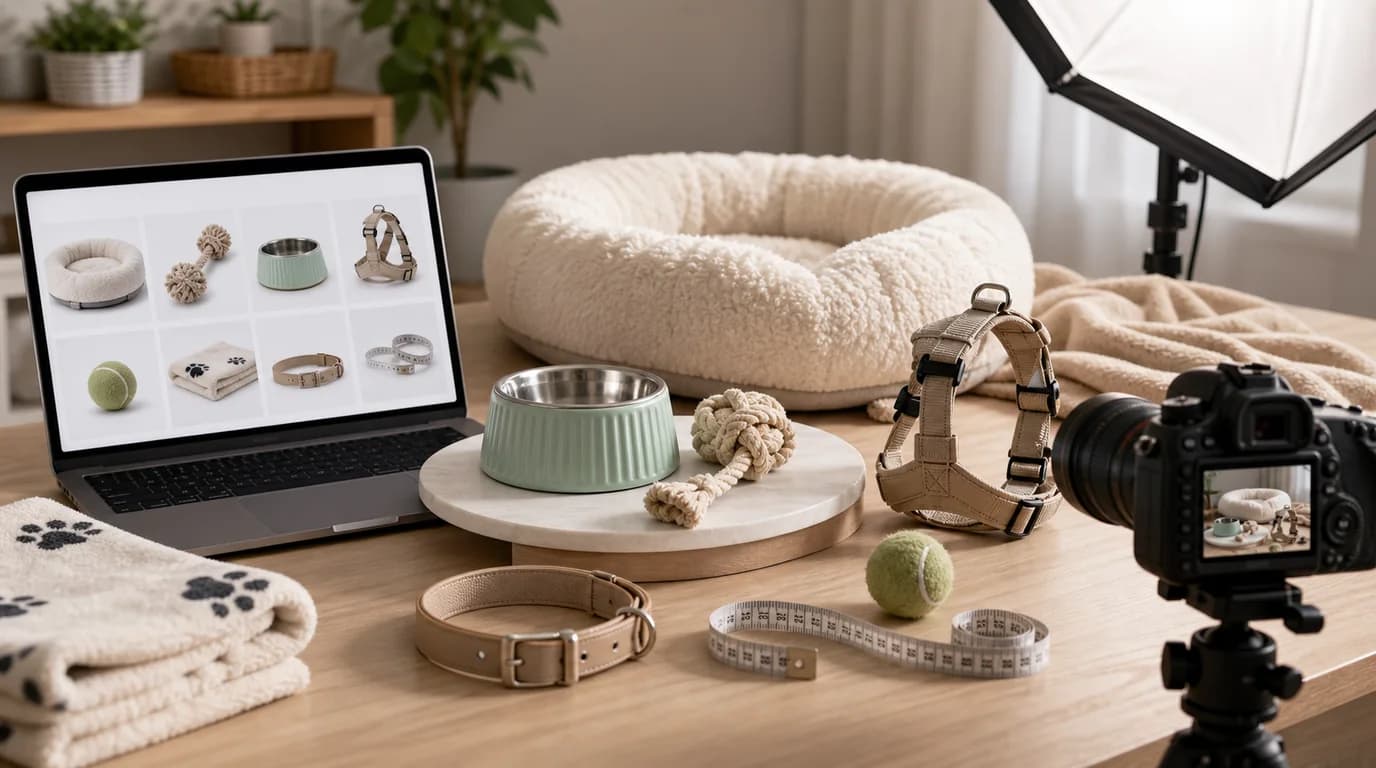
For pet product images, lead with proof of size and safety: show the product against the intended animal's scale, reveal seams, buckles, and openings, and keep any pet in a natural, safe pose. Pet product shoppers are protective — they are not only asking whether a product is cute, but whether it is the right size, safe for their animal, easy to clean, durable enough, and appropriate for a dog, cat, puppy, kitten, or small pet.
AI images can help show products in warm home settings, but pet photography should avoid fantasy scenes that hide scale or safety details.
Safety cues buyers look for
For toys, show seams, chew surfaces, rope ends, squeakers if visible, and size relative to the pet. For bowls, show depth, base stability, and material. For collars and harnesses, show buckle type, adjustment range, leash ring, reflective details, and fit. For beds, show height, cushion thickness, entry shape, and washable covers. For treats, keep packaging and pieces accurate.
Shot list by product type
- Toy beside the intended pet size, not just in isolation
- Bowl with visible depth and non-slip base if applicable
- Collar or harness flat lay plus worn fit image
- Bed with a pet resting naturally and a separate empty bed image
- Grooming tool close-up showing bristles, blade guard, or handle
- Treat package with individual treat size shown
- Cleaning or storage scene for litter, pads, bags, or wipes
GESTEL workflow
Start with a clean product image. In GESTEL, choose a home environment that matches use: kitchen floor for bowls, living room rug for toys, entryway for leashes, laundry room for cleaning products, or calm bedroom corner for beds. Keep the pet pose natural and safe. Avoid mouths stretched around toys that are too small or collars that appear too tight.
If you generate an animal with the product, review the contact points. Harness straps should not cut through fur. Bowls should sit on the floor. Beds should support weight instead of looking like props.
Use species and life stage deliberately. A cat fountain, senior dog ramp, puppy chew toy, rabbit hay feeder, and grooming brush for long-haired breeds need different scale references. In GESTEL, name the intended animal only when it helps the image prove fit; otherwise keep the animal out and make the product details clearer.
Avoid misleading cuteness
Cute scenes can hide problems. A tiny toy near a large dog may look playful but raise choking concerns. A cat in a covered bed may look cozy, but shoppers still need to see the entrance and interior. A treat pile may look generous but can imply a serving size.
Final checklist
Does the image show the product size clearly? Does the animal use it in a plausible way? Are buckles, seams, handles, and openings visible? Does the scene avoid unsafe chewing, tight fit, or excessive treat portions? Pet images should feel warm, but safety has to stay visible.