
5 Tips for Better AI Background Removal Results
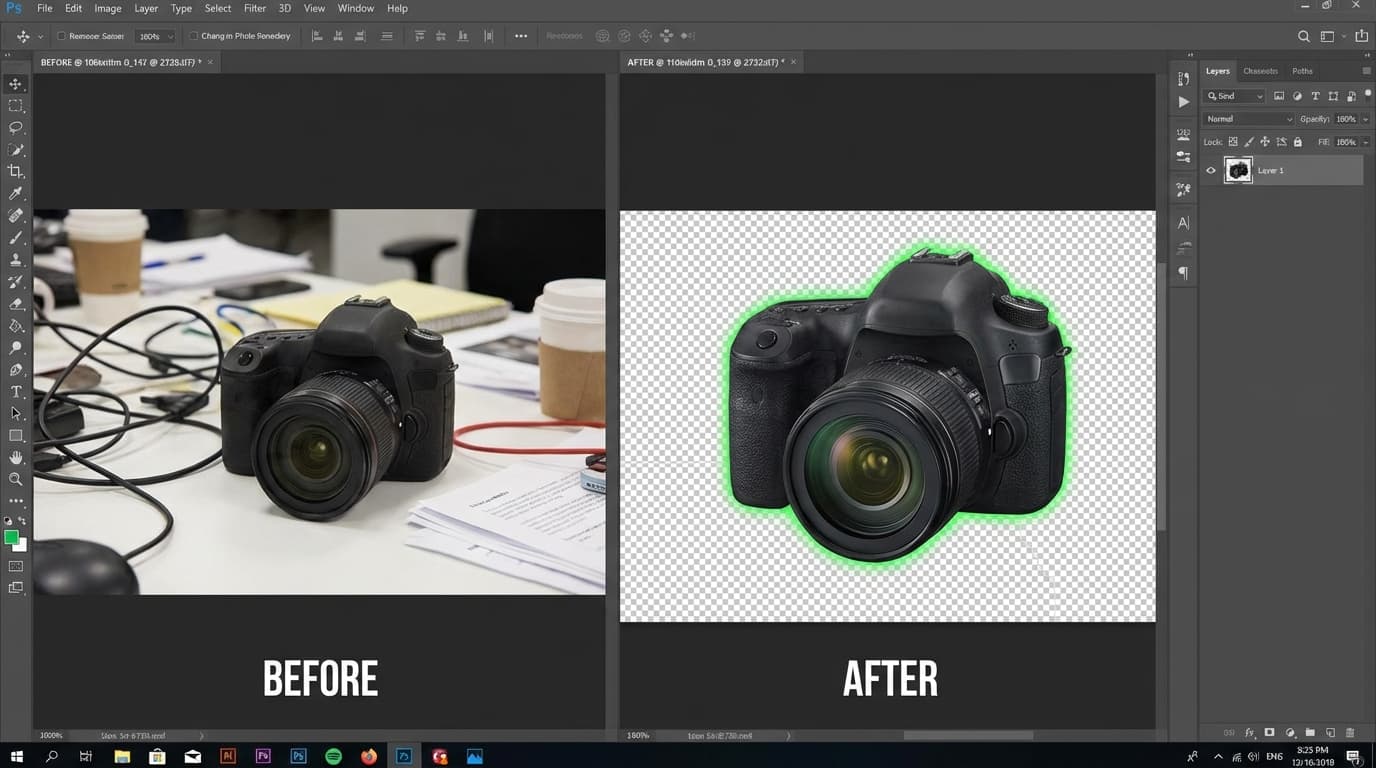
To get cleaner AI background removal results, start with high-contrast subjects, use high-resolution images for products with complex edges, decide on shadows before you cut, inspect the edges at full zoom, and keep your input consistent when batch processing. Background removal is one of the most common image editing tasks in e-commerce and marketing, and AI has made it dramatically faster — but the quality of your results still depends on your input. Here are those five tips in detail.
Key takeaways
- AI background removal separates a product from its background to produce a clean cutout or transparent background — but result quality still depends on your input.
- Use high-contrast subjects so the AI can clearly find the edges.
- For complex edges like hair, fur, glass, or sheer fabric, use the highest-resolution image available.
- Decide whether to keep shadows before you cut; e-commerce usually prefers a clean, shadowless cutout.
- Inspect edges at full zoom for fringing, jagged edges, or missing details, and keep input consistent when batch processing.
1. Use high-contrast subjects
AI background removal works best when there's a clear visual distinction between the subject and the background. If your product is white on a white background, the AI may struggle to find the edges.
Tip: When photographing products for background removal, use a contrasting backdrop. A dark product photographs well against a light background and vice versa.
2. Avoid complex edges
Products with fine details like hair, fur, or transparent elements (glass bottles, sheer fabrics) are more challenging. The AI handles them well, but you may need to use higher-quality input images.
Tip: For products with complex edges, use the highest resolution image available. More pixels give the AI more information to work with at the boundaries.
3. Keep shadows intentional
Decide before removing the background whether you want to keep natural shadows. Some AI tools strip shadows entirely, while others preserve them. For e-commerce, a clean cutout without shadows is usually preferable — you can add a drop shadow later for a polished look.
4. Check the edges at full zoom
After removing the background, zoom in to 100% or more and inspect the edges. Look for: - Fringing (colored halos around the subject) - Jagged edges - Missing details (small product features cut away)
5. Batch process with consistent input
If you're removing backgrounds from multiple product photos, keep the input consistent: same lighting, same camera distance, same background. This helps the AI produce more uniform results across your entire catalog.