
K-Beauty Product Image Localization for Global Stores
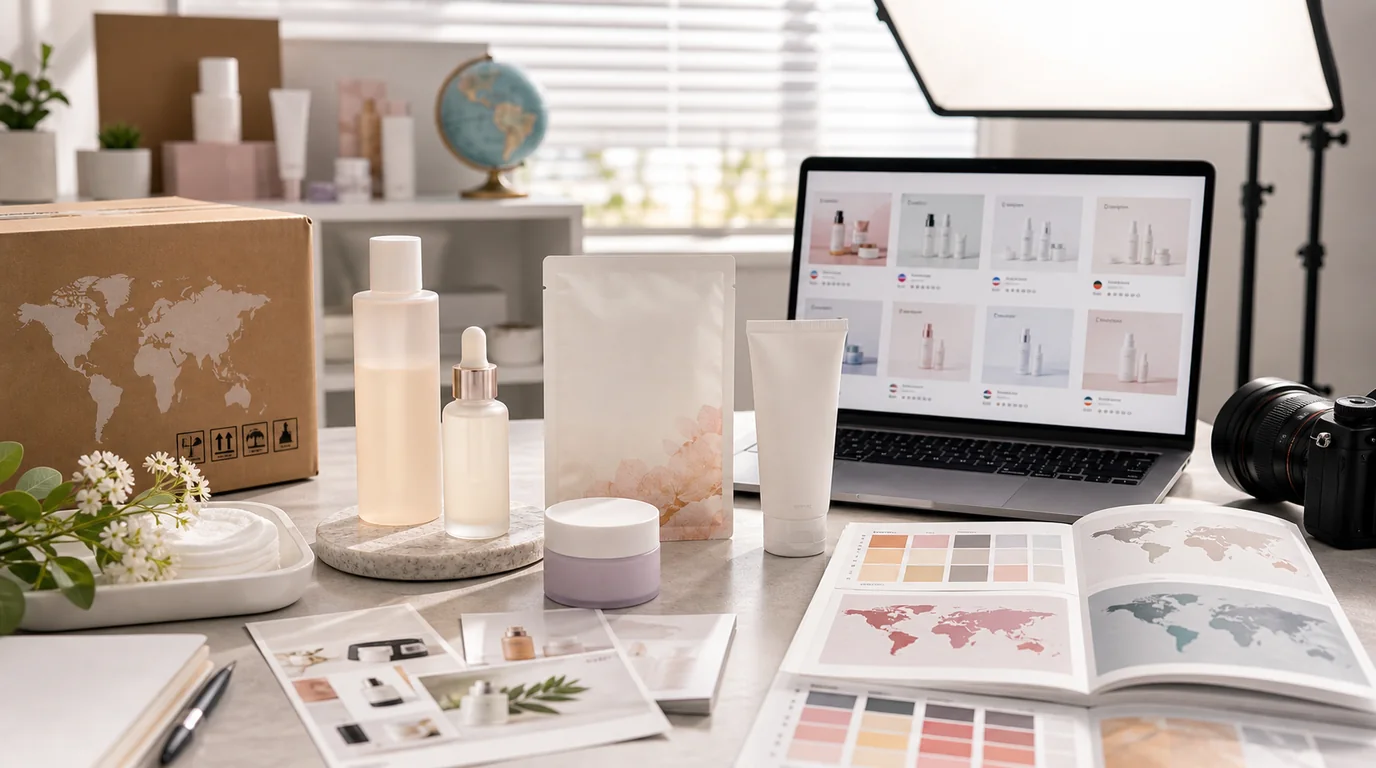
K-beauty brands should localize by keeping the product identity fixed and changing only the context around it: swap the lifestyle setting, models, and translated callouts per market, but never let AI redraw the Korean label or alter the shade and formula. K-beauty images travel across markets, yet the same visual may not work everywhere, because Korea, the United States, Japan, Southeast Asia, and Europe each need different label clarity, ingredient context, routine education, skin tone representation, and lifestyle styling.
Localization is not making the product look less Korean. It is helping each market understand the product faster.
What should stay consistent
The product identity should remain stable: package shape, label, shade, formula texture, logo, color system, and core brand mood. If localization changes those, the catalog becomes fragmented and customers may question authenticity.
What can change by market
Lifestyle context can change. A Korean bathroom shelf, US vanity, Japanese compact apartment sink, Southeast Asian humid morning routine, or European pharmacy-like studio can all be appropriate depending on channel. Model diversity, language overlays, routine steps, and seasonal scenes can also vary.
Image set for localized K-beauty pages
- Clean product hero with Korean label preserved
- Secondary image with translated benefit callouts added outside the package
- Texture image for cream, essence, toner pad, balm, sunscreen, or lip product
- Routine step image showing when the product is used
- Skin tone or model image when shade, finish, or glow needs context
- Ingredient mood image using only accurate ingredients
- Marketplace-safe image with plain background for ads and listings
Using GESTEL for localization
In GESTEL, keep the original product as the anchor and generate market-specific environments around it. For a US store, you might use clean bathroom daylight and direct routine context. For Japan, compact, tidy, detail-focused scenes may work well. For Southeast Asia, lightweight texture and humid-climate freshness may be more relevant. For Europe, pharmacy, dermocosmetic, or minimal editorial cues can help depending on the brand.
Do not translate text by letting AI redraw the package. Add localized copy as separate design elements after the image is generated. This protects the Korean label and avoids misspellings.
Localize the question each market asks first. US shoppers may need texture, routine order, and sensitive-skin framing. Japanese shoppers may inspect compact size, refill logic, and fine detail. Southeast Asian shoppers may care about heat, humidity, light texture, and sunscreen finish. European shoppers may look for ingredient restraint, claims discipline, and pharmacy credibility. The same product can answer those questions with different scenes while keeping the pack identical.
Avoid stereotypes
Localization should be based on channel, customer questions, climate, format, and regulation, not clichés. A market-specific image should make the product easier to evaluate, not reduce a culture to props.
Final checklist
Does the localized image still look like the same product sold in Korea? Are benefit claims and ingredients supported by the actual page? Is translated copy outside the package and easy to update? Good K-beauty localization keeps the brand recognizable while removing friction for the buyer in each market.