
Amazon Product Image Requirements and AI Editing Workflow
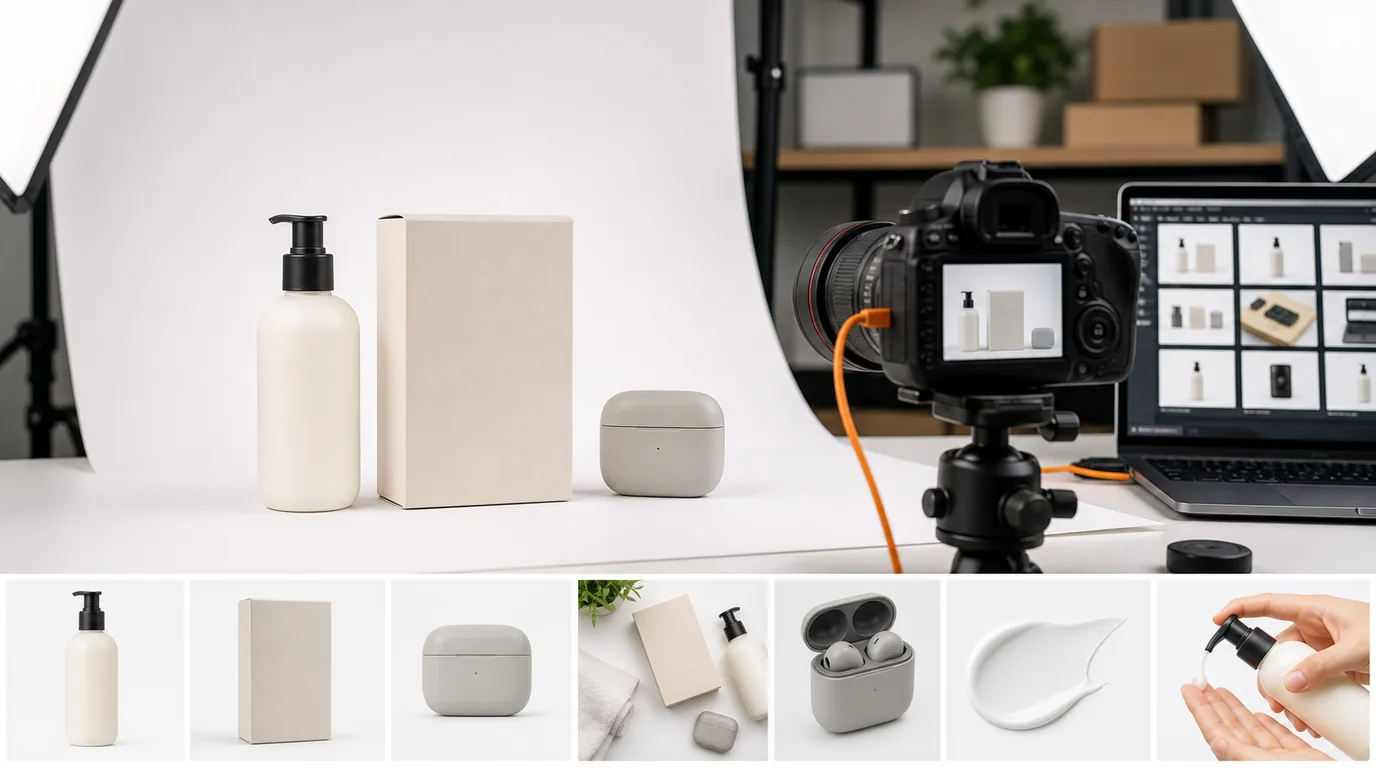
Amazon rewards clarity before style
Amazon's core image requirement is simple: keep the main image product-focused, accurate, and free from anything that could be interpreted as misleading. Exact requirements change by category and locale, so always check Seller Central before upload. Clarity comes before style — an image that looks like an ad but blurs what the offer is will hurt you more than a plain, honest one.
AI can help a lot, but it should not turn a compliant product photo into an advertising scene where the offer becomes ambiguous.
Separate main image and gallery strategy
For Amazon, treat the main image and gallery images as different jobs.
- Main image: accurate product-only presentation with clean edges and realistic color.
- Secondary image: size and scale.
- Feature image: one claim per frame, supported by the actual product.
- Lifestyle image: realistic use case that does not change the product.
- Package image: box, included parts, and quantity.
- Variation image: color or size differences if the listing uses variations.
Do not use the same AI scene for every image. The main image should help Amazon and shoppers identify the product. The rest of the gallery should answer purchase objections.
GESTEL AI workflow
Start with the highest-quality source photo you have, ideally shot with even light and a normal lens. In GESTEL, use background cleanup, edge refinement, and shadow control for the main image. Save more creative generation for secondary images.
For lifestyle images, lock the product appearance before changing the environment. A mug should not gain a different handle, a bag should not lose a zipper, and a supplement bottle should not show altered label text. If text matters, keep the original label area from the source photo.
Pair this workflow with Google Shopping image feed optimization if your Amazon catalog is also syndicated to paid shopping channels.
Variation and bundle discipline
Amazon listings often break down when parent-child variations share images too casually. If a shopper selects a size, color, scent, count, or compatibility option, the gallery should make that selection feel confirmed. Do not use the hero image for the largest bundle across every child listing if smaller packs are also sold.
For multipacks, show the pack as it ships, then show a clean breakdown of individual units. For technical products, include a port, model, or fitment image only if it is verified against the actual SKU. For consumables, keep the real packaging and label area from the source photo rather than letting AI invent a cleaner label.
Compliance-minded AI checks
Before upload, review each image for:
- Added accessories that are not included.
- Changed dimensions, capacity, or count.
- Labels or badges generated by AI.
- Reflections that create fake product features.
- Lifestyle props that imply medical, safety, or performance claims.
If a generated image looks excellent but makes the offer less exact, it belongs in a brand asset folder, not in the listing.
Listing QA
Review images against the title, bullet points, variation name, and what ships in the carton. Then check the gallery at thumbnail size and zoomed size. Thumbnail review catches offer confusion; zoom review catches AI edits to label text, seams, reflective surfaces, and small included parts.
Practical production advice
Create one Amazon review pass separate from design review. The designer checks quality; the commerce owner checks accuracy against the actual SKU and current platform guidance. This division catches the problems AI is most likely to introduce.