
Amazon, Shopify, and Marketplace Image Requirements: An AI-Powered Guide
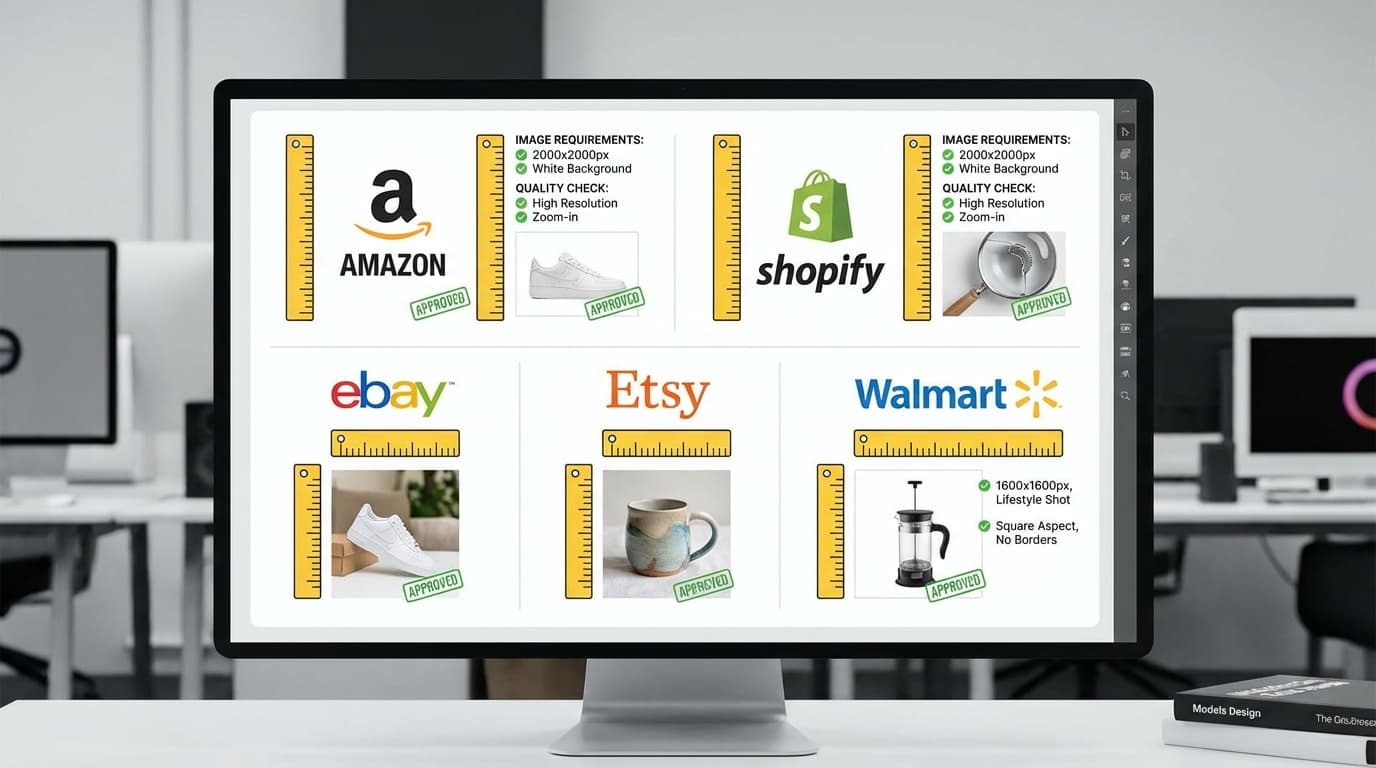
Every e-commerce marketplace sets its own image rules: Amazon demands a pure white background and at least 1000px on the longest side, Shopify recommends 2048px squares, Etsy wants 2000px+ on the shortest side under 1MB, and eBay accepts a 500px minimum. Failing to meet them means rejected listings, suppressed products, or simply poor-looking pages that hurt conversions. Here's the full platform-by-platform breakdown, and how AI tools help you hit every spec.
Key takeaways
- Each marketplace sets its own image rules: Amazon requires a pure white background and at least 1000px on the longest side, Shopify recommends 2048px squares, Etsy wants 2000px+ on the shortest side under 1MB, and eBay accepts a 500px minimum.
- Non-compliant images risk listing suppression, reduced search visibility, and lower conversions.
- Use Remove Background to meet Amazon's pure white requirement and Upscale to hit minimum resolution.
- Use Recreate for lifestyle secondary images and Create for on-model shots.
- A reusable set — main, lifestyle, angle shots, detail, and scale image — covers most platforms and takes under an hour per product with AI.
Why Image Compliance Matters
Non-compliant images can result in:
- Listing suppression — Amazon will hide products with non-compliant main images
- Reduced search visibility — Platforms algorithmically favor listings with high-quality, compliant images
- Lower conversions — Inconsistent or low-quality images erode customer trust
- Wasted time — Manually reworking images to meet specs after rejection is inefficient
Getting it right the first time saves both time and revenue.
Platform-by-Platform Requirements
Amazon
Amazon has the strictest image requirements of any major marketplace:
Main image: - Pure white background (RGB 255, 255, 255) - Product must fill 85% or more of the frame - Minimum 1000px on longest side (for zoom), recommended 2000px+ - Maximum 10,000px on any side - No text, logos, watermarks, or borders - JPEG, PNG, or TIFF format
Secondary images (up to 8): - Lifestyle and infographic images allowed - Same resolution requirements - Text overlays permitted
Shopify
Shopify is more flexible but has recommendations:
- Recommended 2048x2048px (square)
- Maximum file size 20MB
- Supports JPEG, PNG, GIF, WebP
- Square format recommended for consistency across themes
- No minimum resolution, but higher is better for zoom functionality
Etsy
- Recommended minimum 2000px on shortest side
- 5:4 aspect ratio recommended
- First image is the search thumbnail — make it count
- Supports JPEG, PNG, GIF
- Maximum 1MB per image (compression matters)
eBay
- Minimum 500px on longest side
- Recommended 1600px+ for zoom
- White or light grey background for main image
- JPEG format preferred
- Maximum 12MB per image
Using AI to Meet Requirements
White backgrounds with Remove Background
Amazon's pure white background requirement is the most common compliance issue. Use Remove Background to strip the original background, then place the product on pure white. This is faster and more consistent than trying to shoot on a perfectly white background.
For best results, check our background removal tips to ensure clean edges.
Resolution compliance with Upscale
If your product photos don't meet minimum pixel requirements, use Upscale to increase resolution. A 2x upscale takes a 1000px image to 2000px, comfortably exceeding most platform minimums. For guidance on when upscaling works well, see our upscaling guide.
Lifestyle images with Recreate
Amazon's secondary image slots and Shopify product pages benefit from lifestyle imagery. Use Recreate to place products in contextual scenes without a photoshoot. Generate kitchen scenes for cookware, bedroom scenes for bedding, office scenes for tech accessories.
On-model imagery with Create
Fashion and accessory listings convert better with on-model shots. Use Create to generate modeled product images for secondary listing slots. See our AI model photography guide for tips on getting the best results.
Building a Marketplace-Ready Image Set
Here's a practical image set that works across most platforms:
- Main image — Product on pure white, filling 85%+ of frame (Remove Background)
- Lifestyle image — Product in a relevant scene (Recreate)
- Angle shots — 2-3 additional views (Multiple Angles)
- Detail shot — Close-up of key feature or material
- Scale image — Product shown next to common object for size reference
Generate this set per product, then export at the required dimensions for each platform. The entire process takes under an hour per product with AI tools, compared to a full day or more with traditional photography.