
How to Preserve Logos and Labels in AI Product Photos
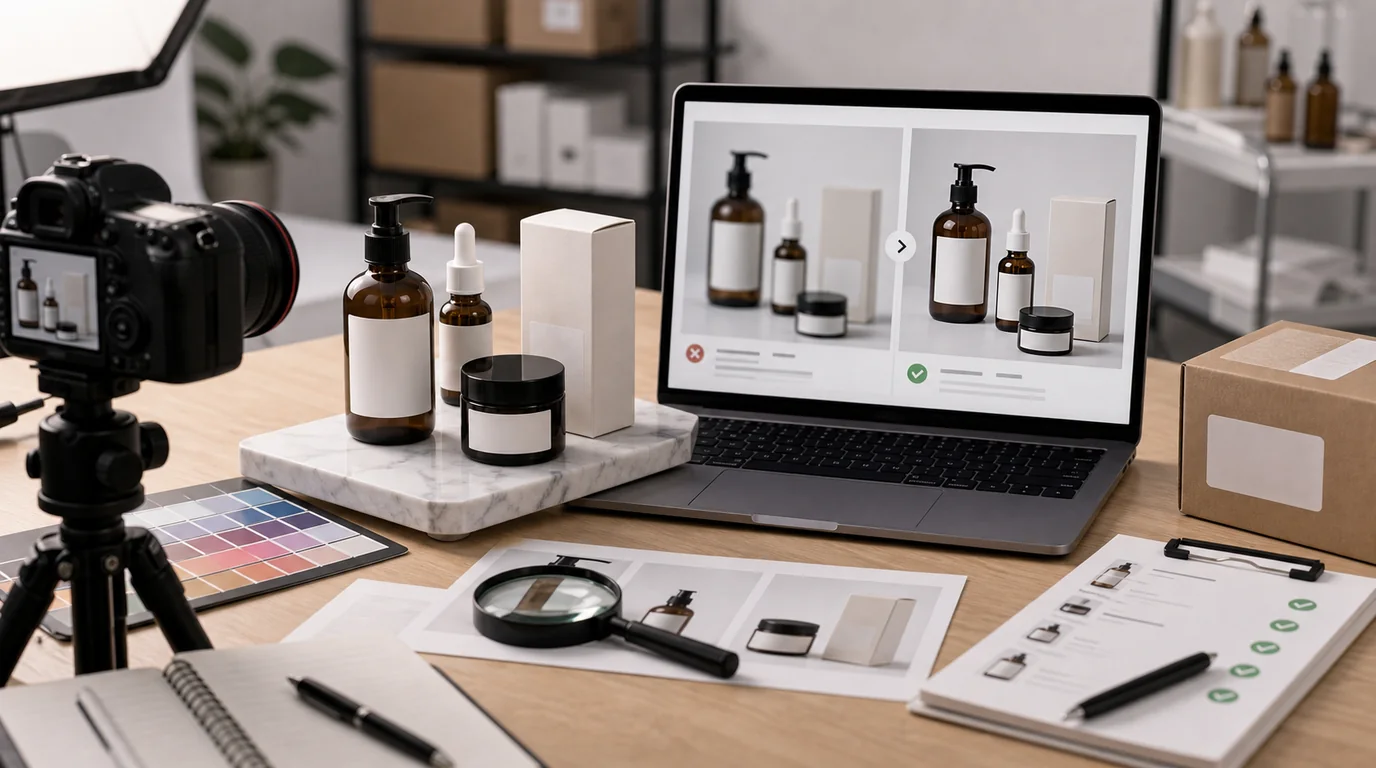
You preserve logos and labels in AI product photos by deciding up front which text must stay exact and which can be out of focus or hidden, then anchoring to the original image instead of regenerating it. Logos and labels are not decorative details: they carry brand identity, product claims, regulatory information, ingredients, sizes, warnings, and customer expectations. AI product images become risky when the scene looks good but the label quietly changes.
The safest workflow is to decide which text must remain exact and which text can be out of focus or hidden.
Classify the label areas
Before editing, mark the product into three zones.
Critical zones must stay accurate. These include brand logo, product name, variant name, size, required warnings, certification marks, ingredients, and claims.
Context zones can be visible but do not need to be perfectly readable. These include small decorative text, secondary package copy, and background inserts.
Nonessential zones can be blurred, turned away, or cropped out. These include side panels that are not part of the buying decision.
This classification tells you whether to generate, edit, crop, or keep the original photo.
Make a label-safe crop plan
Not every image needs the whole label. Decide how much label accuracy the image requires before prompting:
- Hero: logo and product name should usually be exact.
- Lifestyle: logo can be visible while microcopy stays soft.
- Texture: label can often be out of frame.
- Packaging contents: required package information may need a separate approved shot.
- Ad creative: never add claims or badges that are not already approved.
This plan prevents two common mistakes: forcing AI to recreate tiny text it cannot reliably preserve, and hiding important label information in the one image where shoppers need it.
Prefer preservation over regeneration
If the label matters, use the original product image as the anchor. Clean the background with /edit/remove-bg, improve resolution with /edit/upscale, or generate surrounding context while keeping the label area untouched.
Regenerating an entire package from scratch is only appropriate when:
- The label is not readable in the final use.
- The product has no meaningful text.
- You are creating a concept image that will not be used as a product claim.
- A human will replace the label artwork afterward.
For live product pages, assume label changes are unacceptable unless someone responsible has approved them.
Prompt around the label
When using /create, include preservation instructions:
- Keep the original logo exactly as shown.
- Preserve label placement, size, and front-facing orientation.
- Do not add new words, icons, badges, certifications, or ingredient text.
- Leave small text unreadable rather than inventing text.
- Keep bottle shape and cap alignment unchanged.
The instruction leave small text unreadable is useful. AI often tries to complete text. For product images, invented text is worse than soft text.
Review at three sizes
Check the image in three contexts:
- Thumbnail size: brand mark and silhouette.
- Product page size: product name, variant, and visible claims.
- Zoomed crop: distortions, misspellings, duplicated characters, fake symbols.
Look for subtle errors:
- Logo spacing changed.
- Letters look plausible but are wrong.
- Certification badges appeared.
- Size changed from 50 ml to 80 ml.
- Variant color name changed.
- Ingredients or warnings became nonsense.
- Label curve no longer follows the package.
If you find any of these, reject the image for product-page use. It may still work as an abstract background, but not as a sales image.
Safer compositions
You can reduce label risk by choosing compositions that do not require full text:
- Three-quarter angle with logo visible but microcopy soft.
- Product turned slightly away for lifestyle images.
- Close-up of cap, pump, texture, or material instead of full label.
- Packaging exterior shown beside a separate contents image.
- Cropped hero where only approved label zones are visible.
This is not hiding information. It is matching image purpose to accuracy requirements.
Final approval note
When handing off assets, note the label status:
- Label exact: approved for product page.
- Logo exact, small text unreadable: approved for lifestyle placement.
- Label not reliable: use only as non-product background or reject.
This prevents a beautiful but inaccurate image from slipping into a PDP. For larger ecommerce workflows, connect this review step to /blog/ai-image-workflow-ecommerce so label accuracy is checked before final upscaling or upload.