AI Ad Creatives
Turn a product offer into ad creative.
An ad starts with a message: a launch, a seasonal offer, or a reason to look again. Bring the product and the exact copy you want to communicate. Use Canvas to explore the composition, then refine the image and wording for the placement.
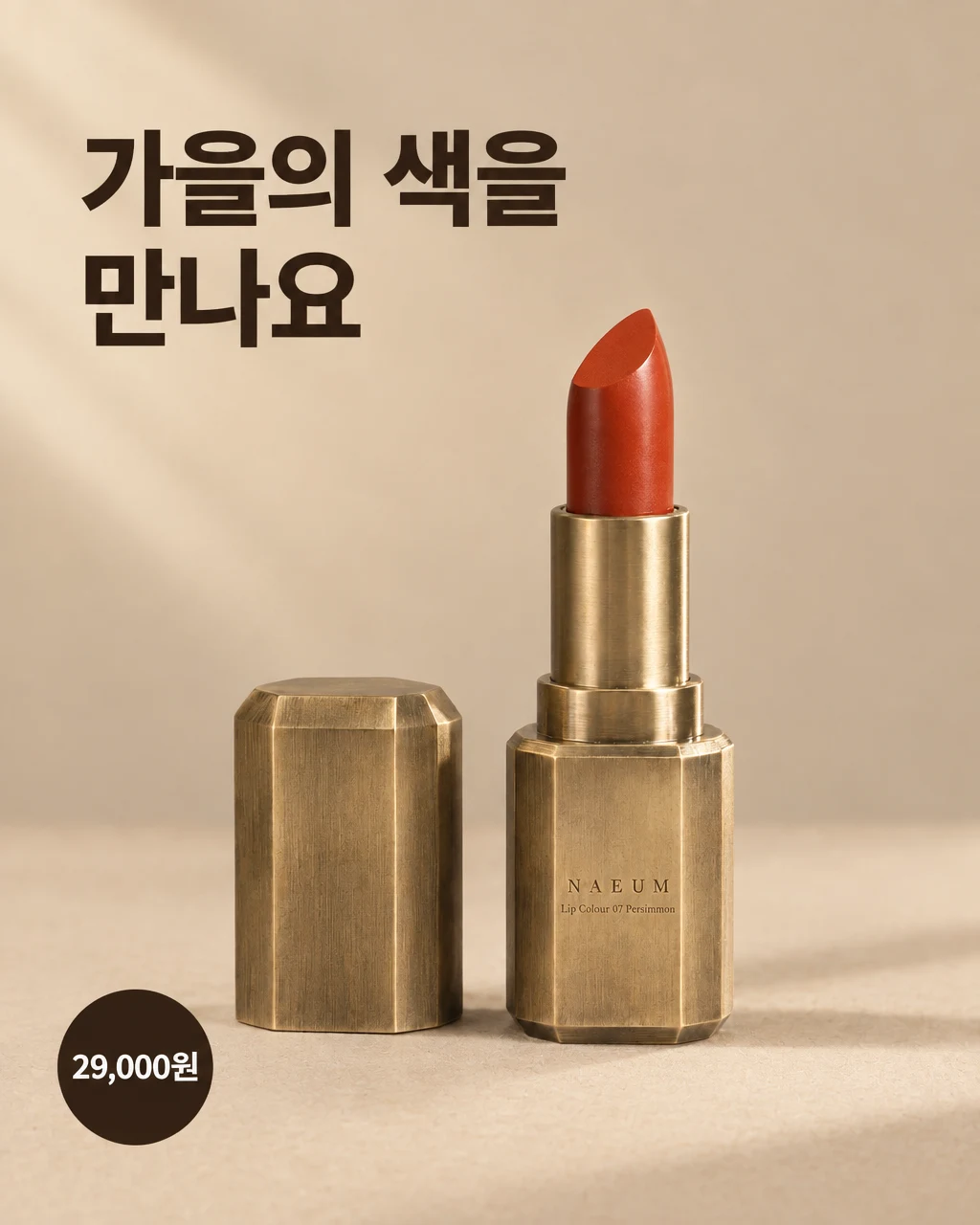
See the idea in practice
A real GESTEL ad-recipe run for our fictional NAEUM demo lipstick: the supplied headline and sample price become a 4:5 feed image. A second pass lightens the background while retaining the copy. The Korean text is part of this example brief; the price is illustrative.
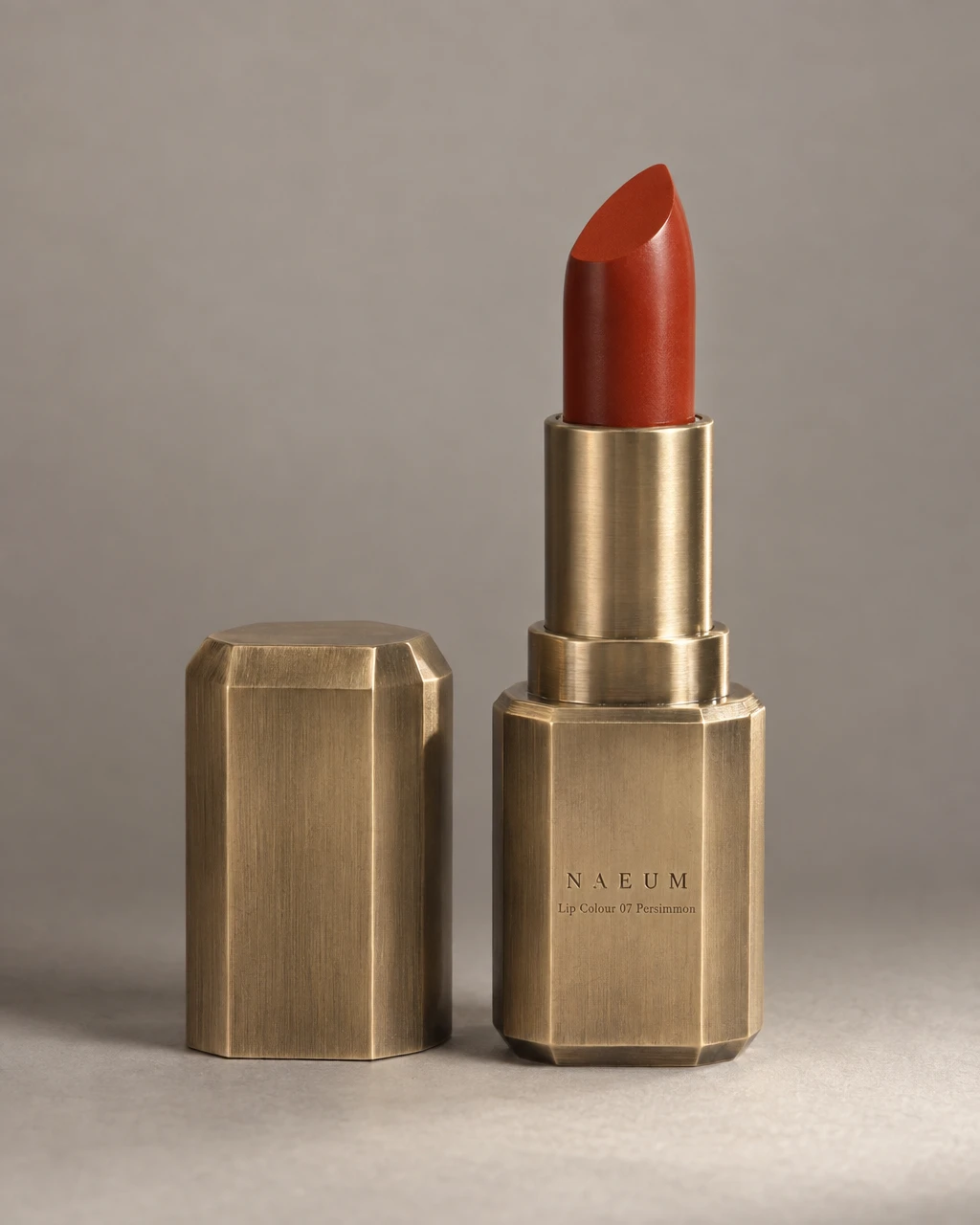
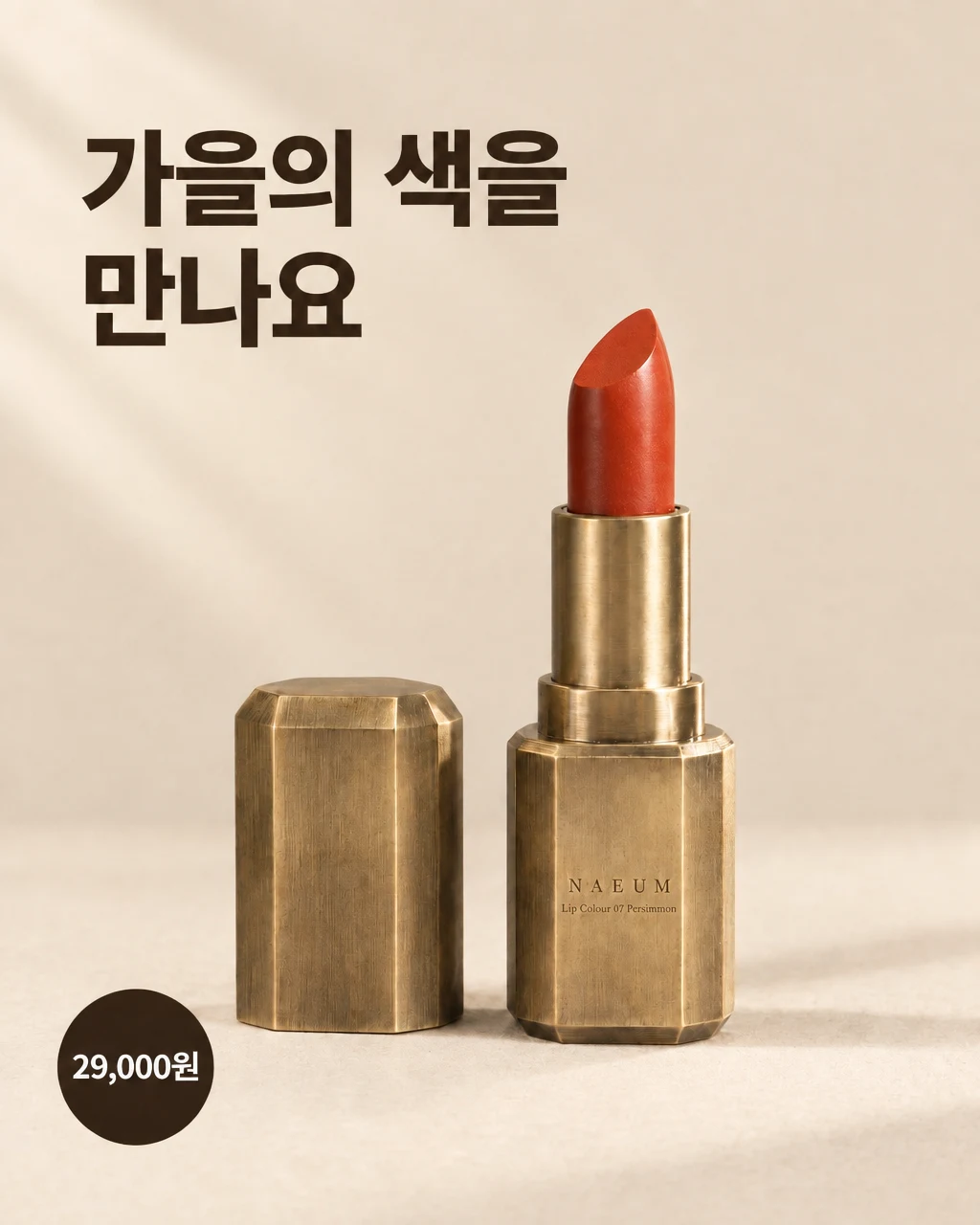
From product to finished creative
- 01
Define the message
Provide the product, exact headline, offer, and any required facts. Keep claims and price information grounded in your actual promotion.
- 02
Choose the recipe and placement
Start a Canvas brief for a sale, launch, or channel set. Specify the feed or Story format and the creative direction you want to explore.
- 03
Review the complete image
Read every word in the result. Check the price, product, crop, and text contrast, then edit and export the approved version.
What you can make
- What to bring
- Product photos, approved copy, and accurate offer details. Your brief should say which facts are fixed and which visual choices are open to exploration.
- What you get
- Finished ad images and creative variations for supported recipe formats. Generated copy is part of the image, not a layered design file.
- What you can change
- Explore lighting, background, placement, and visual direction. Ask for a specific edit and compare the revised image before using it.
- What to check
- Check spelling, prices, dates, product fidelity, and ad-platform requirements. Generating a creative does not run a campaign or establish that an advertising claim is true.
Find the right fit
Useful for creating and refining product-led creative concepts. Keep campaign setup, testing, and reporting in your advertising tools; use real results to decide which direction performs.
The model, output format, and workflow determine credit use and plan availability. The pricing page has the current options; video requires a paid plan.
Compare plans and credits →Questions, answered
Can I include a headline and price?
The ad recipes accept the copy and offer facts you provide. Read the generated text carefully before publication, including small print, punctuation, prices, and dates.
Do I receive editable text layers?
The result is a finished image. To change the wording, request an edit or prepare another version. It is not a layered design document.
Can I create feed and Story versions?
Use the relevant recipe or placement brief to request the supported formats. Check each crop and text placement individually; a composition that works in one ratio may need changes in another.
Will GESTEL test or publish the ads?
GESTEL creates the assets. You upload them, configure campaigns, and measure results in your advertising platform. No performance improvement is guaranteed by generation alone.
Keep exploring
Start the next creative with a clear offer.
Start with your product, review the result, and make it yours.