AI Packshots
Product packshots, ready for a closer look.
Give shoppers a clear first view of the product. A packshot centers the item, keeps the background quiet, and makes the shape, packaging, and label easy to inspect. Use it as the foundation of a listing, then add lifestyle and detail images to answer the next questions.
See the idea in practice
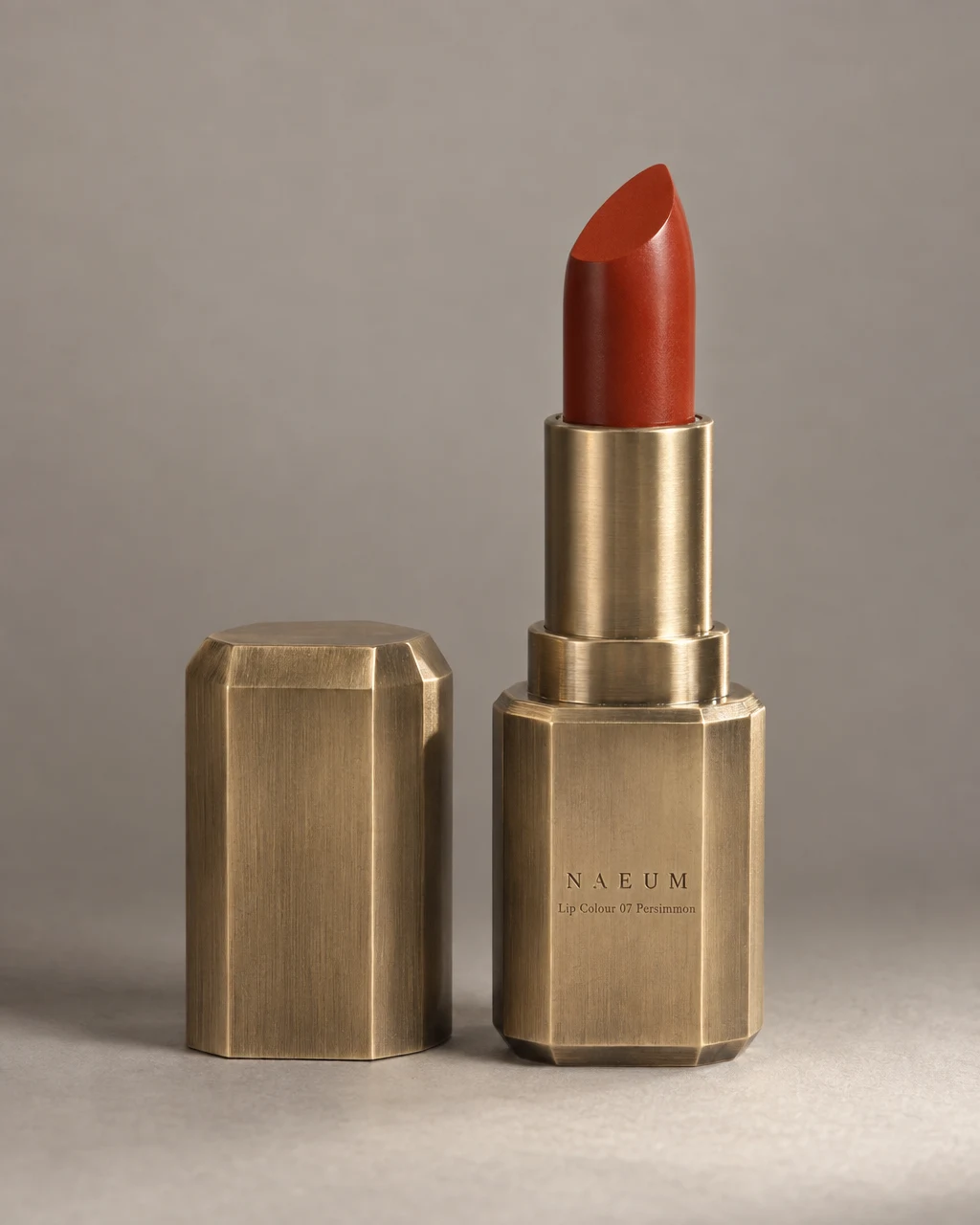
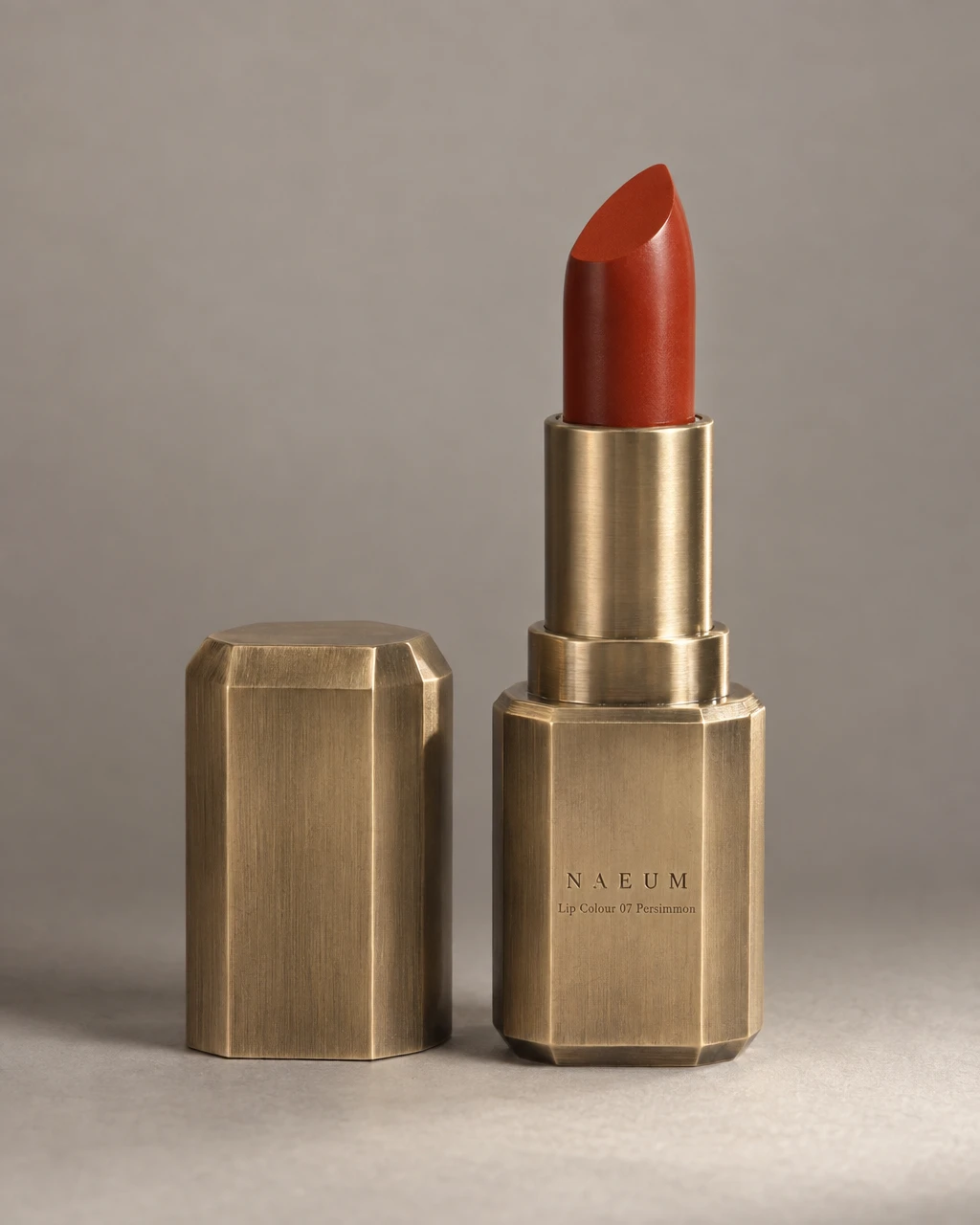
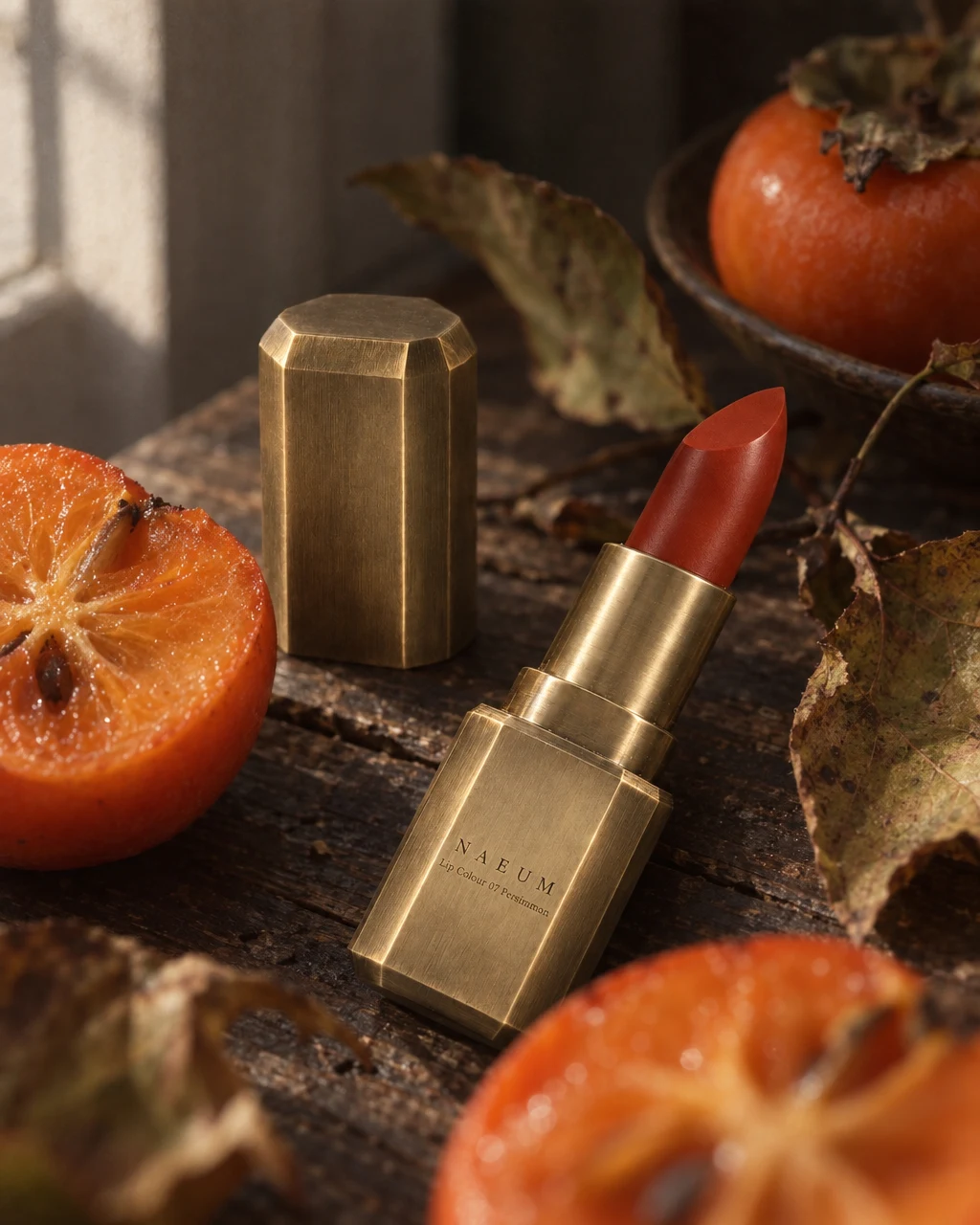
A lipstick source photo becomes a centered product image with a clean background. The accompanying styled view shows how the same item can support the rest of a campaign.
From product to finished creative
- 01
Bring a clear product photo
Upload a full view with readable packaging. Add another angle if the shape or finish needs explaining.
- 02
Choose the composition
Use Quick Shoot with a clean scene, or select the product cutout recipe in Canvas. State the background, framing, and shadow you want.
- 03
Review before listing
Compare the label, silhouette, color, and included items with your source. Adjust the result and download the chosen image.
What you can make
- What to bring
- A clear photo of the actual product. Include the whole item and its packaging where relevant, without hiding important details behind props.
- What you get
- Clean product images for a listing hero, catalog, or campaign. A white-background image and a transparent cutout are different outputs; request the output you need.
- What you can change
- Describe background color, product position, crop, and shadow. Use an individual edit when one part of an otherwise useful result needs changing.
- What to check
- AI can misread small print or alter fine details. Check each result and the current image requirements of the marketplace where it will be used.
Find the right fit
Start here when product recognition matters more than atmosphere. For a scene that explains how an item fits into daily life, explore lifestyle photos. For material and finish, use detail photos.
The model, output format, and workflow determine credit use and plan availability. The pricing page has the current options; video requires a paid plan.
Compare plans and credits →Questions, answered
Is a white background the same as a transparent background?
No. A white-background packshot contains white pixels behind the product. A transparent cutout needs an output with transparency. Specify which you need and check the downloaded file.
Can I use a phone photo?
Yes, if the product is sharp, fully visible, and correctly colored. Readable labels and even light help more than a complicated setup. Avoid glare that hides text.
Will every label remain exactly the same?
The source photo guides the product identity, but no generated image is guaranteed to reproduce every character or detail perfectly. Compare the result with your product before publishing.
Can I upload the result to a marketplace?
Check that marketplace’s current background, crop, resolution, and allowed-content requirements. A generated packshot does not guarantee that a listing will be accepted.
Keep exploring
Give your product a clear first impression.
Start with your product, review the result, and make it yours.