Product Detail Photos
Make the small details visible.
The texture of a knit, the finish of a case, or the shape of an applicator can answer a question a wide shot leaves open. Choose one detail at a time and provide a source that actually shows it. A close-up should explain the product, not invent a better version.
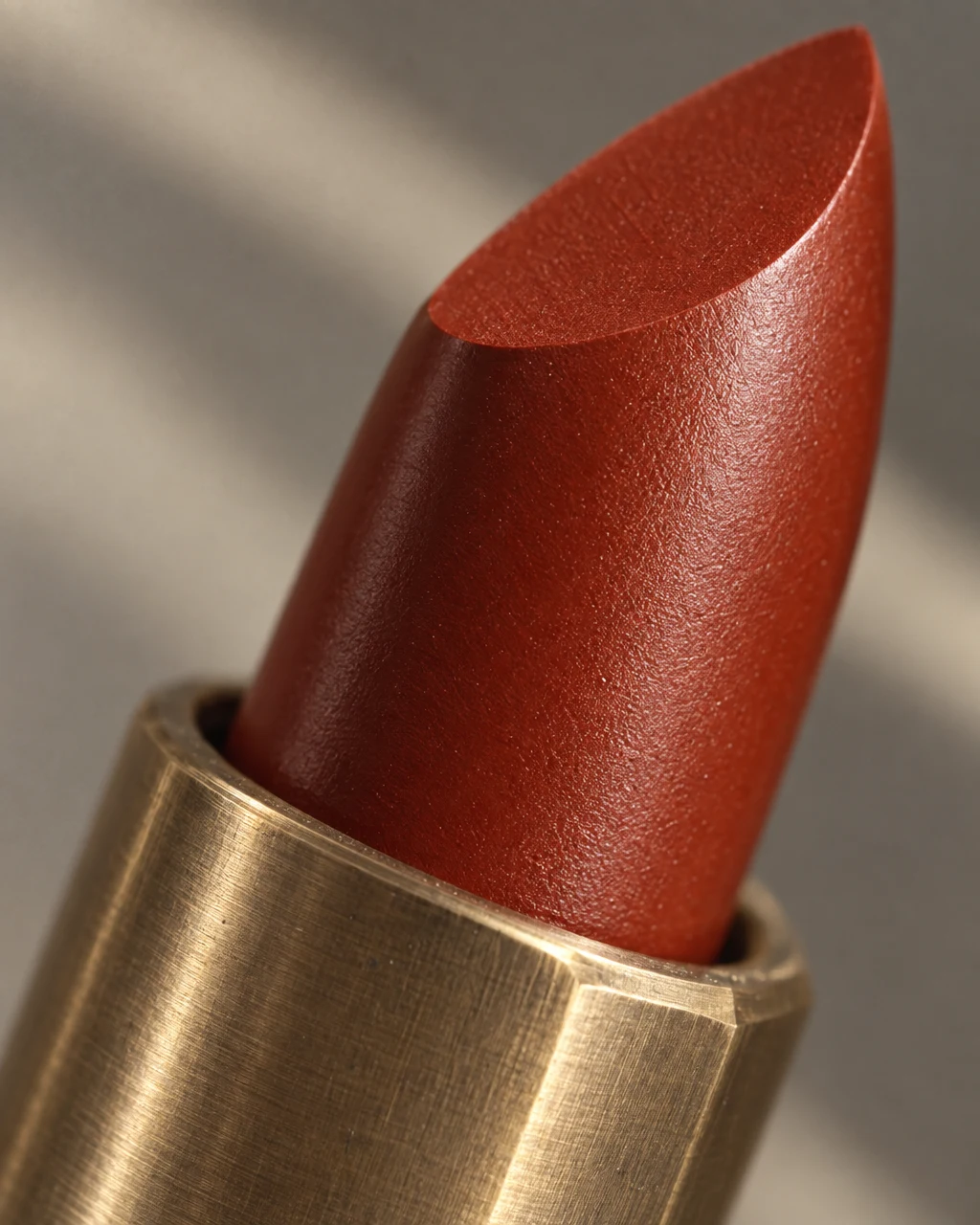
See the idea in practice
A lipstick close-up puts the finish and shape in focus. Use the source photo to inspect the visible surfaces and markings before selecting a detail image for your listing.
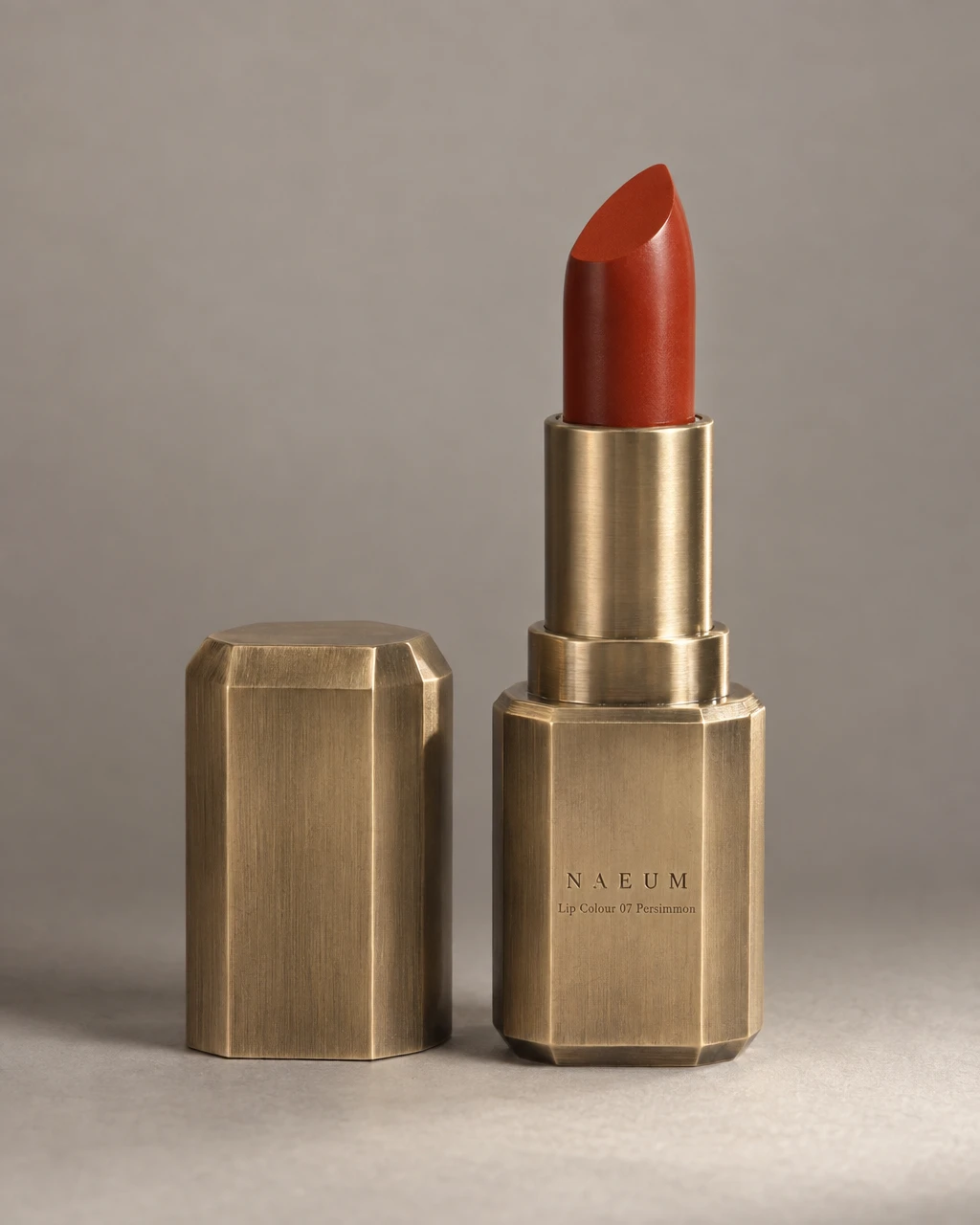
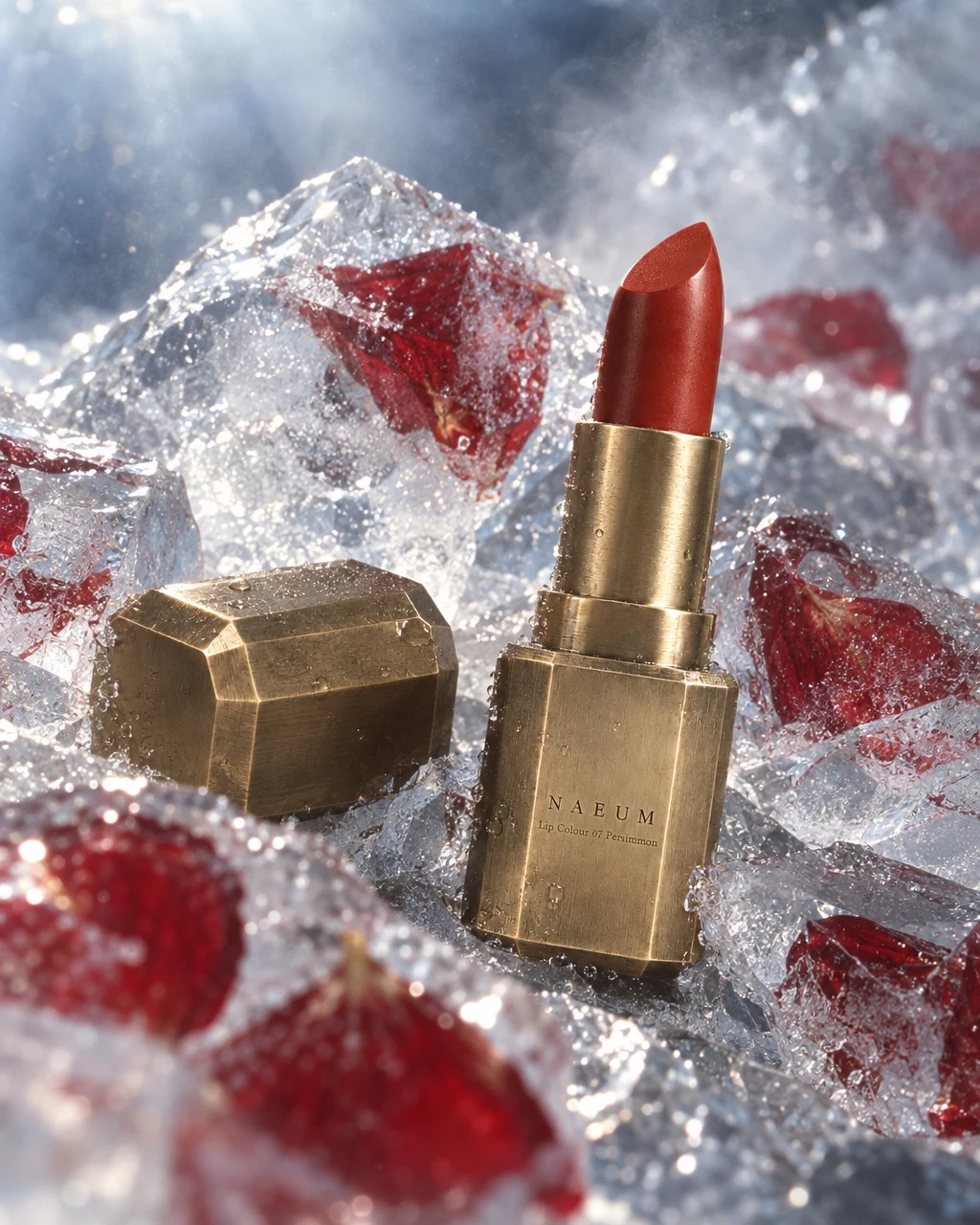
From product to finished creative
- 01
Choose the question
Decide whether the image should explain texture, construction, packaging, or another visible feature.
- 02
Bring the close reference
Use a clear view of the area and tell Canvas what is known about the material and finish.
- 03
Compare the fine details
Review at full size, correct any invented detail, and download the useful view.
What you can make
- What to bring
- Sharp reference photos of the detail itself, with confirmed material and construction information. Provide additional angles for parts hidden in the main product view.
- What you get
- Material, finish, packaging, and product close-up images. These can support a listing or become the photographic part of a product-page panel.
- What you can change
- Choose the subject area, crop, lighting, and angle. Use a detail recipe and name the product fact the image should communicate.
- What to check
- A generated close-up cannot reveal construction that is absent from the references. Check material pattern, tiny text, seams, and surface details before use.
Find the right fit
Choose a detail photo when the buyer needs to inspect one physical feature. Choose a product-page image when the job also needs a headline and explanatory copy.
The model, output format, and workflow determine credit use and plan availability. The pricing page has the current options; video requires a paid plan.
Compare plans and credits →Questions, answered
Can AI discover details hidden in my photo?
It cannot reliably recover unseen construction. Add a real reference of the hidden part or use a view that your source supports.
Can I show fabric texture?
Yes, with a clear material reference and a detail brief. Check that the generated weave, seams, and color match the actual item.
How is this different from a product-page panel?
A detail photo focuses on the physical product. A panel combines an image with explanatory copy or a layout for a product page.
How do I check plan availability and cost?
Follow the pricing link on this page for current plans and credits. The selected model, output, and edits determine credit use; review the estimate in the app before starting.
Keep exploring
Let the details do their part.
Start with your product, review the result, and make it yours.