AI Canvas
Work through the creative, one conversation at a time.
Some jobs start with a clear scene. Others start with an idea you need to work through. Canvas keeps the brief, product references, generated images, and follow-up edits together so you can develop a campaign in context.
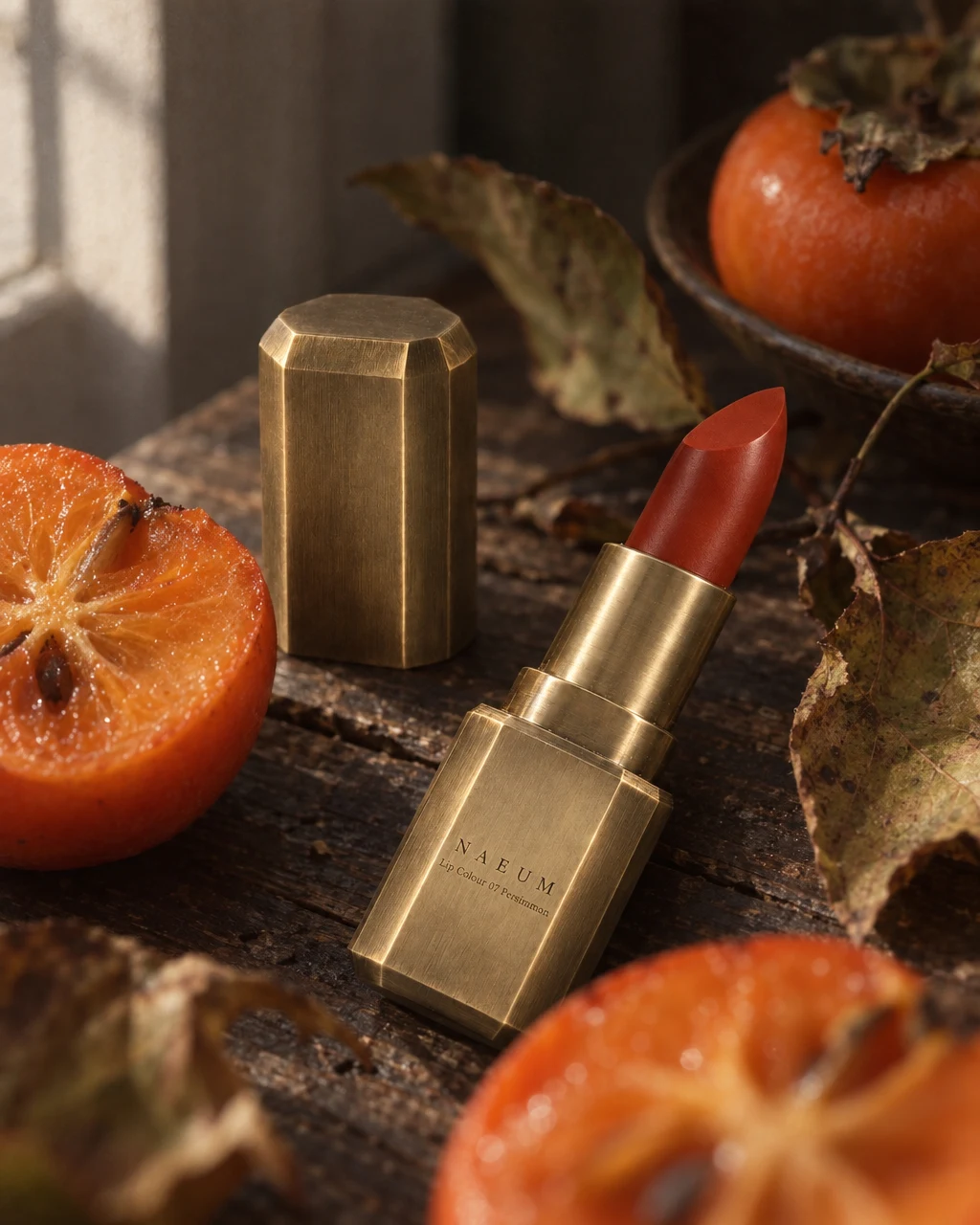
See the idea in practice
These product photographs show two possible directions for one lipstick. In Canvas, start with the actual product, explain the job, and keep the selected results together in a project.
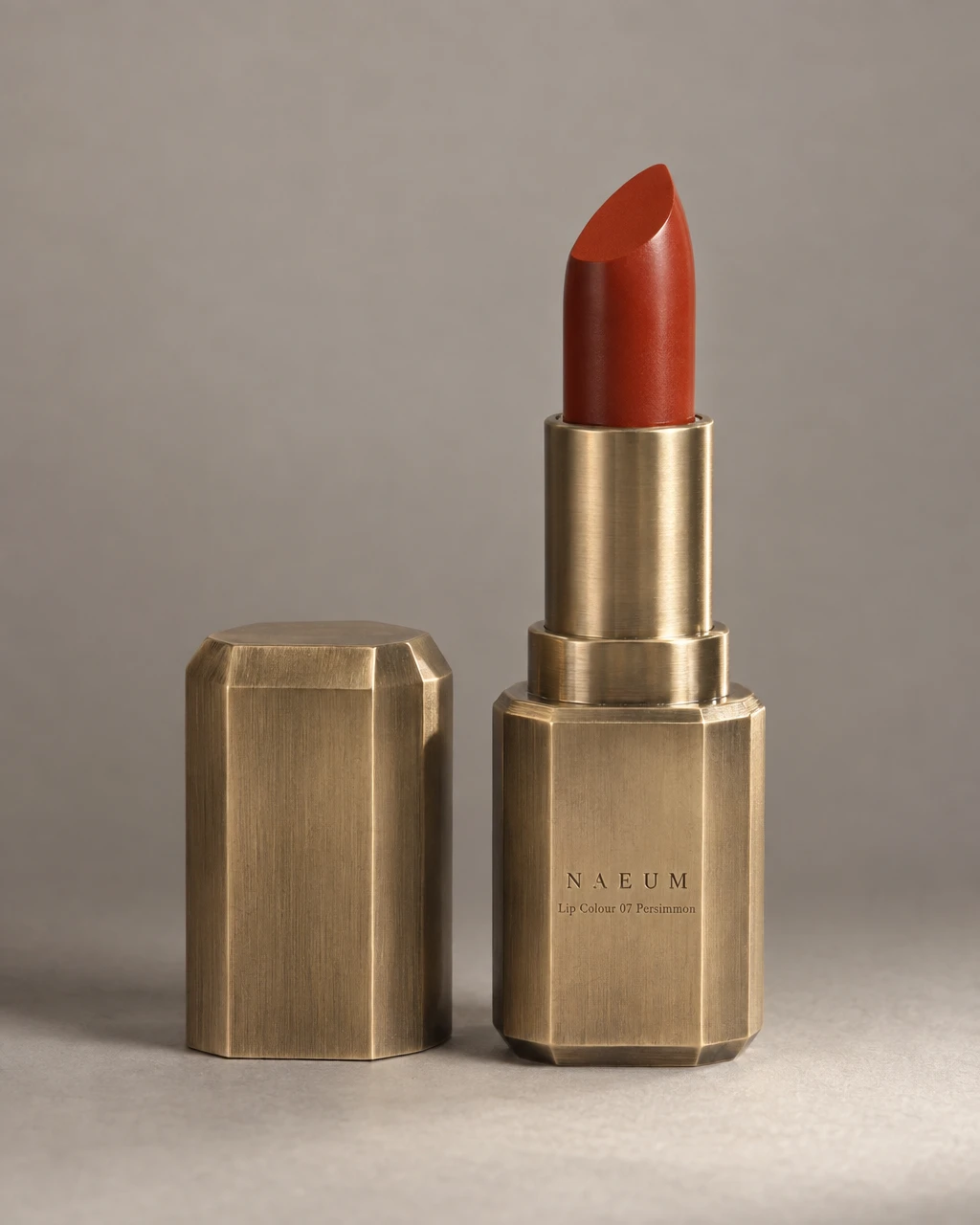
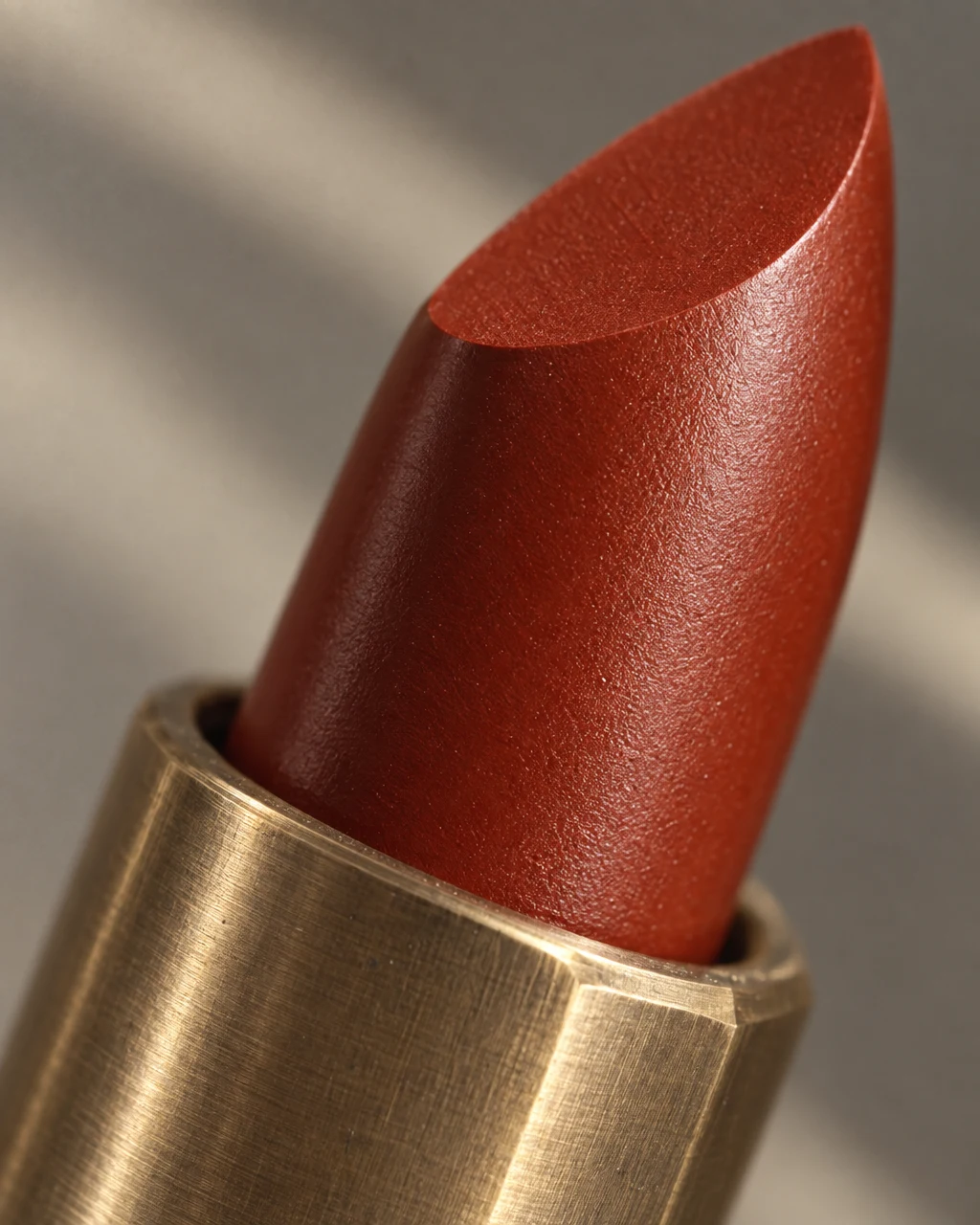
From product to finished creative
- 01
Start with a brief
Open the home composer, describe what you need, and add the product or references. Submit the brief to start a Canvas project.
- 02
Develop the direction
Use a recipe or answer the agent’s questions. Review the planned work and available generation settings before creating the assets.
- 03
Refine the selected result
Choose the image you want to change and describe the adjustment. Keep comparing against the product and download the final result.
What you can make
- What to bring
- A written brief plus product photos and relevant references. Supply factual details such as ingredients, materials, or offer terms rather than asking the model to invent them.
- What you get
- A project containing conversation and generated assets, including still images and supported video clips. Download chosen results for your publishing workflow.
- What you can change
- Recipe selection, available model settings, reference inputs, and conversational changes. A targeted request can refine one selected result.
- What to check
- Canvas is not a storefront builder or a promise of editable design layers. Review generated text and product facts; model availability and credit use depend on the chosen task and plan.
Find the right fit
Choose Canvas for a brief that evolves, a recipe-driven image set, or mixed image/video work. For a direct product-and-scene photograph, Quick Shoot has fewer starting decisions.
The model, output format, and workflow determine credit use and plan availability. The pricing page has the current options; video requires a paid plan.
Compare plans and credits →Questions, answered
Where does the Canvas button take me?
You start at the home composer. Add your brief and references to create a project; Canvas needs that project context before it opens.
Can I use recipes and free-form requests?
Yes. A recipe provides a starting structure for a known output, while a written brief explains the specific product, setting, or campaign you want. The agent may ask for missing details.
Can I edit a single result without remaking the whole set?
Select the result and state the change you want. Review the edited image to make sure important details remain correct. Additional generations or edits consume credits.
Is this a layered design editor?
Generated outputs are images or video assets. Keep layout and final publishing in the tools your workflow needs; do not expect image text to arrive as independent editable layers.
Keep exploring
Bring the brief. Shape the result.
Start with your product, review the result, and make it yours.