DTC Brands
Make the next launch feel like your brand.
Your storefront, launch email, and social feed can tell the same product story in different ways. Begin with a brand direction and decide what each placement needs to communicate. Build a coordinated set, then keep the product facts and visual tone consistent as you adapt it.

From product to finished creative
- 01
Set the brand direction
Choose the product and tone, then list the placements the launch needs.
- 02
Create a coordinated set
Use Brand Agent for the photo set and Canvas for copy-led campaign variations.
- 03
Review across placements
Check the images together, adapt the crop, and publish through your existing tools.
See the idea in practice
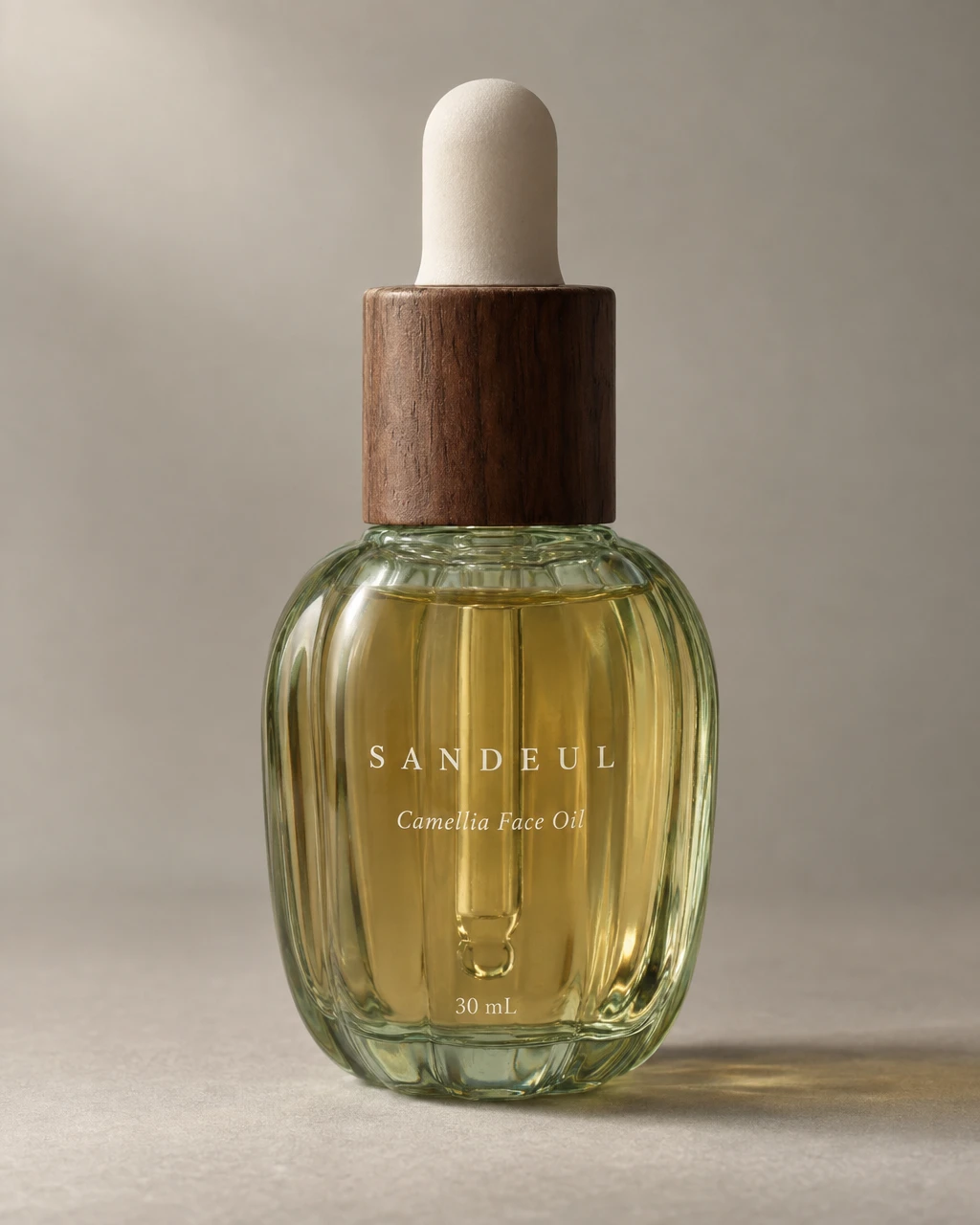
A face-oil product appears in complementary campaign settings. Use the same product reference and a shared direction when preparing a launch set, then select the composition that suits each placement.

What you can make
- What to bring
- Product photos, a brand tone or reference, and a launch brief. Keep the intended offer, product facts, and audience explicit.
- What you get
- Coordinated product photographs for a storefront, launch, or social feed. Use ad recipes separately when a placement needs exact promotional copy.
- What you can change
- Reuse a saved brand direction, review individual cuts, and refine the set. A brand kit can also hold a recurring weekly feed schedule.
- What to check
- Review product fidelity and offer claims in each placement. Content creation does not synchronize your store, run campaigns, or publish the assets.
Find the right fit
Choose this workflow when consistency across a launch matters. Use a clean packshot as the product reference point and add contextual images where the brand story needs them.
Brand Agent is available from the Pro plan. Check current credits and other plan limits before starting.
Compare plans and credits →Questions, answered
Can I reuse the direction for the next launch?
A saved brand kit helps you carry the tone into later work. Review the product references and brief when the item or campaign changes.
Can I use these images in my store and social feed?
Choose suitable images and formats for each placement, then check the current commercial-use terms and any rights in your source materials.
Does this include store integration?
The workflow prepares creative assets. Upload and arrange them in your existing storefront and publishing tools.
Where can I check plan and credit requirements?
Use the current pricing page and the estimate shown for the workflow you select. Brand Agent eligibility, video access, and generation costs differ by plan and task.
Keep exploring
Build a launch with a recognizable direction.
Start with your product, review the result, and make it yours.