Fashion & Accessories
Show the garment, the styling, and the details.
A fashion listing needs the overall silhouette and the details that distinguish the item. Start from the garment or accessory you actually sell, then decide which images explain styling, material, or construction. Keep sizing information anchored in real measurements.
From product to finished creative
- 01
Document the item
Collect the views and measurements needed to describe the garment or accessory.
- 02
Plan the image roles
Separate the full look, use context, and detail close-ups in the Canvas brief.
- 03
Inspect before listing
Compare the styling and fine details with the real item, then select the results to publish.
See the idea in practice
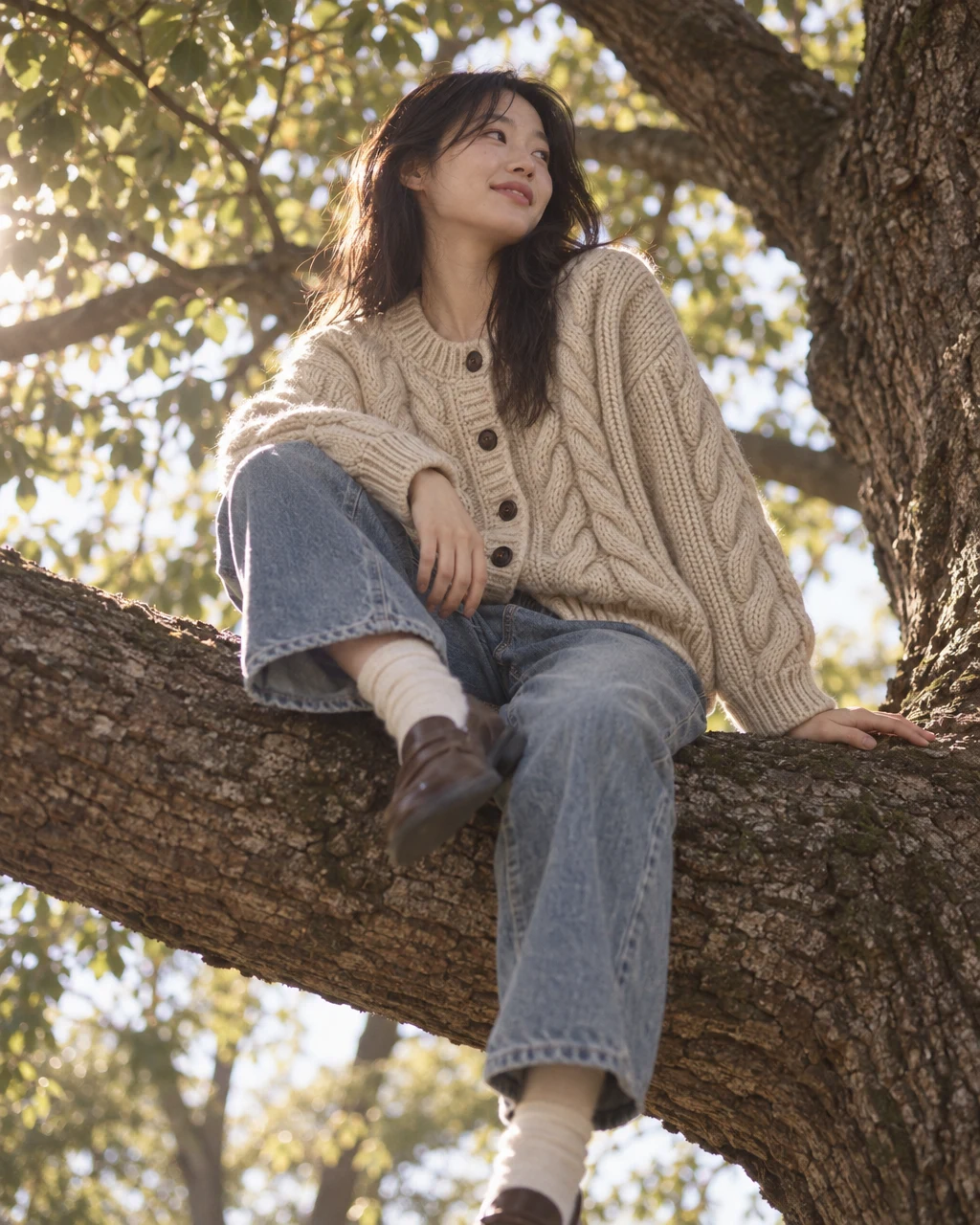
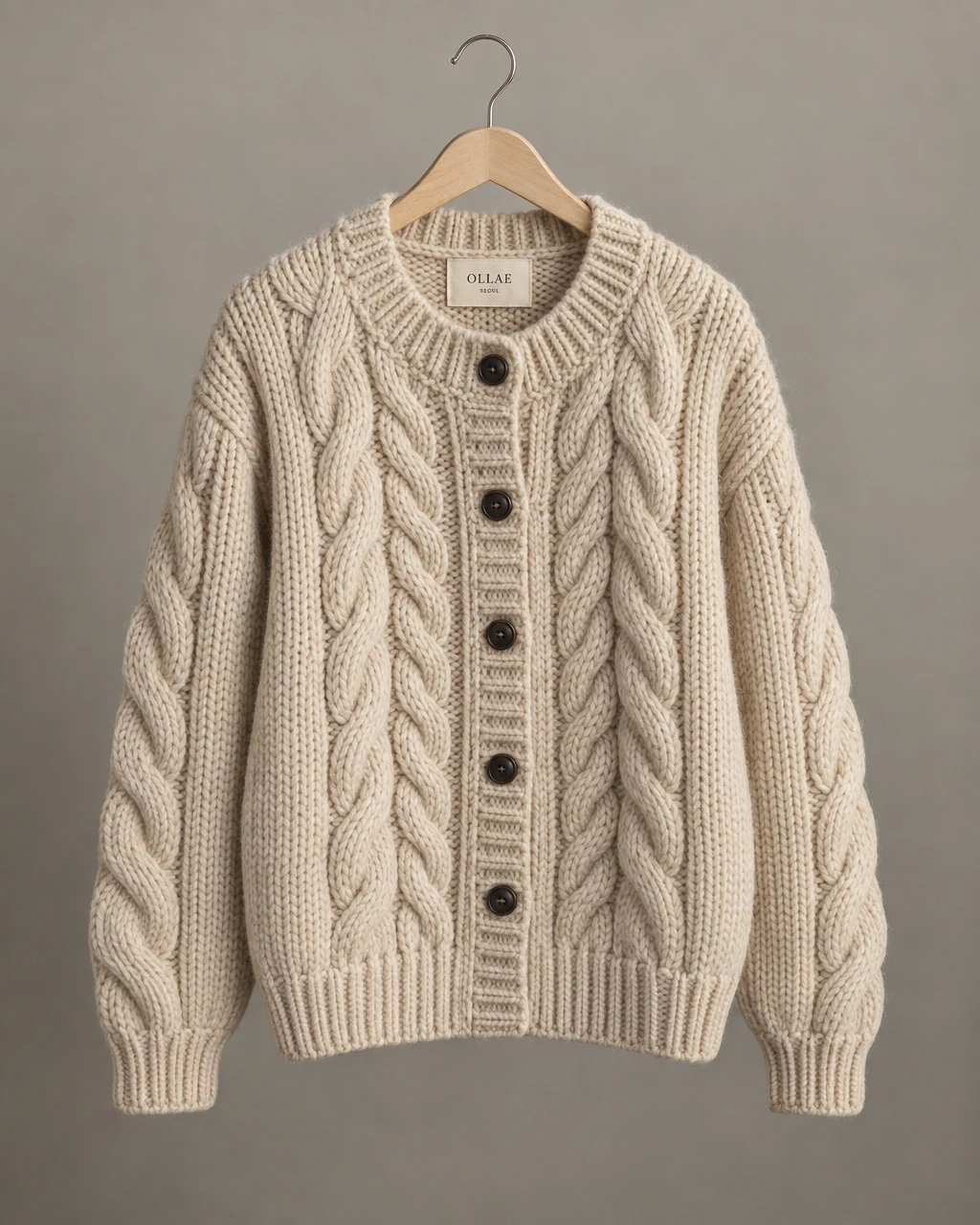
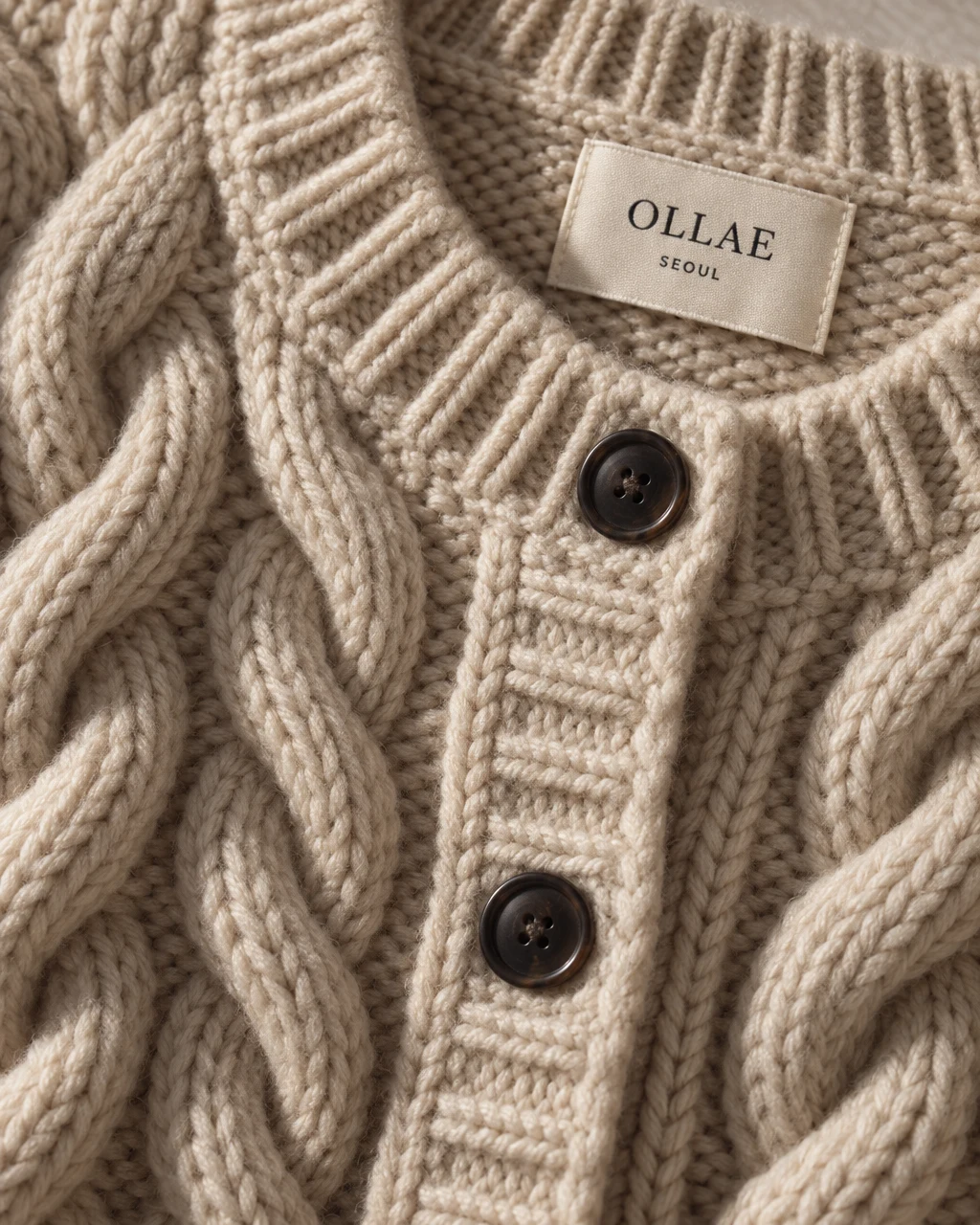
Two photographs of the same knit explore an editorial direction and a close view of the collar. Compare the silhouette, weave, and color with the product source.
What you can make
- What to bring
- Front and relevant detail views, actual dimensions, and material facts. Additional references help with a specific pose or styling direction.
- What you get
- Styled fashion photographs, on-model compositions, and detail images for the product story.
- What you can change
- Choose the pose, crop, setting, or detail to emphasize. Use a targeted edit to refine a selected image.
- What to check
- Check fit, anatomy, fabric pattern, closures, and jewelry scale. Generated styling does not replace a fit measurement or reveal unseen construction.
Find the right fit
Useful when the item needs both a styled context and a closer explanation. Pair generated imagery with accurate sizing, materials, and real product information.
The model, output format, and workflow determine credit use and plan availability. The pricing page has the current options; video requires a paid plan.
Compare plans and credits →Questions, answered
Can I create an on-model image?
Supported on-model recipes can create a styled composition from product references. Check fit and body details and label the use of generated imagery appropriately for your context.
Can it show the back of a garment from a front photo?
An unseen back can be invented incorrectly. Provide a real back reference when that view is important to the listing.
How do I keep jewelry scale believable?
Supply actual dimensions and a useful reference, then compare the generated image with the real product. Do not rely on the image alone to communicate size.
What should I check before publishing?
Compare the result with the actual product, review every factual claim, and check the requirements of the destination. Keep a source photo and accurate product text alongside generated imagery.
Keep exploring
Build the views your next collection needs.
Start with your product, review the result, and make it yours.