Marketplace Listing Images
Prepare the right first image for each marketplace.
The first image has a practical job: make the item recognizable within the channel where it appears. Marketplace recipes give you a starting composition for Coupang, Smart Store, 11st, Gmarket/Auction, and Kakao Gift. Review the result against the current requirements of the place you sell.
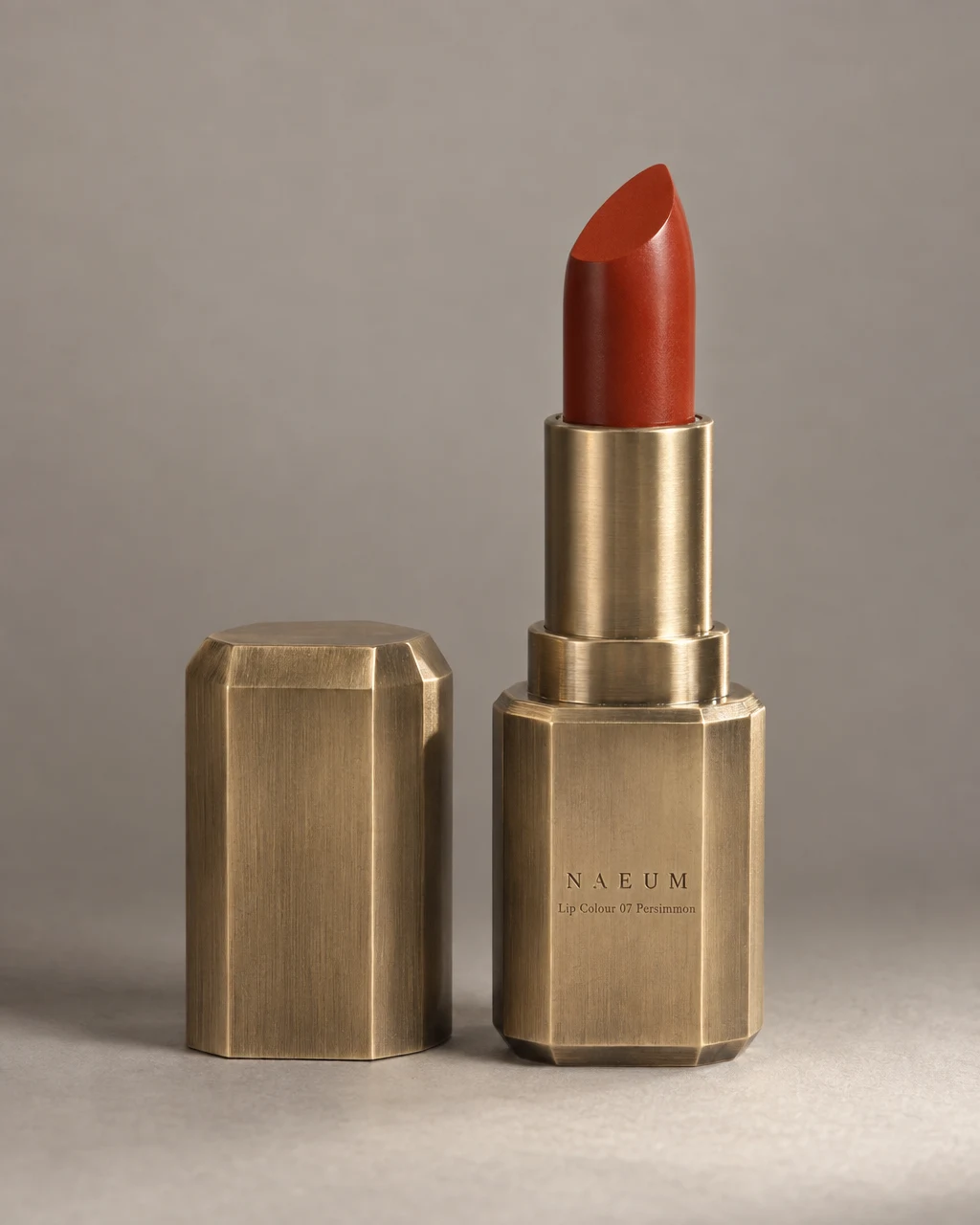
See the idea in practice
A clear lipstick image and a supporting product composition illustrate two ways to introduce the same item. Your chosen marketplace recipe determines the channel-specific brief; these examples are not marketplace approvals.
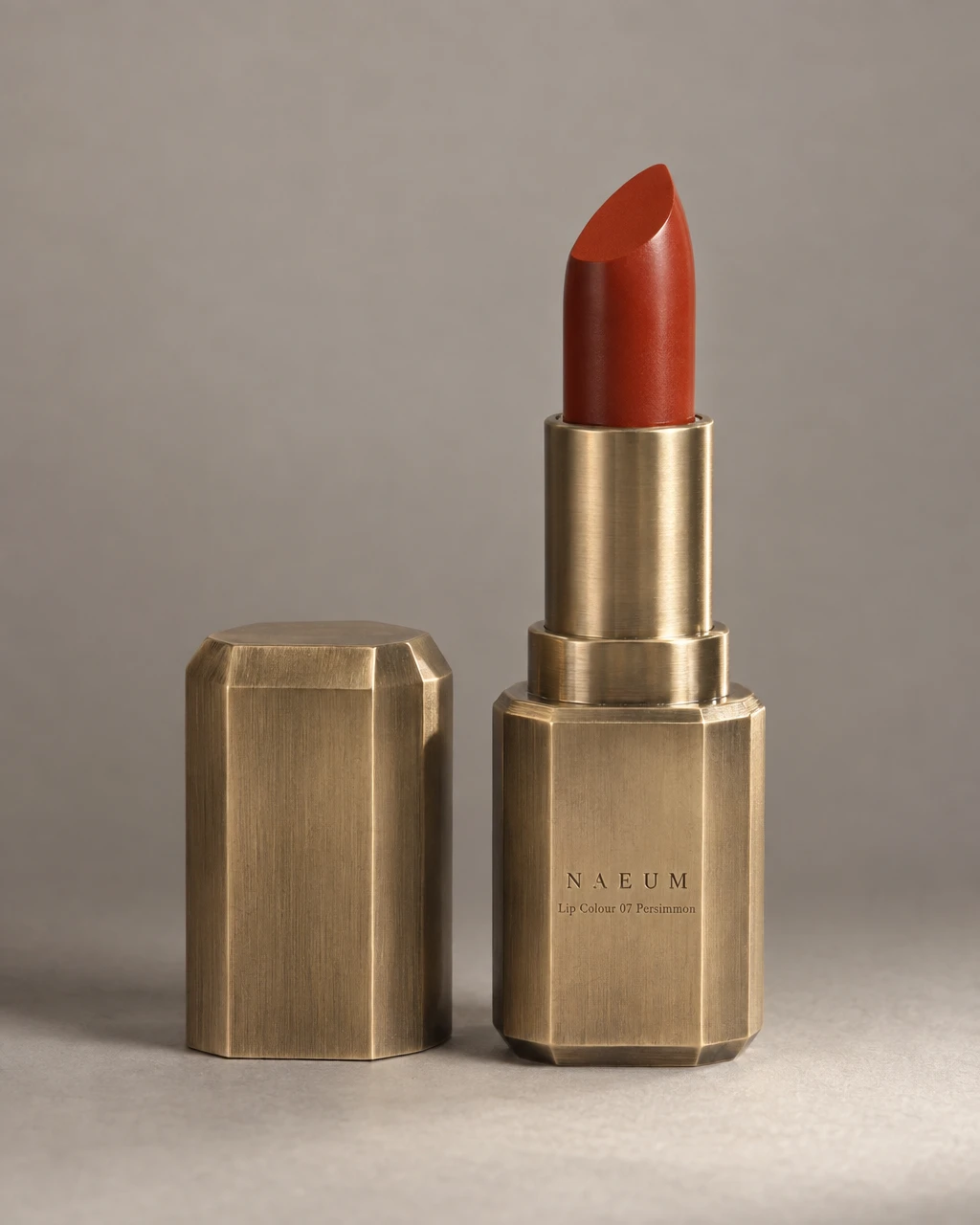
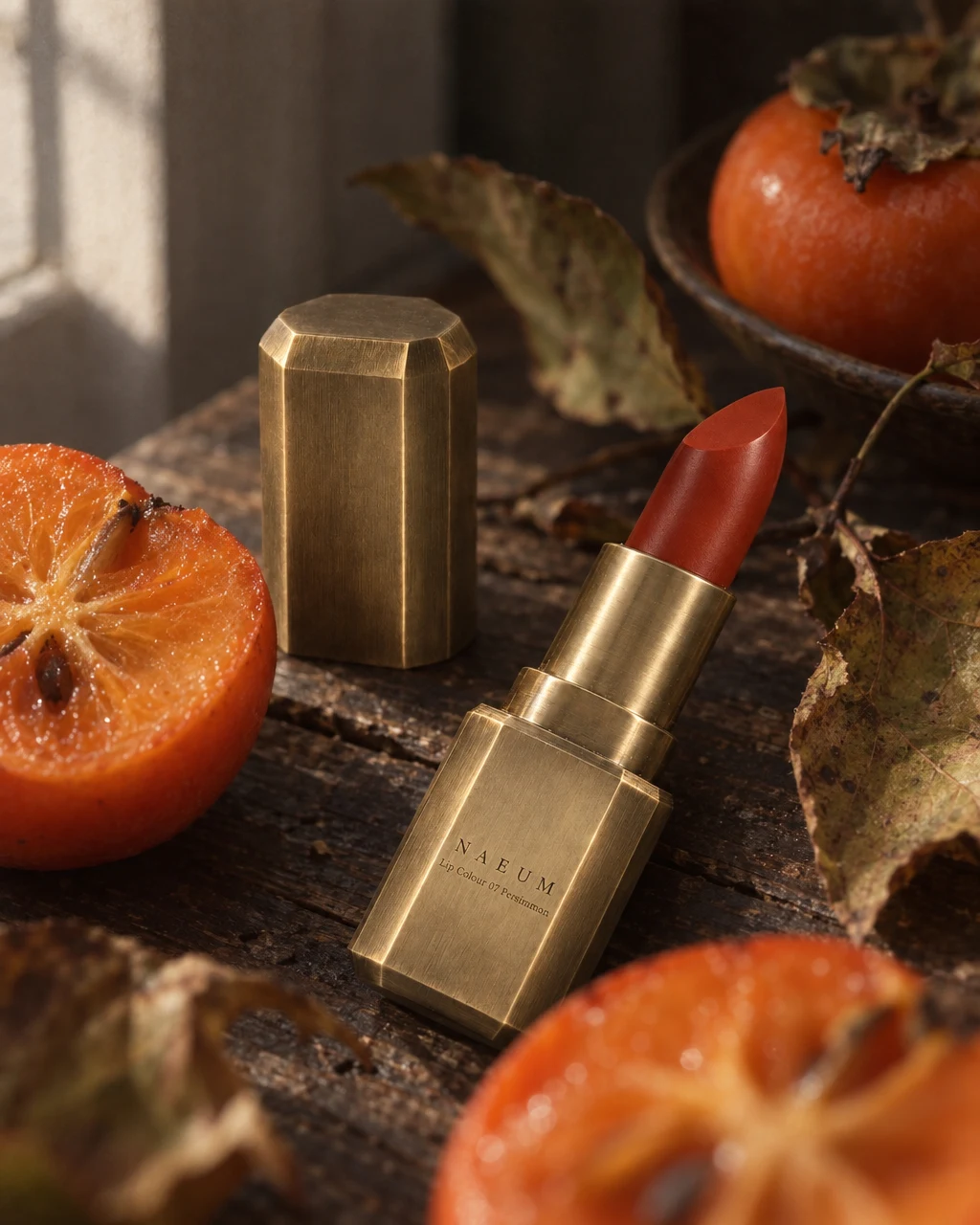
From product to finished creative
- 01
Name the marketplace
Choose a supported marketplace recipe from the Canvas composer and provide the product reference.
- 02
Confirm the listing facts
Make the variant, contents, and any required category details explicit before generation.
- 03
Check and upload
Compare the image with the channel’s current requirements, then upload it yourself.
What you can make
- What to bring
- Product photos and the target marketplace. State the actual package contents and variant so props or extra items are not confused with what is sold.
- What you get
- Listing image candidates using supported marketplace recipes. Download the chosen files and upload them through your seller portal.
- What you can change
- Select the marketplace recipe in Canvas and review its framing. Request corrections to the product, background, or crop before export.
- What to check
- Marketplace rules can change and vary by category. Presets do not guarantee acceptance, and GESTEL does not submit or approve your listing.
Find the right fit
Useful when you already know the sales channel. If you need a general clean product photograph first, start with packshots and adapt it after checking the channel requirements.
The model, output format, and workflow determine credit use and plan availability. The pricing page has the current options; video requires a paid plan.
Compare plans and credits →Questions, answered
Which marketplaces have recipes?
The current set covers Coupang, Smart Store, 11st, Gmarket/Auction, and Kakao Gift. It does not imply dedicated presets for every international marketplace.
Do all marketplaces need the same image?
Requirements and useful compositions differ. Start with the relevant recipe and check the current category and channel rules before uploading.
Will the image be accepted automatically?
No. You remain responsible for checking the image and submitting it. Approval is decided by the marketplace, not by the generation workflow.
How do I check plan availability and cost?
Follow the pricing link on this page for current plans and credits. The selected model, output, and edits determine credit use; review the estimate in the app before starting.
Keep exploring
Start with the product and the channel.
Start with your product, review the result, and make it yours.