Branded Social Content
Give the next post a place in your brand story.
A product feed benefits from variation within a recognizable direction. Mix a clear product view with a scene, a detail, or a use moment. Brand Agent helps coordinate the photographs while you decide the message, sequence, and publishing schedule.

See the idea in practice
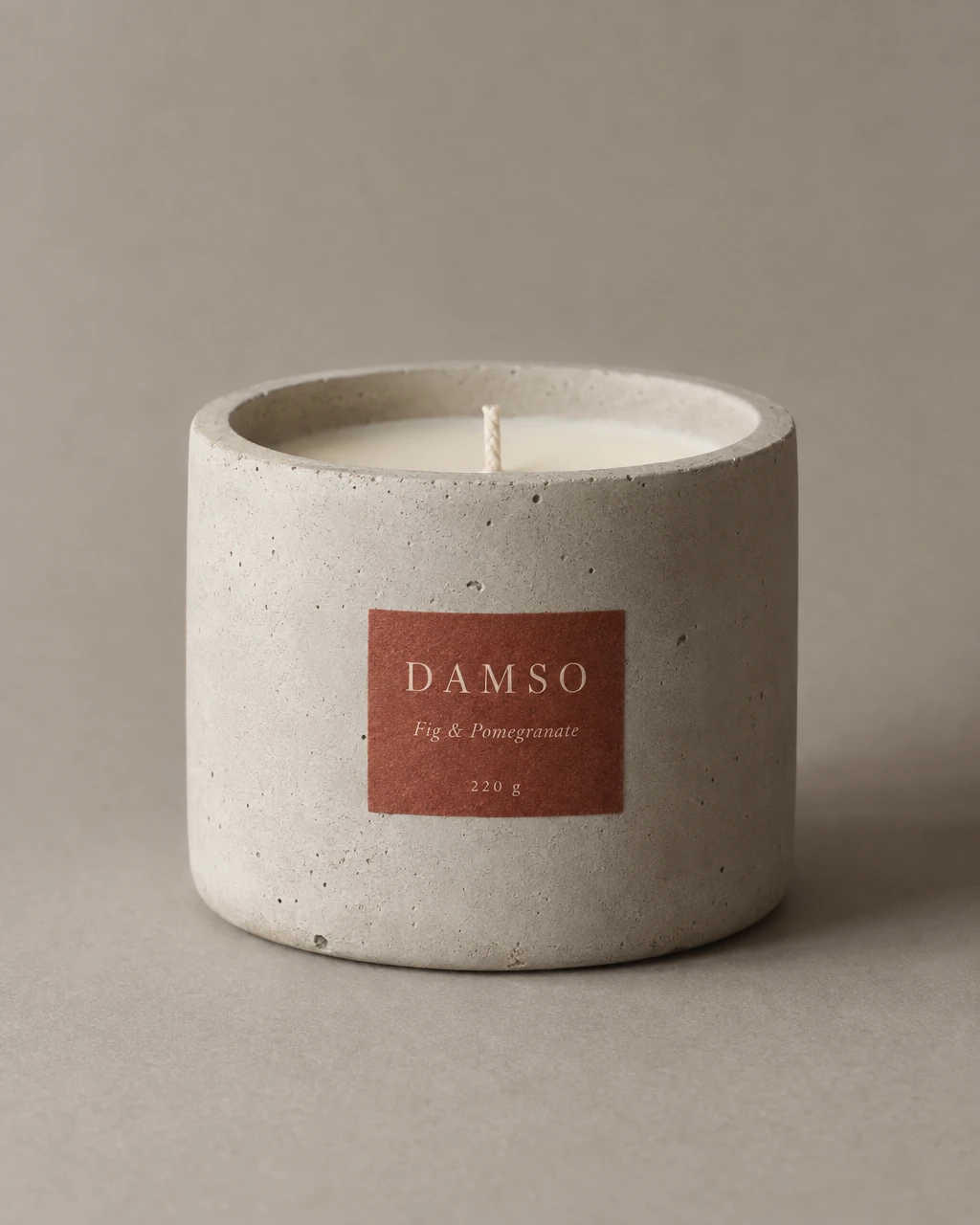
Two candle photographs come from the same Brand Agent daylight feed. They use one product and tone while changing the composition, giving a feed continuity without repeating one frame.

From product to finished creative
- 01
Set the direction
Choose a product and brand tone, then decide what each post should communicate.
- 02
Review the feed
Generate the photographs, inspect the set together, and refine individual cuts.
- 03
Prepare to publish
Check the captions, download the assets, and publish with your existing social tools.
What you can make
- What to bring
- Product photos, a brand tone or reference, and the purpose of the next posts. Use a saved brand kit for a recurring weekly feed.
- What you get
- Coordinated product stills and, for the weekly feed, Korean caption drafts. Review and download the selected assets for your social workflow.
- What you can change
- Choose the visual tone, review individual cuts, and set the available weekday and batch size on a saved brand kit.
- What to check
- Content preparation does not post to a social account. Caption drafts currently generate in Korean; review or translate them and verify claims before publishing.
Find the right fit
Useful when product photography needs to stay recognizable across several posts. Use ad recipes for exact promotional copy or Canvas video recipes when the post needs motion.
Brand Agent is available from the Pro plan. Check current credits and other plan limits before starting.
Compare plans and credits →Questions, answered
Will it schedule posts on my social account?
The weekly schedule prepares content in GESTEL. It does not publish posts to Instagram or another social account.
Can the caption drafts be English?
Weekly feed captions currently generate in Korean. The interface has both languages; translate and review drafts for English-language posts.
Can I change one post in the set?
You can review and edit individual images. Check the revised image with the rest of the feed before choosing the final sequence.
How do I check plan availability and cost?
Follow the pricing link on this page for current plans and credits. The selected model, output, and edits determine credit use; review the estimate in the app before starting.
Keep exploring
Plan the next posts around one brand tone.
Start with your product, review the result, and make it yours.