On-model & In-use Photos
Show the product in use.
A product can be easier to understand when someone wears or uses it. Show the sweater as an outfit, the lipstick in a beauty composition, or an item held in a hand. Use clear product references and describe the fit, scale, and action you need.
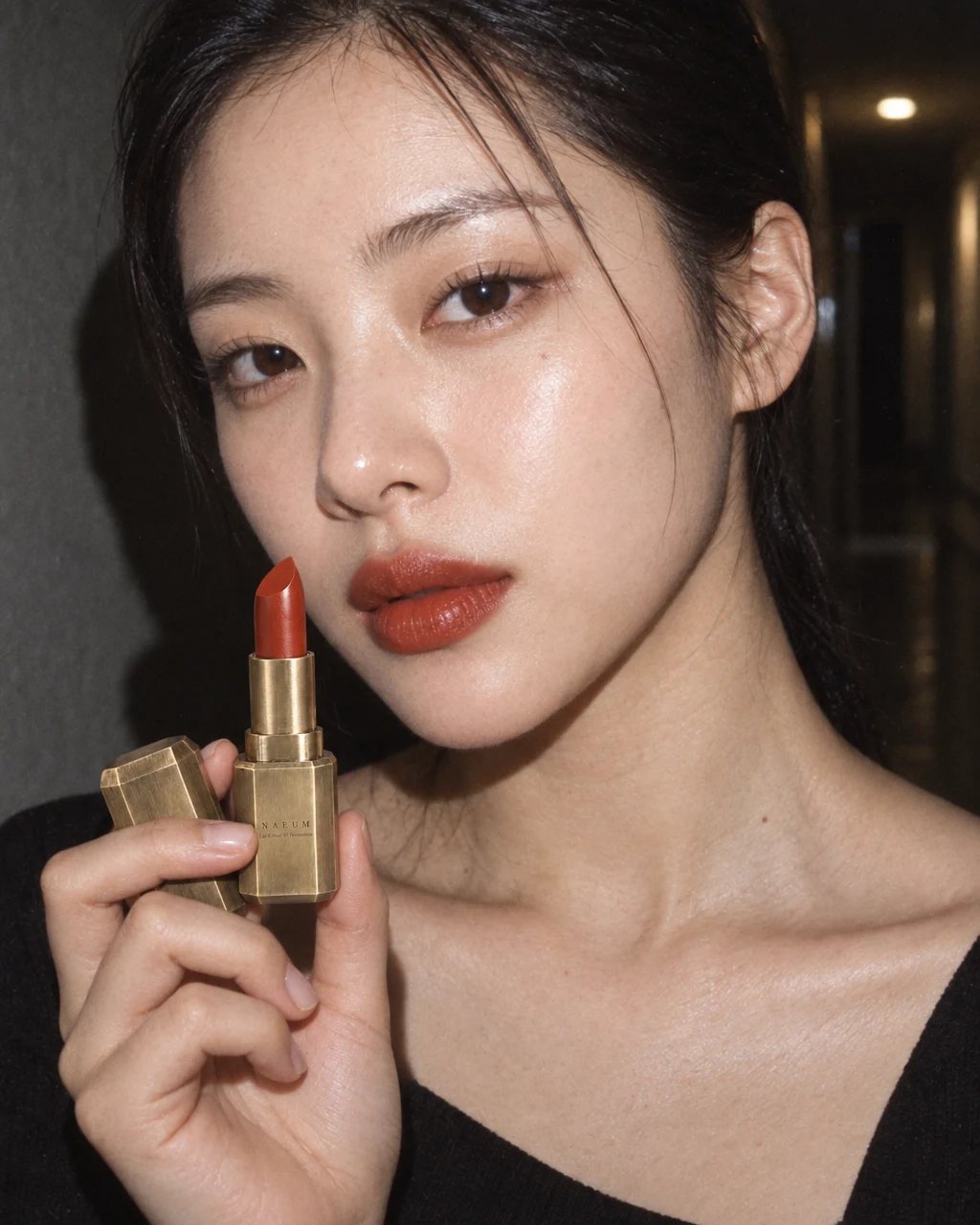
See the idea in practice
These lipstick compositions show the product close to its use context. Inspect the shade, applicator, scale, and label against the source rather than treating a generated person as a customer endorsement.
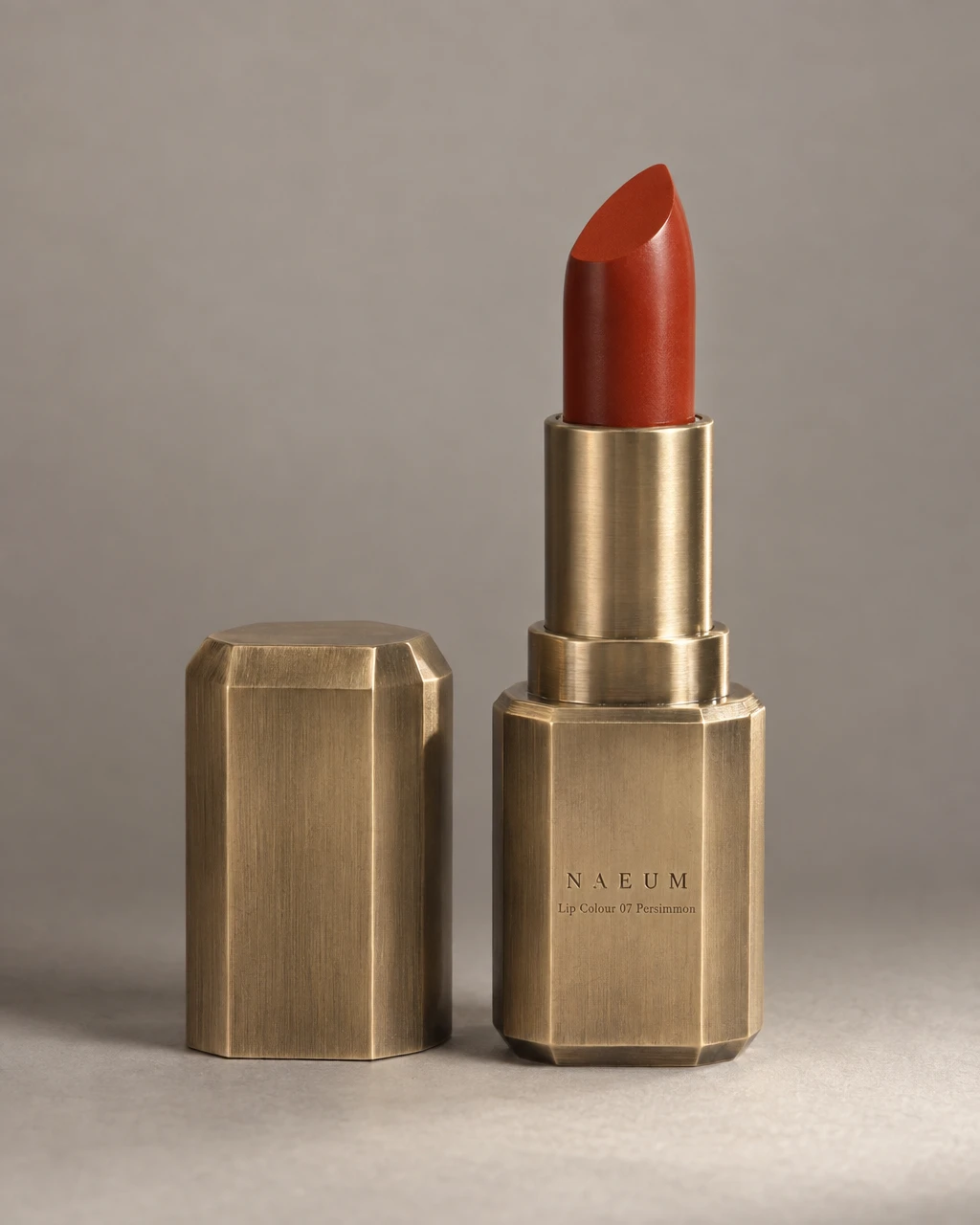
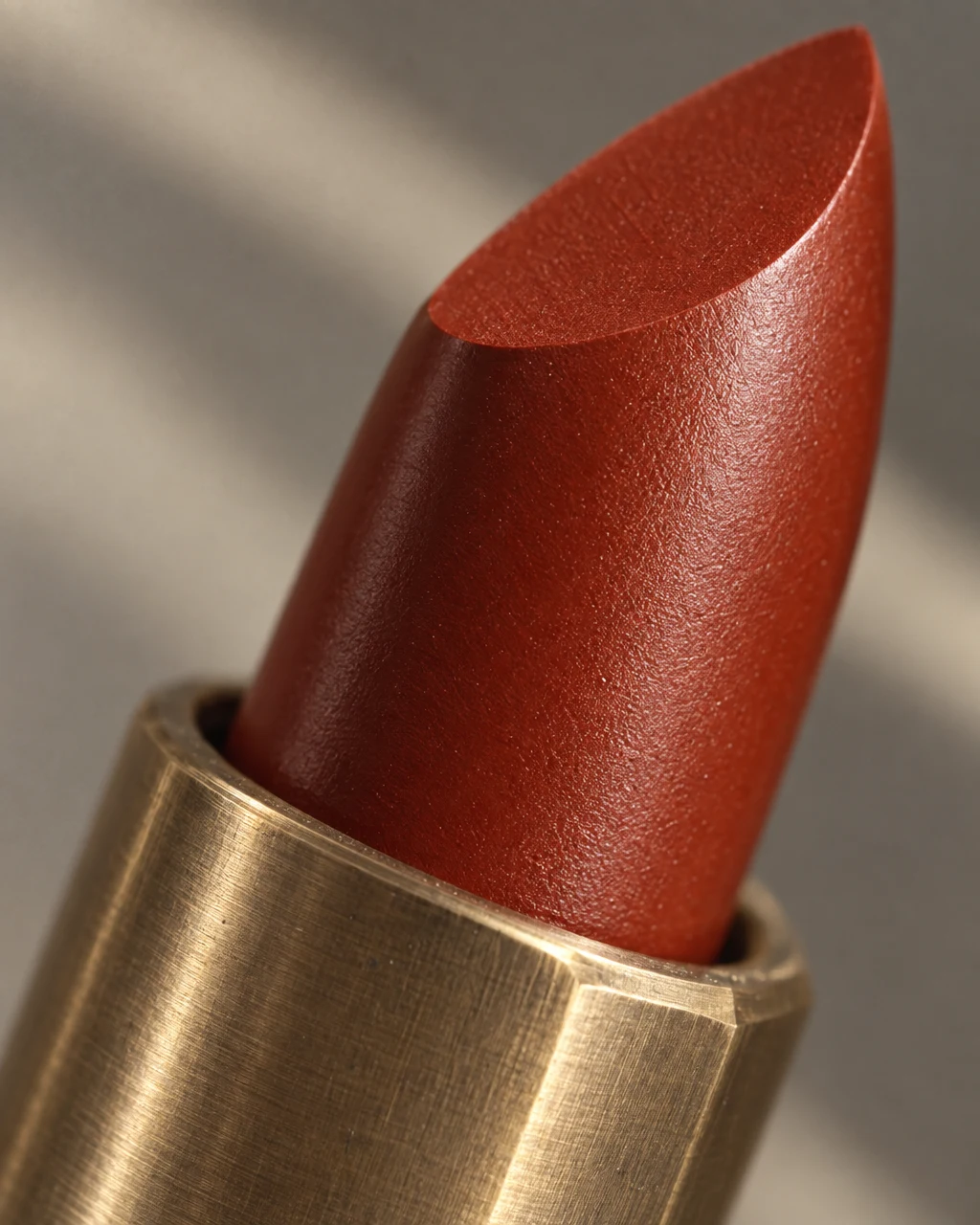
From product to finished creative
- 01
Describe the use
Identify the product, size, and action. Explain what the person should be doing and which details must remain visible.
- 02
Choose the composition
Use an in-use or on-model recipe in Canvas, adding the references needed for pose and product identity.
- 03
Check fit and fidelity
Compare the result with the source and real dimensions. Correct issues before presenting it as product imagery.
What you can make
- What to bring
- Product photos from useful angles, plus accurate size and fit information. Supply a permitted reference if the pose or styling is important.
- What you get
- On-model, handheld, and product-use still images for supported photo recipes. The result illustrates a composition; it does not measure real-world fit.
- What you can change
- Describe the pose, crop, setting, styling, and use moment in Canvas. Review a chosen image and request a specific correction.
- What to check
- Review hands, anatomy, product dimensions, and garment details. Use actual product measurements for sizing information and obtain permission for any personal reference you provide.
Find the right fit
Useful when the use context matters to the purchase. Pair these images with plain and detail views so customers can inspect the actual item as well as the styling.
The model, output format, and workflow determine credit use and plan availability. The pricing page has the current options; video requires a paid plan.
Compare plans and credits →Questions, answered
Can this prove how a garment fits?
No. Generated styling is an illustration, not a fitting measurement. Use accurate measurements and real fit information alongside the image.
Can I show a hand holding the product?
Supported in-use recipes include handheld compositions. Explain the real size and intended grip, then inspect the hands and product in the result.
Can I control the pose?
Describe the pose or provide a reference you may use. It guides the composition, but the result still needs review for anatomy, fit, and product accuracy.
How do I check plan availability and cost?
Follow the pricing link on this page for current plans and credits. The selected model, output, and edits determine credit use; review the estimate in the app before starting.
Keep exploring
Bring the product into the moment.
Start with your product, review the result, and make it yours.